Arrival at the window
A wide shot from inside a cozy room looking out at a red-suited figure passing a snowy window at blue hour, warm lamplight on the glass.
Modifier le prompt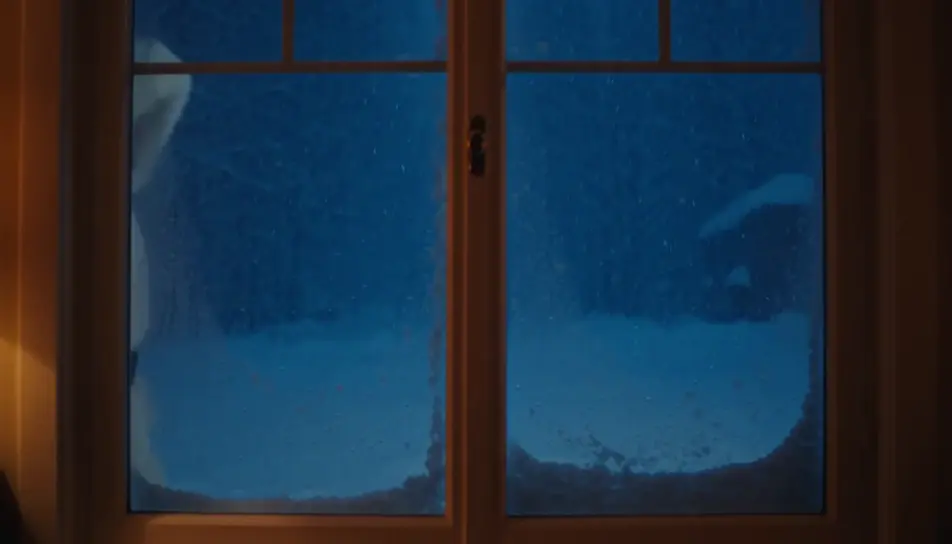
Create a personalized Santa video message in Morphic: write what Santa says, pick a voice from Morphic's voice library, and generate a short festive clip for your kids. No studio booking, no costume to source, no waiting on availability in the busiest week of the year.
A wide shot from inside a cozy room looking out at a red-suited figure passing a snowy window at blue hour, warm lamplight on the glass.
Modifier le promptA slow push toward an armchair by a low fire, a long blank scroll resting across the arm, a pair of black boots drying on the hearth beside it.
Modifier le prompt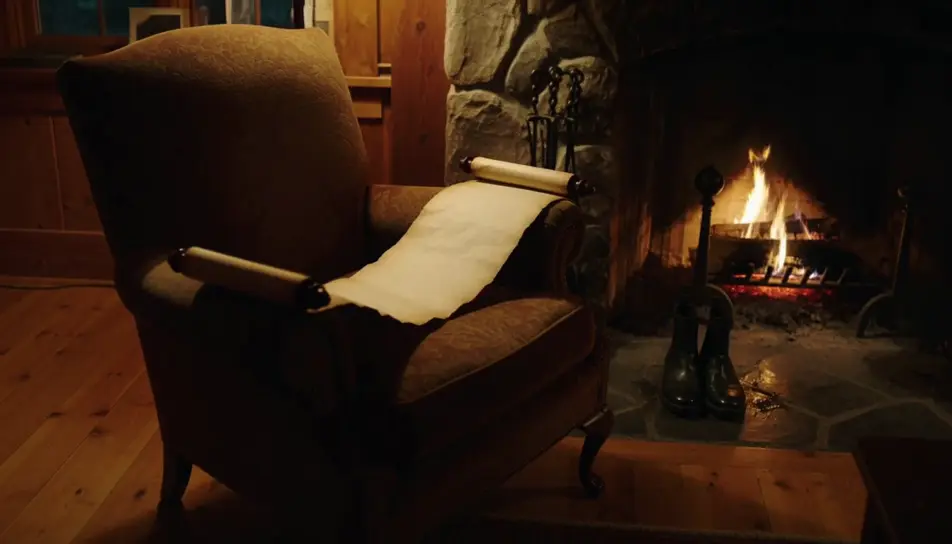
A wide shot from behind of a figure carrying a hessian sack over one shoulder toward a lit tree in a warmly decorated room.
Modifier le prompt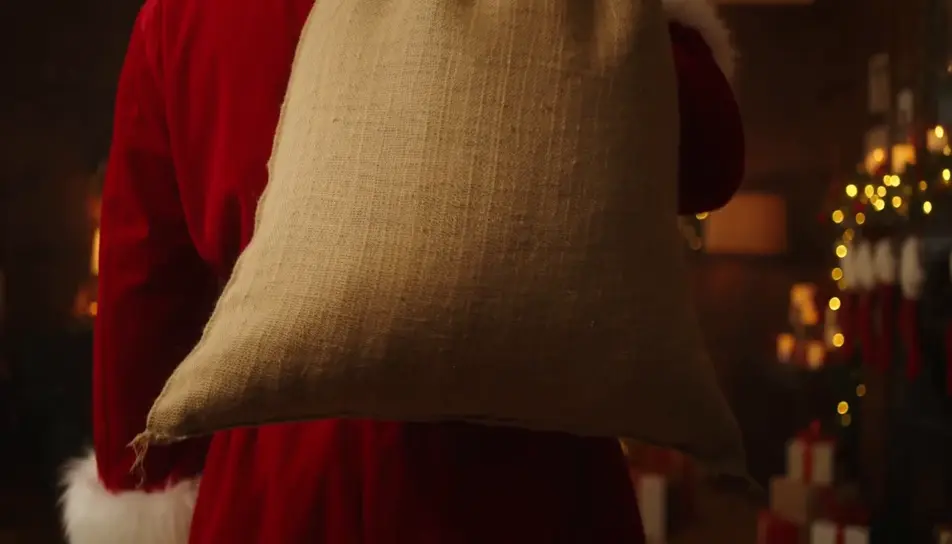
A quiet closing shot of a single wrapped gift under the tree at first light, soft dust motes drifting in a warm beam.
Modifier le prompt
Écrivez la scène personalized Santa video que vous voulez, en mots simples.
Morphic génère votre clip cinématographique en quelques secondes.
Ajustez le prompt, régénérez des variantes, téléchargez ou partagez le plan.

Dramatiser toute conversation textuelle en une vidéo cinématographique multi-plans.
Court-métrage cinématographique avec effet de gel du temps pour toute scène
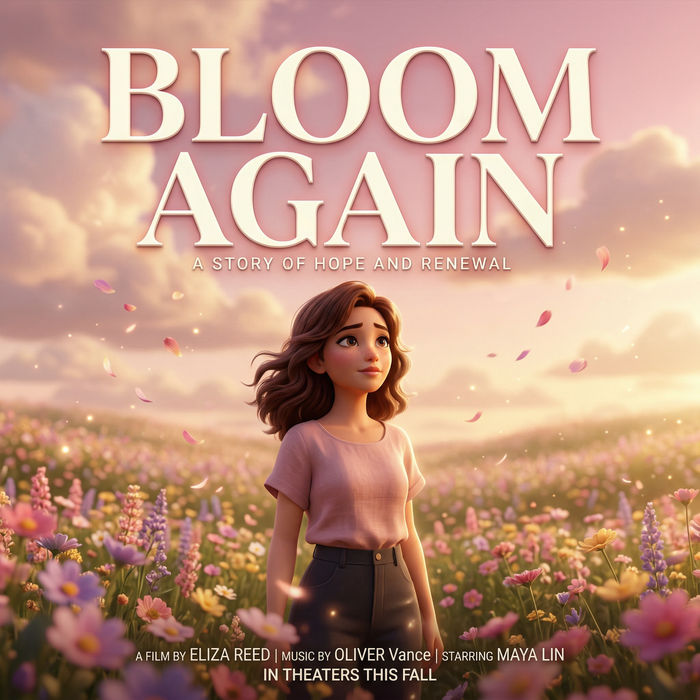
Générer une carte de titre de film professionnelle à partir de zéro, avec animation cinématographique optionnelle.
Photo of any real-estate becomes a cinematic renovation timelapse video with construction SFX and music.
Une image pour une vidéo cinématographique en 9 scènes.
Déposez une photo de vous. Obtenez un film cinématique de 12 secondes avec animation et une bande sonore assortie.
Images IA du Père Noël
Images du Père Noël pour les fêtes. Des créations générées par IA en HD, prêtes à télécharger, partager et personnaliser avec Morphic.
AI Santa stock video
Browse Santa stock video and generate your own shots at the exact length, ratio and look the cut needs. Morphic makes video, image, voice and sound.
Générateur de vidéos IA
De superbes vidéos depuis un texte. De la vidéo pro dans tous les styles.
Animated Christmas stories for kids
Create animated Christmas stories for kids in Morphic. Write or generate a story, add narration and turn it into a short video to watch together.
Commencez gratuitement dès aujourd'hui, avec la possibilité de mettre à niveau ou d'annuler à tout moment.
Basic
2400 mensuel crédits
1 utilisateur uniquement
Tous les modèles
Workflows
Standard
3625 mensuel crédits
1 utilisateur uniquement
Tous les modèles
Workflows
Pro
6350 partagé mensuel crédits
1 utilisateur
Tous les modèles
Workflows
Max
24650 partagé mensuel crédits
1 utilisateur
Tous les modèles
Workflows
Enterprise
Pour des limites plus élevées
Personnalisé
conditions de tarification et de facturation

Free
Pour expérimenter
$0
gratuit pour toujours