Three bottles in a slow dolly
A slow lateral dolly passes three blank frosted bottles standing in a row, each catching the same soft rim light as it crosses the lens.
Modifier le prompt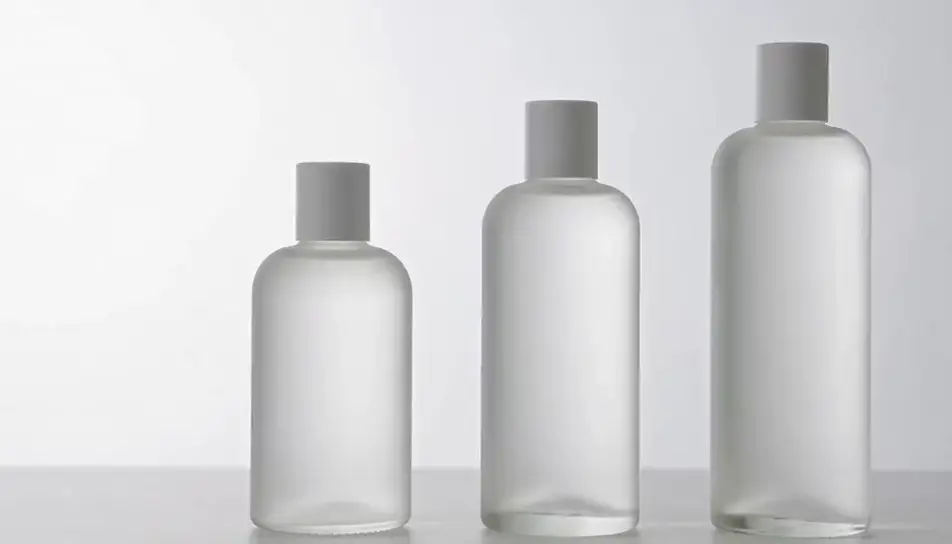
Generate product animation videos in Morphic's AI video generator: a frosted bottle turning on a plinth, or headphones drifting apart in an exploded view. Add the label on Compose.
A slow lateral dolly passes three blank frosted bottles standing in a row, each catching the same soft rim light as it crosses the lens.
Modifier le promptA plain matte jar lid rises straight up and hovers as the cream beneath swirls once and settles, soft daylight from one side on a pale ground.
Modifier le prompt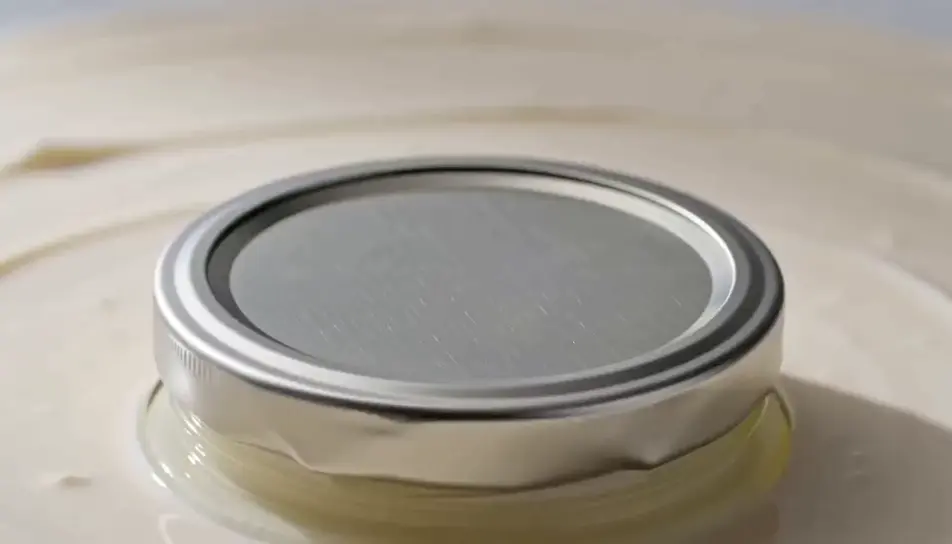
A blank kraft box unfolds flap by flap on a pale ground and a simple matte object rises from it into a soft top light, camera locked.
Modifier le prompt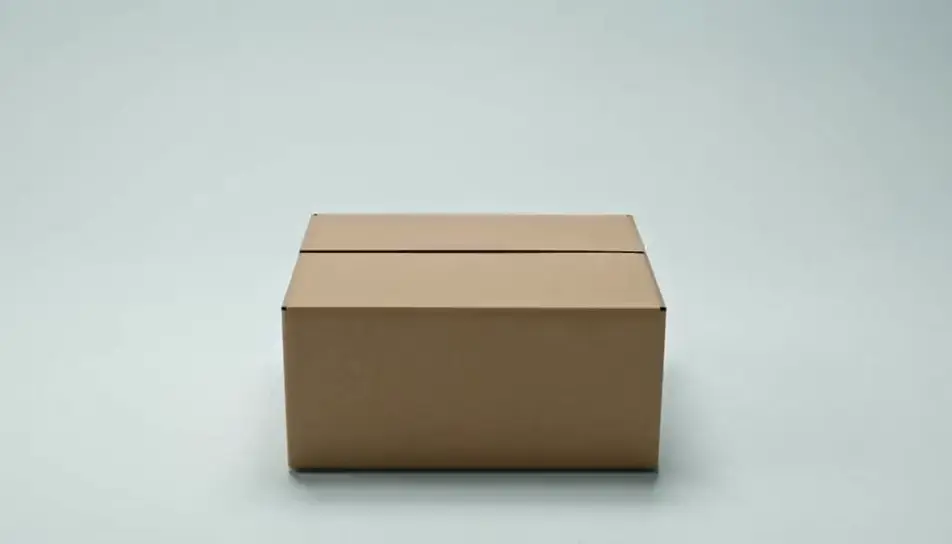
A generic moulded chair holds still on a grey ground while its finish shifts through four matte colours, a soft studio key light on its shell.
Modifier le prompt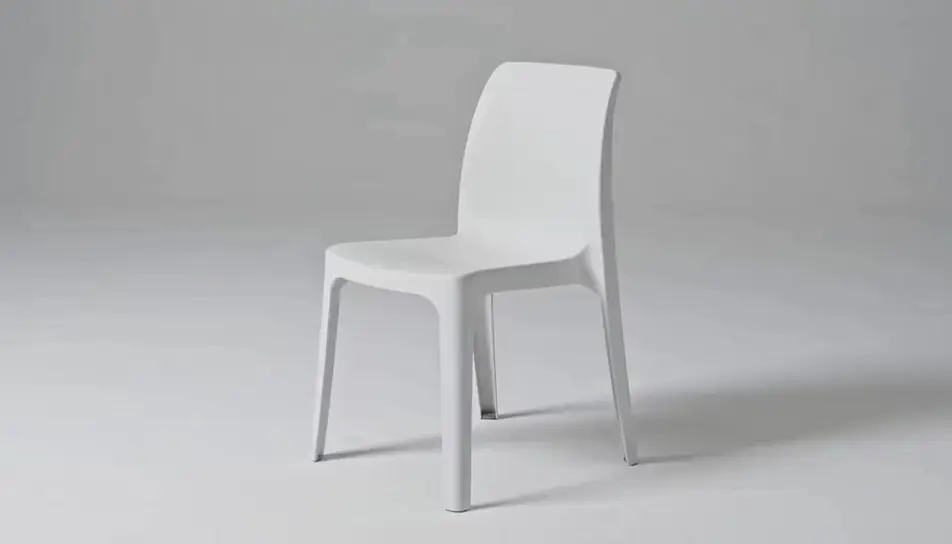
Écrivez la scène product animation que vous voulez, en mots simples.
Morphic génère votre clip cinématographique en quelques secondes.
Ajustez le prompt, régénérez des variantes, téléchargez ou partagez le plan.

Partagez une description de scène avec des références de personnages. Obtenez un storyboard complet avec des angles de prise de vue et une ambiance.

Fournissez une seule image. Obtenez 9 plans cinématographiques présentés sous forme de grille de storyboard 3x3.
Déposez une photo de vous. Obtenez un film cinématique de 12 secondes avec animation et une bande sonore assortie.

Prenez n'importe quelle image de personnage et générez 6 expressions faciales distinctes sur une seule feuille de référence.

Transformez n'importe quel croquis ou dessin en un rendu fini.
Choisissez vos angles de vision et obtenez des changements de perspective précis de n'importe quelle image avec un contrôle total de la caméra.
Vidéos de démonstration produit IA
Créez une vidéo de démonstration produit avec l’IA sur Morphic. Rotation sur plateau, macro détaillé, prise en main, à partir d’un prompt. Générez la vôtre.
Vidéos de lancement produit IA
Générez une vidéo de lancement produit avec l’IA sur Morphic : voile qui tombe, projecteur, confetti. Mettez en scène le reveal dès maintenant.
AI logo animation
Browse logo animation and generate your own shots at the exact length, ratio and look the cut needs. Morphic makes video, image, voice and sound.
Vidéos IA d'animation 3D
Générez des vidéos d'animation 3D sur Morphic. Personnages CGI, mondes rendus, mouvements de caméra dynamiques et scènes animées à partir de prompts en langage clair.
Commencez gratuitement dès aujourd'hui, avec la possibilité de mettre à niveau ou d'annuler à tout moment.
Basic
2400 mensuel crédits
1 utilisateur uniquement
Tous les modèles
Workflows
Standard
3625 mensuel crédits
1 utilisateur uniquement
Tous les modèles
Workflows
Pro
6350 partagé mensuel crédits
1 utilisateur
Tous les modèles
Workflows
Max
24650 partagé mensuel crédits
1 utilisateur
Tous les modèles
Workflows
Enterprise
Pour des limites plus élevées
Personnalisé
conditions de tarification et de facturation

Free
Pour expérimenter
$0
gratuit pour toujours