Une arrivée du matin en séquence
Un bureau clair se remplit d'une lumière basse pendant que chacun arrive et se salue. La caméra glisse au rythme de la marche, murs neutres et vêtements unis tout du long.
Modifier le prompt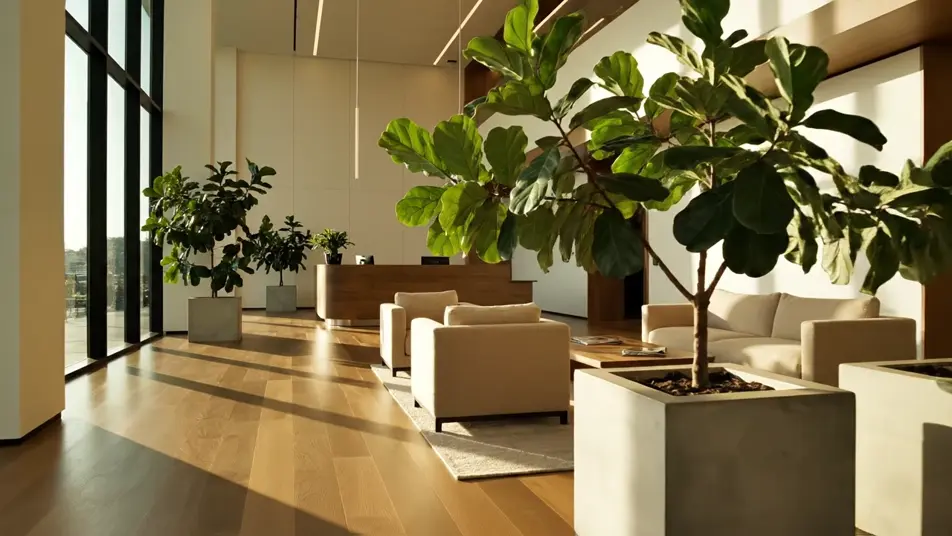
Une vidéo de recrutement réussie donne envie de pousser la porte. Sur Morphic, générez un bureau accueillant, un moment de mentorat ou une poignée de main sincère. Posez une voix avec Speech, puis montez le film carrière sur Compose.
Un bureau clair se remplit d'une lumière basse pendant que chacun arrive et se salue. La caméra glisse au rythme de la marche, murs neutres et vêtements unis tout du long.
Modifier le promptUn petit groupe se penche autour d'une table simple, lumière naturelle chaude. Les mains parlent autant que les mots, aucun papier ni écran dans le cadre.
Modifier le prompt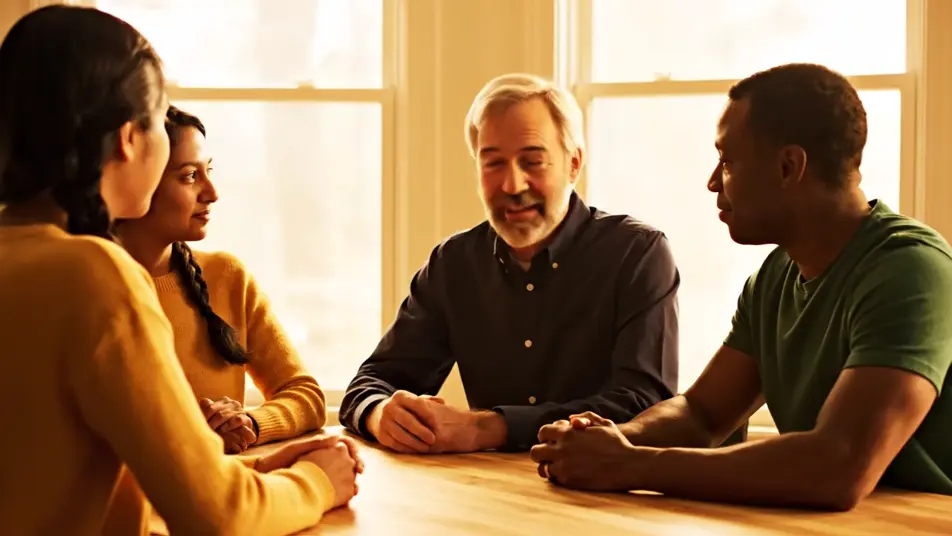
Un collègue expérimenté et une recrue s'installent côte à côte, lumière douce. L'un écoute et hoche la tête pendant que l'autre expose son idée.
Modifier le prompt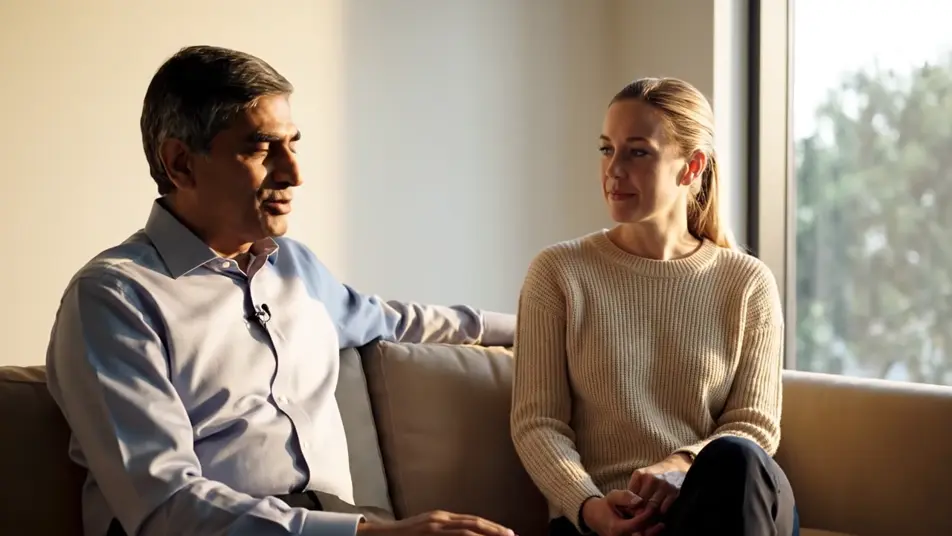
Une porte ouverte laisse déborder une lumière chaude sur deux personnes souriantes qui se serrent la main. L'accueil paraît sincère, sans rien de pressé.
Modifier le prompt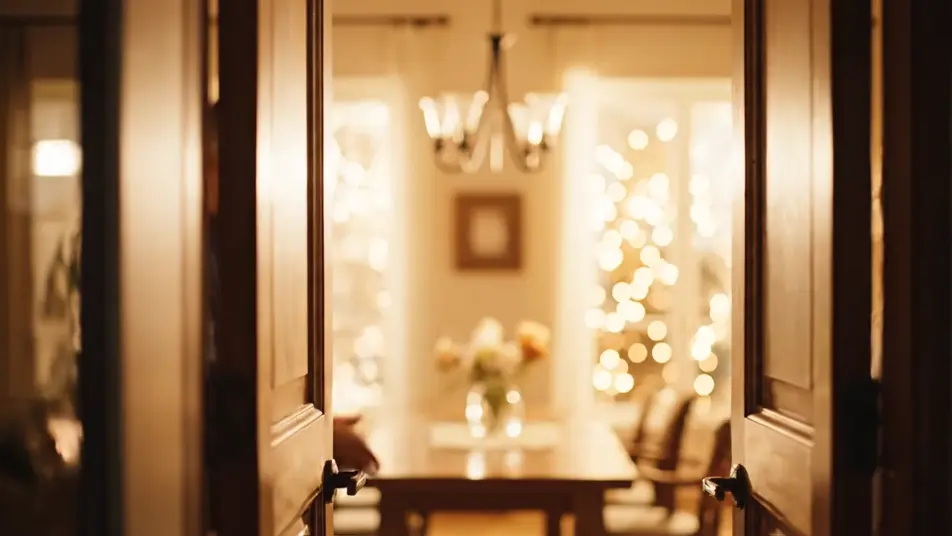
Écrivez la scène vidéo de recrutement que vous voulez, en mots simples.
Morphic génère votre clip cinématographique en quelques secondes.
Ajustez le prompt, régénérez des variantes, téléchargez ou partagez le plan.

Dramatiser toute conversation textuelle en une vidéo cinématographique multi-plans.
Court-métrage cinématographique avec effet de gel du temps pour toute scène

Générer une carte de titre de film professionnelle à partir de zéro, avec animation cinématographique optionnelle.
Photo of any real-estate becomes a cinematic renovation timelapse video with construction SFX and music.
Une image pour une vidéo cinématographique en 9 scènes.
Déposez une photo de vous. Obtenez un film cinématique de 12 secondes avec animation et une bande sonore assortie.
Vidéos IA de témoignage
Vidéo de témoignage par IA : intervenant crédible, décors chaleureux et plans d'écoute, en minutes plutôt qu'en semaines. Tournez une prise maintenant.
Vidéos de sensibilisation IA
Créez une vidéo de sensibilisation avec l’IA sur Morphic : ceinture, main sur l’épaule, quartier qui renaît. Construisez votre message dès maintenant.
Vidéos de lancement produit IA
Générez une vidéo de lancement produit avec l’IA sur Morphic : voile qui tombe, projecteur, confetti. Mettez en scène le reveal dès maintenant.
Boucles vidéo pour salon professionnel par IA
Boucle vidéo pour salon professionnel générée par IA. Rotations, balayages de couleur et orbites qui bouclent sans coupe visible sur les écrans de stand.
Commencez gratuitement dès aujourd'hui, avec la possibilité de mettre à niveau ou d'annuler à tout moment.
Basic
2400 mensuel crédits
1 utilisateur uniquement
Tous les modèles
Workflows
Standard
3625 mensuel crédits
1 utilisateur uniquement
Tous les modèles
Workflows
Pro
6350 partagé mensuel crédits
1 utilisateur
Tous les modèles
Workflows
Max
24650 partagé mensuel crédits
1 utilisateur
Tous les modèles
Workflows
Enterprise
Pour des limites plus élevées
Personnalisé
conditions de tarification et de facturation

Free
Pour expérimenter
$0
gratuit pour toujours