Hook, turn, payoff in one run
Opens tight on hands lifting a pan off a flame, pulls back to show the kitchen is a film set, then settles on the crew watching. Three beats, no dead frames.
Modifier le prompt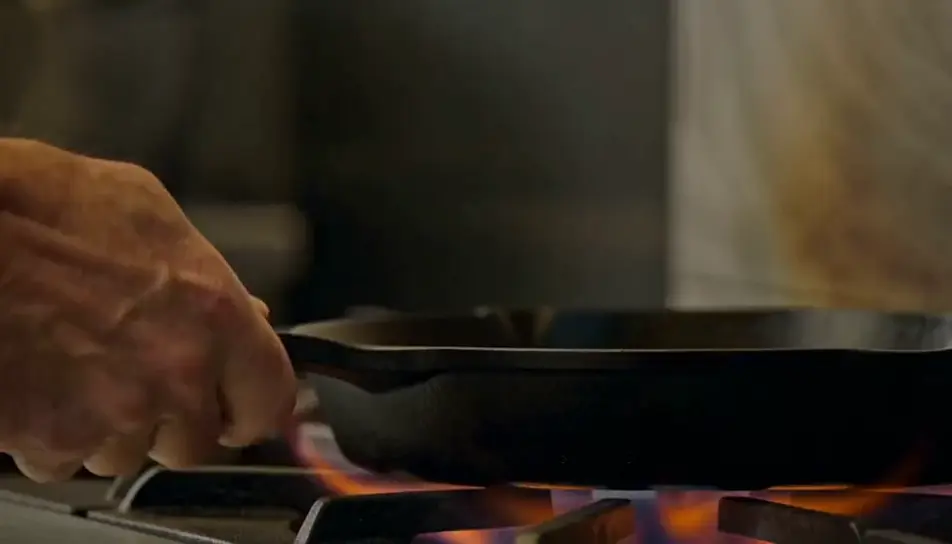
Direct a feed-ready cut in your browser with Morphic's short video AI generator. Generate a three-second hook that opens mid-action and a closing frame that loops back to the first, then assemble the run on Compose.
Opens tight on hands lifting a pan off a flame, pulls back to show the kitchen is a film set, then settles on the crew watching. Three beats, no dead frames.
Modifier le promptOverhead, locked off. Paint pours in a single ribbon, spreads, and settles into a pattern. The shot does not cut and does not need to.
Modifier le prompt
Starts as an ordinary home-office shot, then the camera pulls steadily back until the desk is alone in an empty warehouse. The light changes as the frame widens.
Modifier le prompt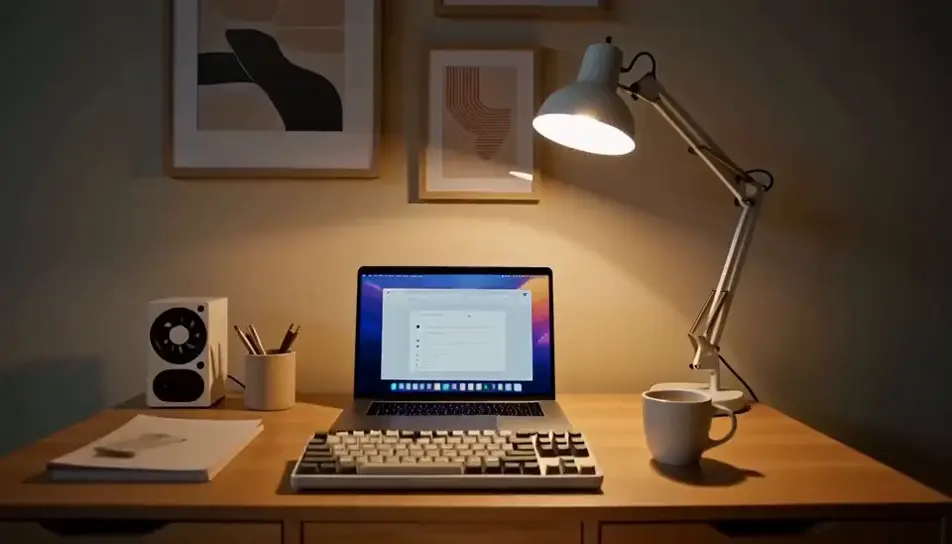
A ceramic bowl turns on a potters wheel, wet hands shaping the rim. The final frame matches the first exactly, so the replay has no visible seam.
Modifier le prompt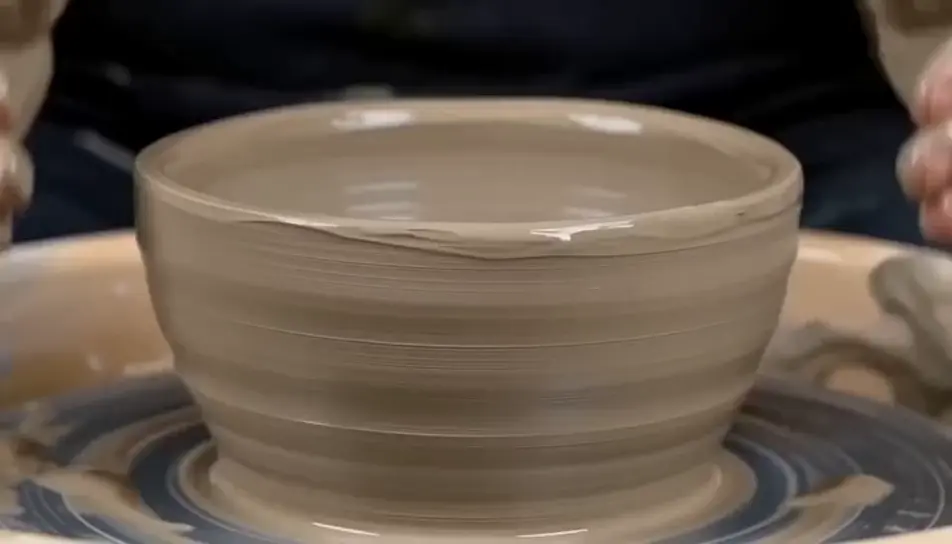
Écrivez la scène short que vous voulez, en mots simples.
Morphic génère votre clip cinématographique en quelques secondes.
Ajustez le prompt, régénérez des variantes, téléchargez ou partagez le plan.

Dramatiser toute conversation textuelle en une vidéo cinématographique multi-plans.
Court-métrage cinématographique avec effet de gel du temps pour toute scène
Photo of any real-estate becomes a cinematic renovation timelapse video with construction SFX and music.
Une image pour une vidéo cinématographique en 9 scènes.

Décrivez un scénario à la première personne. Obtenez des images séquentielles de points de vue animées en clips vidéo avec audio.

Générer une carte de titre de film professionnelle à partir de zéro, avec animation cinématographique optionnelle.
Courts métrages IA
Réalisez des courts métrages IA avec Morphic. Faites le storyboard de l'arc, gardez les personnages constants, dirigez chaque scène et mettez le montage en musique. Pas à pas, sans expérience de montage requise.
Publicités IA pour YouTube Shorts
Produisez une publicité YouTube Shorts avec l'IA sur Morphic. Accroche, argument produit et fin en boucle en 9:16, puis déclinez en 6, 15 et 30 secondes.
Vidéos de vlog de voyage IA
Générez des vidéos de vlog de voyage IA avec Morphic. Montages d'arrivée, POV en marche, gros plans culinaires et b-roll à l'heure dorée avec une voix off chaleureuse et une partition entraînante.
AI scary videos
Browse scary videos and generate your own shots at the length, ratio and look the cut needs. Morphic makes video, image, voice and sound in one workspace.
Commencez gratuitement dès aujourd'hui, avec la possibilité de mettre à niveau ou d'annuler à tout moment.
Basic
2400 mensuel crédits
1 utilisateur uniquement
Tous les modèles
Workflows
Standard
3625 mensuel crédits
1 utilisateur uniquement
Tous les modèles
Workflows
Pro
6350 partagé mensuel crédits
1 utilisateur
Tous les modèles
Workflows
Max
24650 partagé mensuel crédits
1 utilisateur
Tous les modèles
Workflows
Enterprise
Pour des limites plus élevées
Personnalisé
conditions de tarification et de facturation

Free
Pour expérimenter
$0
gratuit pour toujours