One pull, all the way up
Macro on glitter slime rising in a single unbroken ribbon under a hard key light, thinning to a thread and breaking. The camera never cuts away.
Modifier le prompt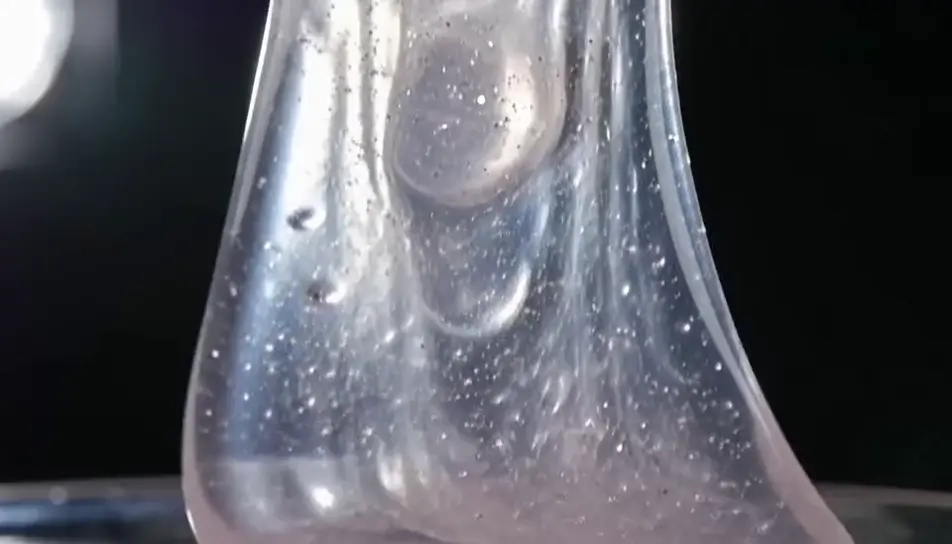
Generate slime videos in your browser with Morphic's slime AI video generator and get the stretch, the pull and the crackle. Render glitter slime pulled into a long ribbon, or cloud slime crumbling through fingers, then cut the takes into one loop on Compose.
Macro on glitter slime rising in a single unbroken ribbon under a hard key light, thinning to a thread and breaking. The camera never cuts away.
Modifier le promptA scraper passing across butter slime on a metal tray in soft side daylight, each stroke leaving a matte layer and a clean ridge at the boundary.
Modifier le prompt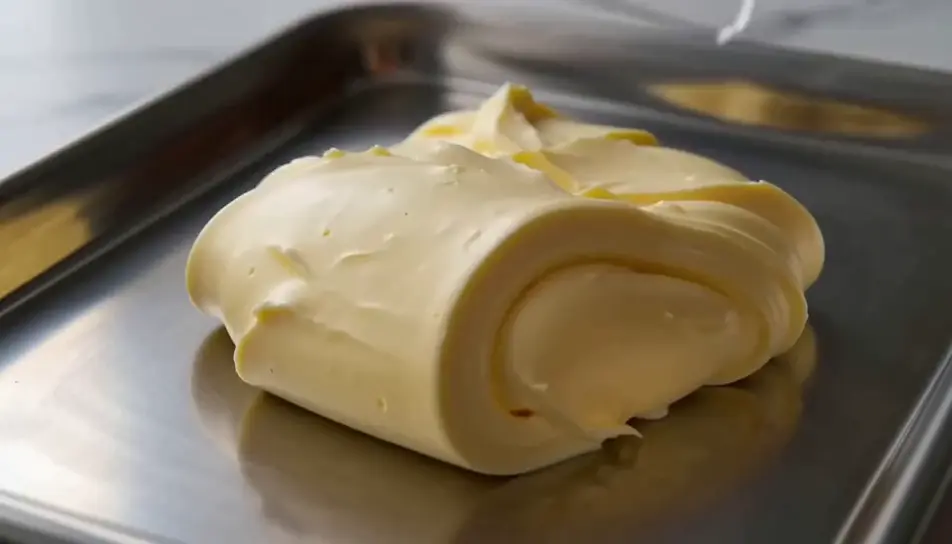
Clear slime closing over glass beads in a bowl with a strong light behind, so the beads glow and shift while the mass slowly swallows them.
Modifier le prompt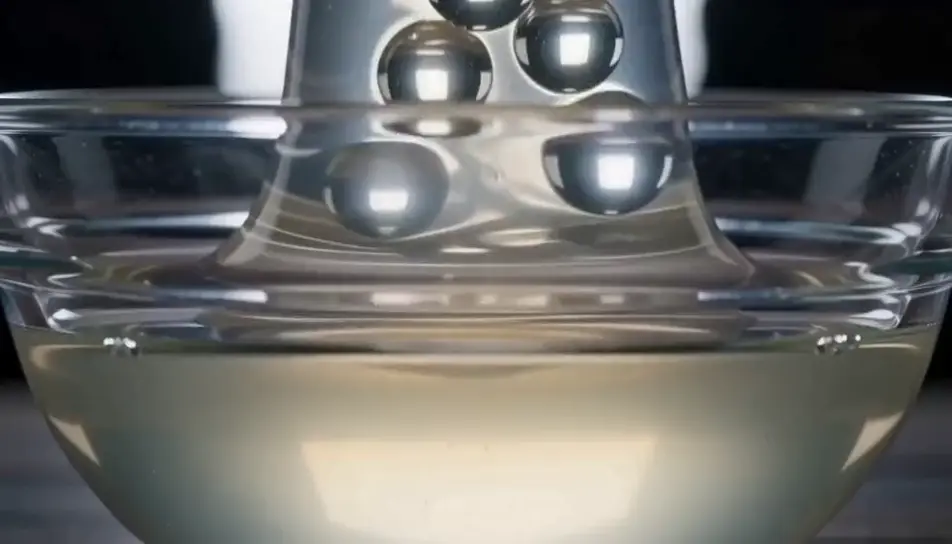
A wide shelf of unlabelled jars in even light, one lifted down and twisted open, the lid coming free with a slow crackle. Nothing in frame carries a label.
Modifier le prompt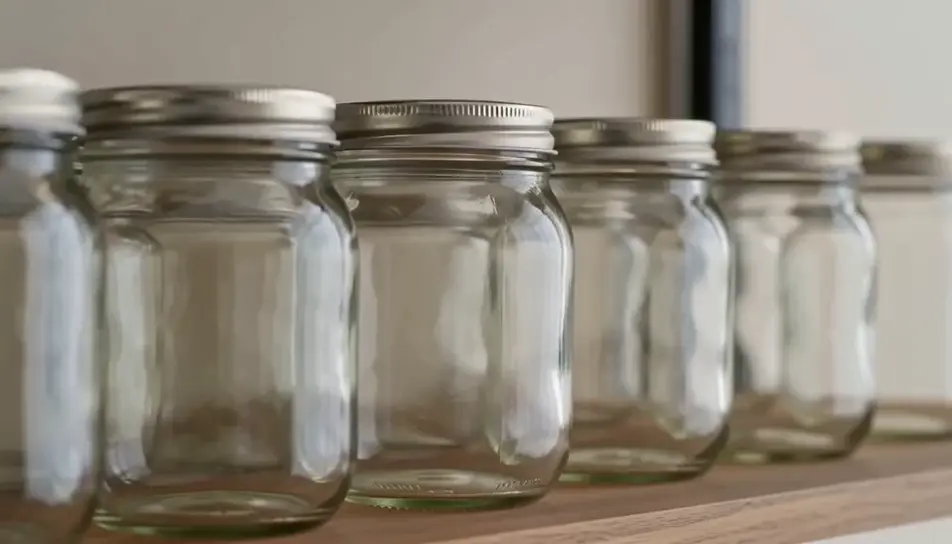
Écrivez la scène slime que vous voulez, en mots simples.
Morphic génère votre clip cinématographique en quelques secondes.
Ajustez le prompt, régénérez des variantes, téléchargez ou partagez le plan.

Dramatiser toute conversation textuelle en une vidéo cinématographique multi-plans.
Court-métrage cinématographique avec effet de gel du temps pour toute scène

Générer une carte de titre de film professionnelle à partir de zéro, avec animation cinématographique optionnelle.
Photo of any real-estate becomes a cinematic renovation timelapse video with construction SFX and music.
Une image pour une vidéo cinématographique en 9 scènes.
Déposez une photo de vous. Obtenez un film cinématique de 12 secondes avec animation et une bande sonore assortie.
AI satisfying videos
Browse satisfying videos and generate your own shots at the exact length, ratio and look the cut needs. Morphic makes video, image, voice and sound.
Vidéos ASMR IA
Générez des vidéos ASMR IA avec Morphic. Boucles de déclencheurs en gros plan, ambiances sonores, narration chuchotée et clips prêts à publier pour YouTube et TikTok.
Vidéos IA de simulation de fluides
Vidéos de simulation de fluides avec l'IA sur Morphic. Liquide en mouvement, fumée qui s'enroule, encre dans l'eau et mouvement visqueux réaliste depuis un prompt.
Gros plans matière IA
Créez un gros plan matière avec l’IA de Morphic. Tissu, métal, cuir, liquide : des passages macro qui vendent le toucher, sans tournage ni matériel.
Commencez gratuitement dès aujourd'hui, avec la possibilité de mettre à niveau ou d'annuler à tout moment.
Basic
2400 mensuel crédits
1 utilisateur uniquement
Tous les modèles
Workflows
Standard
3625 mensuel crédits
1 utilisateur uniquement
Tous les modèles
Workflows
Pro
6350 partagé mensuel crédits
1 utilisateur
Tous les modèles
Workflows
Max
24650 partagé mensuel crédits
1 utilisateur
Tous les modèles
Workflows
Enterprise
Pour des limites plus élevées
Personnalisé
conditions de tarification et de facturation

Free
Pour expérimenter
$0
gratuit pour toujours