Un geste qui marque toute la salle
Un cadrage large puis resserré capte l'intervenant en pleine phrase, mains ouvertes. La lumière chaude le détache d'une salle sombre, la scène restant sobre et vierge de tout texte.
Modifier le prompt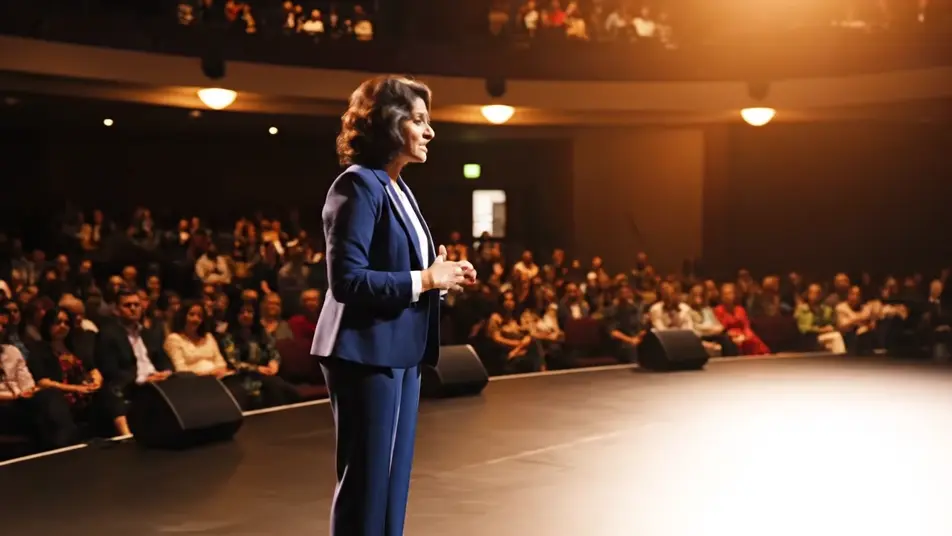
La réservation est encore chaude, autant en profiter. Générez un geste qui marque un point sur scène, un gros plan portrait pendant le discours, une entrée sous les projecteurs ou une salle qui applaudit. Habillez le tout avec Music, ajoutez une voix avec Speech si besoin, puis montez la version finale sur Compose.
Un cadrage large puis resserré capte l'intervenant en pleine phrase, mains ouvertes. La lumière chaude le détache d'une salle sombre, la scène restant sobre et vierge de tout texte.
Modifier le promptUn cadrage vertical tient l'intervenant de la poitrine au visage pendant une pause. Les lumières de scène d'un amphithéâtre haussmannien se changent en halos flous derrière lui.
Modifier le prompt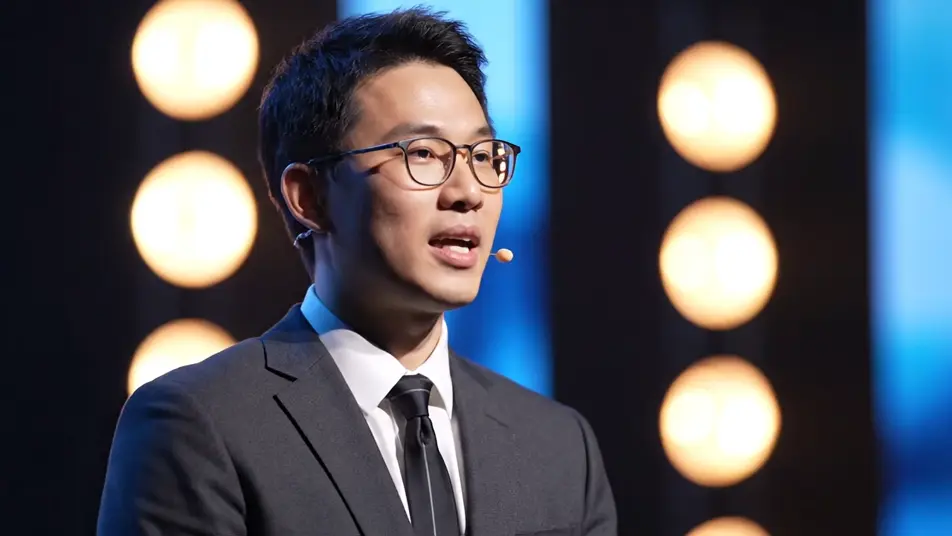
Un lent travelling latéral parcourt des visages éclairés par les projecteurs, penchés en avant et hochant la tête. La mise au point glisse doucement d'un rang à l'autre.
Modifier le prompt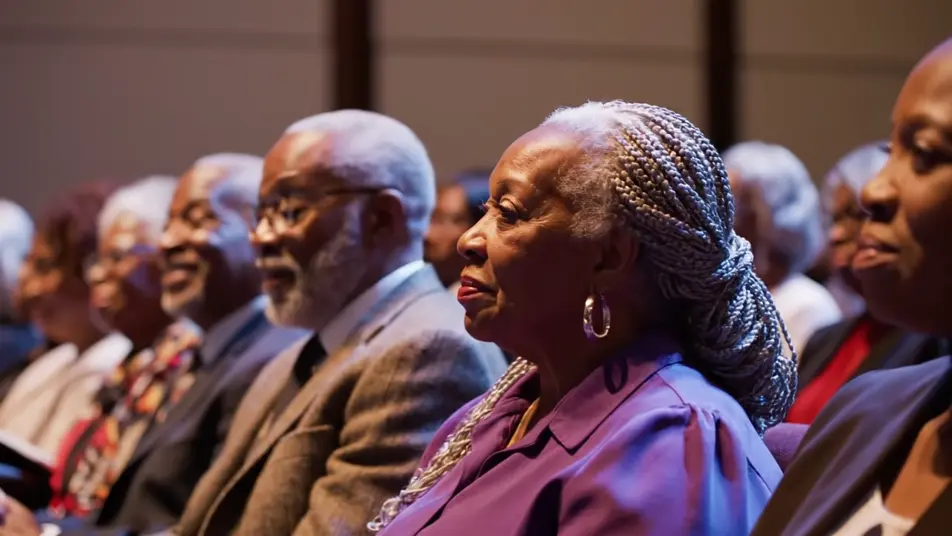
L'intervenant sort des coulisses dans un halo de lumière, avant que la même salle du Palais des congrès se lève, plus tard, pour applaudir. Le flou de mouvement dans la foule et la chaleur de la lumière ferment la séquence.
Modifier le prompt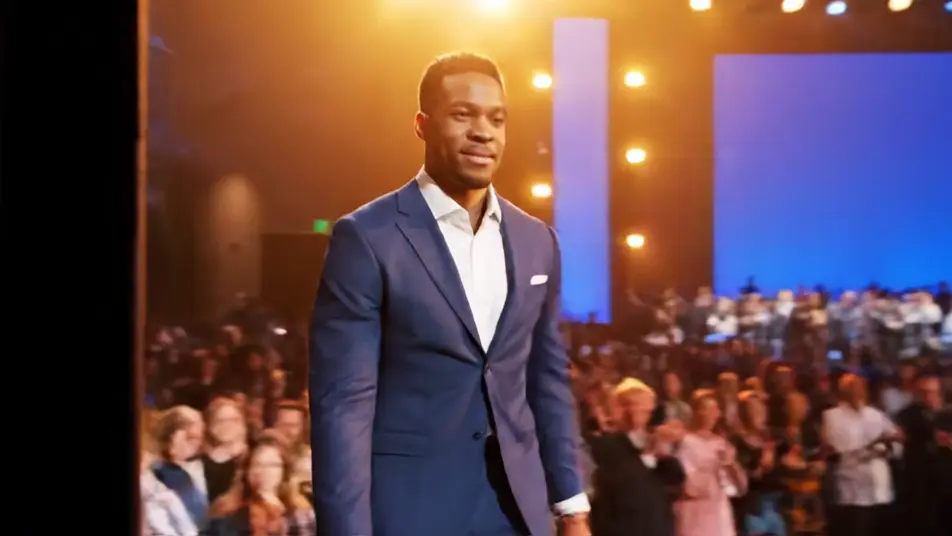
Écrivez la scène vidéo de promotion intervenant que vous voulez, en mots simples.
Morphic génère votre clip cinématographique en quelques secondes.
Ajustez le prompt, régénérez des variantes, téléchargez ou partagez le plan.

Dramatiser toute conversation textuelle en une vidéo cinématographique multi-plans.
Court-métrage cinématographique avec effet de gel du temps pour toute scène

Générer une carte de titre de film professionnelle à partir de zéro, avec animation cinématographique optionnelle.
Photo of any real-estate becomes a cinematic renovation timelapse video with construction SFX and music.
Une image pour une vidéo cinématographique en 9 scènes.
Déposez une photo de vous. Obtenez un film cinématique de 12 secondes avec animation et une bande sonore assortie.
Vidéo de temps forts de conférence par IA
Créez des vidéos de temps forts de conférence avec l'IA : plans de scène, public captivé, couloirs animés. Essayez gratuitement.
Vidéos IA de teaser d'événement
Générez un teaser d'événement avec l'IA sur Morphic. Fragments cinématographiques, énergie de foule, jeux de lumière, prêt à publier aujourd'hui.
Habillage sponsors par IA
Générez un habillage sponsors sans logos : aplats de couleur, grille de cartons vides, symbole qui s'assemble.
Générique d'ouverture IA pour événement virtuel
Réalisez un générique d'ouverture IA en quelques minutes sur Morphic. Formes abstraites, balayages de lumière et symbole qui se forme, prêt pour votre titre.
Commencez gratuitement dès aujourd'hui, avec la possibilité de mettre à niveau ou d'annuler à tout moment.
Basic
2400 mensuel crédits
1 utilisateur uniquement
Tous les modèles
Workflows
Standard
3625 mensuel crédits
1 utilisateur uniquement
Tous les modèles
Workflows
Pro
6350 partagé mensuel crédits
1 utilisateur
Tous les modèles
Workflows
Max
24650 partagé mensuel crédits
1 utilisateur
Tous les modèles
Workflows
Enterprise
Pour des limites plus élevées
Personnalisé
conditions de tarification et de facturation

Free
Pour expérimenter
$0
gratuit pour toujours