Liquid light across a wall
A wide hold on an oil and water projection thrown across a whole wall, magenta and green blobs sliding over each other at a slow crawl.
Modifier le prompt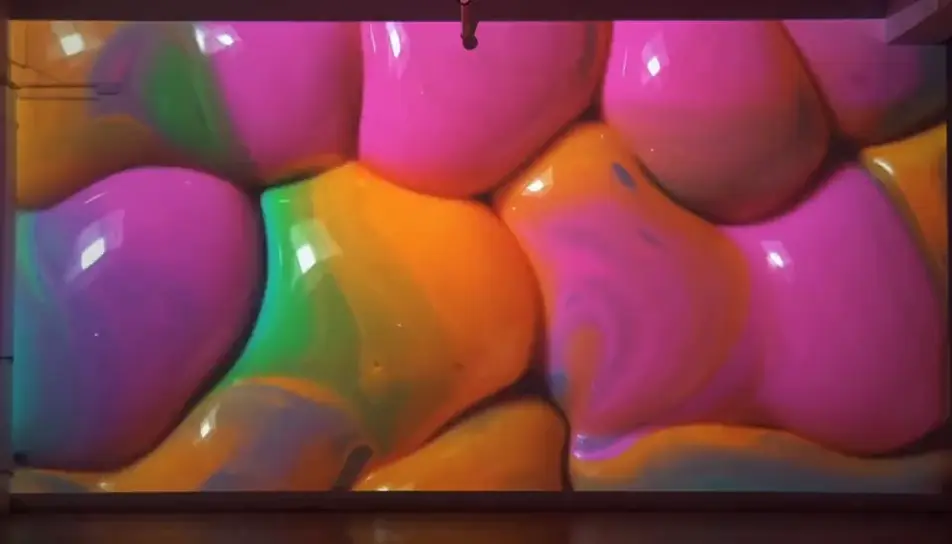
Generate trippy stock footage in Morphic's AI video generator: a flower folding into a kaleidoscope, or oil and water blooming under coloured light. Sync the set to the beat on Compose.
A wide hold on an oil and water projection thrown across a whole wall, magenta and green blobs sliding over each other at a slow crawl.
Modifier le promptA band of split sunlight sweeps slowly across a rough white wall, its rainbow edge stretching and bending over the texture as it moves.
Modifier le prompt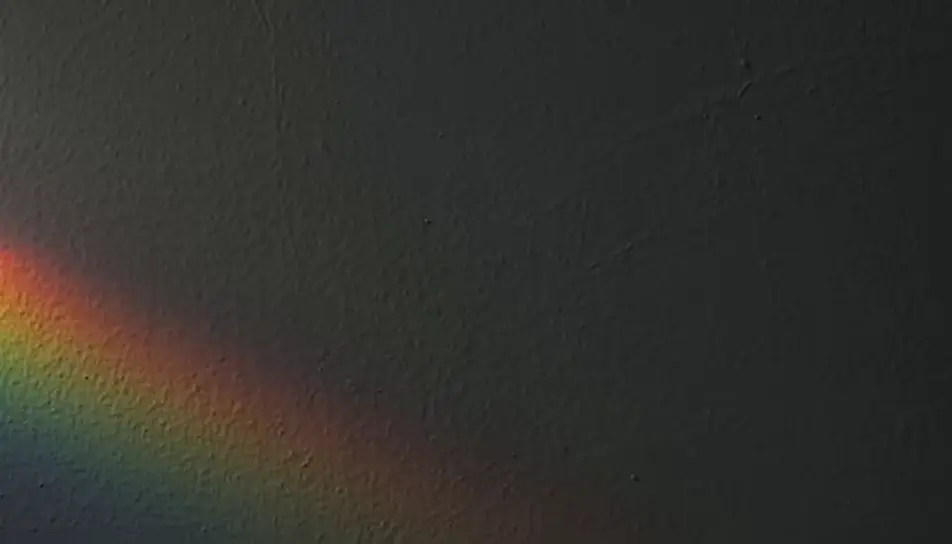
Macro on a stretched soap film as bands of oily blue, gold and violet swirl and thin across it, the surface breathing under soft light.
Modifier le prompt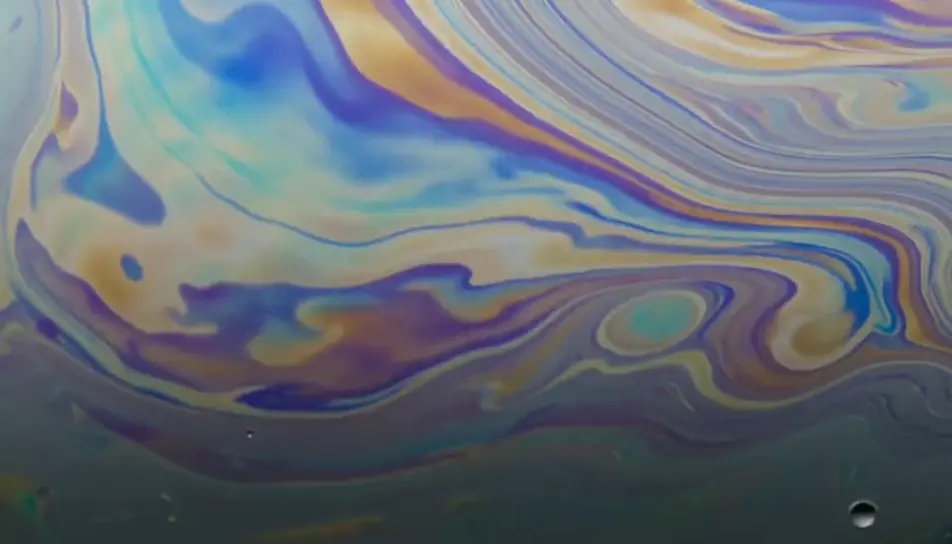
Dense smoke curls upward through a slow shift from violet to orange light, the coils folding back on themselves against a black void.
Modifier le prompt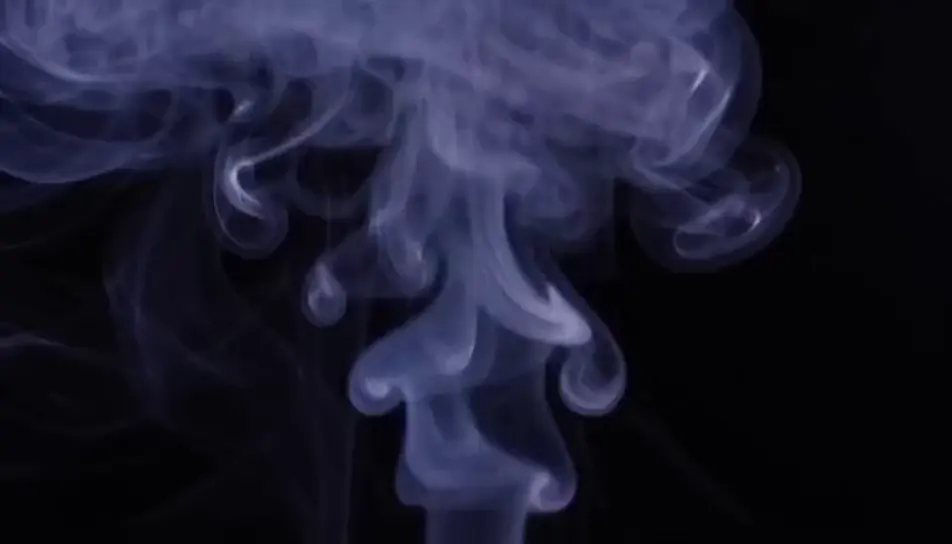
Écrivez la scène trippy stock footage que vous voulez, en mots simples.
Morphic génère votre clip cinématographique en quelques secondes.
Ajustez le prompt, régénérez des variantes, téléchargez ou partagez le plan.

Dramatiser toute conversation textuelle en une vidéo cinématographique multi-plans.
Court-métrage cinématographique avec effet de gel du temps pour toute scène

Générer une carte de titre de film professionnelle à partir de zéro, avec animation cinématographique optionnelle.
Photo of any real-estate becomes a cinematic renovation timelapse video with construction SFX and music.
Une image pour une vidéo cinématographique en 9 scènes.
Déposez une photo de vous. Obtenez un film cinématique de 12 secondes avec animation et une bande sonore assortie.
Vidéos IA d'animation psychédélique
Vidéos d'animation psychédélique avec l'IA sur Morphic. Couleur fractale tourbillonnante, morphs kaléidoscopiques et spectacle de lumière liquide. Créez.
Vidéos d'effet kaléidoscope IA
Générez des vidéos d'effet kaléidoscope IA avec Morphic. Symétrie en éclosion, motifs de mandala, pétales en miroir et boucles de couleur évolutives à partir d'un seul prompt.
Vidéos d'effet miroir IA
Générez des vidéos à effet miroir IA avec Morphic. Symétrie verticale, reflets aquatiques, mondes miroirs et retournements kaléidoscopiques à partir d'un seul prompt.
Vidéos IA d'animation abstraite
Vidéos d'animation abstraite avec l'IA sur Morphic. Formes non figuratives, couleur en mouvement et composition rythmique à partir d'un prompt. Commencez.
Commencez gratuitement dès aujourd'hui, avec la possibilité de mettre à niveau ou d'annuler à tout moment.
Basic
2400 mensuel crédits
1 utilisateur uniquement
Tous les modèles
Workflows
Standard
3625 mensuel crédits
1 utilisateur uniquement
Tous les modèles
Workflows
Pro
6350 partagé mensuel crédits
1 utilisateur
Tous les modèles
Workflows
Max
24650 partagé mensuel crédits
1 utilisateur
Tous les modèles
Workflows
Enterprise
Pour des limites plus élevées
Personnalisé
conditions de tarification et de facturation

Free
Pour expérimenter
$0
gratuit pour toujours