Direct a university course video in your browser with Morphic's video generator and show applicants what a programme actually offers. Generate a course intro card, an instructor welcome, a syllabus montage, and a graduate outcomes beat. Voice it with Speech, then assemble the segments into one film for internal and external use on Compose.

Course video segments you can direct

University course scenes you can stage

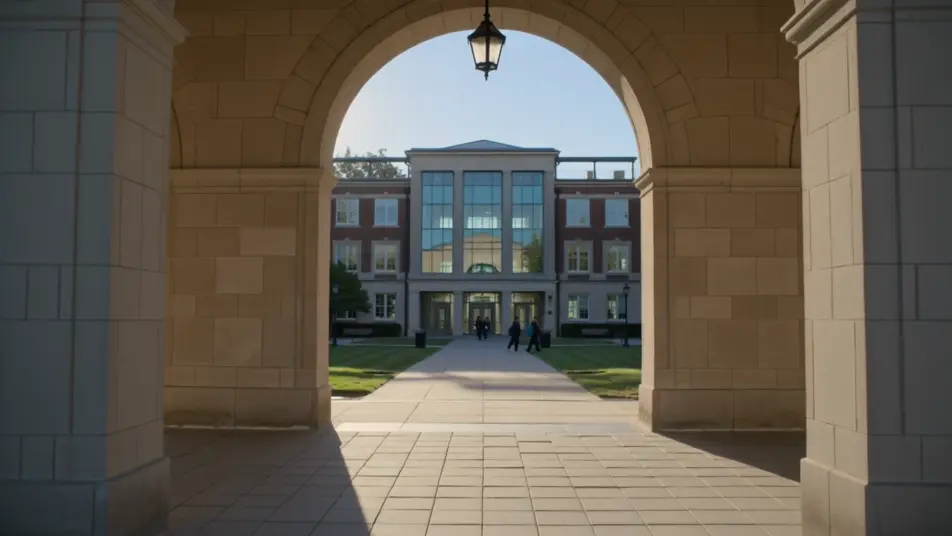
A course intro title card

A bright campus backdrop where the programme name and level resolve in with clean type, gentle motion and a calm palette that reads clearly on a prospectus page or a phone.

Modifier le prompt

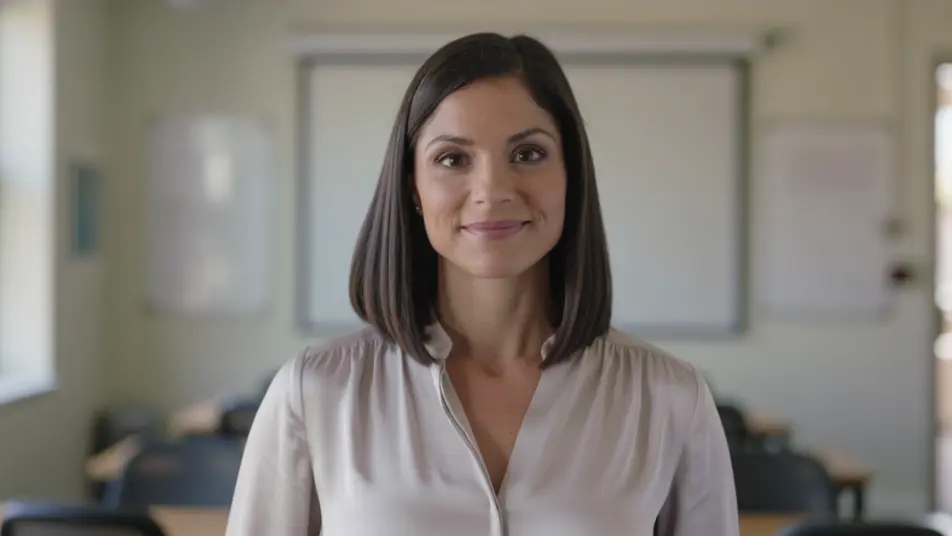
An instructor welcome

A wide bright lecture space where the course lead speaks warmly to camera, soft natural light and shallow depth of field, the whiteboard behind left blank and out of focus. A steady, personal introduction.

Modifier le prompt

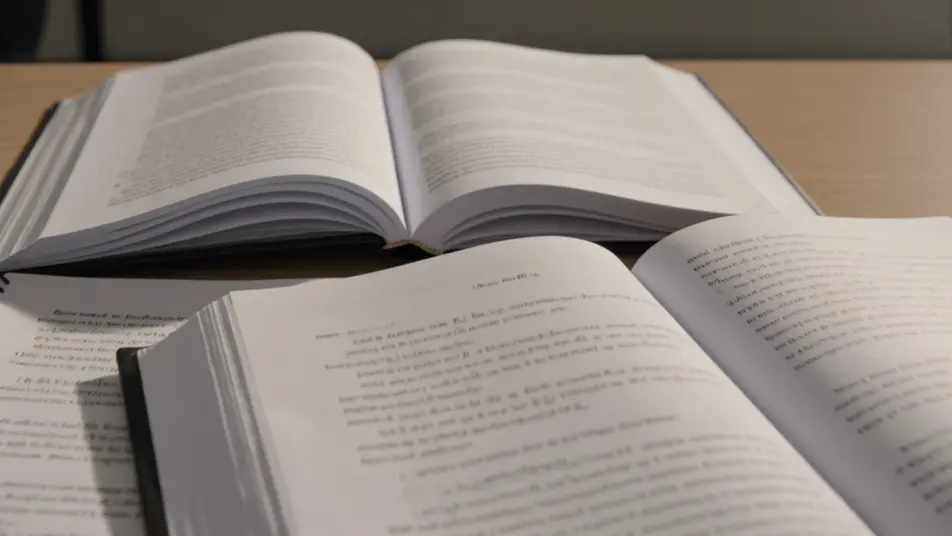
A syllabus montage

A sequence of titled module beats that read the programme scope at a glance, consistent type and clean transitions carrying one topic into the next at an easy pace.

Modifier le prompt

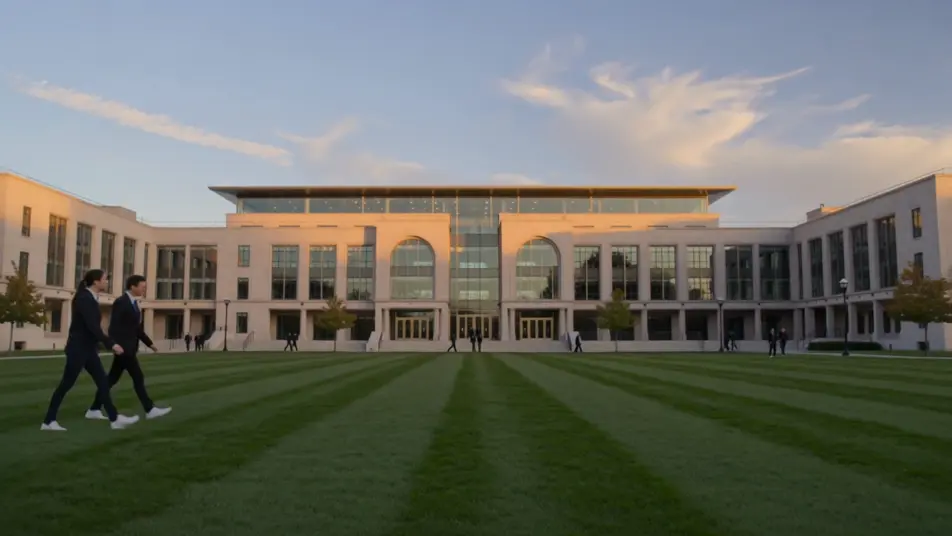
An enrol and dates card

A branded closing frame holding the application deadline and start date, gentle motion on the type, a calm palette that keeps the key details clear and unmissable.

Modifier le prompt

Créez des vidéos university course video en trois étapes

  1. 01

    Décrivez votre scène university course video

    Écrivez la scène university course video que vous voulez, en mots simples.

  2. 02

    Générez la vidéo

    Morphic génère votre clip cinématographique en quelques secondes.

  3. 03

    Peaufinez votre vidéo university course video

    Ajustez le prompt, régénérez des variantes, téléchargez ou partagez le plan.

Tarifs simples

Commencez gratuitement dès aujourd'hui, avec la possibilité de mettre à niveau ou d'annuler à tout moment.

Basic

$9/ mois
facturé comme $0 par an

900 mensuel crédits

1 utilisateur uniquement

Tous les modèles

Workflows

Standard

$24/ mois
facturé comme $0 par an

3200 mensuel crédits

1 utilisateur uniquement

Tous les modèles

Workflows

Pro

$45/ mois
facturé comme $0 par an

6200 partagé mensuel crédits

1 utilisateur

+ jusqu'à 4 plus à un coût supplémentaire

Tous les modèles

Workflows

Pro Max

$170/ mois
facturé comme $0 par an

24000 partagé mensuel crédits

1 utilisateur

+ jusqu'à 9 plus à un coût supplémentaire

Tous les modèles

Workflows

Enterprise

Pour des limites plus élevées

Personnalisé

conditions de tarification et de facturation

Crédits à haut volume
Limites de sièges personnalisées
Tous les modèles
Workflows
Pricing Gradient

Free

Pour expérimenter

$0

gratuit pour toujours

Jusqu'à 20 crédits
1 utilisateur uniquement
Modèles limités
Workflows

Questions fréquentes

Where can I make a university course video?
You can make one directly in your browser on Morphic. Open the Text to Video tool, describe each segment, the intro card, the instructor welcome, the syllabus montage, and generate them one at a time. Assemble the clips into one film on Compose.
What segments work best in a course video?
An intro card, an instructor welcome, a syllabus montage, campus footage, and a graduate outcomes beat cover what applicants weigh. Close on a clear enrol card with the deadline and start date so interest turns into an application.
How do I write a good prompt for a university course video?
Prompt each segment separately and hold one bright consistent style and light across all of them. Name the space, the people and the on-screen build, a lecture space, a titled module beat, a campus tour. A steady look ties the film together.
Can I update the video for a new intake?
Yes. Because each segment is prompt-built, you regenerate only what changed, a new module, a new deadline, a new instructor. Swap that clip on Compose and reuse the rest, so refreshing the film each year is a quick edit, not a reshoot.
Can I add narration and music to the course video?
Yes. The Speech tool generates a clear narration track in the voice you choose, which carries the syllabus and the outcomes. Add a light music bed underneath so the film feels welcoming without pulling focus off the detail.