Une accroche produit plein cadre
Un cadre 9:16 où le produit remplit l'écran, avec une légende marquée en haut. Une lumière franche et un départ rapide qui arrêtent le défilement sur n'importe quel flux.
Modifier le prompt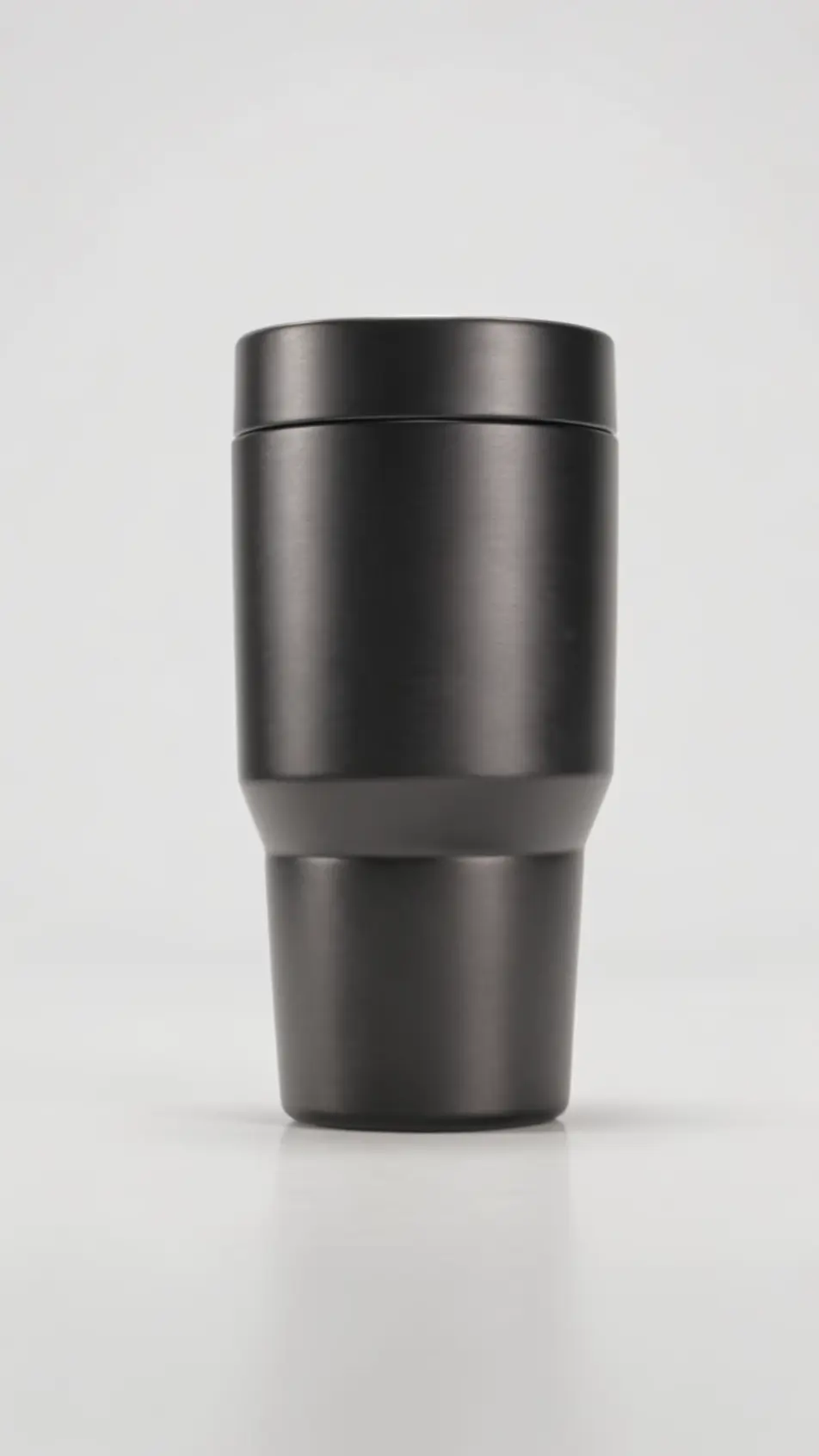
Un flux vertical laisse quelques secondes pour convaincre, jamais plus. Sur Morphic, cadrez une accroche plein écran, un plan produit et un carton de fin pensés pour le format 9:16. Doublez le tout avec Speech, et Canvas recadre ensuite la même pub pour chaque plateforme sans repartir de zéro.
Un cadre 9:16 où le produit remplit l'écran, avec une légende marquée en haut. Une lumière franche et un départ rapide qui arrêtent le défilement sur n'importe quel flux.
Modifier le promptUn cadre vertical suit une personne avec le produit entre les étals d'un marché du Sud. La lumière naturelle et le mouvement à l'épaule gardent le sujet et le décor bien visibles.
Modifier le prompt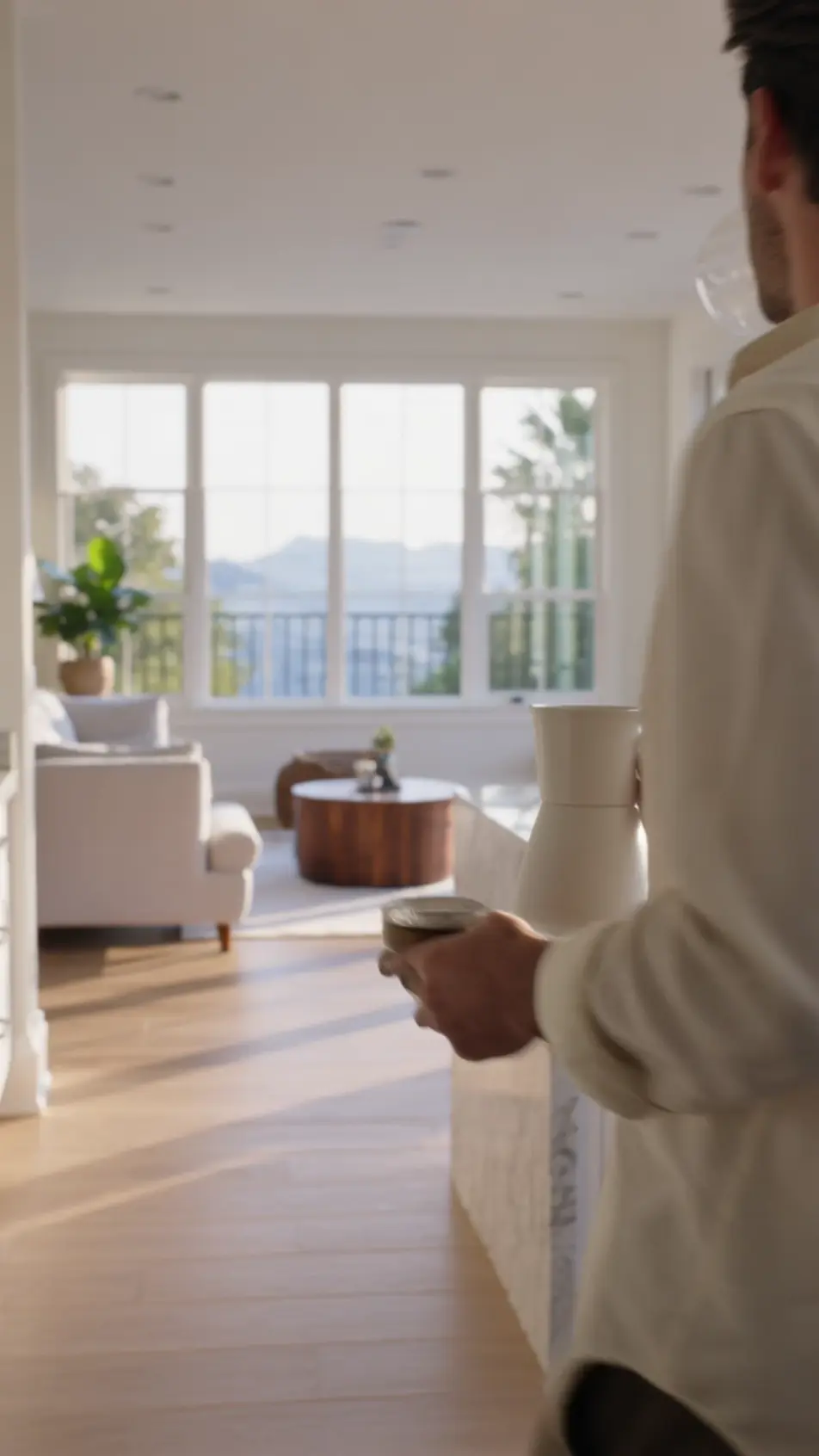
Un cadre 9:16 où l'état avant se superpose à l'après, les deux moitiés cadrées et éclairées à l'identique. La hauteur verticale se lit comme un comparatif propre et intégré.
Modifier le prompt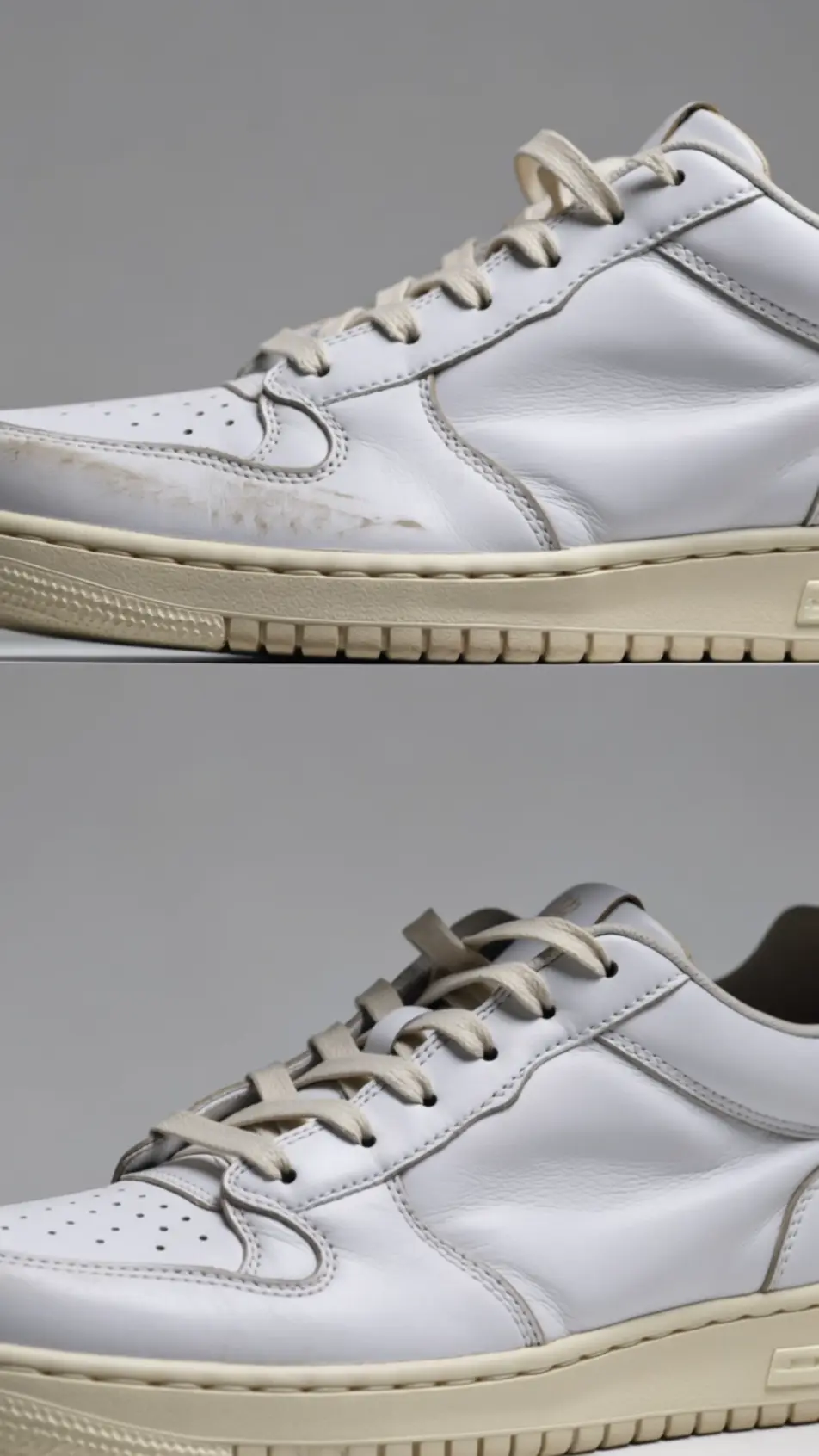
Un cadre 9:16 de clôture tient le logo, une offre liée à la rentrée ou aux soldes, et un bouton d'appel centré. Un léger pouls sur le bouton et un fond franc remplissent tout l'écran du téléphone.
Modifier le prompt
Écrivez la scène publicité vidéo verticale que vous voulez, en mots simples.
Morphic génère votre clip cinématographique en quelques secondes.
Ajustez le prompt, régénérez des variantes, téléchargez ou partagez le plan.

Dramatiser toute conversation textuelle en une vidéo cinématographique multi-plans.
Court-métrage cinématographique avec effet de gel du temps pour toute scène

Générer une carte de titre de film professionnelle à partir de zéro, avec animation cinématographique optionnelle.
Photo of any real-estate becomes a cinematic renovation timelapse video with construction SFX and music.
Une image pour une vidéo cinématographique en 9 scènes.
Déposez une photo de vous. Obtenez un film cinématique de 12 secondes avec animation et une bande sonore assortie.
Publicités Instagram Reels IA
Créez une pub Instagram Reels en 9:16 avec l’IA : hook rapide, démonstration UGC, sous-titres, plusieurs durées exportées d’un coup. Créez maintenant.
Publicités IA pour YouTube Shorts
Produisez une publicité YouTube Shorts avec l'IA sur Morphic. Accroche, argument produit et fin en boucle en 9:16, puis déclinez en 6, 15 et 30 secondes.
Publicité story par IA
Créez une publicité story verticale avec l’IA sur Morphic : accroche dès la première image, plan produit et carton de fin qui renvoie vers la boutique.
Publicités Spark Ad TikTok par IA
Générez une publicité Spark Ad TikTok avec l'IA : accroche de créateur, démo et appel à l'action, déclinés en plusieurs formats.
Commencez gratuitement dès aujourd'hui, avec la possibilité de mettre à niveau ou d'annuler à tout moment.
Basic
2400 mensuel crédits
1 utilisateur uniquement
Tous les modèles
Workflows
Standard
3625 mensuel crédits
1 utilisateur uniquement
Tous les modèles
Workflows
Pro
6350 partagé mensuel crédits
1 utilisateur
Tous les modèles
Workflows
Max
24650 partagé mensuel crédits
1 utilisateur
Tous les modèles
Workflows
Enterprise
Pour des limites plus élevées
Personnalisé
conditions de tarification et de facturation

Free
Pour expérimenter
$0
gratuit pour toujours