Vishnou repose sur Sheshanaga
Vishnou repose dans le sommeil cosmique sur les anneaux du Sheshanaga aux mille têtes dans l'océan de lait. Lakshmi à ses pieds, le lotus s'élevant de son nombril, Brahma assis à son sommet.
Modifier le prompt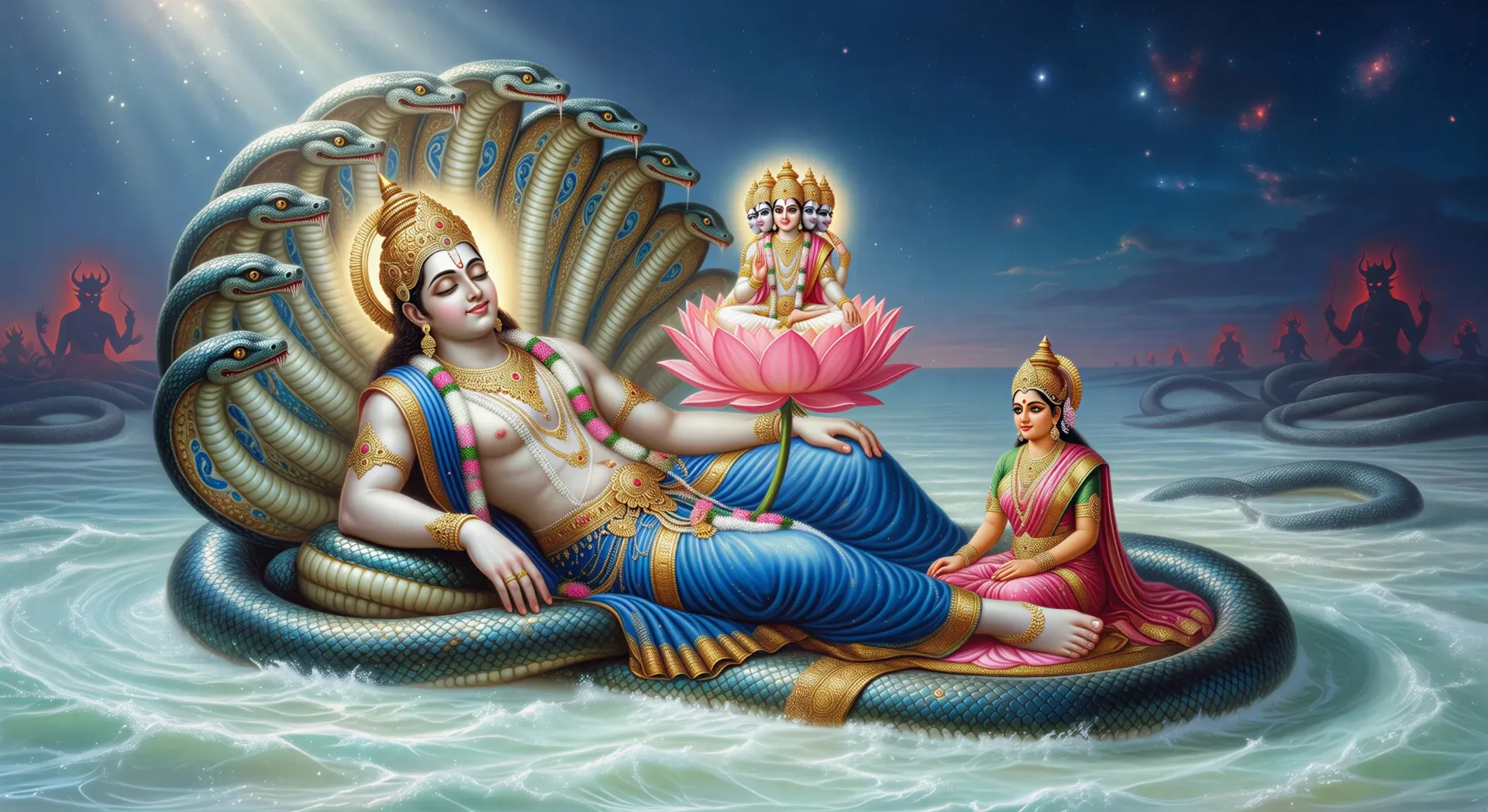
Dirigez le préservateur cosmique dans votre navigateur avec le générateur de vidéos IA Vishnou de Morphic. Générez Vishnou allongé sur Sheshanaga ou le Sudarshan Chakra s'élevant de son doigt, psalmodiez et mettez en musique avec Speech et Music, puis assemblez un épisode de mythologie hindoue.
Vishnou repose dans le sommeil cosmique sur les anneaux du Sheshanaga aux mille têtes dans l'océan de lait. Lakshmi à ses pieds, le lotus s'élevant de son nombril, Brahma assis à son sommet.
Modifier le promptDevas et asuras tirent le serpent Vasuki autour du mont Mandara pour baratter l'océan cosmique. Vishnou en tortue Kurma soutient la montagne par en dessous, l'amrita s'élevant dans une urne dorée.
Modifier le prompt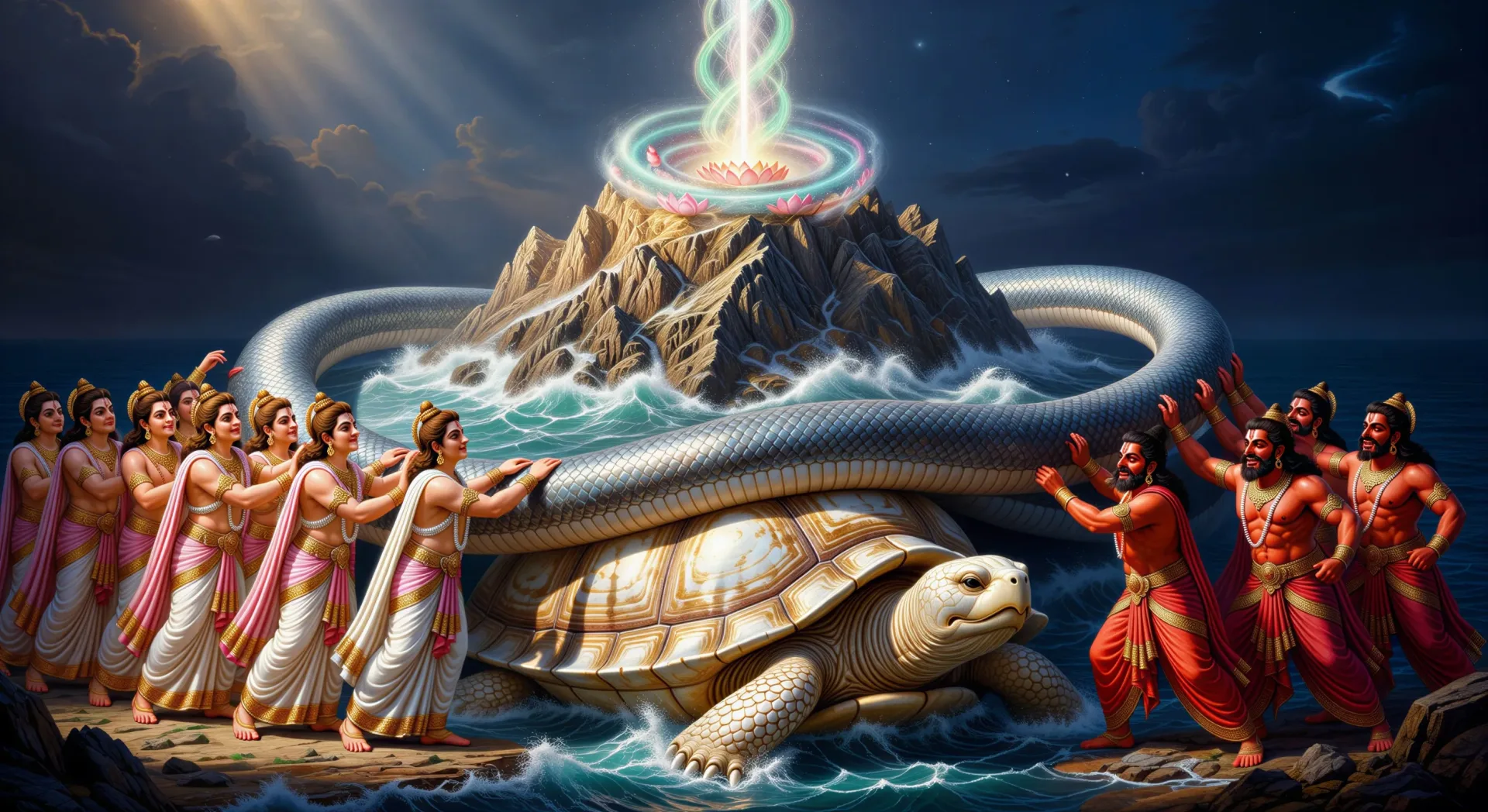
Vishnou lève sa main supérieure droite. Le disque tournoyant Sudarshan s'élève de son doigt dans un éclat de lumière, l'asura visé déjà à moitié hors du cadre avant d'être frappé.
Modifier le prompt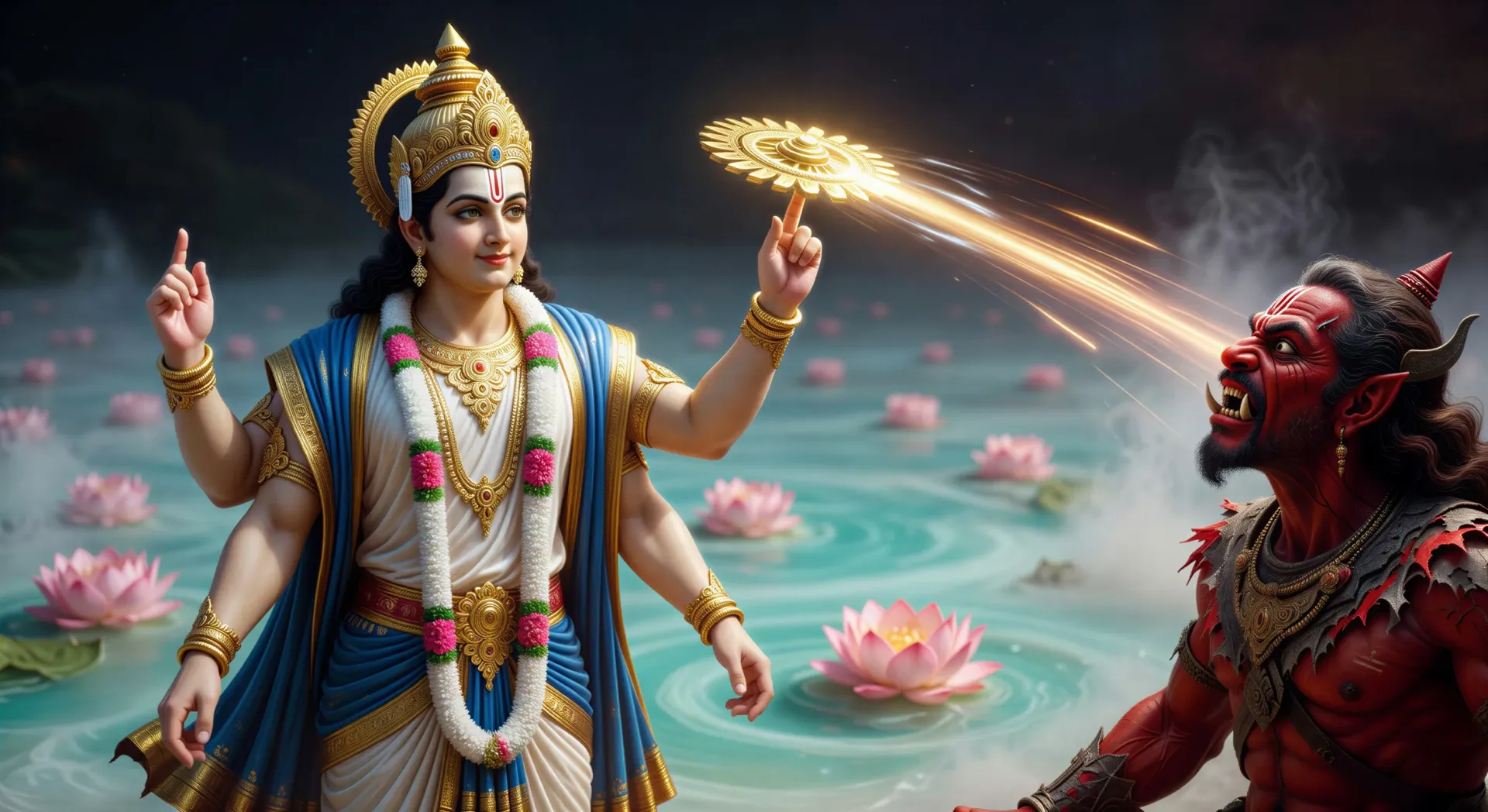
À l'intérieur du paradis de perle et d'or. Vishnou et Lakshmi sur leur trône, Garuda montant la garde, les dévots au premier plan, les souffleurs de conque aux portes.
Modifier le prompt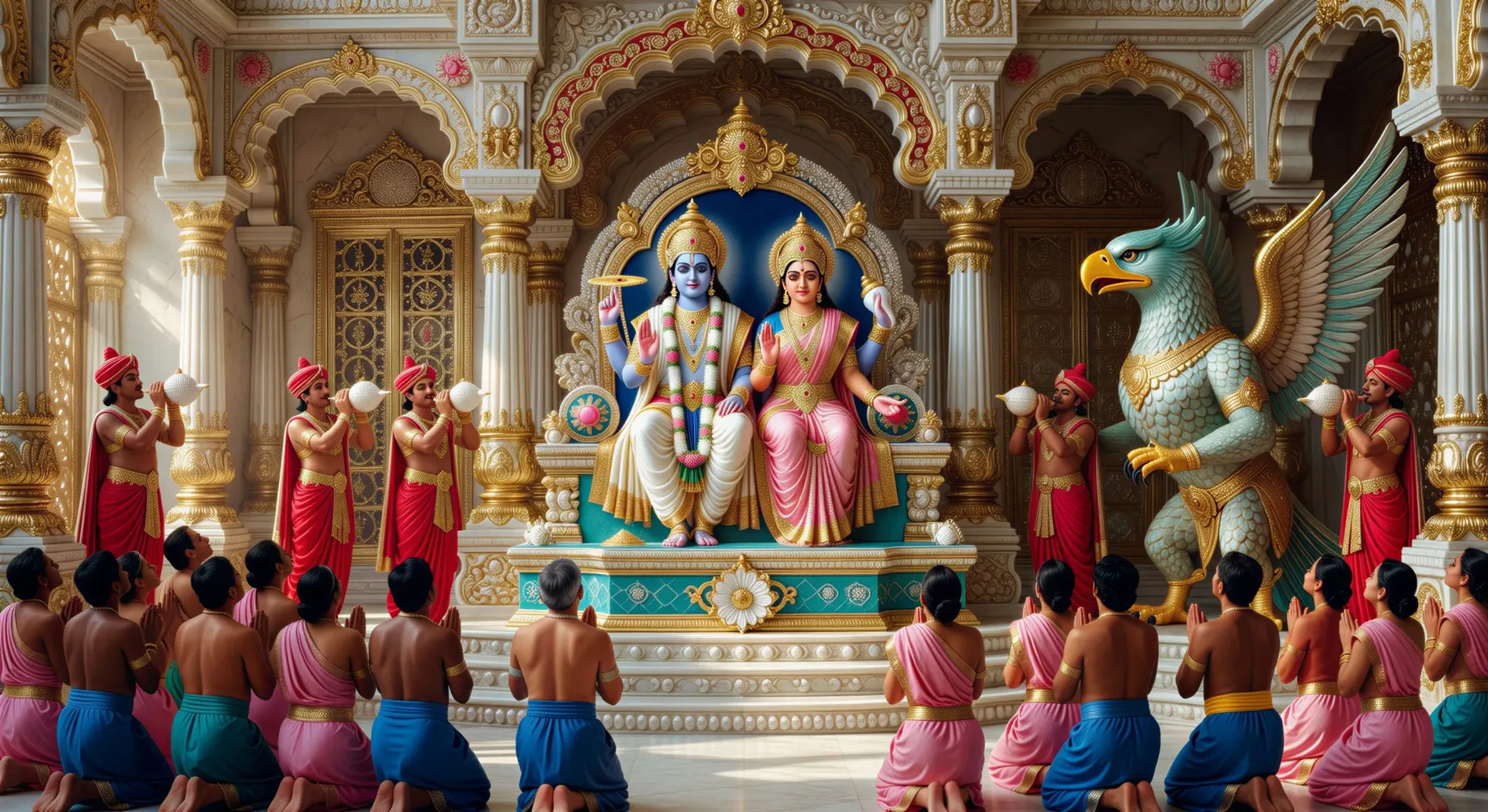
Écrivez la scène Vishnou que vous voulez, en mots simples.
Morphic génère votre clip cinématographique en quelques secondes.
Ajustez le prompt, régénérez des variantes, téléchargez ou partagez le plan.

Partagez une description de scène avec des références de personnages. Obtenez un storyboard complet avec des angles de prise de vue et une ambiance.

Fournissez une seule image. Obtenez 9 plans cinématographiques présentés sous forme de grille de storyboard 3x3.
Une image pour une vidéo cinématographique en 9 scènes.

Prenez n'importe quelle image de personnage et générez 6 expressions faciales distinctes sur une seule feuille de référence.
Court-métrage cinématographique avec effet de gel du temps pour toute scène
Déposez une photo de vous. Obtenez un film cinématique de 12 secondes avec animation et une bande sonore assortie.
Vidéos IA Dashavatara
Créez les dix avatars de Vishnu, de Matsya à Kalki, en courts-métrages cinématographiques avec Morphic. Générez, narrez et mettez en musique vos vidéos Dashavatara à partir d'un seul prompt.
Vidéos IA Krishna
Créez des scènes de Krishna, des portraits de personnages et des épisodes dévotionnels ou épiques complets avec Morphic. Générez, narrez et mettez en musique vos vidéos Krishna à partir d'un seul prompt.
Vidéos IA Shiva
Créez des scènes de Shiva, des séquences de Tandava et des épisodes du Kailash avec Morphic. Générez, narrez et mettez en musique vos vidéos Shiva à partir d'un seul prompt.
Vidéos IA Ganesh
Créez des scènes de Ganesh, la restauration de la tête d'éléphant, le Mahabharata écrit à la défense brisée et des épisodes complets de mythologie hindoue avec Morphic. Générez, narrez et mettez en musique vos vidéos Ganesh à partir d'un seul prompt.
Commencez gratuitement dès aujourd'hui, avec la possibilité de mettre à niveau ou d'annuler à tout moment.
Basic
2400 mensuel crédits
1 utilisateur uniquement
Tous les modèles
Workflows
Standard
3625 mensuel crédits
1 utilisateur uniquement
Tous les modèles
Workflows
Pro
6350 partagé mensuel crédits
1 utilisateur
Tous les modèles
Workflows
Max
24650 partagé mensuel crédits
1 utilisateur
Tous les modèles
Workflows
Enterprise
Pour des limites plus élevées
Personnalisé
conditions de tarification et de facturation

Free
Pour expérimenter
$0
gratuit pour toujours