Select

A soft click for a chosen item, a highlight blip moving down a menu and a toggle switching on. Describe the selection in your interface and Morphic generates it clean.

  • The exact click, blip or toggle your interface needs, as described
  • Selection cues made for your product, not a stock click heard in a hundred other apps
  • Download clean audio and drop it straight into your edit
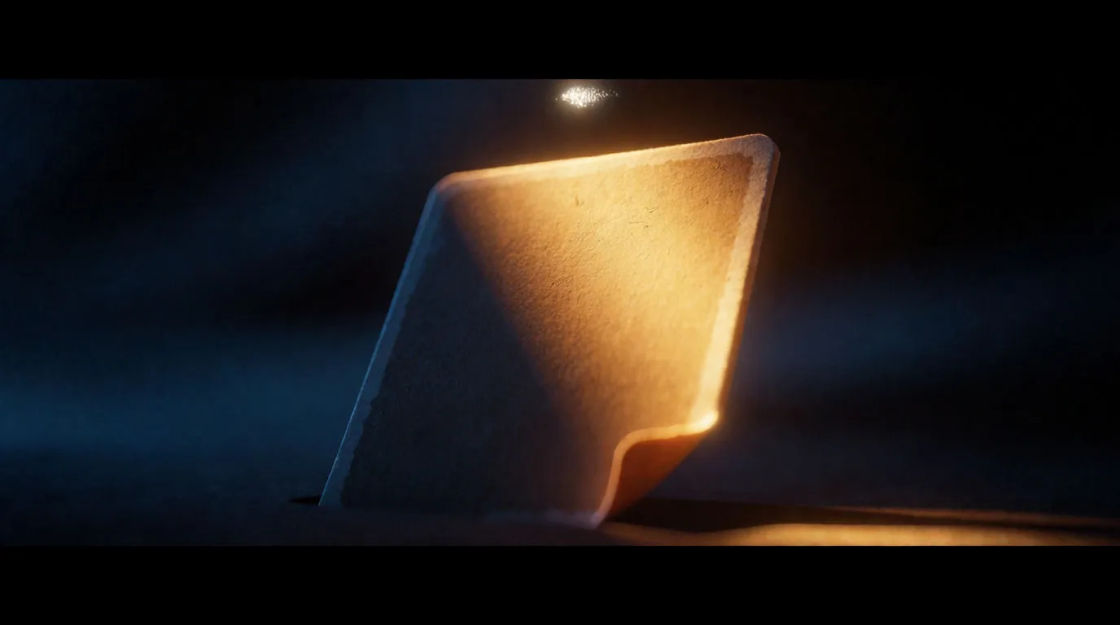
A fingertip resting on one glowing tile in a grid of dark tiles, a soft halo spreading from the chosen square

Select sounds for games, animation, and video edits

Soft selection click

A rounded tick with a quiet tonal body.

Menu highlight blip

A tiny bright blip with a slight upward bend, twice.

Item selected

Two rising soft tones and a gentle sparkle.

Toggle switched on

A crisp plastic click and a short rising tone.

Deselect

A single falling soft tone, quieter than a click.

Multi-select ticks

Five light ticks stepping up, evenly spaced.

Generate a select sound from a prompt

Pilih titik awal, ubah sesukamu, lalu buat di Morphic.

Buat

Ways to use a select sound effect

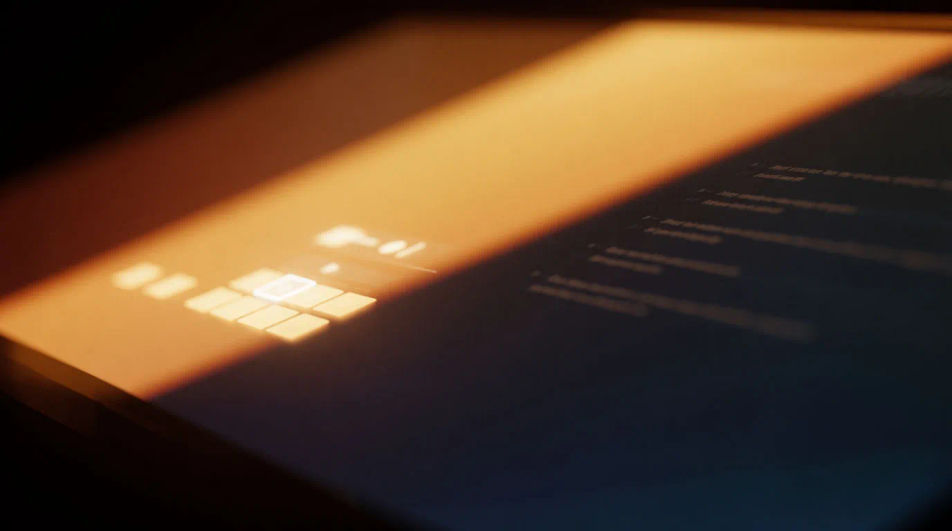
Tap the moment a player picks an option

A bright confirm on the frame a choice is made gives a menu clip its payoff, in a game trailer, a stream or an app demo.

Edit prompt
Tap the moment a player picks an option

Fill a menu walkthrough with quiet clicks

Soft clicks between screens carry a tutorial with no music, in a product video, a lesson or a prototype.

Edit prompt
Fill a menu walkthrough with quiet clicks

Make an app demo feel responsive

A toggle flipping on shows the interface answering the finger, for a promo, a pitch deck or a short explainer.

Edit prompt
Make an app demo feel responsive

Show a choice was made without showing the tap

A run of ticks stepping up lets the viewer hear several items chosen off screen, in a sketch or a motion graphic.

Edit prompt
Show a choice was made without showing the tap

Harga sederhana

Mulai gratis hari ini, dengan opsi untuk upgrade atau membatalkan kapan saja.

Basic

$19/ bulan
ditagih sebagai $0 per tahun

2400 bulanan kredit

1 pengguna saja

Semua model

Workflows

Standard

$24/ bulan
ditagih sebagai $0 per tahun

3625 bulanan kredit

1 pengguna saja

Semua model

Workflows

Pro

$45/ bulan
ditagih sebagai $0 per tahun

6350 bersama bulanan kredit

1 pengguna

+ hingga 4 lainnya dengan biaya tambahan

Semua model

Workflows

Max

$170/ bulan
ditagih sebagai $0 per tahun

24650 bersama bulanan kredit

1 pengguna

+ hingga 9 lainnya dengan biaya tambahan

Semua model

Workflows

Enterprise

Untuk batas yang lebih tinggi

Khusus

ketentuan harga dan penagihan

Kredit volume tinggi
Batas kursi khusus
Semua model
Workflows
Pricing Gradient

Free

Untuk bereksperimen

$0

gratis selamanya

Hingga 20 kredit
Hanya 1 pengguna
Model terbatas
Workflows

FAQ

What is a select sound effect?
It is the small cue an interface plays when something is chosen: a click, a highlight blip, a confirm or a toggle. It tells the user their input was received.
Where can I get select sounds for an app or video?
Describe the click or blip and generate it, so it matches your product rather than a stock pack. Each sound here shows its prompt as a starting point.
How do I make a custom select sound?
Name the action, the tone and whether the pitch moves. "A toggle switch flipped on, a crisp click then a short rising tone" is a clear instruction.
What is the difference between a select click and a toggle?
A selection click is a soft tick that confirms a choice, while a toggle pairs a harder click with a rising tone to show a state change. Use the toggle for on and off controls.
Can I use these select sounds commercially?
Yes, audio generated on paid plans can be used commercially. See our terms for full licensing details. They are generated for you, so your product keeps its own sound.
Why do my select sounds feel tiring after a while?
Selection happens constantly, so choose very short, quiet clicks with little tail. Avoid big pitch jumps and keep the volume well under your main audio.