Light up a menu as the cursor passes
A hover tick on each button a cursor touches makes a game menu or an app feel alive, in a product video, a UI demo or an animated explainer.
Edit prompt
A small tick as a cursor slides over a menu, a hover engine humming in mid-air and a craft lifting off with a rising whine. Describe the hover you mean and Morphic generates it clean.


A small crisp tick with a light lift, the sound of a cursor passing over a button, a card or a menu item.

A deep smooth electric hum with a slow waver, the bed under a craft, a vehicle or a platform floating in place.

A short airy lift ending on a glassy tick, for a card rising under the cursor, a preview opening or a tile picked out in a menu.

An electric whine rising with a rush of pressurised air, for a craft leaving the ground or a platform rising.
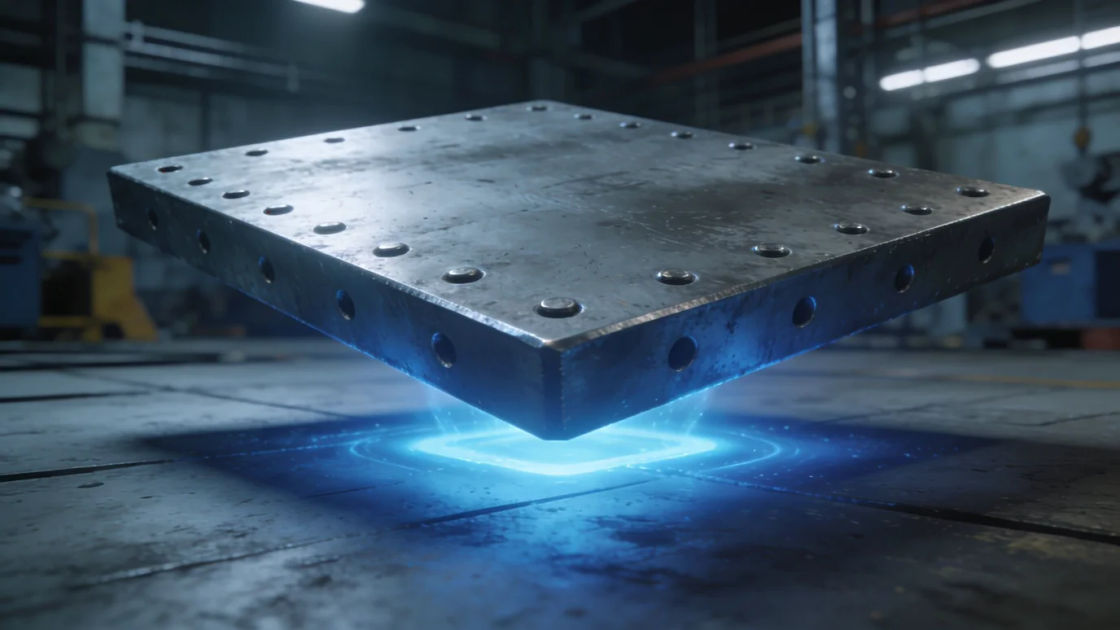
A resonant metal hum with a low magnetic throb, for a heavy platform, a floating crate or a robot gliding.

A smooth airy whoosh with a light electric shimmer, for something gliding past the camera on a hover field.
Pilih titik awal, ubah sesukamu, lalu buat di Morphic.
A hover tick on each button a cursor touches makes a game menu or an app feel alive, in a product video, a UI demo or an animated explainer.
Edit promptA steady hover hum under a long take keeps a vehicle hanging in the air believable, in a sci-fi film, a factory game level or an animated short.
Edit prompt
Metallic hover throbs and lift-offs set a hangar full of floating machines before the camera finds one, in a game level, a series or an audio drama.
Edit prompt
A floating whoosh crossing the soundtrack implies a craft just passed overhead without a shot of it, in a chase, a trailer or a radio play.
Edit prompt
Pop up sound effects
Generate pop up sound effects with AI on Morphic. Describe the sound, pick a variation, and download MP3 or WAV for your video, game or podcast.
Positive sound effects
Generate positive sound effects with AI on Morphic. Describe the sound, pick a variation, and download MP3 or WAV for your video, game or podcast.
Power down sound effects
Generate power down sound effects with AI on Morphic. Describe the sound, pick a variation, and download MP3 or WAV for your video, game or podcast.
Power on sound effects
Generate power on sound effects with AI on Morphic. Describe the sound, pick a variation, and download MP3 or WAV for your video, game or podcast.
Mulai gratis hari ini, dengan opsi untuk upgrade atau membatalkan kapan saja.
Basic
2400 bulanan kredit
1 pengguna saja
Semua model
Workflows
Standard
3625 bulanan kredit
1 pengguna saja
Semua model
Workflows
Pro
6350 bersama bulanan kredit
1 pengguna
Semua model
Workflows
Max
24650 bersama bulanan kredit
1 pengguna
Semua model
Workflows
Enterprise
Untuk batas yang lebih tinggi
Khusus
ketentuan harga dan penagihan

Free
Untuk bereksperimen
$0
gratis selamanya