Setiap model video
Satu ruang kerjaGaya animasi yang bisa Anda buat
Buat animasi dalam tiga langkah
- 01
Buka Morphic
Daftar dan mulai berkarya di kanvas tanpa batas.
- 02
Jelaskan atau unggah gambar Anda
Jelaskan adegannya atau unggah gambar diam. Sebutkan gaya animasinya.
- 03
Generate dan sempurnakan
Render dalam hitungan menit. Bandingkan model berdampingan di Canvas.
Contoh penggunaan
Animasikan gambar diam
Unggah ilustrasi atau foto dan lihat gambarnya bergerak. Image-to-video menganimasikan karya yang sudah Anda punya, tanpa perlu menggambar ulang.
Video penjelas dan motion graphic media sosial
Buat video penjelas animasi, loop produk, dan grafis media sosial dalam hitungan menit. Tanpa perlu motion designer.
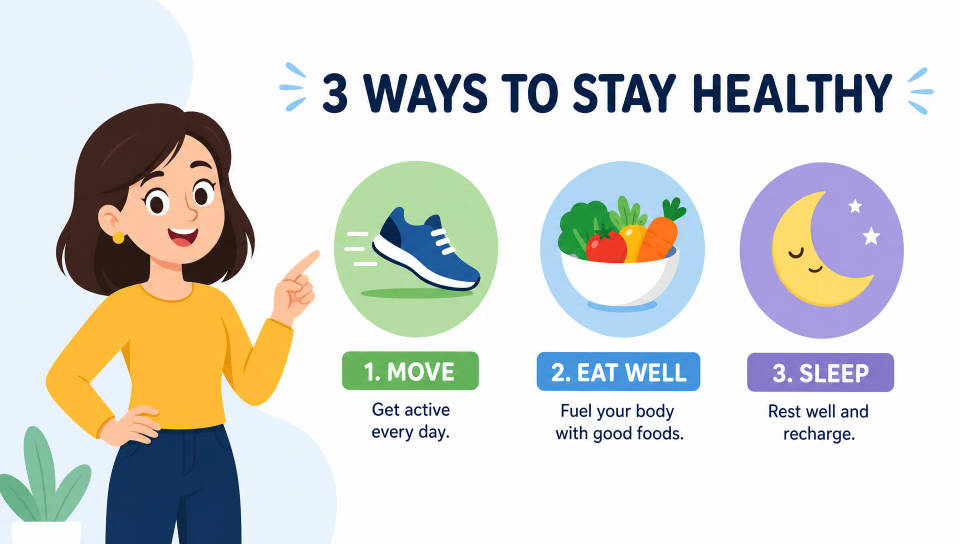
Animasi karakter tanpa rigging
Hidupkan karakter dari prompt atau lembar desain. Tanpa rig, tanpa keyframe. Jelaskan gerakannya dan model yang mengeksekusinya.
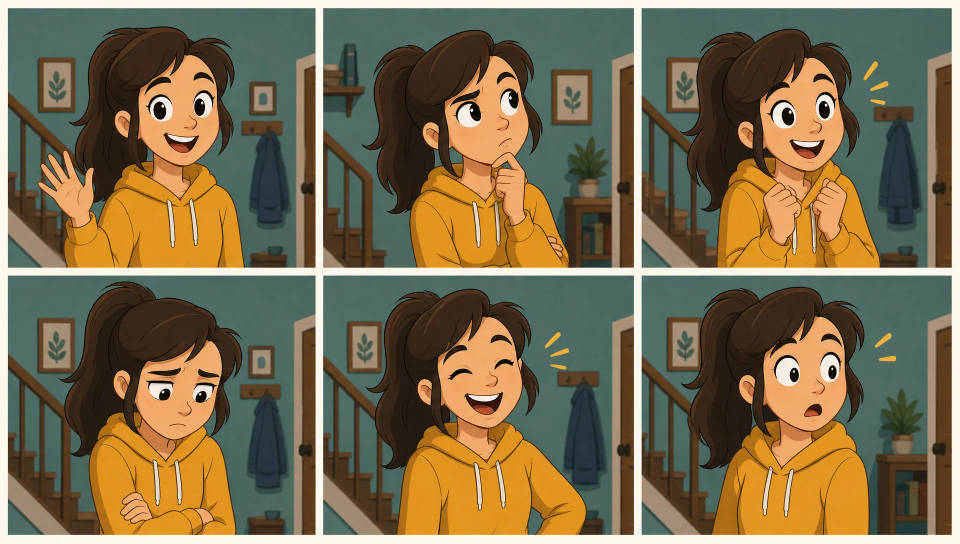
Satu gaya khas di sepanjang serial
Kunci satu tampilan dan pakai ulang di setiap episode. Simpan sebagai Workflow supaya gaya serialnya tetap konsisten.
Time-freeze effect
Cinematic time-freeze short film for any scene
Dance your character
Upload a character image and make it dance in any style.
Put yourself in a movie
Drop in a photo of yourself. Get a 12-second cinematic movie with animation and a matched soundtrack.
Motion transfer
Pair a character image with a reference video. Your character picks up that exact motion.
Video style transfer
Restyle any video in a completely new visual style. Every frame transforms, all motion stays intact.
Renovation timelapse
Photo of any real-estate becomes a cinematic renovation timelapse video with construction SFX and music.
Semua di Morphic
Stack animasi lengkap AndaModel
Kling 3.0, Hailuo 2.3, LTX 2.3, Seedance 2.0, Veo 3.1, Vidu Q3, dan lainnya. Ganti model di tengah proyek untuk menyesuaikan gaya.
Frames to Video
Atur dua keyframe atau lebih dan Morphic menginterpolasi gerakan yang halus di antaranya. Tanpa scrubbing timeline.
Gambar ke video
Mulai dari gambar diam apa pun dan jelaskan gerakannya. Model menganimasikan karya Anda, dari gambar jadi video bergerak dalam satu langkah.
Workflows
Simpan animasi apa pun sebagai Workflow satu klik. Jalankan lagi, bagikan tautannya, atau favoritkan untuk batch berikutnya.
