Edit yang bisa Anda buat
Edit gambar dalam tiga langkah
- 01
Buka Morphic
Daftar dan mulai berkarya di kanvas visual tanpa batas yang bebas mengalir.
- 02
Unggah gambar Anda
Masukkan foto yang ingin diedit.
- 03
Jelaskan edit yang diinginkan
Katakan apa yang mau diubah, tinjau hasilnya, lalu unduh.
Contoh penggunaan
Rapikan foto
Hapus objek yang mengganggu, perbaiki cahaya, dan rapikan satu shot tanpa buka aplikasi editor lengkap. Jelaskan perbaikannya, dan langsung terjadi, tanpa layer atau mask.

Siapkan foto produk
Ganti latar dan sesuaikan warna agar katalog Anda terlihat konsisten. Siapkan satu set foto produk yang senada untuk jualan online, cepat.

Retouch potret
Haluskan, cerahkan, dan perbaiki detail tanpa membuat orangnya terlihat palsu. Retouch ringan yang tetap terlihat alami.

Ubah gaya dalam satu langkah
Ubah mood atau gaya seluruh gambar hanya dari satu prompt. Ubah gaya foto dalam satu langkah, bukan proses edit yang panjang.

Edit yang bisa Anda buat
Semuanya berawal dari gambar Anda sendiri. Buka salah satu prompt untuk mengubahnya dan buat versi Anda sendiri.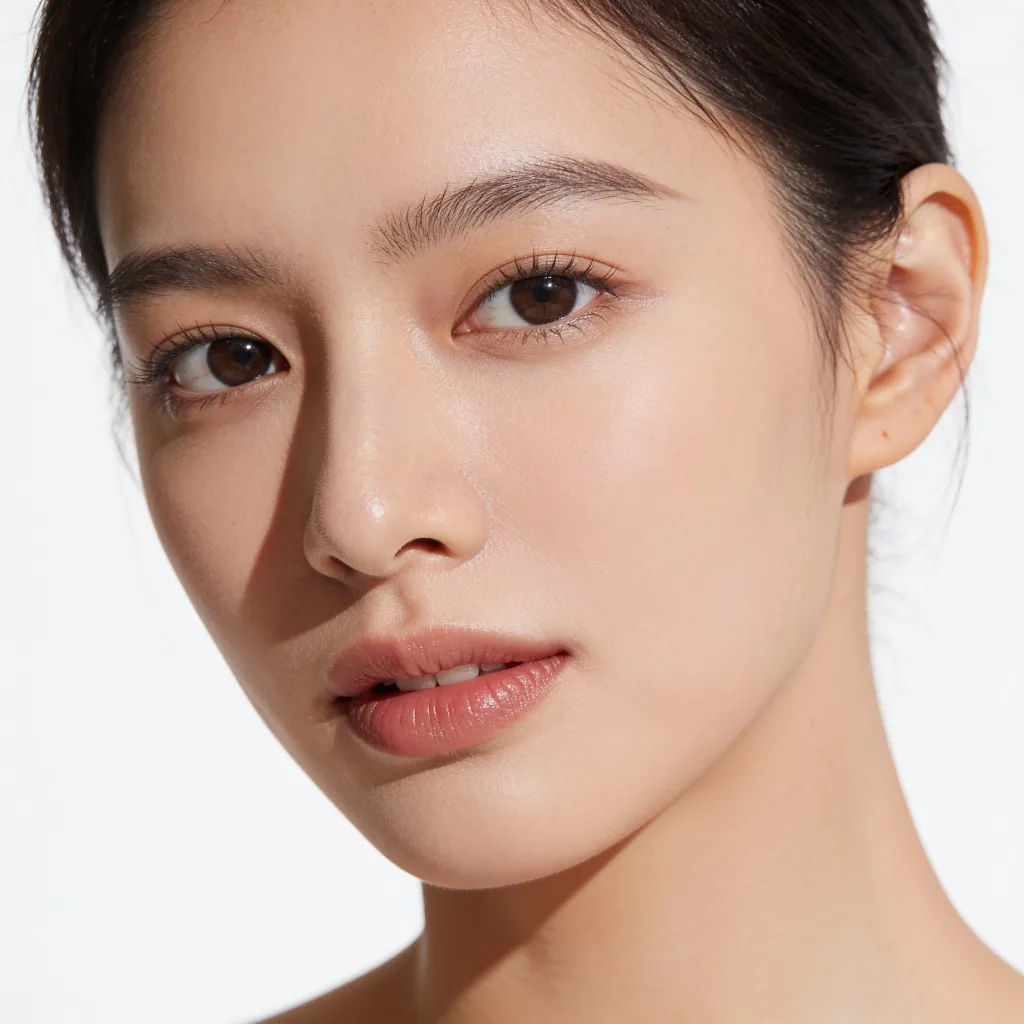
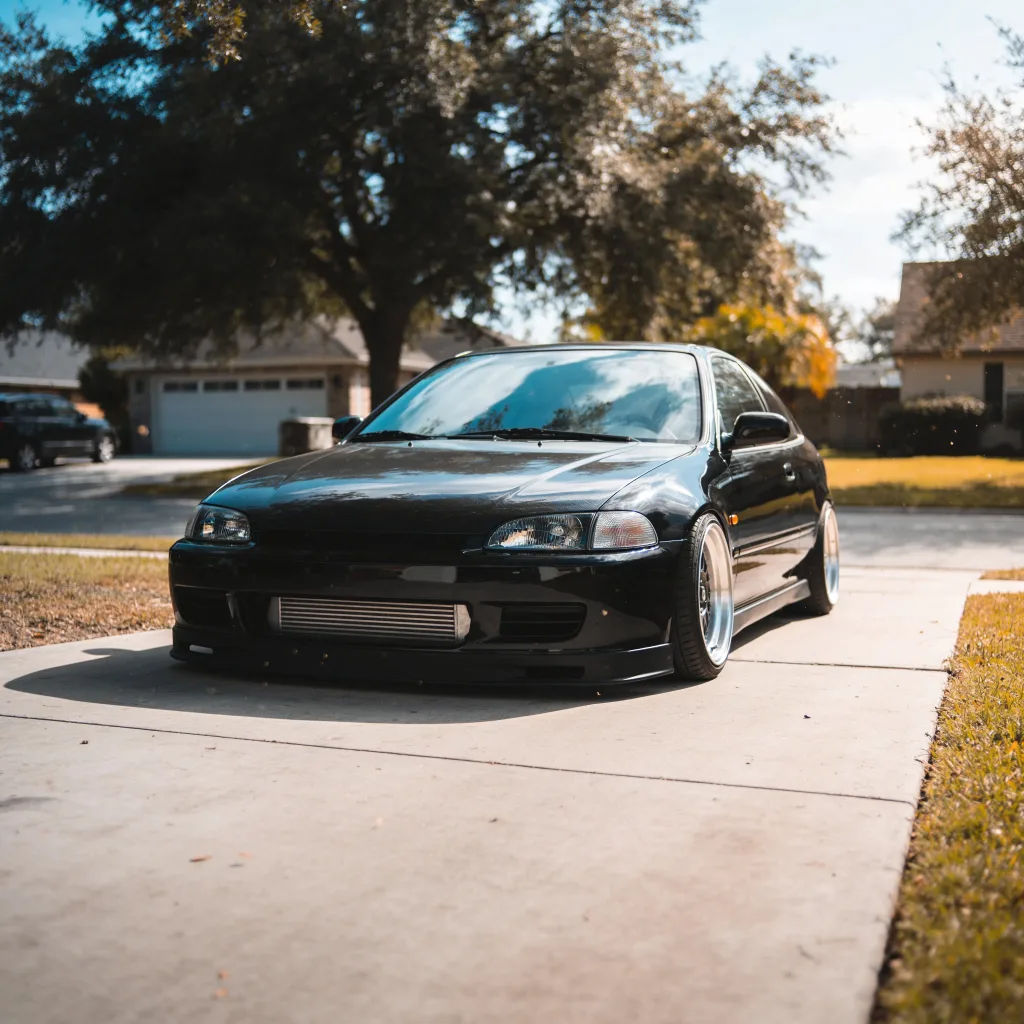
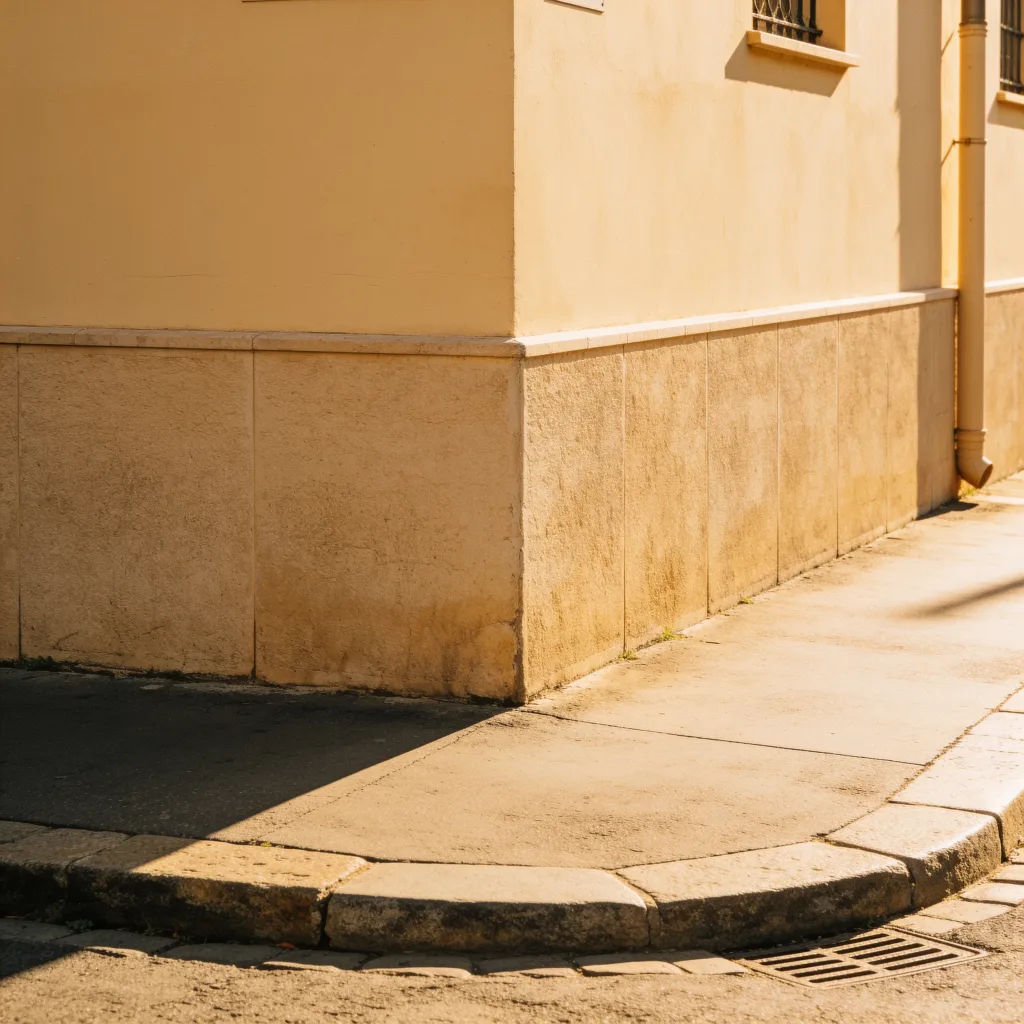
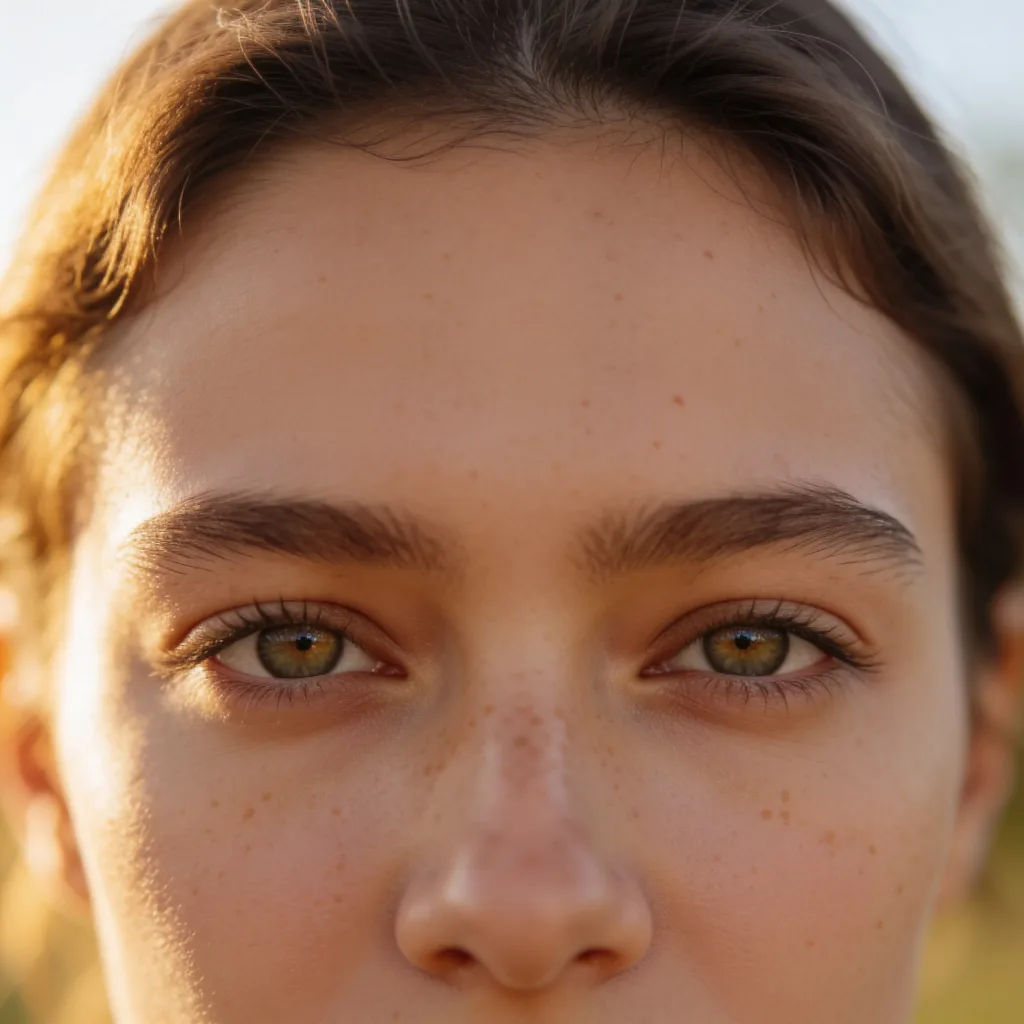
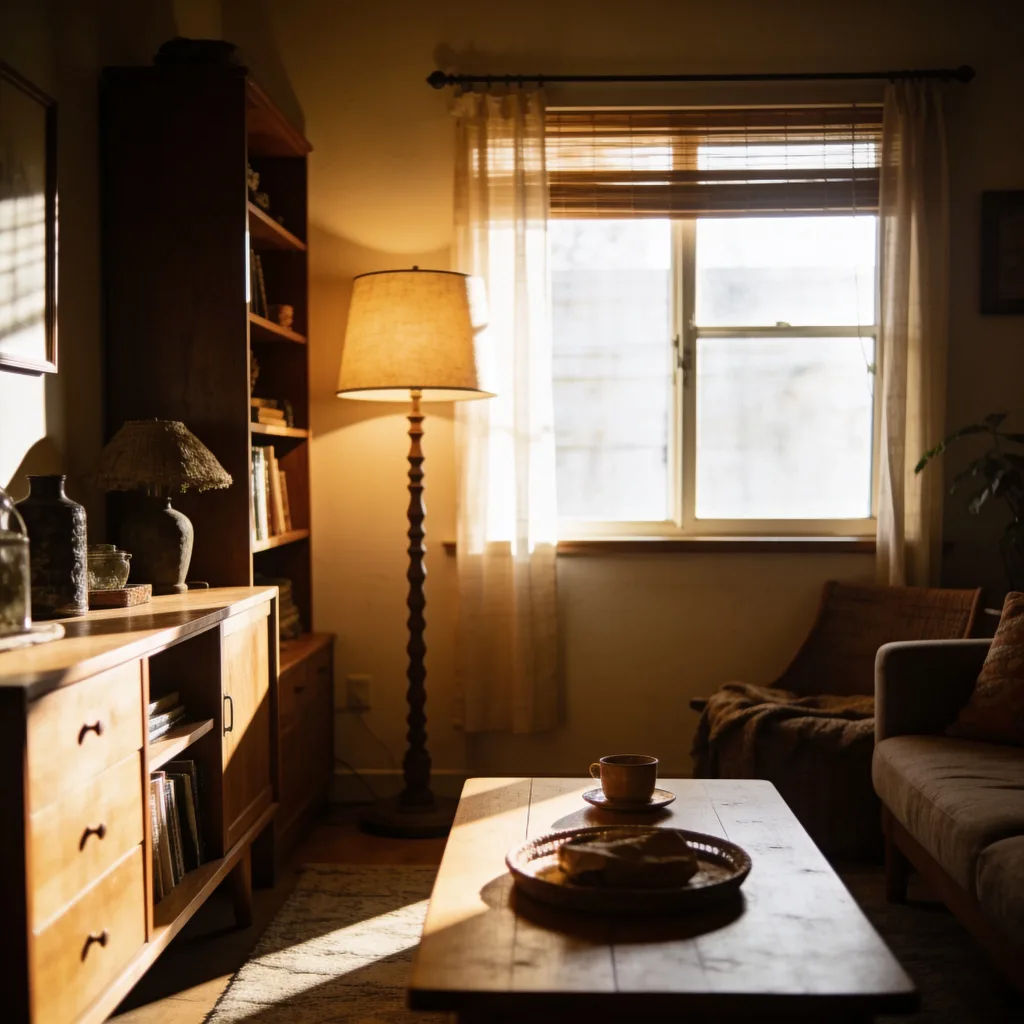
Perbaiki cahaya
Cerahkan foto yang kurang cahaya ini, munculkan detail di bagian gelap, tetap realistis
Edit prompt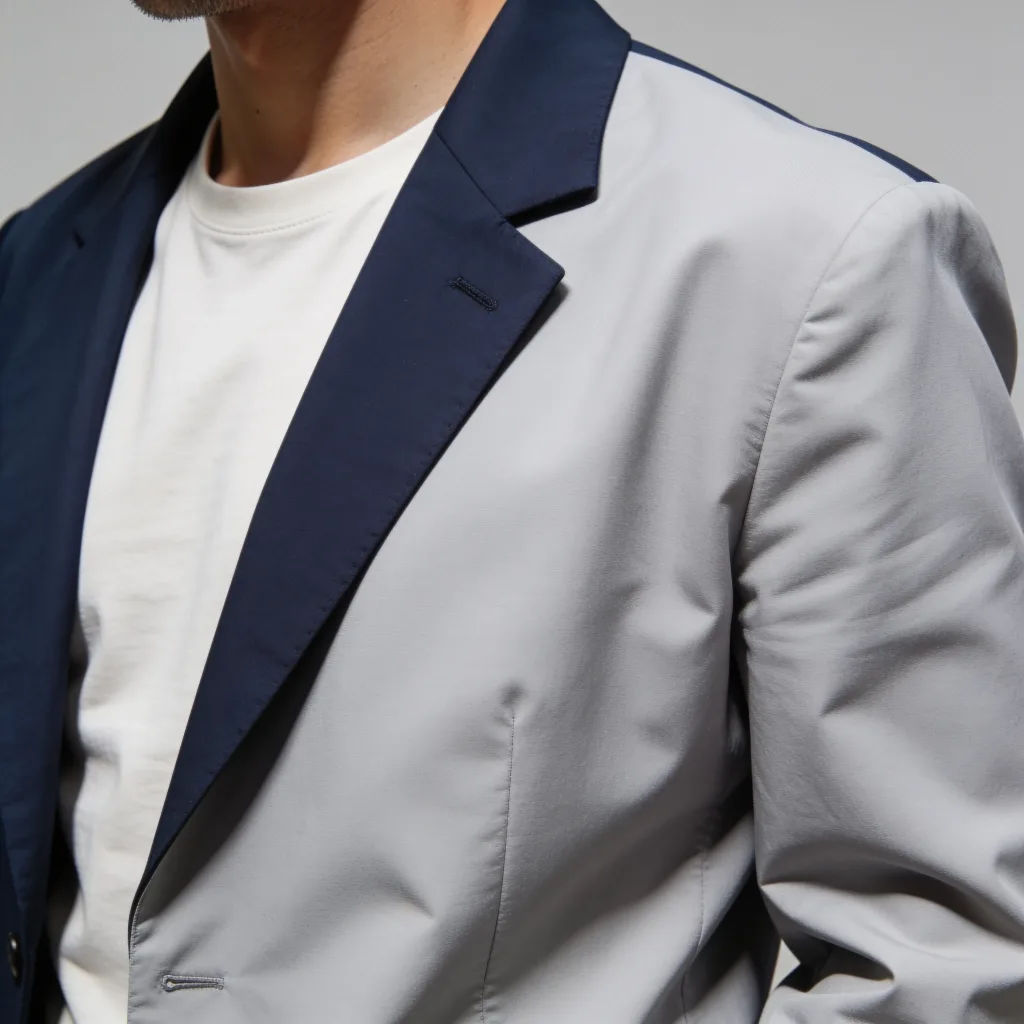

Jewelry campaign
One product shot becomes a full campaign pack with hero shots, angles, and format variations.
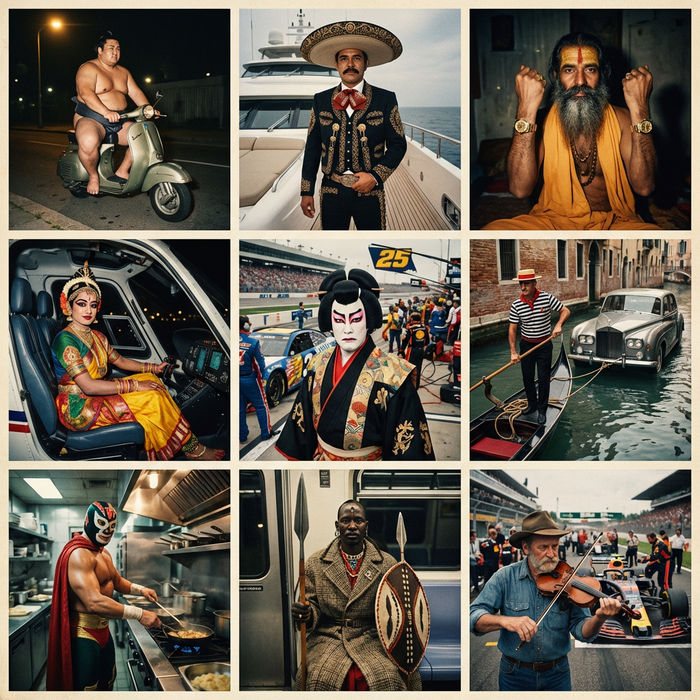
Paradox frames
Flash paradox photographs — any collision, any country
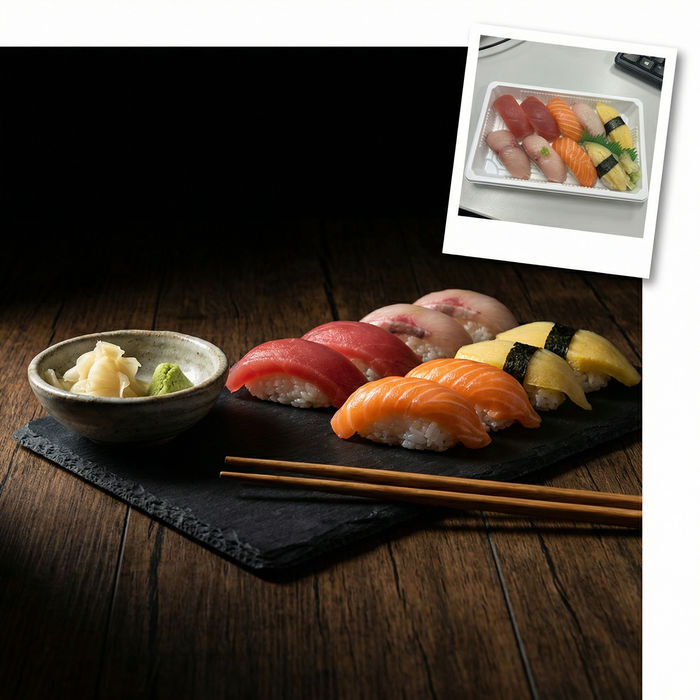
Food photo studio
Turn any dish photo or description into a styled, editorial-quality food photograph.

Image reverse engineer
Get a detailed prompt extracted from a reference image, and then a fresh recreation.
Skin enhancer
Fix plastic-looking AI skin. Adds natural texture, pores, and imperfections for realism.
Turn yourself into a model
Full model photoshoot from one photo of you
Semua di Morphic
Edit gambar apa pun cukup dengan menjelaskan yang Anda mauModel
Nano Banana 2, Flux 2 Pro, Seedream 5, dan lainnya. Pilih model yang paling rapi hasilnya, dan ganti kapan saja.
Edit pakai kata-kata biasa
Jelaskan perubahannya dan lewati layer, mask, serta menu sepenuhnya.
Perubahan yang terarah
Hanya bagian yang Anda minta yang diedit, sisanya tetap seperti semula.
Workflows
Simpan edit yang sering diulang sebagai Workflow dan jalankan untuk banyak gambar sekaligus.
