Semua model gambar
Satu unggahanSatu foto, banyak arah
Ubah satu foto dalam tiga langkah
- 01
Buka Morphic
Daftar, lalu mulai berkarya di Canvas visual yang luas dan tanpa batas.
- 02
Unggah foto Anda
Masukkan file PNG, JPG, atau WebP. Makin besar filenya, makin banyak detail yang bisa dibaca model.
- 03
Jelaskan perubahannya
Sebutkan apa yang berubah dan apa yang harus bertahan. Atur kekuatannya, lalu mulai membuat.
Sebelum dan sesudah diubah
 Setelah diubah
 Foto asli
Contoh penggunaan
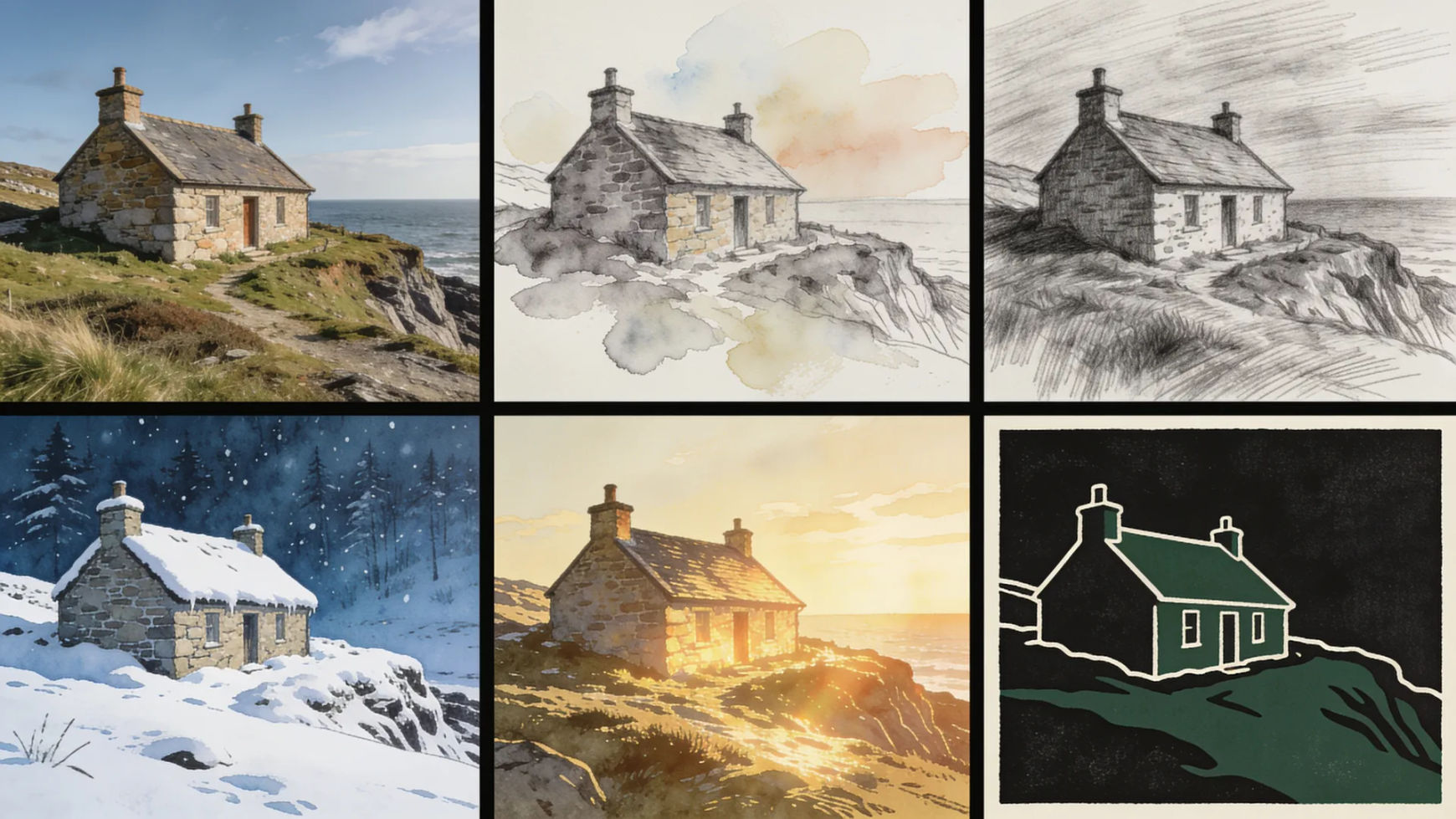
Foto yang sama dalam medium berbeda
Cat air, pensil, linocut, cat minyak, atau ilustrasi buku cerita. Semuanya dibangun dari foto yang benar-benar Anda potret. Subjek dan tata letaknya tetap bertahan meski bahannya berganti.
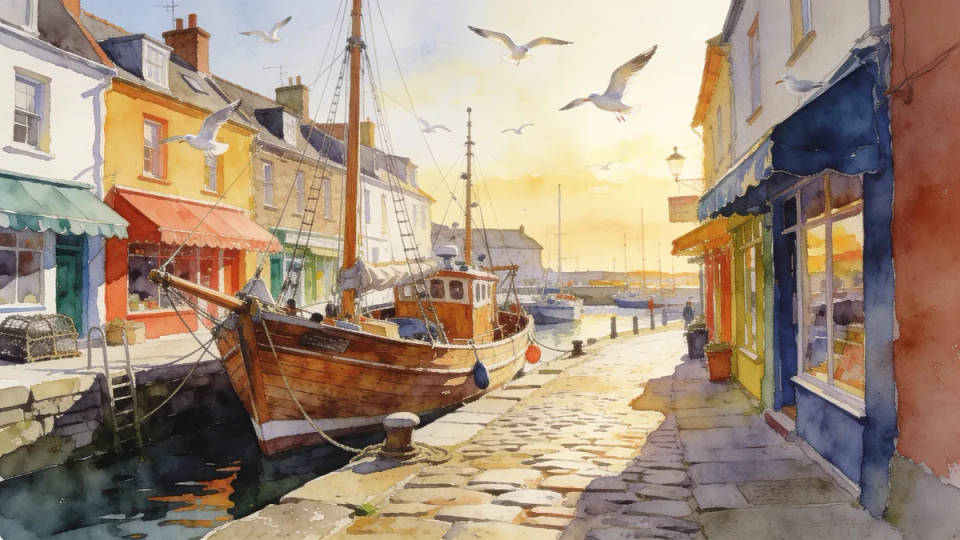
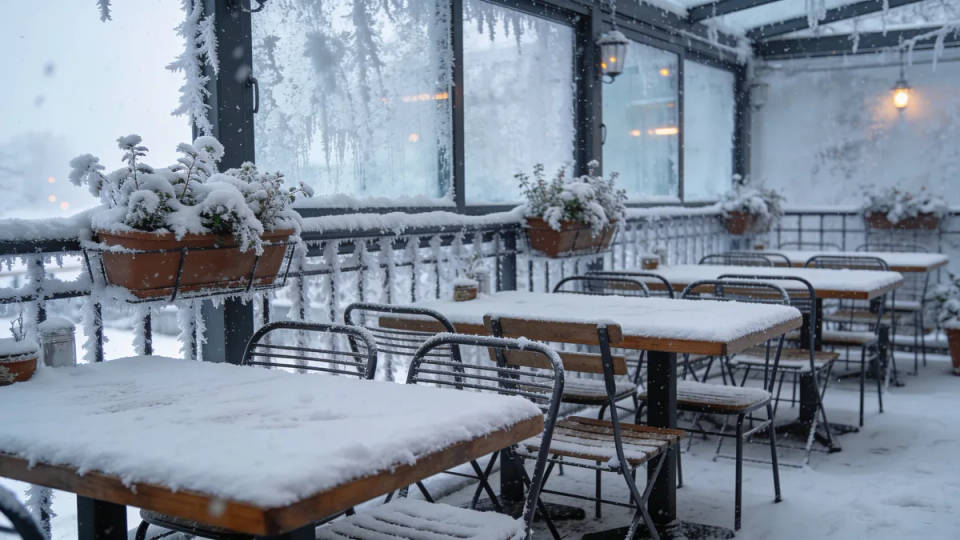
Ganti cuaca, jam, atau musimnya
Jalanan kering bisa dibuat basah sehabis hujan, atau siang terik dijatuhkan ke cahaya sore keemasan. Musim di dalam foto pun bisa ikut diganti. Berguna saat fotonya sudah pas, tapi cuaca hari itu tidak mendukung.
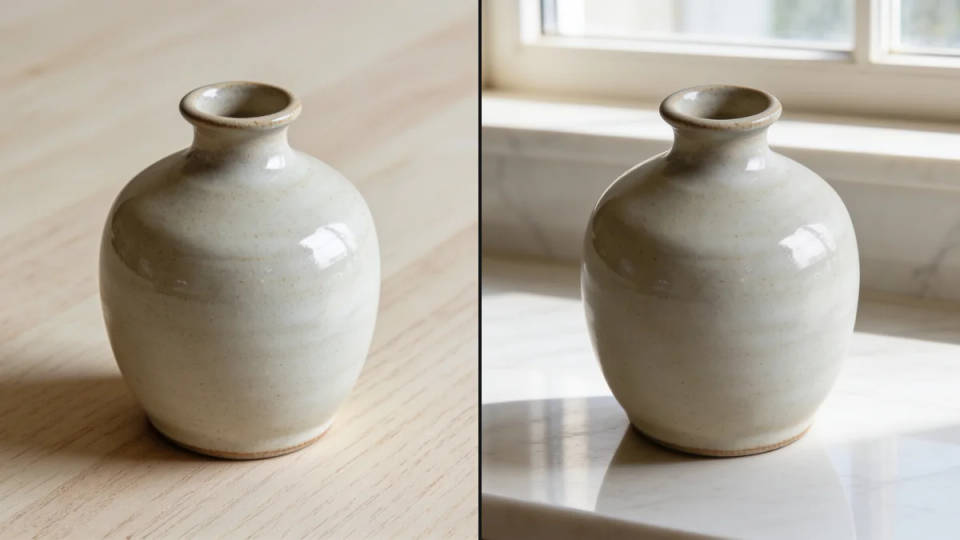
Latar baru, subjek yang sama
Pindahkan produk dari meja kayu polos ke permukaan marmer. Atau taruh potret di depan latar studio. Bentuk dan cahaya subjeknya bertahan, yang diganti hanya dunia di belakangnya.
Satu perlakuan untuk satu set
Jalankan katalog jualan, foto satu tim, atau konten sebulan penuh lewat instruksi tersimpan yang sama. Kumpulan itu jadi terbaca sengaja, bukan seperti tambal sulam.
Instruksi yang mengubah dengan rapi
Tiap prompt menyebut apa yang berubah dan apa yang harus selamat. Buka satu, arahkan ke unggahan Anda sendiri, lalu atur kekuatannya dari situ.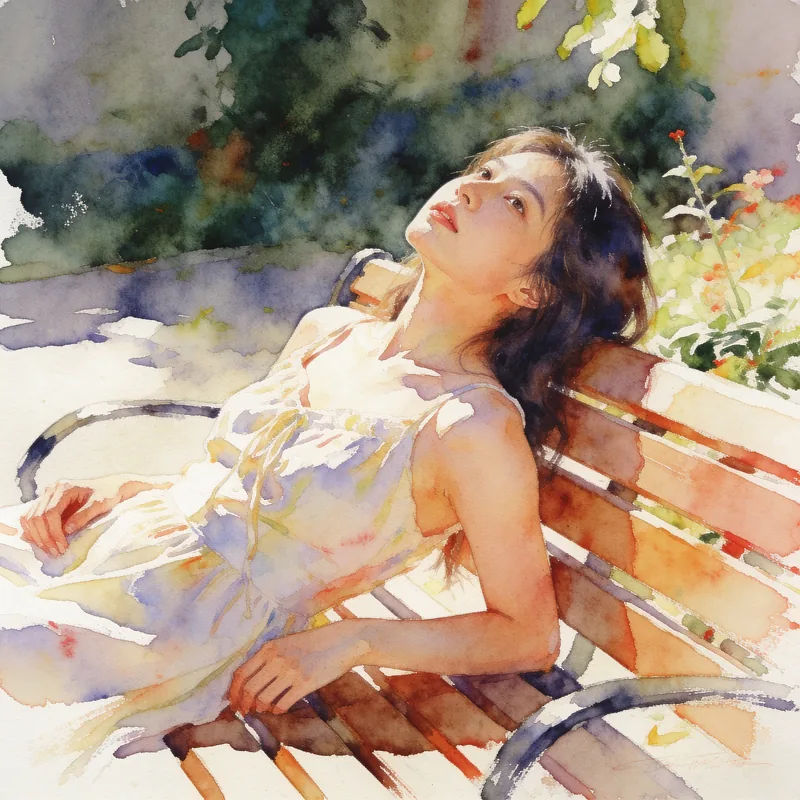
Sapuan cat air
Lukis ulang foto ini jadi cat air yang longgar, tekstur kertas terlihat, pertahankan komposisinya
Edit prompt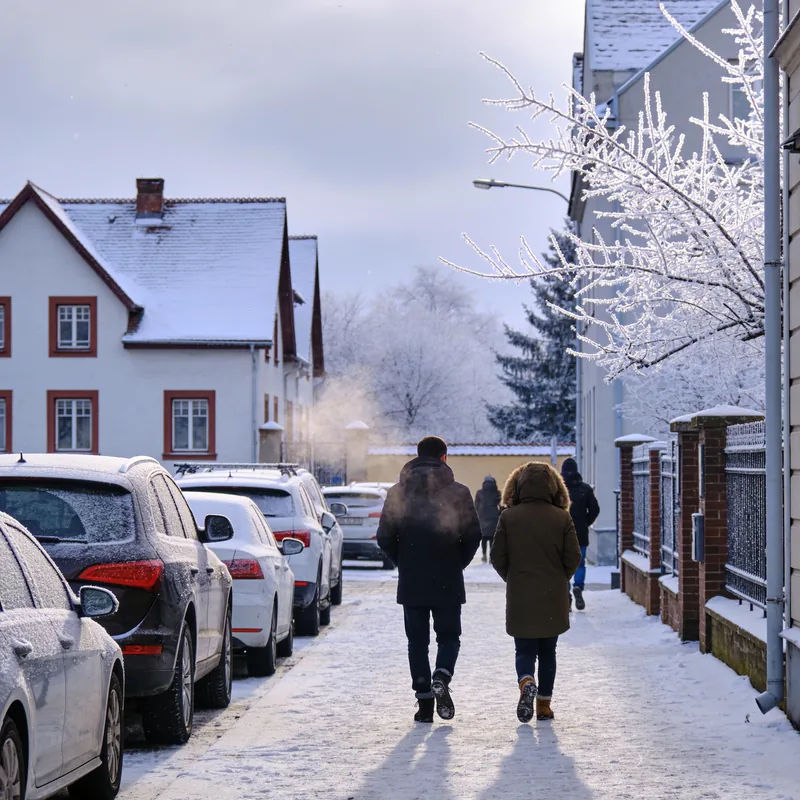
Versi musim dingin
Ubah adegan ini jadi musim dingin pekat, salju di semua permukaan, cahaya mendung yang datar
Edit prompt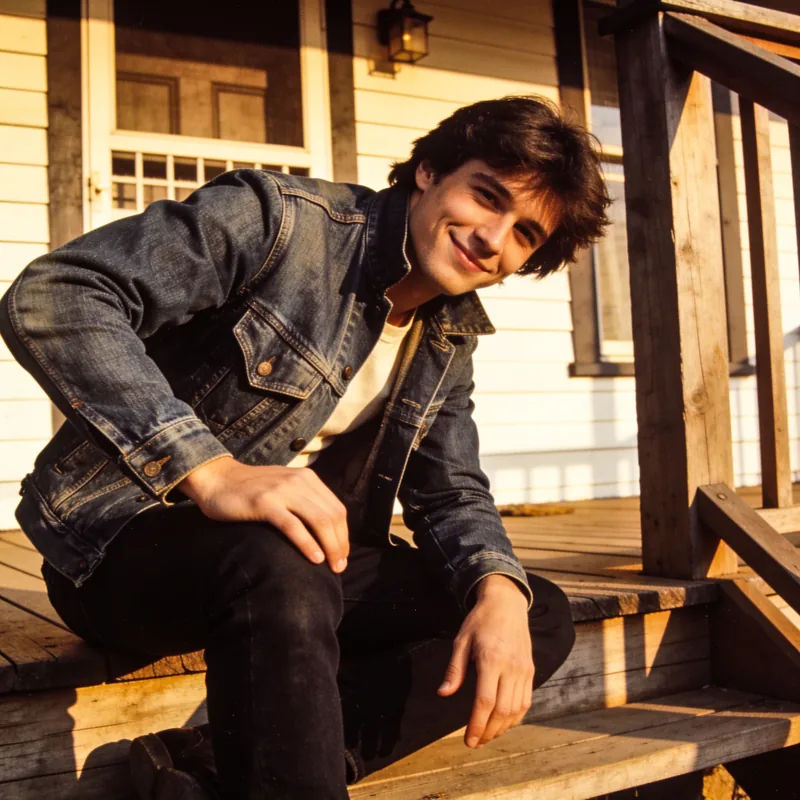
Film 1970-an
Grading foto ini seperti film 1970-an, semburat hangat, hitam yang pudar, grain lembut, pertahankan bingkainya
Edit prompt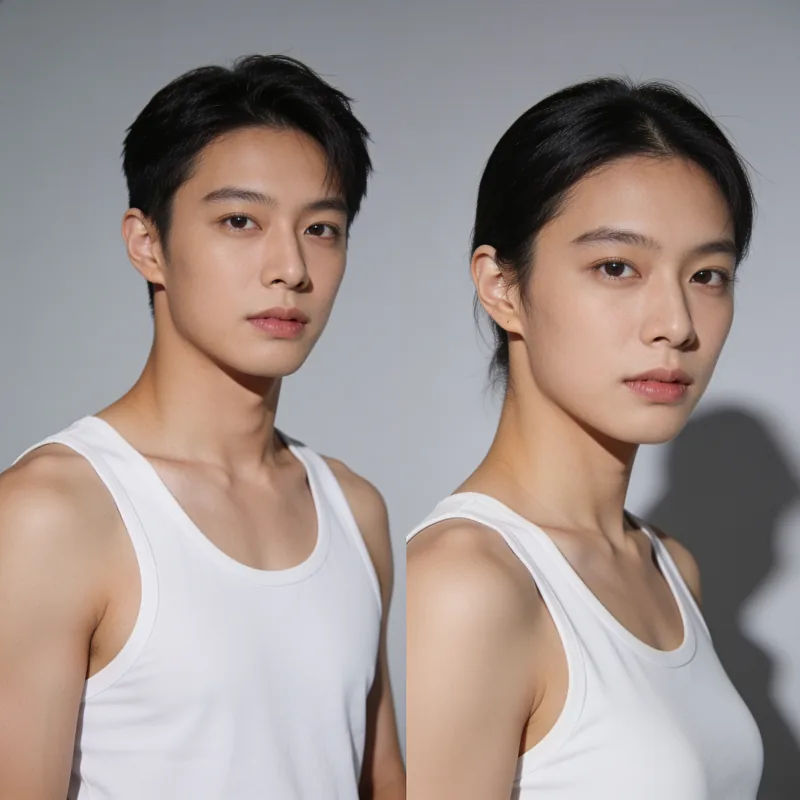
Ganti latar studio
Tempatkan subjek ini di depan latar studio abu-abu polos, key light lembut dari kiri
Edit prompt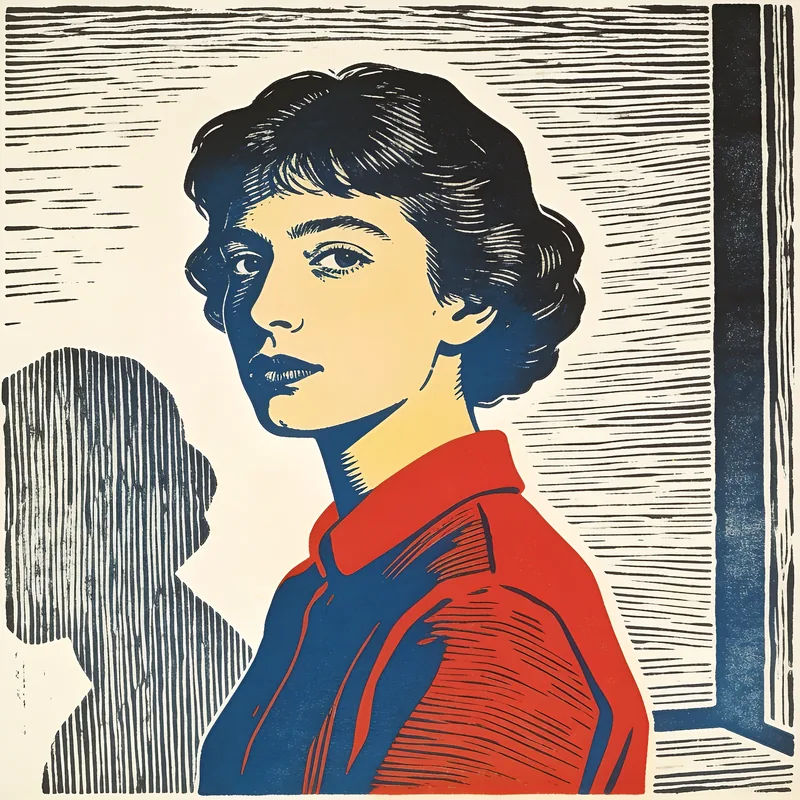
Cetak linocut
Gambar ulang foto ini jadi cetak linocut dua warna, tepi pahatan tegas, tekstur tinta terlihat
Edit prompt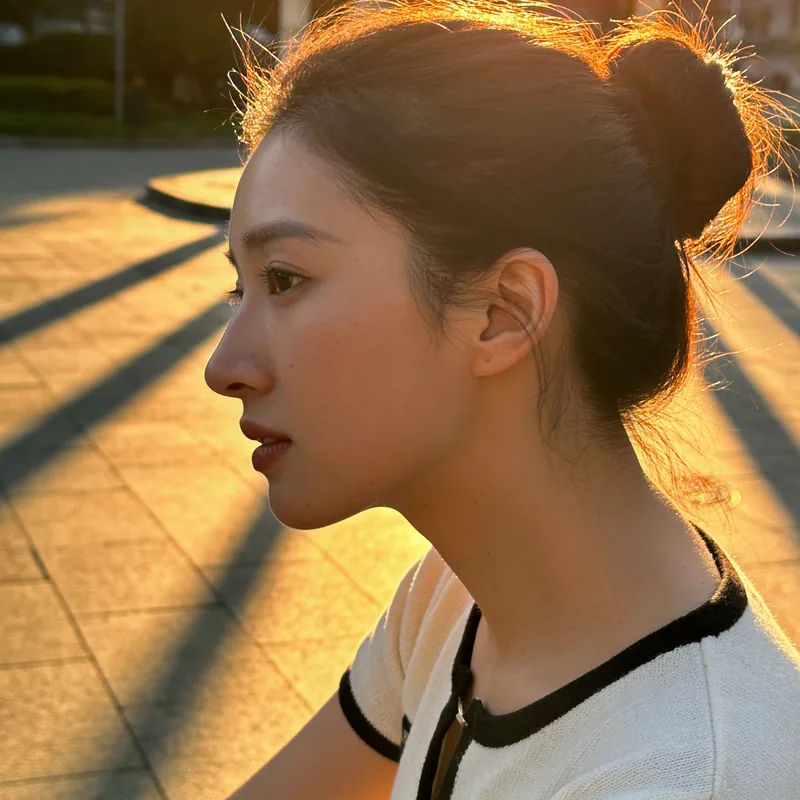
Cahaya golden hour
Terangi ulang foto ini ke golden hour, rim light hangat, bayangan panjang, pertahankan posenya
Edit prompt
Cinematic storyboard
Share a scene description with character references. Get a full storyboard with shot angles and mood.

Messages to cinematic scene
Dramatize any text conversation into a cinematic multi-shot video.

Title sequence
Generate a professional film title card from scratch, with optional cinematic animation.

3x3 storyboard
Feed in a single image. Get 9 cinematic beats laid out as a 3x3 storyboard grid.

Chibi sprite animation
Turn any photo or description into an animated chibi sprite. Dance, jump, wave, attack, and more.

Expressions
Take any character image and generate 6 distinct facial expressions on a single reference sheet.
Semua ada di Morphic
Semua yang bisa lahir dari satu unggahanModel
Nano Banana 2, Seedream 5 Pro, Flux 2 Pro, Krea 2, dan lainnya. Edit fotoreal dan restyle bergaya lukisan cocok di model yang berbeda, jadi coba keduanya.
Mulai dari prompt saja
Belum punya fotonya? Buat dulu gambar dasarnya dari teks, lalu bawa ke sini untuk diubah.
Edit yang presisi
Kalau yang perlu diubah hanya satu area, bukan seluruh gambar, editor gambar memberi kontrol sampai level objek.
Workflows
Kunci satu perlakuan ke dalam Workflow, lalu jalankan semua gambar dalam set lewat situ. Tampilannya bertahan sepanjang batch.
