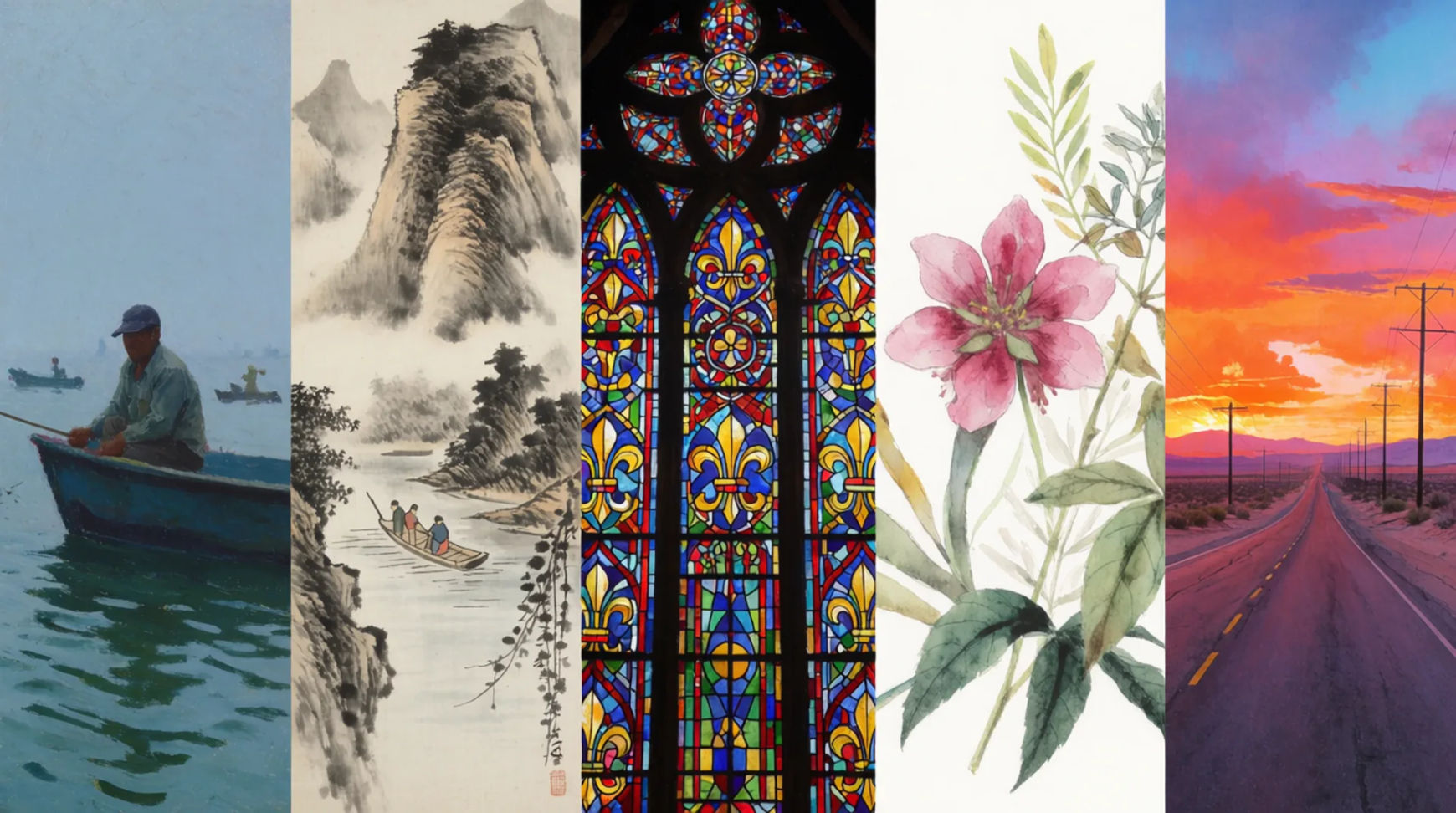
Every image model
One prompt boxWritten as a prompt, returned as an image
From a sentence to an image in three steps
- 01
Open Morphic
Sign up and start creating on a free-flowing, infinite visual canvas.
- 02
Write the prompt
Name the subject, the style, the light, and the framing. Set your aspect ratio before you generate.
- 03
Generate and refine
Read what came back, change one element, run it again. Two or three passes usually lands it.
Anatomy of an image prompt
Four cues carry most of the result. Name the subject, the style you want it rendered in, where the light comes from, and how the shot is framed. Everything else is fine-tuning.The same subject, two prompts
Both images came from the same model in the same run. The only thing that changed was how much the prompt actually said. On the left, "a dog on a porch". On the right, "an old border collie asleep on a weathered porch, low afternoon sun, shallow depth of field, 50mm". Drag the handle to see what the extra detail buys you.
 Full prompt
 Four-word prompt
Use cases
Concepts before anyone commissions art
Put a look in front of the room while the idea is still cheap to change. Write the scene four ways, generate all four, and argue about pictures instead of adjectives.
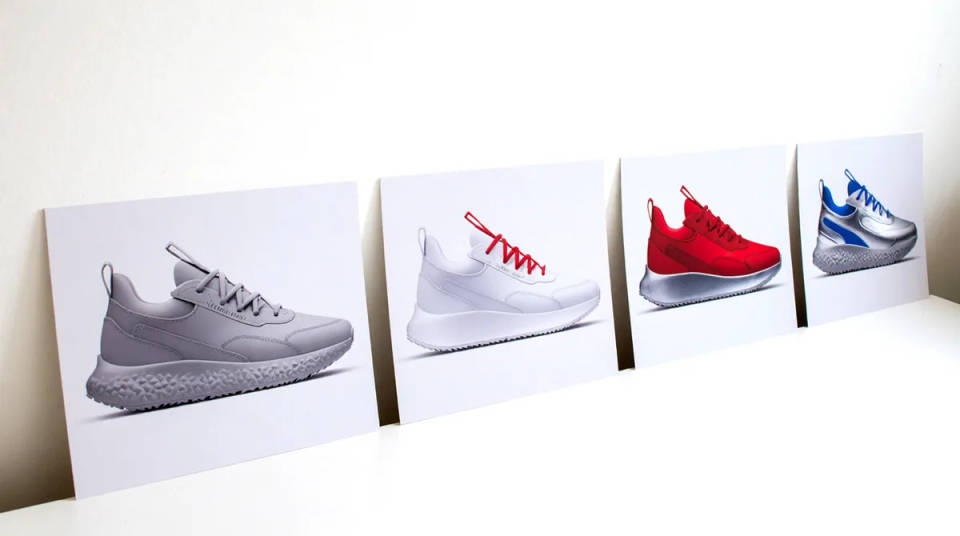
Editorial and blog artwork
Articles need images that no stock library happens to have. Describe the exact scene the piece is about and generate it in the ratio your layout expects.
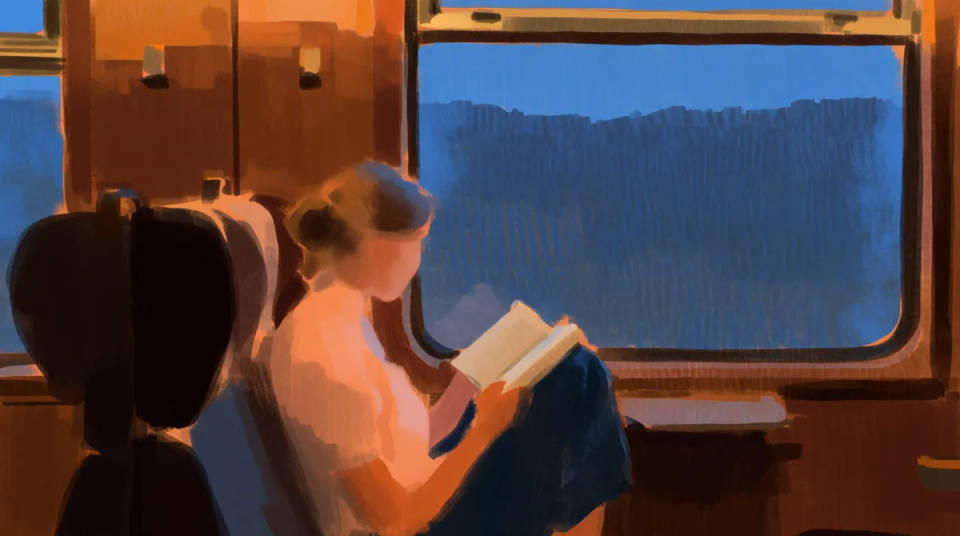
Product and campaign visuals
Test a colourway, a setting, and a mood in an afternoon. Keep the lighting and lens wording fixed so the set reads as one campaign rather than six unrelated shots.
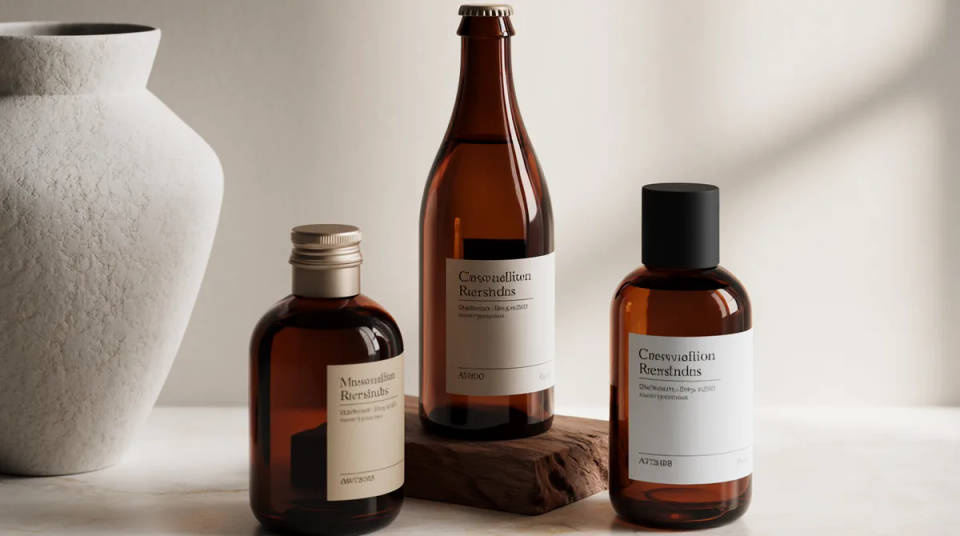
Backgrounds, textures, and plates
Generate the surface, sky, or backdrop a composite is missing, at the ratio you need it. Cheaper than a reshoot and faster than hunting through a library.
Prompts worth stealing
Six prompts that show what each cue is doing. Open any of them, swap the subject, and keep the rest to hold the look.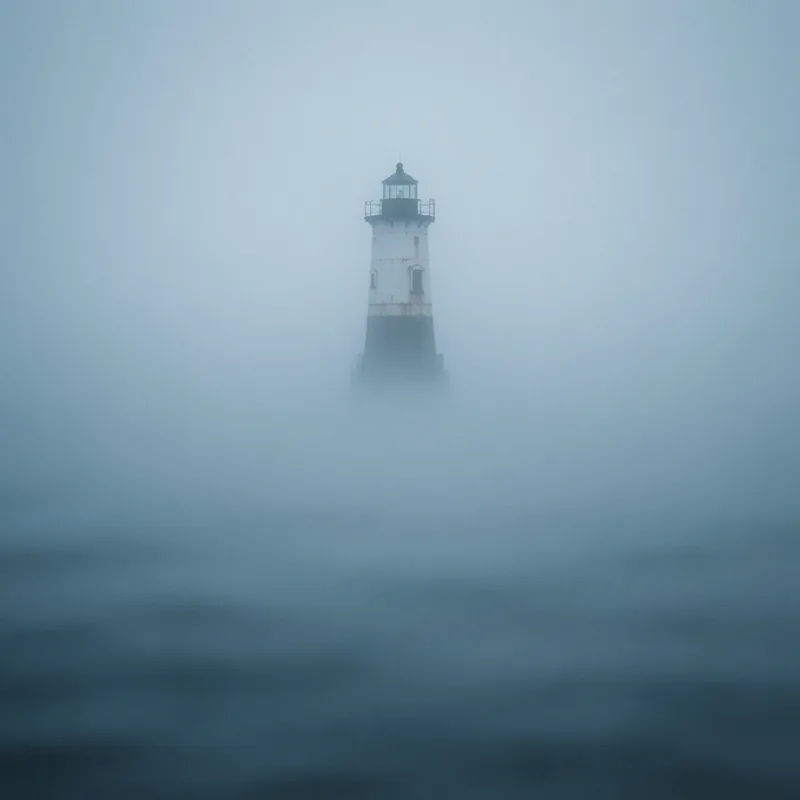
Fogbound lighthouse
A lighthouse in heavy fog at dawn, cold blue light, long lens, muted palette
Edit prompt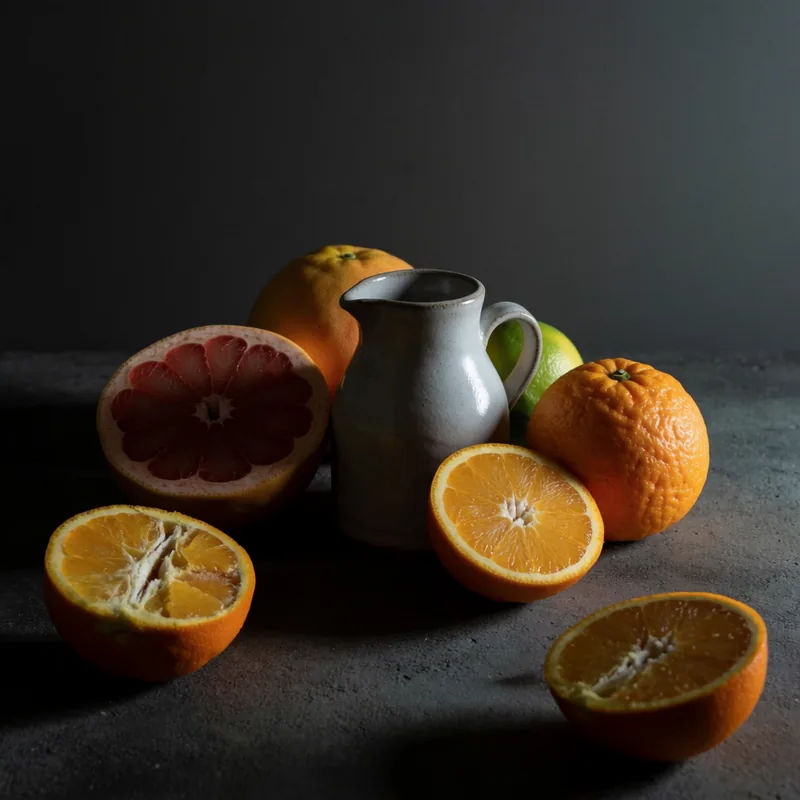
Studio still life
Still life of citrus and a ceramic jug, single softbox from the right, dark backdrop
Edit prompt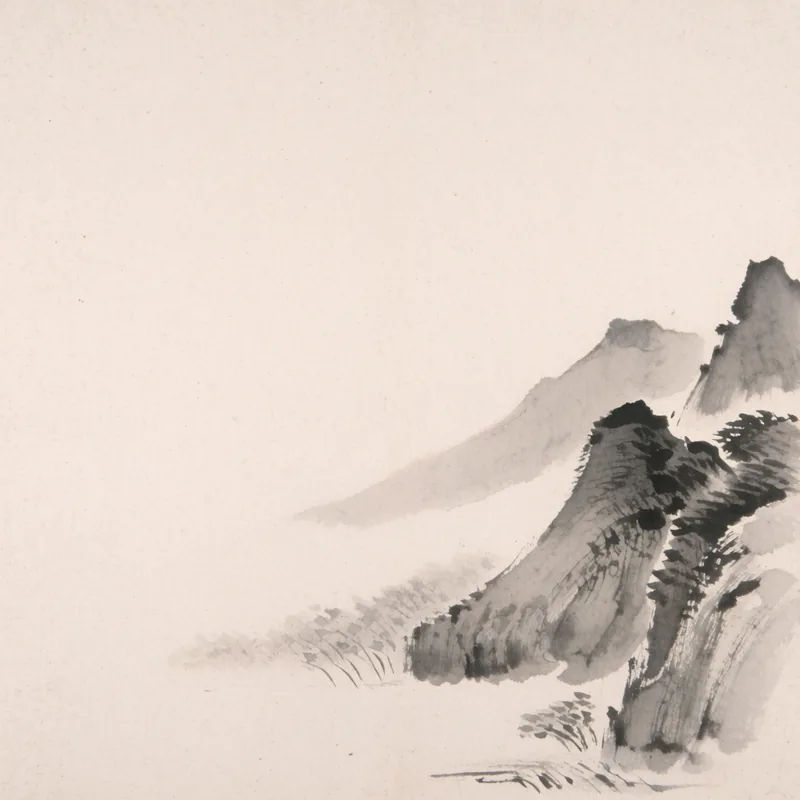
Ink and wash landscape
Mountain valley in ink and wash, loose brushwork, pale paper texture, lots of empty space
Edit prompt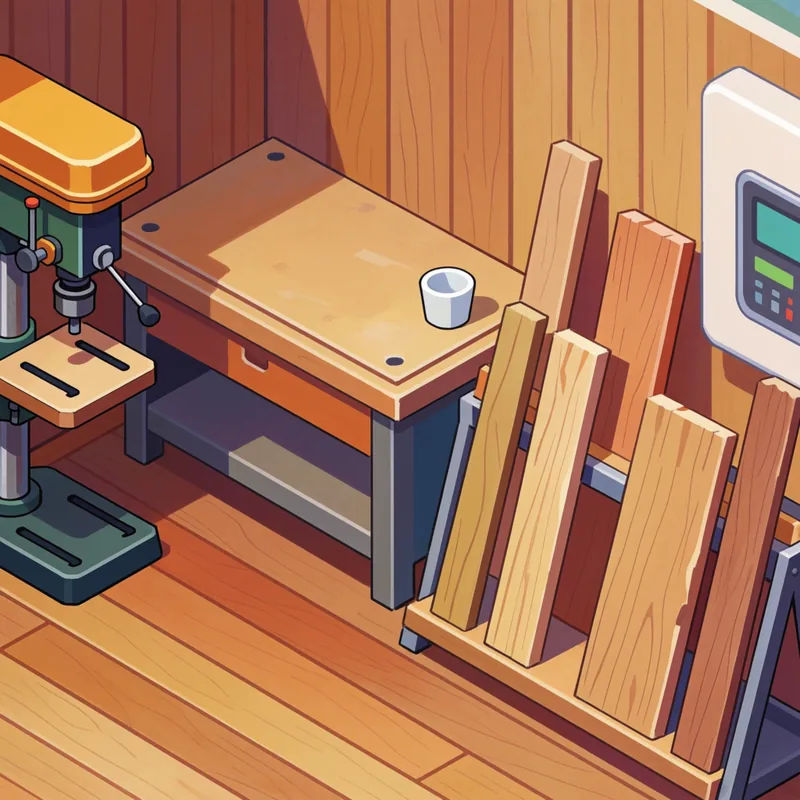
Isometric workshop
Isometric illustration of a woodworking shop, flat colour, soft ambient occlusion
Edit prompt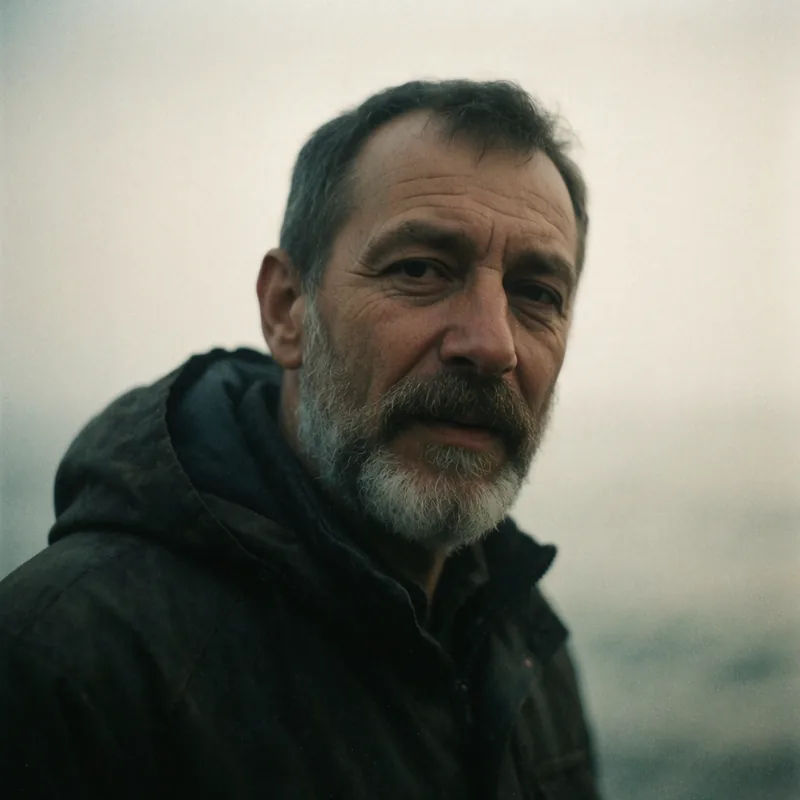
Film grain portrait
Portrait of a fisherman, overcast daylight, 35mm film grain, weathered detail
Edit prompt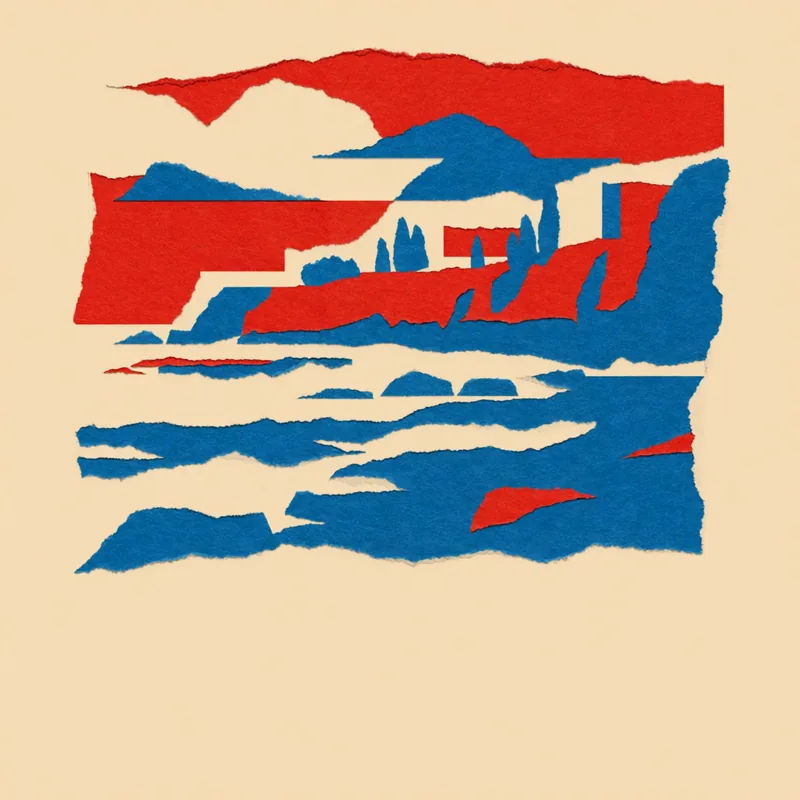
Paper collage poster
Travel poster of a coastal town, torn paper collage, three-colour palette, bold type space
Edit prompt
Messages to cinematic scene
Dramatize any text conversation into a cinematic multi-shot video.

Cinematic storyboard
Share a scene description with character references. Get a full storyboard with shot angles and mood.

3x3 storyboard
Feed in a single image. Get 9 cinematic beats laid out as a 3x3 storyboard grid.

Expressions
Take any character image and generate 6 distinct facial expressions on a single reference sheet.
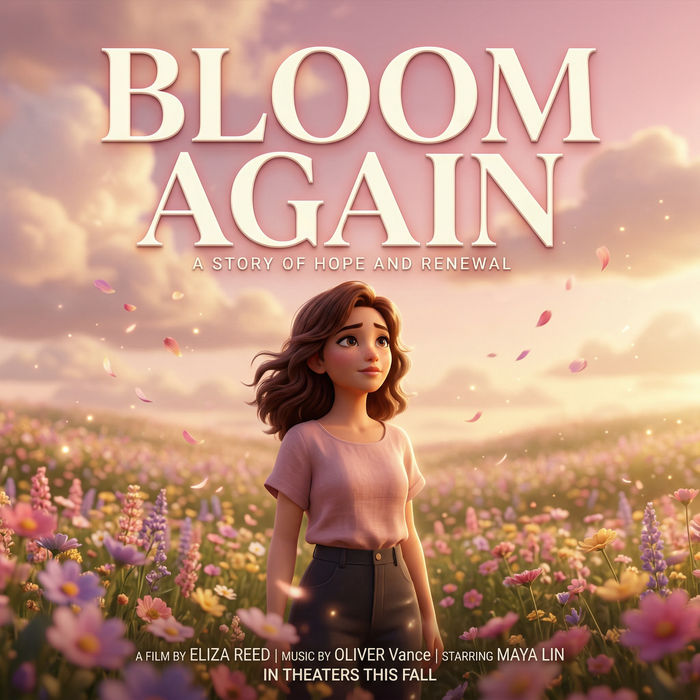
Title sequence
Generate a professional film title card from scratch, with optional cinematic animation.

Chibi sprite animation
Turn any photo or description into an animated chibi sprite. Dance, jump, wave, attack, and more.
All on Morphic
Everything the prompt box opens upCompare AI image models
See Nano Banana 2, GPT Image 2.5, Flux 2 Pro, Ideogram 4.0 and more side by side in the AI image generator. Run one prompt through two and keep the better image.
Restyle what you generate
Send any result into image to image to change the medium, season, or setting while the composition holds.
Turn a still into a shot
Take the frame you like into image to video and let it move, so a prompt becomes footage rather than a picture.
Workflows
Save a prompt recipe once, then rerun it for the next subject. The style holds instead of drifting every time it is retyped.
