AI photo edits you can make
How to edit a photo with AI
- 01
Open Morphic
Sign up and start creating on a free-flowing, infinite visual canvas.
- 02
Upload your photo
Drop in the shot you want to edit.
- 03
Describe the edit
Say what to change, review it, and download the result.
What can you do with an AI photo editor?
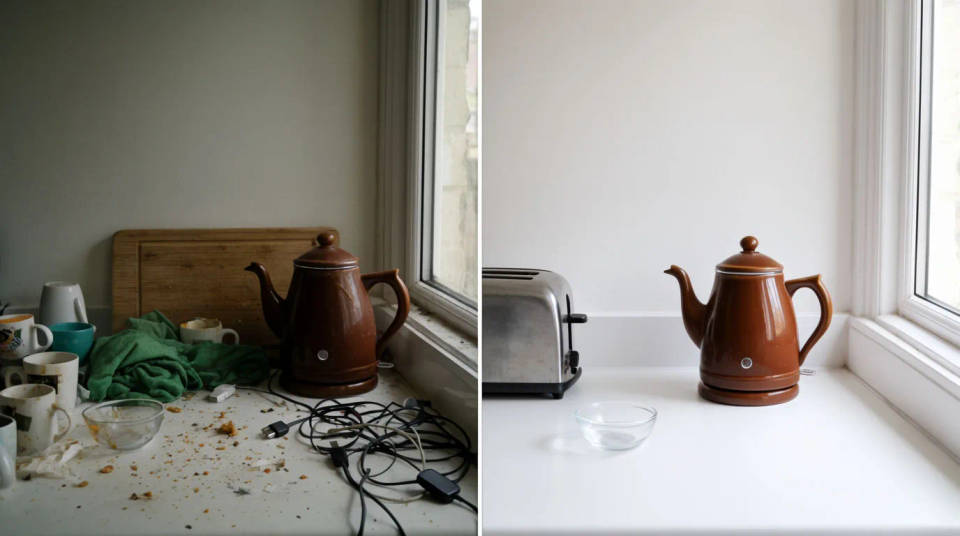
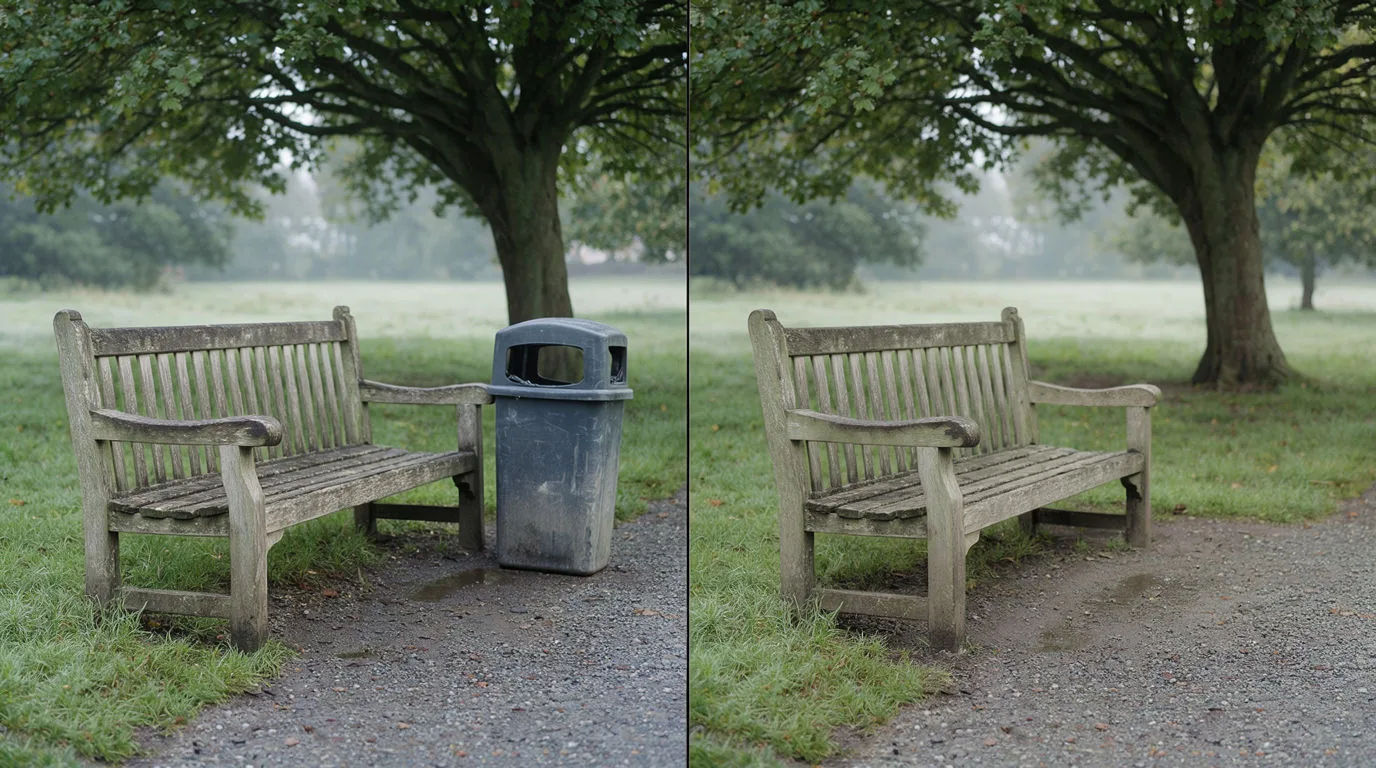
Clean up a photo
Remove clutter, fix lighting, and tidy a shot without opening a full editor. Describe the fix and it happens, with no layers or masks.
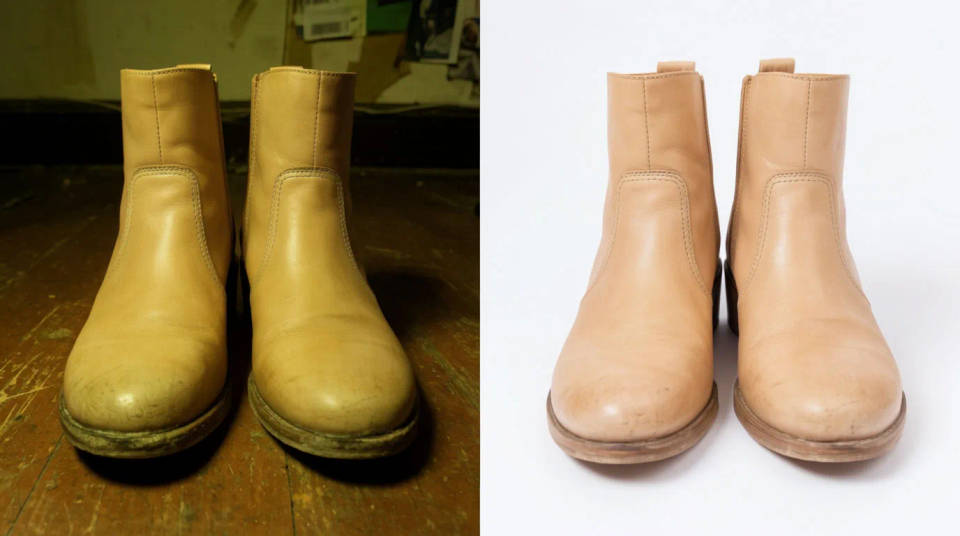
Prep product shots
Swap backgrounds and adjust color to make a catalog look consistent. Prep a set of product shots that all match, fast.
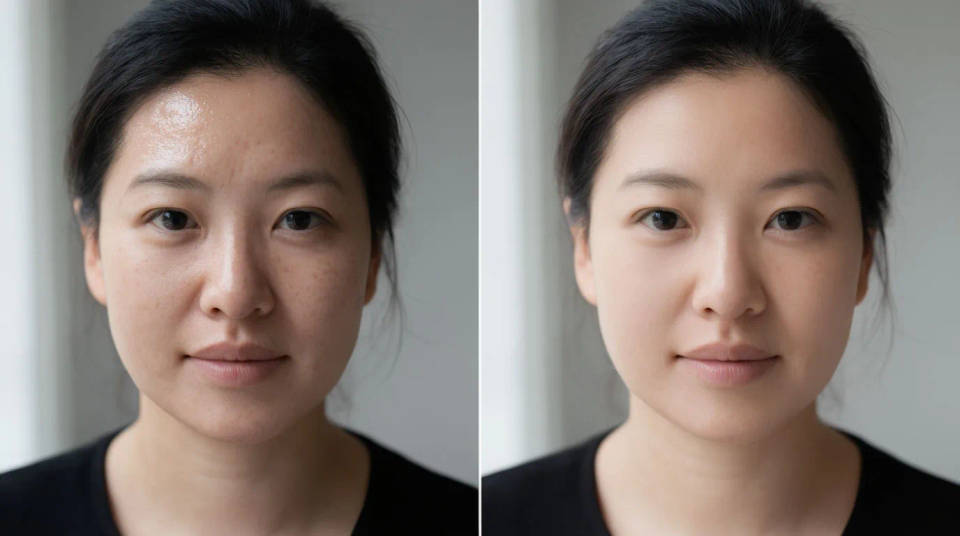
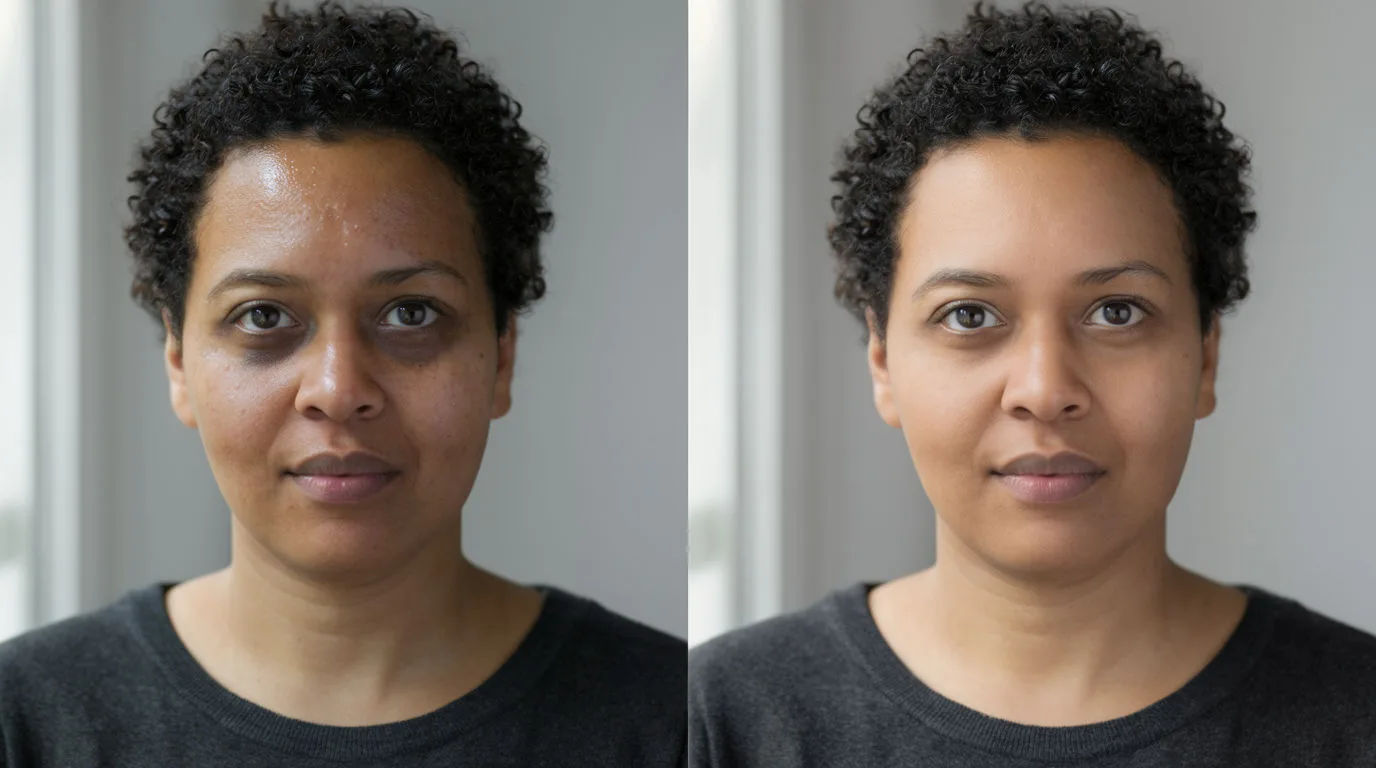
Retouch portraits
Smooth, brighten, and fix details while keeping the person natural. Light retouching that never tips into looking fake.
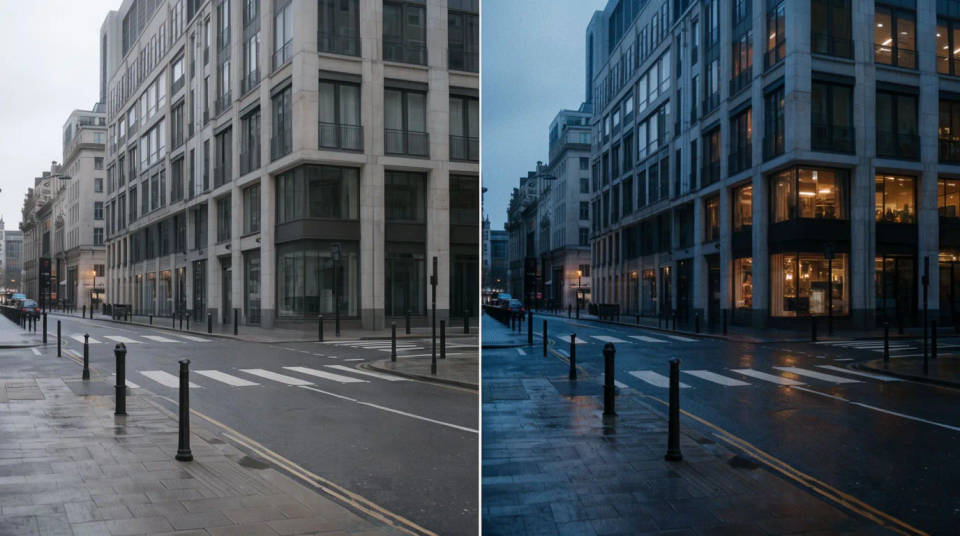
Restyle in one step
Change the whole mood or look of a photo from a single prompt. Restyle a shot in one step instead of a long edit.
AI photo editing examples and prompts
Name the one thing that changes, say what must stay the same, and describe the light. Open any prompt to tweak it and run it on your own photo.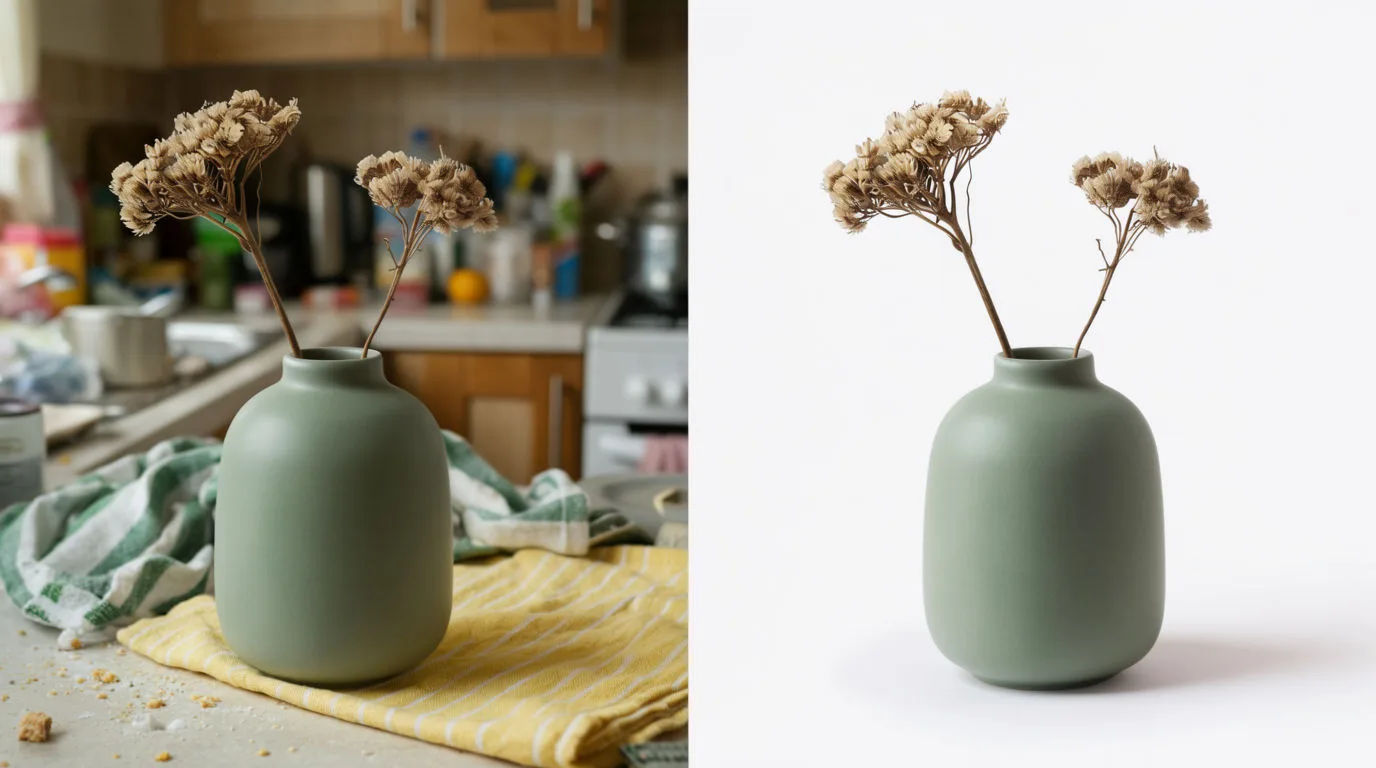
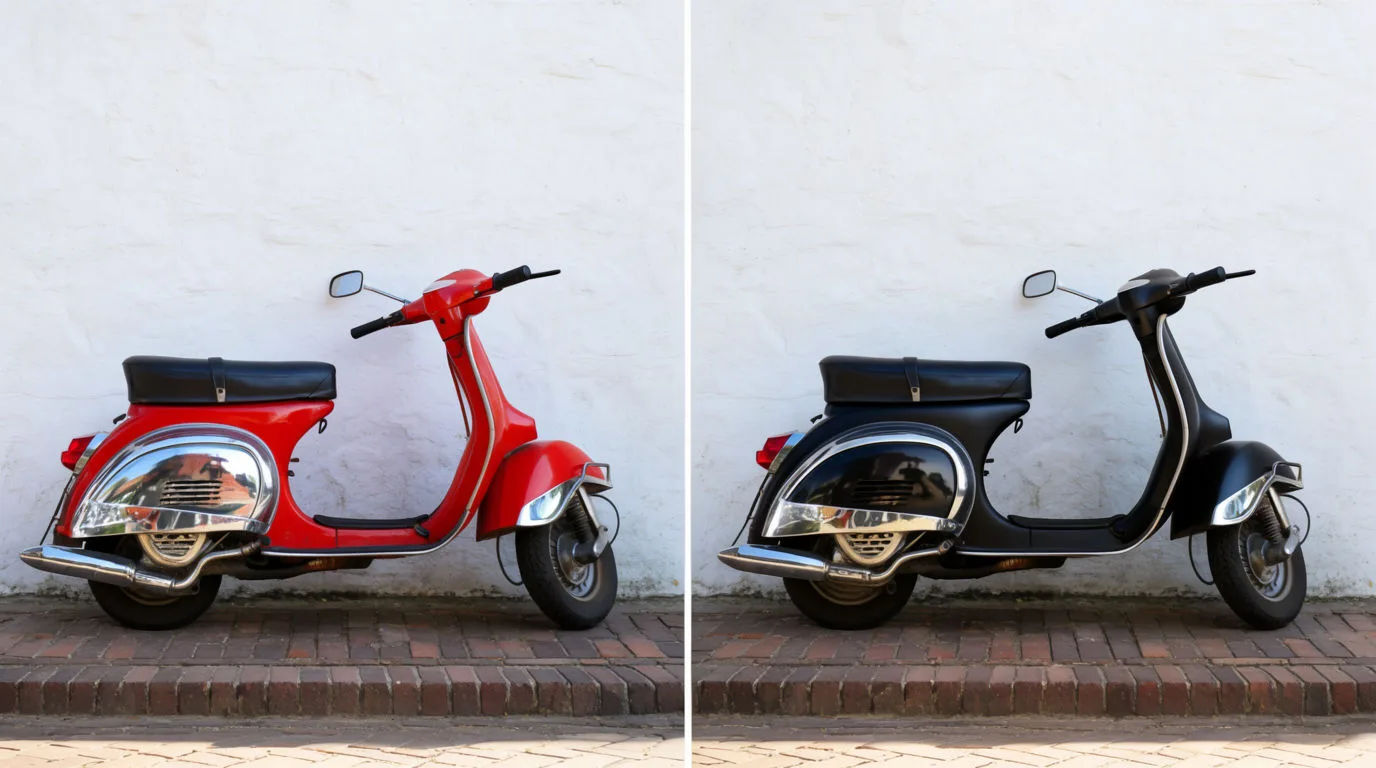
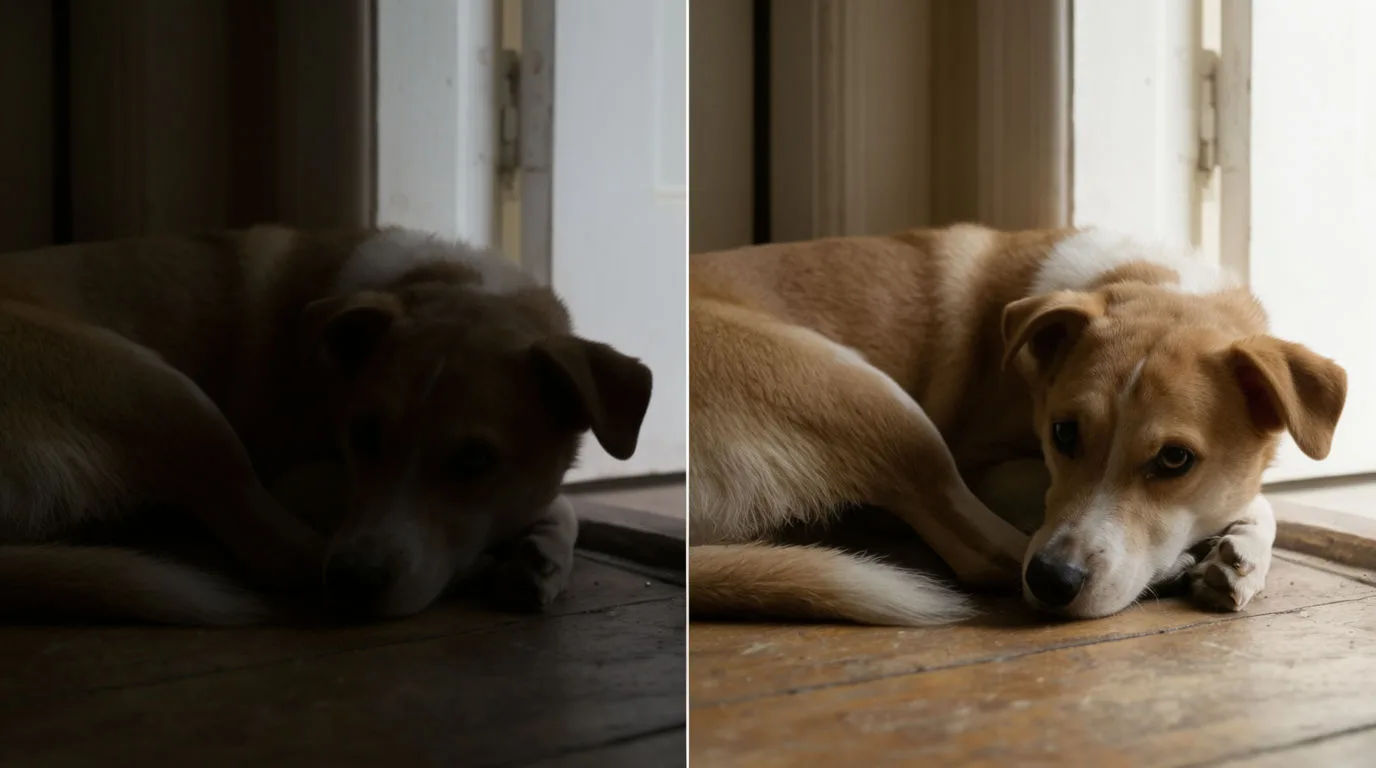
Fix lighting
Brighten this underexposed photo of my dog, recover the shadow detail, keep it realistic
Edit prompt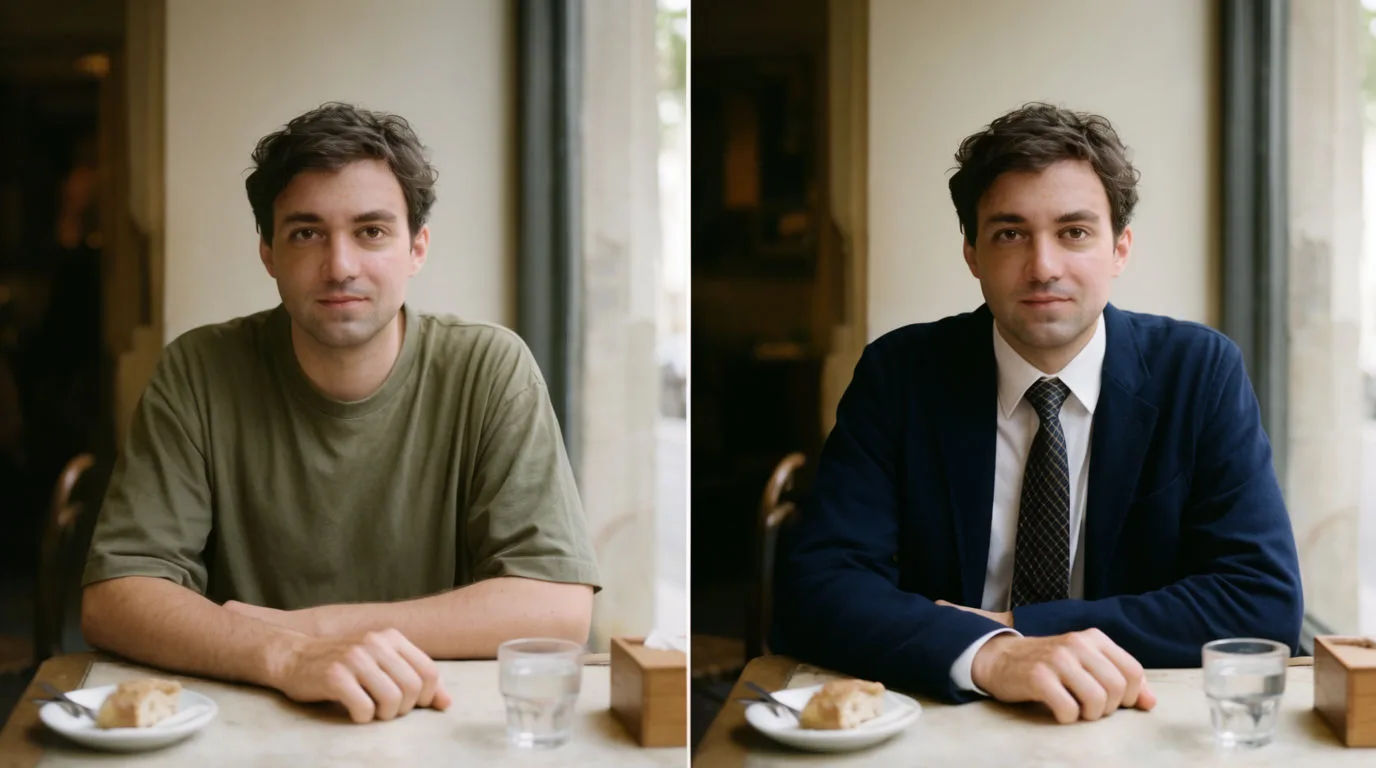

Jewelry campaign
One product shot becomes a full campaign pack with hero shots, angles, and format variations.
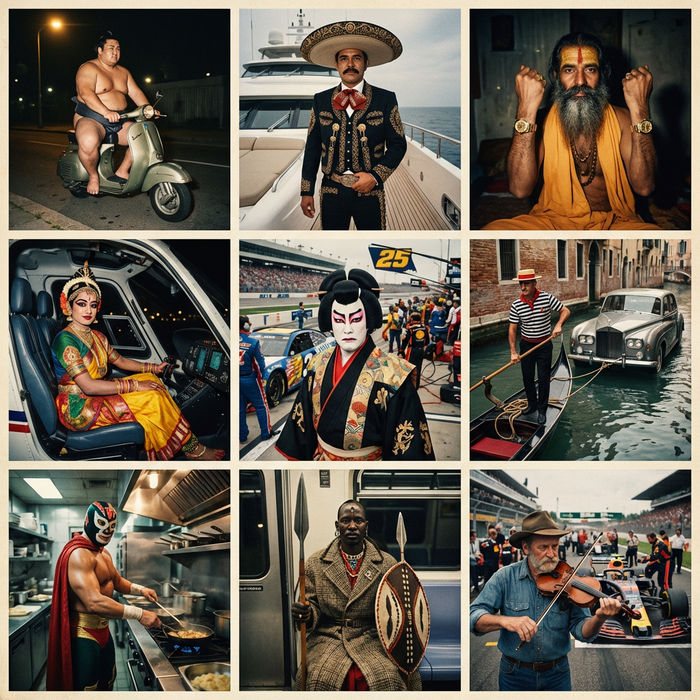
Paradox frames
Flash paradox photographs — any collision, any country
Skin enhancer
Fix plastic-looking AI skin. Adds natural texture, pores, and imperfections for realism.
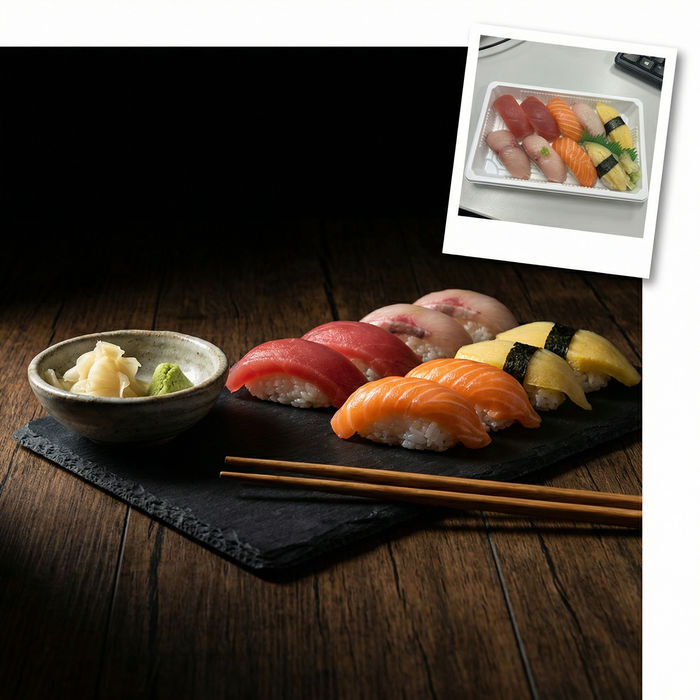
Food photo studio
Turn any dish photo or description into a styled, editorial-quality food photograph.

Image reverse engineer
Get a detailed prompt extracted from a reference image, and then a fresh recreation.
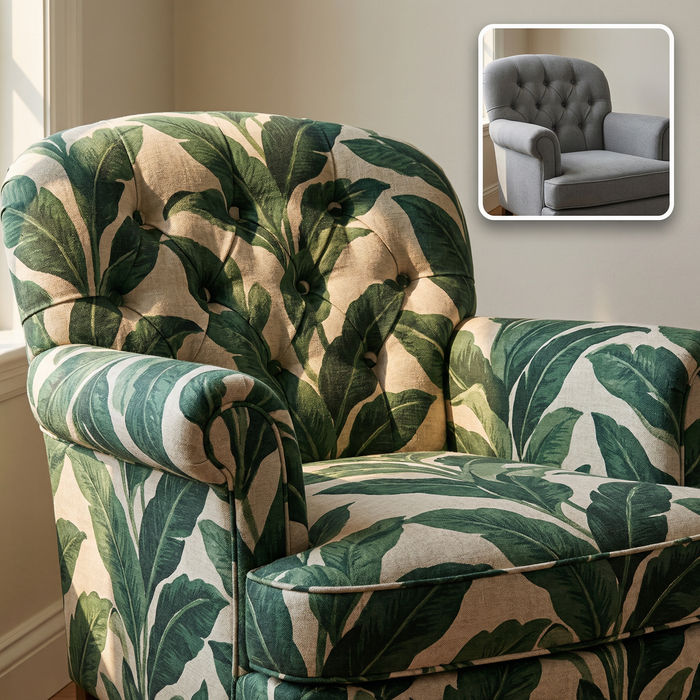
Fabric texture
Swap the fabric on any furniture, cushion, or curtain. New texture, same shape and lighting.
Why edit photos with Morphic?
Edit any photo just by saying what you wantCompare AI image models
Run the same edit through more than one leading model and keep the best result. See which model suits which job before you start.
Backgrounds
Cut a background away completely, or swap it for another scene with the AI background changer.
Objects and people
Take a person or an object out of the shot and let generative fill rebuild what was behind them.
Portrait retouching
Even out skin and brighten eyes without losing texture, or work on a single face at a time.
Relighting
Fix a flat or badly exposed shot and recover the shadow detail the camera lost.
Outfits
Change what someone is wearing and keep the lighting and the fall of the fabric believable.
Text in a photo
Rewrite a line of type that is already in the shot, or clear it away completely.
Restyle the whole frame
Change the mood, era, or grade of an entire photo from one prompt with image to image.
