Konser basement yang penuh keringat
Konser basement sempit dengan band yang tampil liar di bawah bohlam telanjang dan kerumunan berflanel berdesakan, keringat dan motion blur, warna pudar desaturasi dan grain lo-fi kasar.
Edit prompt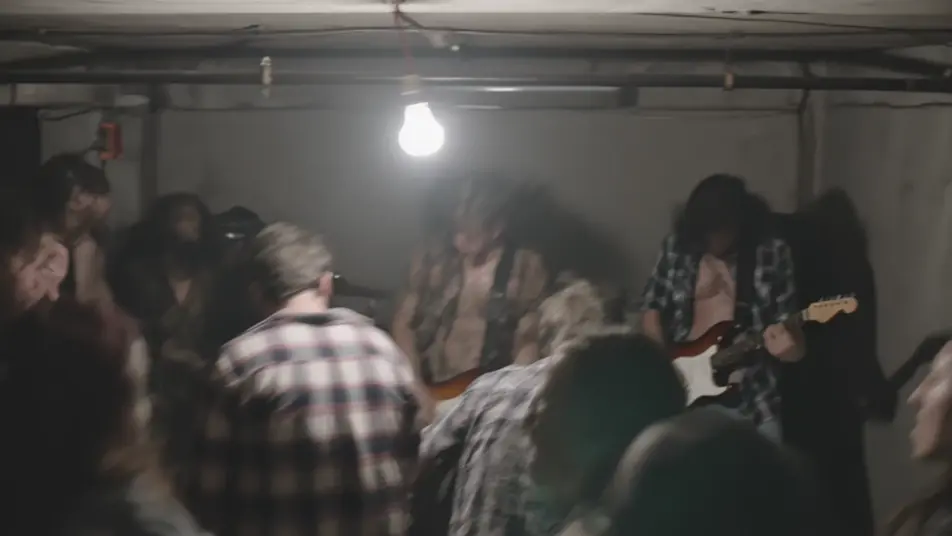
Arahkan tampilan grunge 1990-an langsung dari browser Anda dengan generator video AI grunge 1990-an dari Morphic. Buat konser basement yang penuh keringat, jalanan abu-abu berhujan ala Pacific Northwest, atau kedai kopi remang-remang. Beri musik tiap adegan dengan Music dan suarakan dengan Speech, lalu satukan film pendeknya di Canvas.
Konser basement sempit dengan band yang tampil liar di bawah bohlam telanjang dan kerumunan berflanel berdesakan, keringat dan motion blur, warna pudar desaturasi dan grain lo-fi kasar.
Edit promptJalanan abu-abu basah berlapis gedung bata dan trotoar lembap di bawah langit mendung tebal, sosok berflanel membungkuk melawan gerimis, warna pudar desaturasi dan grain lembut.
Edit prompt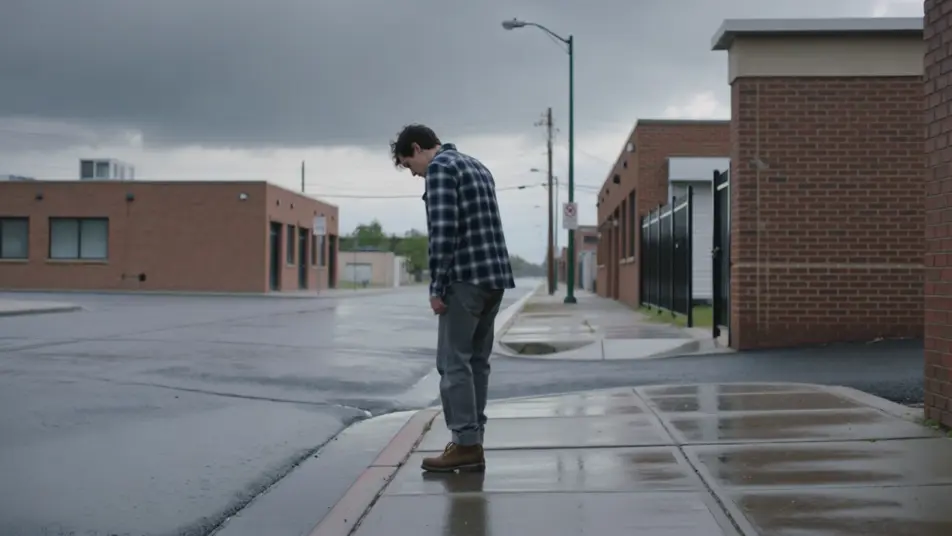
Kedai kopi 90-an yang remang dengan kursi tak senada, lampu string, dan menu papan tulis, pengunjung memegang cangkir sumbing, warna hangat namun pudar dan grain lo-fi lembut.
Edit prompt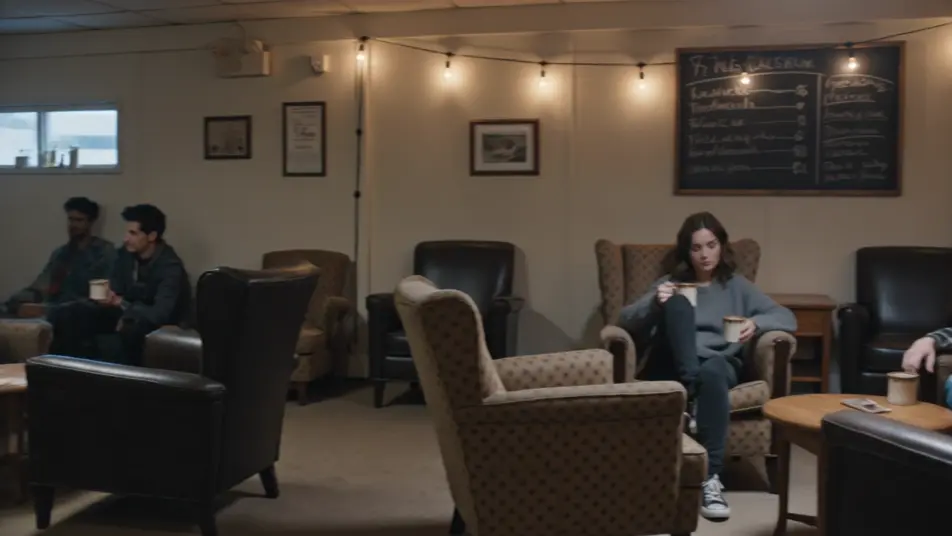
Kamar 90-an berantakan dipenuhi poster band, boombox dan tumpukan kaset, pakaian berserakan di lantai, cahaya jendela mendung, warna pudar dan grain lo-fi lembut.
Edit prompt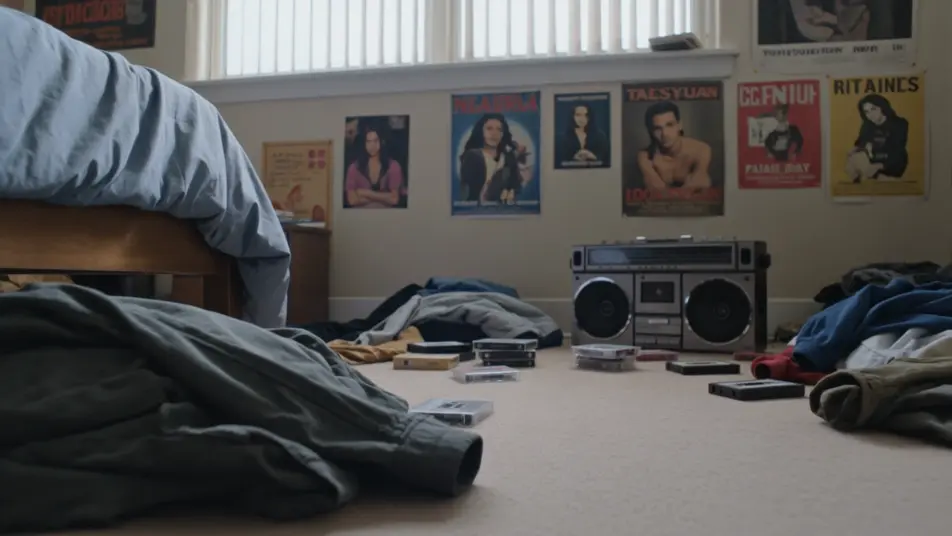
Tuliskan adegan grunge 1990-an yang Anda inginkan, dengan kata-kata sederhana.
Morphic membuat klip sinematik yang siap dijadikan frame di canvas Anda dalam hitungan detik.
Ubah prompt, buat ulang variasi, lalu unduh atau bagikan shot-nya.
Cinematic time-freeze short film for any scene

Dramatize any text conversation into a cinematic multi-shot video.
One image to a 9-scene cinematic video.
Drop in a photo of yourself. Get a 12-second cinematic movie with animation and a matched soundtrack.

Share a scene description with character references. Get a full storyboard with shot angles and mood.

Feed in a single image. Get 9 cinematic beats laid out as a 3x3 storyboard grid.
Video AI Handycam 1990-an
Buat video AI gaya handycam 1990-an di Morphic. Gambar 4:3, fokus lembut, stempel tanggal, dan nuansa video keluarga jadul dari deskripsi teks sederhana.
Video AI VHS 1980-an
Buat video VHS 1980-an dengan AI di Morphic. Garis tracking, chroma bleed, timestamp, dan tekstur pita analog lembut dari prompt bahasa sehari-hari, tanpa.
Video AI Retro
Buat video retro dengan generator video AI Morphic. Grain film, warna pudar, detail periode, dan nuansa nostalgia era 70-90an dari prompt sederhana.
Video AI Musik
Buat video musik AI di Morphic. Panggung pertunjukan, adegan cerita, set neon, dan visual konsep dari prompt bahasa sehari-hari, tanpa software edit.
Mulai gratis hari ini, dengan opsi untuk upgrade atau membatalkan kapan saja.
Basic
2400 bulanan kredit
1 pengguna saja
Semua model
Workflows
Standard
3625 bulanan kredit
1 pengguna saja
Semua model
Workflows
Pro
6350 bersama bulanan kredit
1 pengguna
Semua model
Workflows
Max
24650 bersama bulanan kredit
1 pengguna
Semua model
Workflows
Enterprise
Untuk batas yang lebih tinggi
Khusus
ketentuan harga dan penagihan

Free
Untuk bereksperimen
$0
gratis selamanya