A portrait with fine 35mm grain
A close portrait carries a delicate even grain and gentle warm halation, skin and eyes holding their detail while the whole frame gains an analog breath, soft key light steady through a slow push-in.
Edit prompt
Direct an analog film-grain look in your browser with Morphic's film grain effect AI video generator. Generate a fine 35mm sheen over a portrait or heavy 16mm grain across a rain-soaked street. Lean into the mood with Music, then stitch the grainy shots into one sequence on the Canvas.
A close portrait carries a delicate even grain and gentle warm halation, skin and eyes holding their detail while the whole frame gains an analog breath, soft key light steady through a slow push-in.
Edit promptA handheld shot of a wet night street wears coarse, lively grain, muted colors and softened edges giving a raw documentary feel, neon smearing in the puddles as the camera drifts alongside a passerby.
Edit prompt
A high-contrast monochrome alley holds deep blacks and bright highlights with grain riding the shadows, a lone figure crossing the frame under a single hard light for a timeless, newsprint-edged mood.
Edit prompt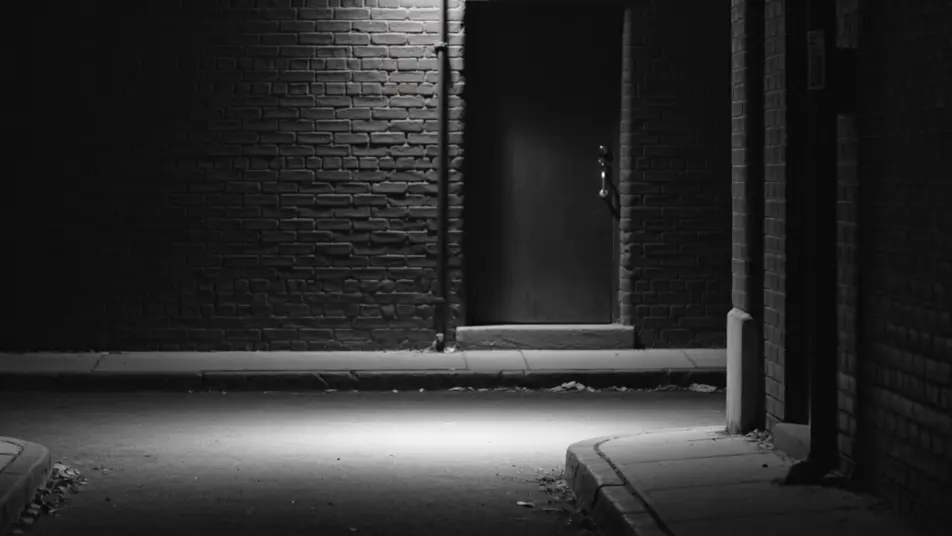
A wide field glows with warm vintage-stock grain, faded golden color and soft focus edges lending a decades-old nostalgia, tall grass swaying as the camera drifts low through the late afternoon light.
Edit prompt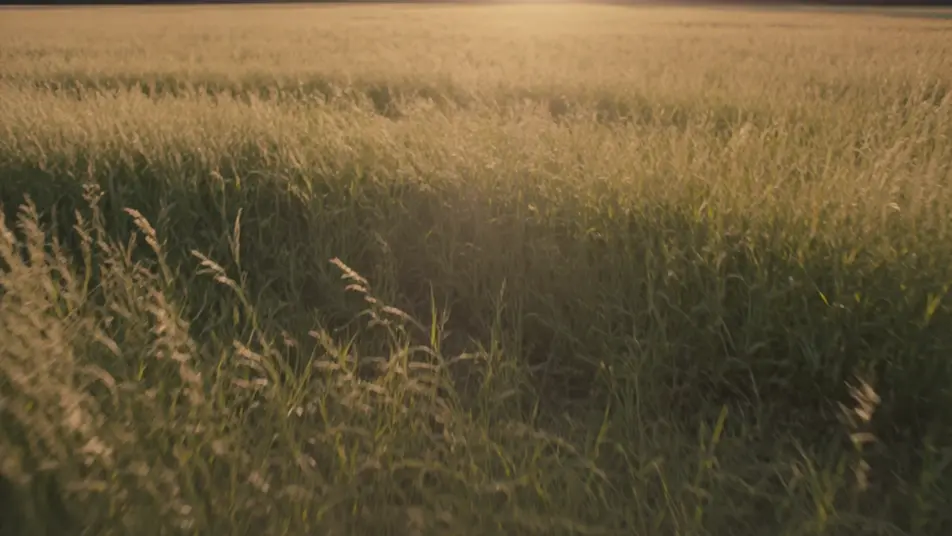
Tuliskan adegan film grain effect yang Anda inginkan, dengan kata-kata sederhana.
Morphic membuat klip sinematik yang siap dijadikan frame di canvas Anda dalam hitungan detik.
Ubah prompt, buat ulang variasi, lalu unduh atau bagikan shot-nya.

Dramatize any text conversation into a cinematic multi-shot video.
Cinematic time-freeze short film for any scene

Generate a professional film title card from scratch, with optional cinematic animation.
One image to a 9-scene cinematic video.
Drop in a photo of yourself. Get a 12-second cinematic movie with animation and a matched soundtrack.
Photo of any real-estate becomes a cinematic renovation timelapse video with construction SFX and music.
Pewarnaan Video AI
Warnai video hitam putih dengan AI di Morphic. Tambahkan warna yang meyakinkan, atur palet, dan jaga warna kulit, langit, dan kain tetap konsisten.
Restorasi Video AI
Restorasi video dengan AI di Morphic. Hilangkan goresan, noise, flicker, dan getaran, lalu hidupkan kembali rekaman lama tanpa mengubah karakter aslinya.
Video AI VFX
Buat video AI VFX dengan Morphic. Ledakan, efek energi, kehancuran sci-fi, partikel, dan adegan makhluk dari sebuah prompt. Tanpa green screen, tanpa.
Video Morph AI
Buat video morph AI dengan Morphic. Transisi morph yang halus, reveal berubah bentuk, morph penuaan wajah, dan prompt morph-cut selaras ketukan yang tinggal jalan.
Mulai gratis hari ini, dengan opsi untuk upgrade atau membatalkan kapan saja.
Basic
2400 bulanan kredit
1 pengguna saja
Semua model
Workflows
Standard
3625 bulanan kredit
1 pengguna saja
Semua model
Workflows
Pro
6350 bersama bulanan kredit
1 pengguna
Semua model
Workflows
Max
24650 bersama bulanan kredit
1 pengguna
Semua model
Workflows
Enterprise
Untuk batas yang lebih tinggi
Khusus
ketentuan harga dan penagihan

Free
Untuk bereksperimen
$0
gratis selamanya