The cold open and monologue
A bright studio stage where a quick comedic bit rolls before the host steps to the mark under warm light. The camera settles into a clean medium shot as the monologue works the laughing crowd.
Edit prompt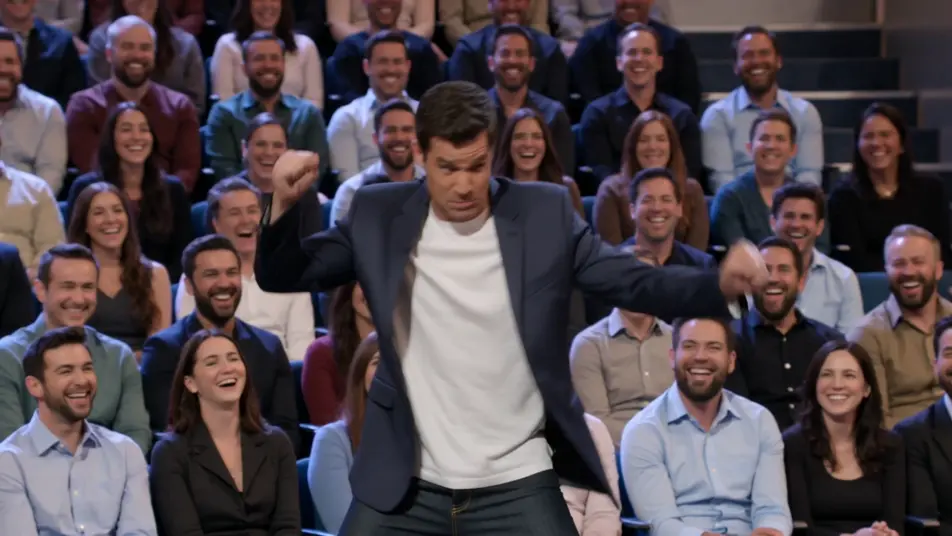
Direct a talk show clip in your browser with Morphic's talk show clip AI video generator. Generate a host monologue under warm stage light, or a desk interview two-shot with a laughing guest. Voice the host with Speech and score with Music, then stitch the clip on the Canvas.
A bright studio stage where a quick comedic bit rolls before the host steps to the mark under warm light. The camera settles into a clean medium shot as the monologue works the laughing crowd.
Edit promptA warm desk set against a glowing city backdrop where host and guest trade a story mid-clip. A slow push-in tightens on the two-shot as the exchange builds, audience cutaways breaking the rhythm.
Edit prompt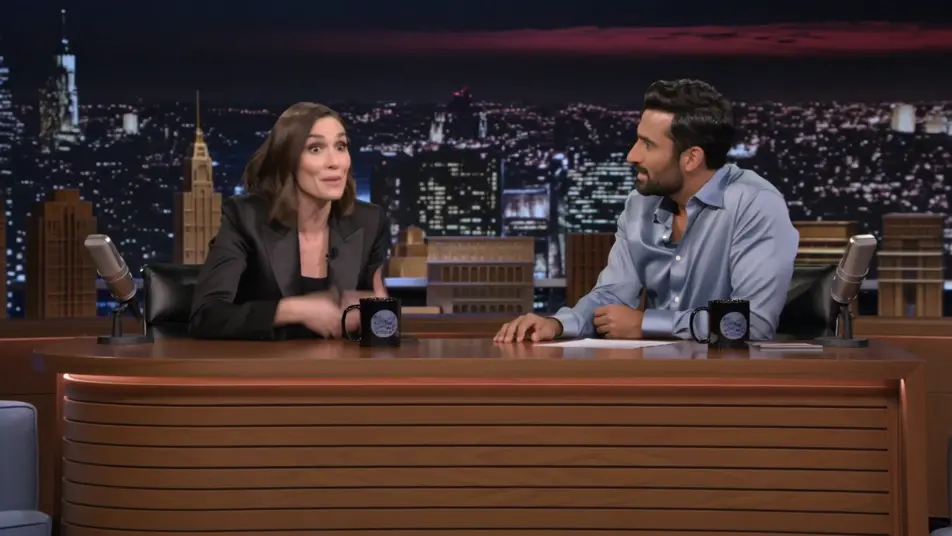
A relaxed multi-guest couch under even studio light where the banter bounces between people. A lateral dolly drifts across the group as the overlapping laughter and cross-talk fill the frame.
Edit prompt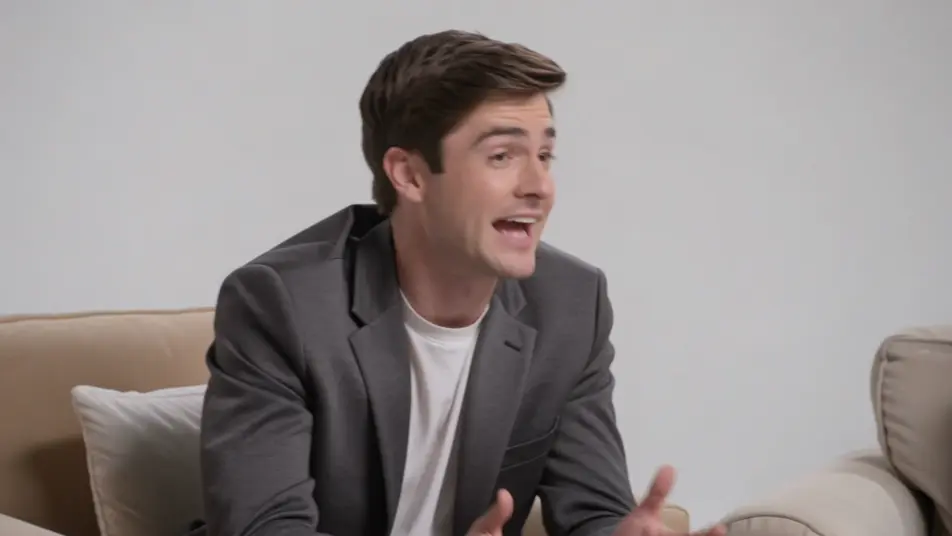
A hazy stage washed in colored light where a musical act performs to close the episode. A sweeping crane move crosses the band and the crowd as the energy lifts into the outro.
Edit prompt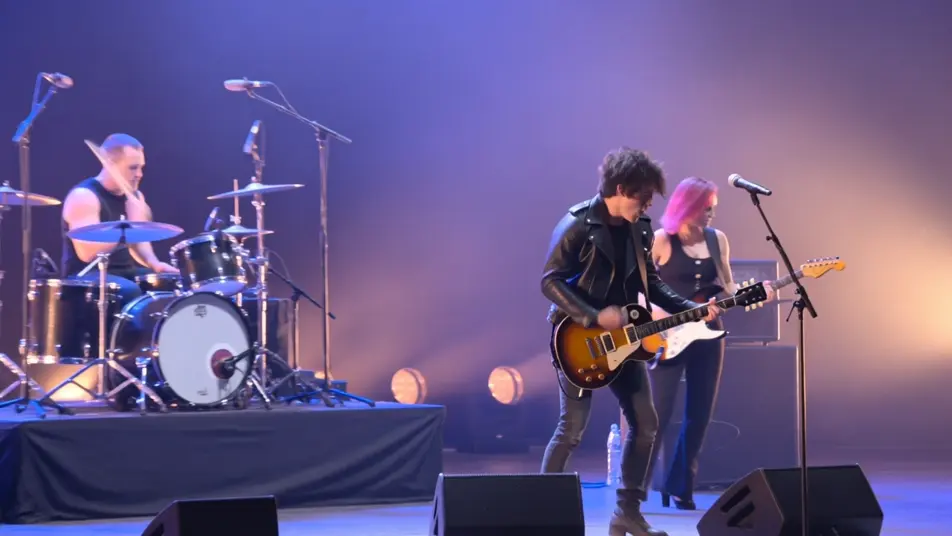
Tuliskan adegan talk show clip video yang Anda inginkan, dengan kata-kata sederhana.
Morphic membuat klip sinematik yang siap dijadikan frame di canvas Anda dalam hitungan detik.
Ubah prompt, buat ulang variasi, lalu unduh atau bagikan shot-nya.

Dramatize any text conversation into a cinematic multi-shot video.
Cinematic time-freeze short film for any scene

Generate a professional film title card from scratch, with optional cinematic animation.
Photo of any real-estate becomes a cinematic renovation timelapse video with construction SFX and music.
One image to a 9-scene cinematic video.

Describe a first-person scenario. Get sequential POV frames animated into video clips with audio.
AI Interview Format videos
Generate AI interview format videos with Morphic. Talking heads, two-shots, b-roll cutaways, and over-the-shoulder setups with a natural voice and quiet score.
AI Game Show videos
Generate AI game show videos with Morphic. Host entrances, contestant rows, buzzer beats, and prize reveals with a booming announcer and bright fanfare score.
Video AI Green Screen
Buat video AI green screen dengan Morphic. Ganti latar belakang apa pun, ganti set secara instan, tempatkan presenter di mana saja. Tanpa layar fisik.
Video AI Lirik
Buat video lirik AI di Morphic. Tipografi kinetik, lirik tulisan tangan, teks neon, dan adegan yang menyelaraskan kata dengan lagu Anda.
Mulai gratis hari ini, dengan opsi untuk upgrade atau membatalkan kapan saja.
Basic
2400 bulanan kredit
1 pengguna saja
Semua model
Workflows
Standard
3625 bulanan kredit
1 pengguna saja
Semua model
Workflows
Pro
6350 bersama bulanan kredit
1 pengguna
Semua model
Workflows
Max
24650 bersama bulanan kredit
1 pengguna
Semua model
Workflows
Enterprise
Untuk batas yang lebih tinggi
Khusus
ketentuan harga dan penagihan

Free
Untuk bereksperimen
$0
gratis selamanya