Flat lay with ring
The invitation laid flat beside a ring box and a few loose petals, styled for a save-worthy photo of the finished design.
プロンプトを編集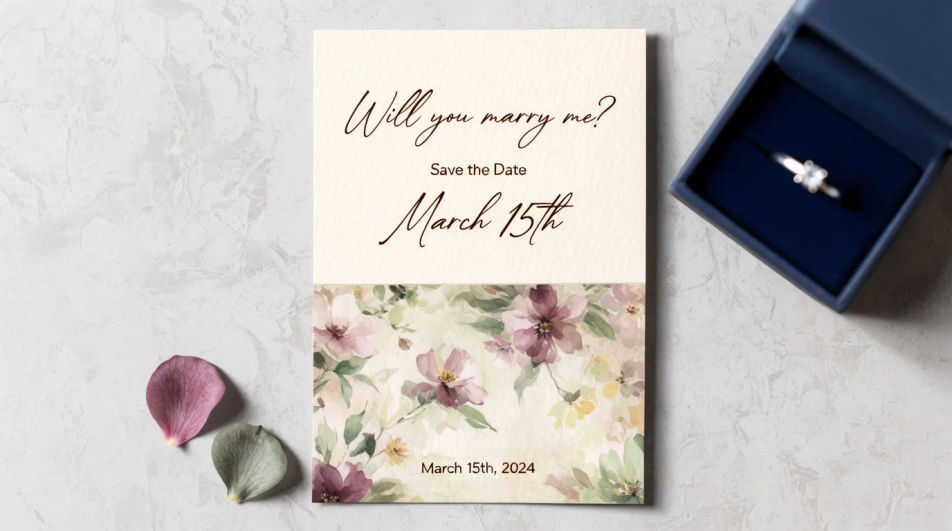
Design an engagement invitation in Morphic by describing the style, palette, and motif you want, from a floral border to a minimal modern layout. Add the couple's names, the date, and the venue, then download the card to share digitally or send to print.
The invitation laid flat beside a ring box and a few loose petals, styled for a save-worthy photo of the finished design.
プロンプトを編集An open invitation showing the cover and the interior details line together, a coordinated two-panel layout.
プロンプトを編集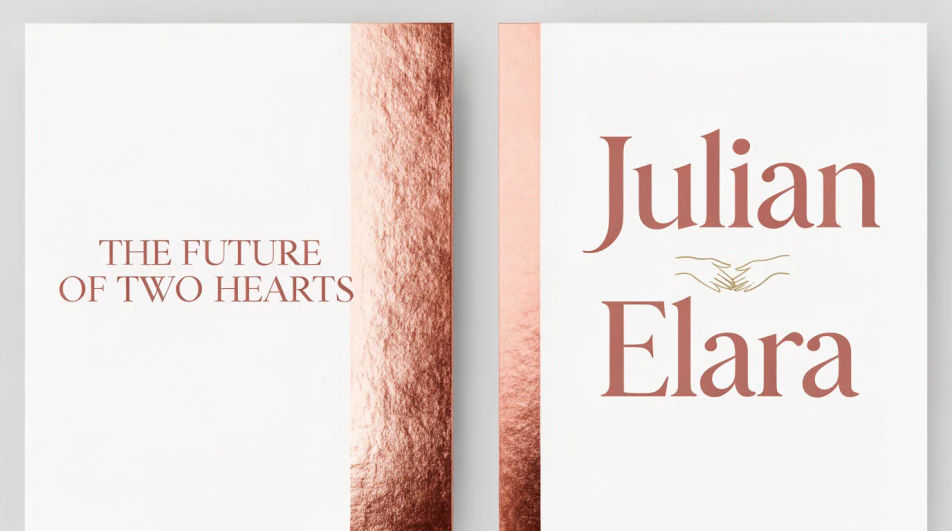
A square crop of the same design, built to read clearly as a thumbnail when shared in a chat or on a social story.
プロンプトを編集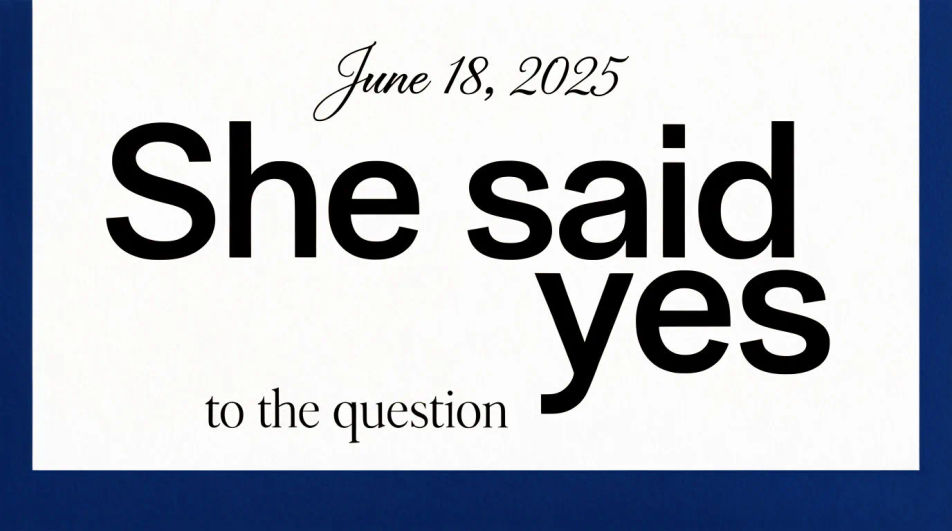
Several cards fanned to show the invitation design extended across a matching detail card and thank-you note.
プロンプトを編集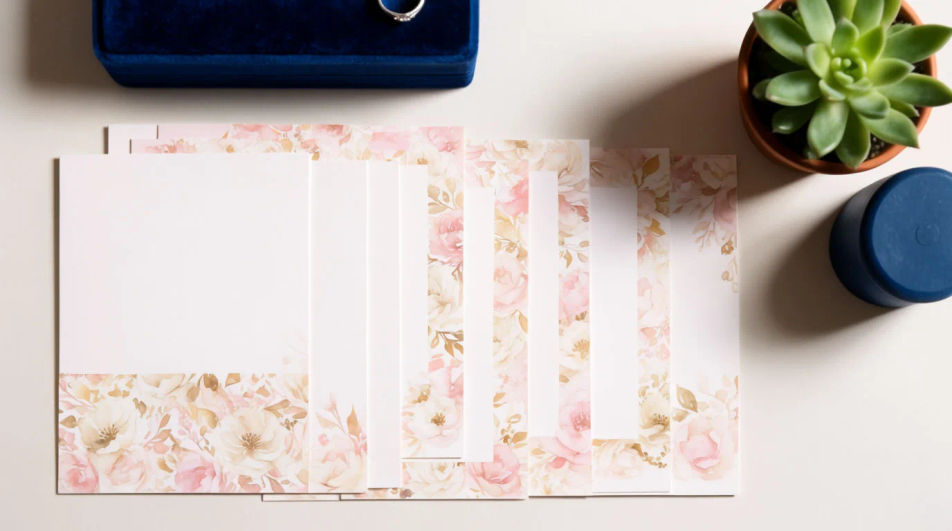
作りたいEngagement invitationを、わかりやすい言葉で記述します。
Morphicがキャンバス上に公開できる画像を数秒で生成します。
プロンプトを調整して再生成し、気に入った画像を保存・共有します。
製品写真とフォーマット。誰かが自然にあなたの製品を使用している、リアルなUGCスタイルの広告を手に入れましょう。
静止画、人物、スクリプトからのマルチショット商品ピッチビデオ。
あらゆるシーンに使える、シネマティックなタイムフリーズ短編動画

女性AIインフルエンサーを生成します。縦型出力で、ソーシャルメディア向けです。
2〜10フレームを、各フレーム間にスムーズな映画のようなトランジションを挟んで、完璧にループするビデオにステッチします。
画像を新しいアスペクト比に変換します。スマートクロップまたはエッジを拡張してフィットさせます。
Invitation card AI designs
Create invitation card designs with Morphic's AI invitation generator. Design wedding, party, formal, and themed invites in seconds. No design skills needed, describe the event, colors, and tone, then download HD cards to print or share with guests.
Wedding Invitation AI Designs
Generate wedding invitation design with AI in seconds. Generate variations until one lands, then refine it. Yours to use commercially.
AI結婚式招待状動画メーカー
結婚式の詳細を、動く招待状に。 絵柄も動きも音楽も一本で。
Google Display Ad Banner AI Images
Turn a brief into google display ad banner instantly. Test ten versions of the idea for the cost of briefing one. Commercial rights included.
今すぐ無料で始めて、いつでもアップグレードまたはキャンセルできます。
Basic
2400 月 クレジット
1 ユーザーのみ
すべてのモデル
ワークフロー
Standard
3625 月 クレジット
1 ユーザーのみ
すべてのモデル
ワークフロー
Pro
6350 共有 月 クレジット
1 ユーザー
すべてのモデル
ワークフロー
Max
24650 共有 月 クレジット
1 ユーザー
すべてのモデル
ワークフロー
Enterprise
より高い制限のために
カスタム
料金と請求条件

Free
気軽に試したい方に
$0
ずっと無料