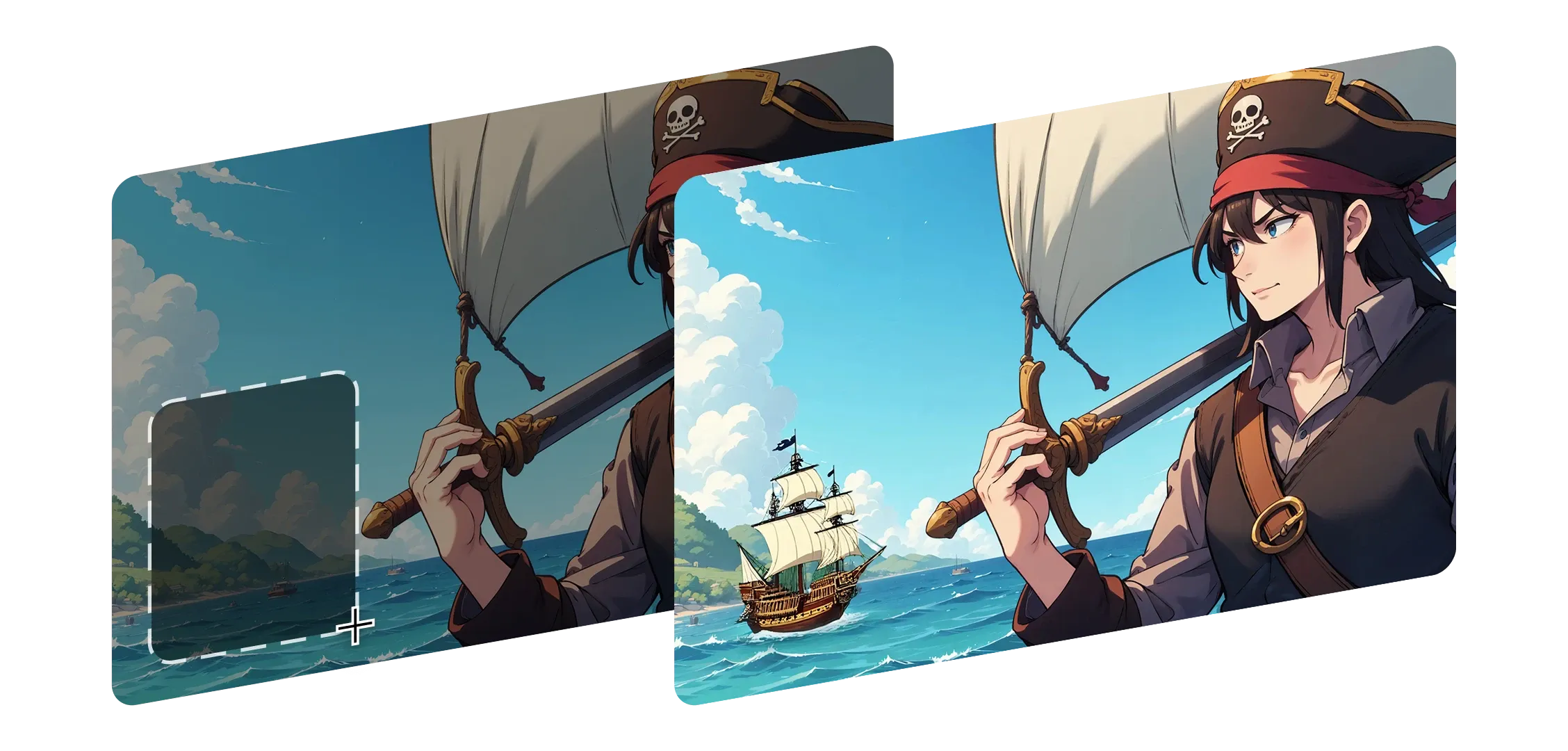
インペインティングは、元の見た目や感触を失うことなく、画像のどの部分でも再形成するのを助けます。エリアを選択し、変更を記述するだけで、Morphicがシームレスにブレンドします。
照明、深度、ディテールを理解し、影とコンテキストを維持します。
背景を置き換える、キャラクターの表情を変える、新しいものを追加するなど、すべての編集がフレームの自然な一部として感じられます。
小さな修正から大きな追加まで、インペインティングはあなたのスタイルと意図に適応します。Morphicは単にパッチを当てるのではなく、すべての変更を目的を持った完全なものにします。
すべての編集がいかに自然に見えるかに驚きました。まるでフレームが最初からそうなるように意図されていたかのようでした。
Morphic内でのインペインティングの動作をご覧ください。
繊細な編集でシーンを再形成したクリエイターの出力。




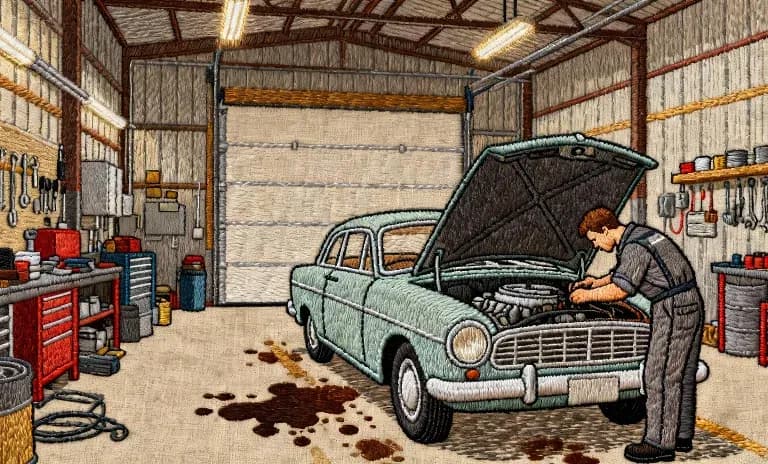
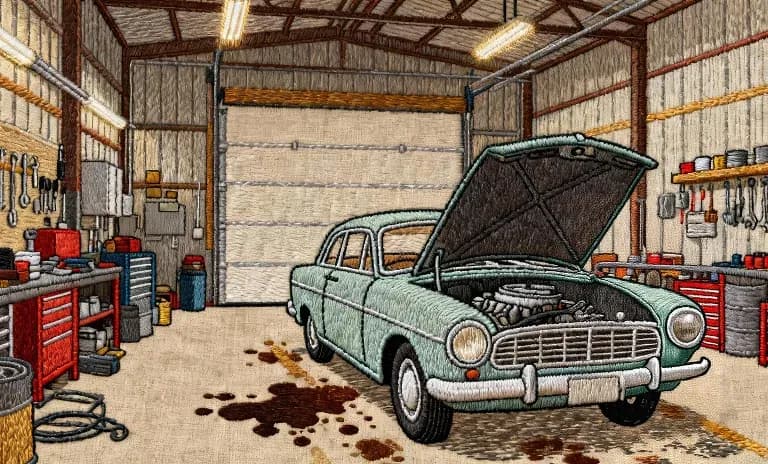
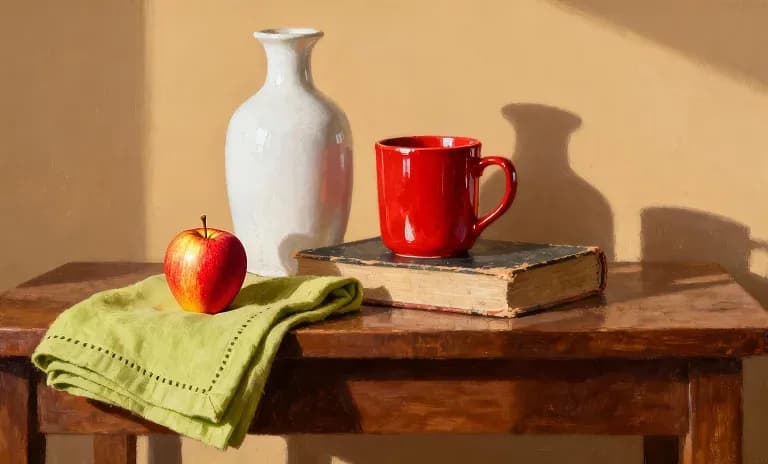
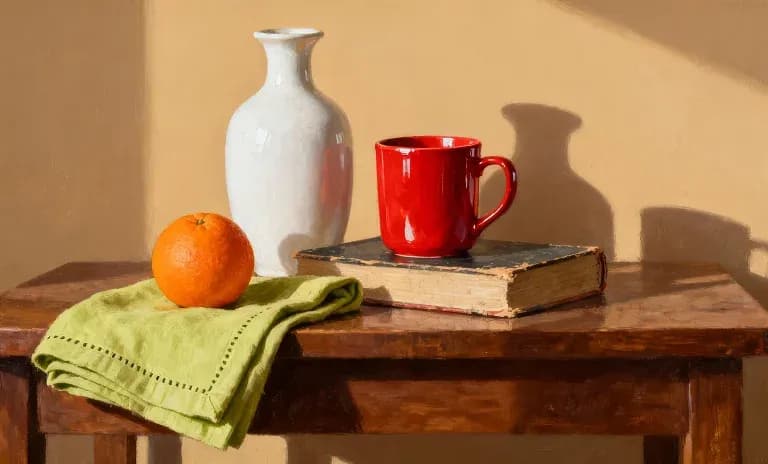
入力フレームを表示するにはホバーしてください
インペインティングは、クリエイターが画像を自然に彫刻し洗練するのを助け、すべての編集が元のビジョンに忠実に感じられます。
今すぐ試す
Inpainting FAQs
What is inpainting?
Edit a specific region of your image with a prompt: add, remove or refine a character or object within the frame without regenerating the whole image.
Can I remove an object from an image?
Yes. Describe what to remove and Morphic repaints the region to match the surrounding scene.
Can I add something to an existing image?
Yes. Point to a region and describe what should appear there.
Does inpainting change the rest of the image?
No. It edits only the region you target and leaves the rest of the frame intact.
How precise can I be?
On the Canvas, Layers and Smart Select isolate an element so you can edit or erase it cleanly.
What is inpainting best for?
Fixing a detail, swapping an object or cleaning up a frame without a full re-generation.