AIストーリー広告動画ジェネレーター
最初の1秒でタップされるかどうかが決まるストーリー広告を、撮影なしで用意できます。冒頭で商品を見せるフック、商品カット、タップを促す締めカードまで、縦型9:16でMorphicが生成します。Speechで声を添え、6秒・15秒・30秒の尺を一つの企画からCanvasで書き出しましょう。
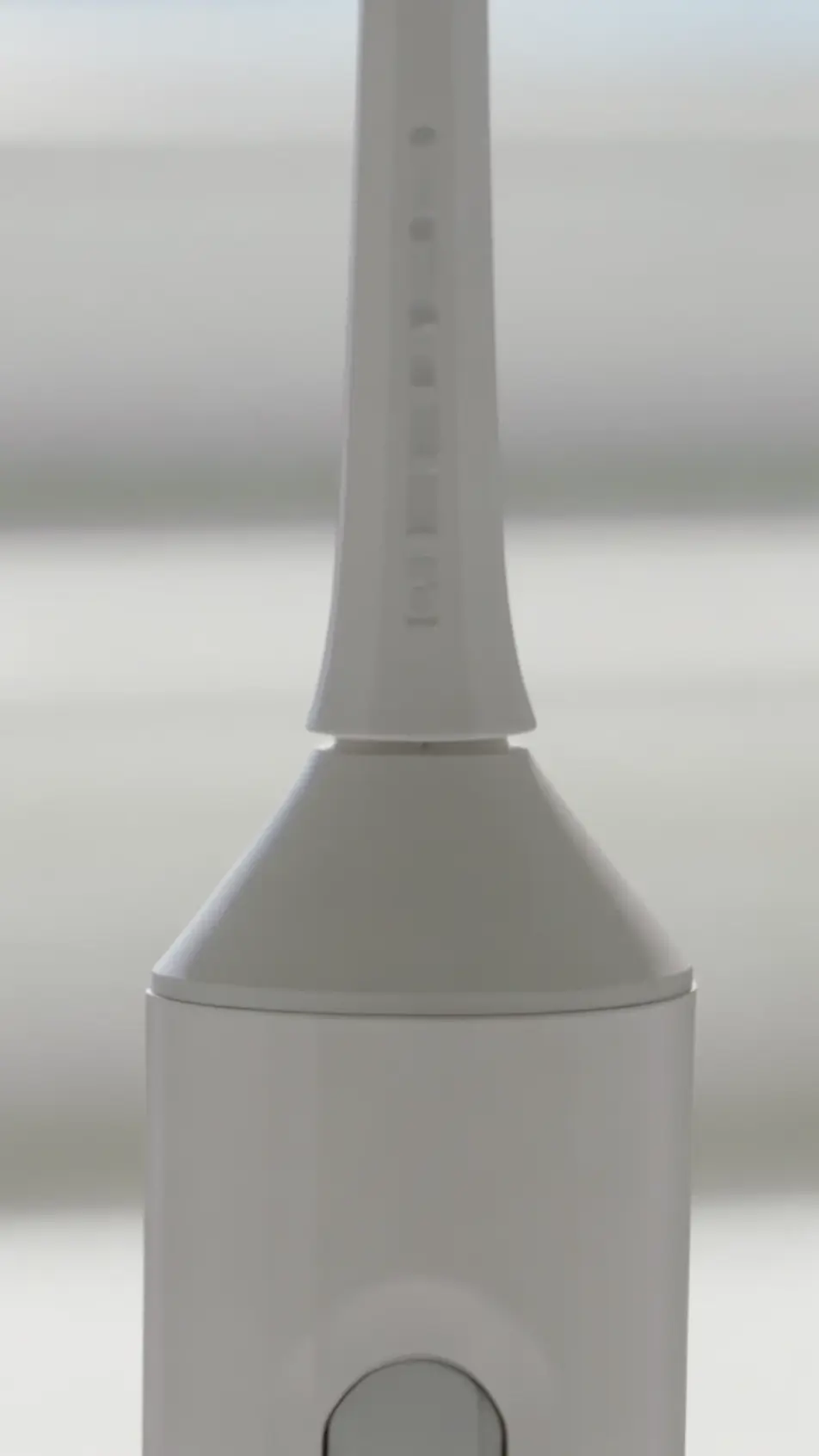
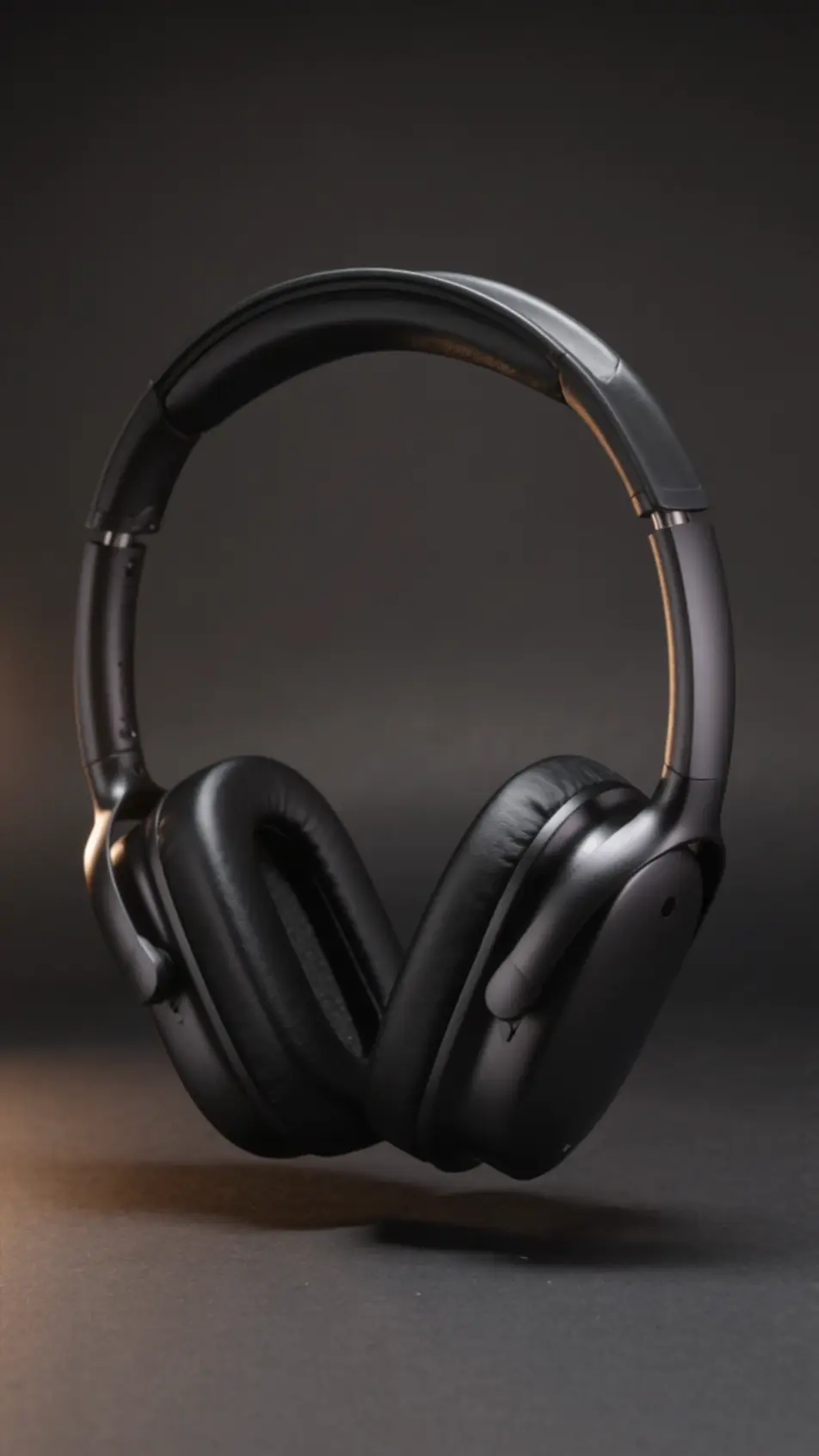
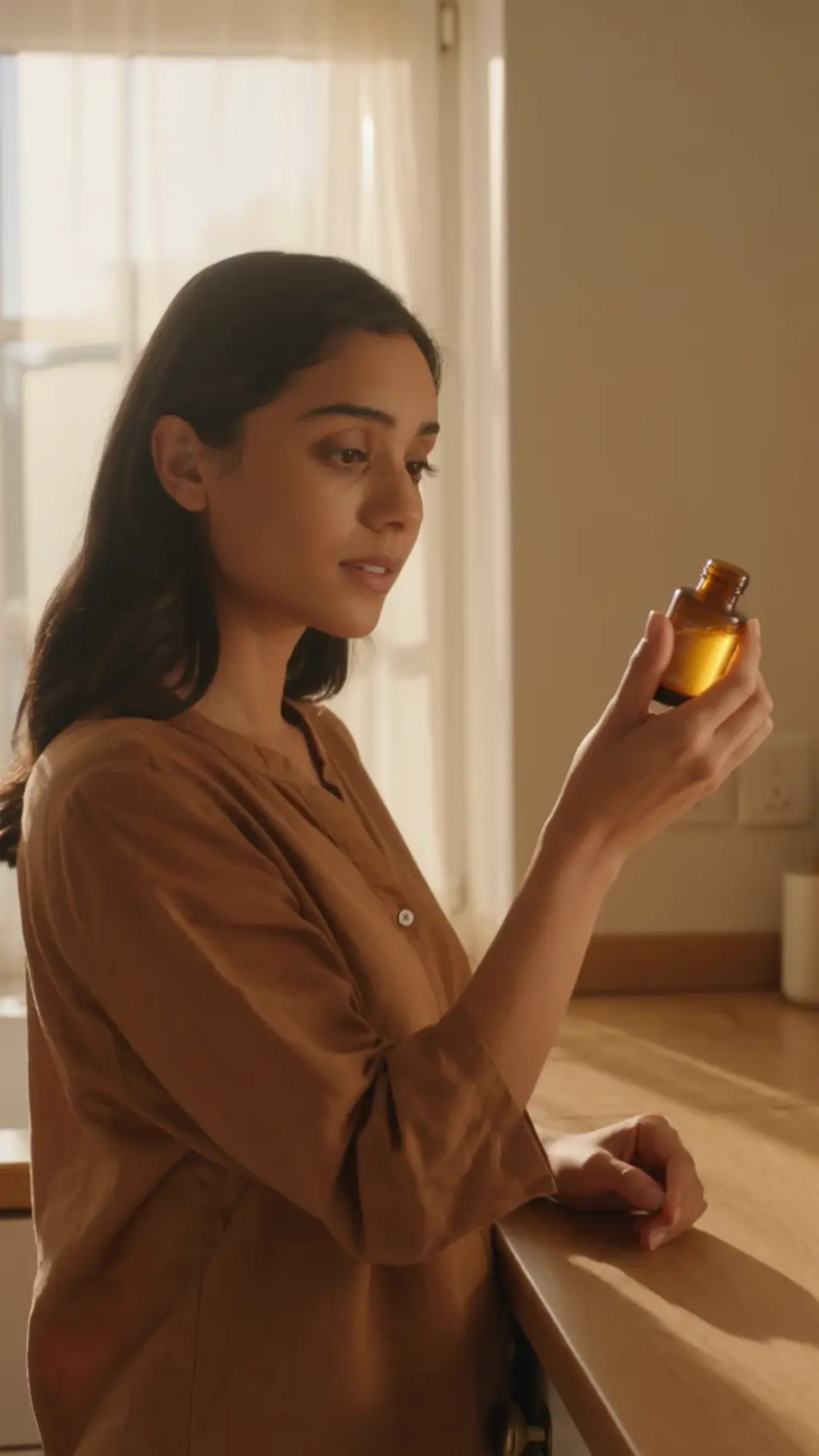
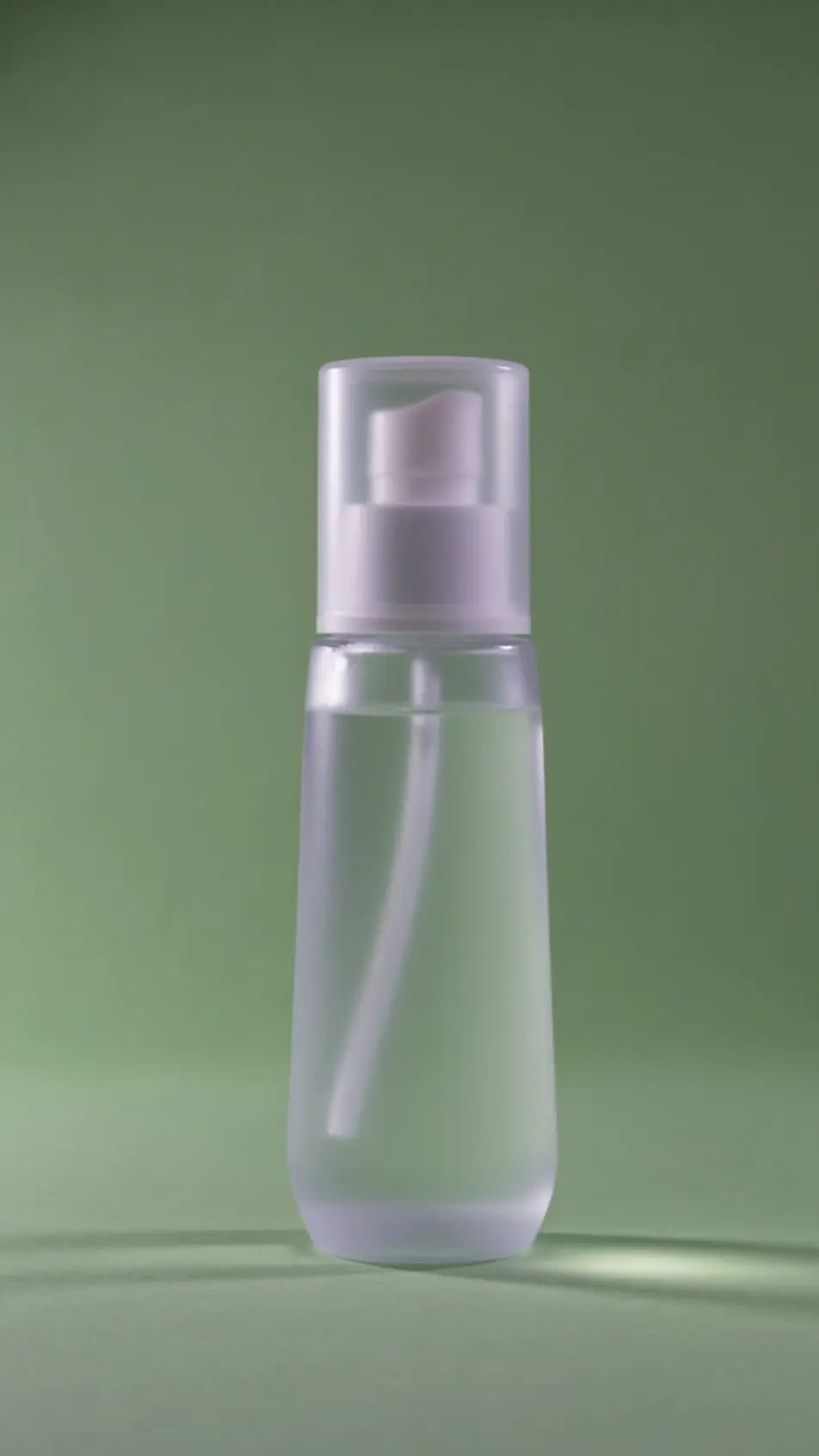
演出できるストーリー広告のビート
組み立てられるストーリー広告のカット
ストーリー広告動画の動画を3ステップで作成
- 一
シーンを記述
作りたいストーリー広告動画のシーンを、わかりやすい言葉で記述します。
- 二
動画を生成
Morphicがキャンバス上に映画のようなクリップを数秒で生成します。
- 三
仕上げて共有
プロンプトを調整して再生成し、気に入ったショットを保存・共有します。

シネマティックシーンへのメッセージ
あらゆるテキスト会話を映画のようなマルチショットビデオにドラマ化します。
このワークフローを試す
タイムフリーズ効果
あらゆるシーンに使える、シネマティックなタイムフリーズ短編動画
このワークフローを試す

タイトルシーケンス
オプションでシネマティックアニメーションを追加できる、プロフェッショナルな映画タイトルカードをゼロから生成します。
このワークフローを試す
リノベーションのタイムラプス
不動産の写真は、建設SFXと音楽を使った映画のようなリノベーションのタイムラプスビデオになります。
このワークフローを試す
Cinematic scene
1枚の画像から9シーンのシネマティックビデオを作成します。
このワークフローを試す
映画の世界に入り込んでみよう
あなたの写真をドロップしてください。アニメーションとマッチしたサウンドトラックを備えた12秒の映画のようなムービーを入手してください。
このワークフローを試す
こちらもおすすめ
縦型動画広告をAIで生成
9:16の縦型動画広告をAIで生成。フックから締めのフレームまで縦のまま作れます。TikTokやYouTube ショート、LINE VOOMへ作り直さずに出稿できます。
AI Instagramリール広告
縦型9:16のInstagramリール広告をAIで生成。速いつかみ、UGC風のデモ、字幕を付けて6秒・15秒・30秒の尺で書き出せます。今すぐ試せます。
AI Snapchat広告動画
Morphicで縦型9:16のフックと商品カット、スワイプアップ訴求を一括生成。6秒・15秒・30秒に切り分けて配信できます。
AIで作るYouTubeショート広告
YouTubeショート広告をMorphicのAIで作成。最初の2秒のつかみ、商品の見せ場、ループするエンドカードを9:16で生成し、6秒・15秒・30秒に書き出せます。商用利用も可能です。
シンプルな料金体系
今すぐ無料で始めて、いつでもアップグレードまたはキャンセルできます。
Basic
$19/ 月
請求額は $0 年2400 月 クレジット
1 ユーザーのみ
すべてのモデル
ワークフロー
Standard
$24/ 月
請求額は $0 年3625 月 クレジット
1 ユーザーのみ
すべてのモデル
ワークフロー
Pro
$45/ 月
請求額は $0 年6350 共有 月 クレジット
1 ユーザー
+ 最大 4 名まで追加費用
すべてのモデル
ワークフロー
Max
$170/ 月
請求額は $0 年24650 共有 月 クレジット
1 ユーザー
+ 最大 9 名まで追加費用
すべてのモデル
ワークフロー
Enterprise
より高い制限のために
カスタム
料金と請求条件
大容量クレジット
カスタムシート制限
すべてのモデル
ワークフロー

Free
気軽に試したい方に
$0
ずっと無料
最大20クレジット
1ユーザーのみ
一部のモデル
ワークフロー
よくある質問
AIでストーリー広告動画はどこで作れますか?
Morphicのブラウザ上で数分で作れます。Text to Videoツールに冒頭フックや商品カット、締めカードを書き込めば、それぞれ縦型9:16で生成されます。Canvasで組み立て、掲載枠に必要な長さで書き出せます。
生成した映像は商用利用できますか?
はい、広告配信を含む商用利用に対応しています。文字表現は生成後に別レイヤーで重ねると、意図しない誤字を避けられます。
冒頭の一枚で視聴者をつかむには?
ためらわず、開幕の瞬間に商品と結末を見せましょう。太字キャプションと素早い動きがあれば、次のストーリーへ進む前に指を止める理由になります。
6秒・15秒・30秒の尺はどう作りますか?
最初に完成形の物語を組み立て、冒頭フックと締めカードは固定します。Canvasで中間のビートを削れば6秒に、足し戻せば15秒と30秒になり、公開日を揃えて出せます。
すべてのビートを一貫させるには?
配色とフレーミング、商品の角度をすべてのプロンプトで揃えましょう。Canvasでビートの順番と間を整えれば、起承転結が一続きの物語としてまとまります。