Notice board print layout
A portrait layout with the bright scene in the upper half and a clean band at the bottom reserved for the event date and time.
프롬프트 편집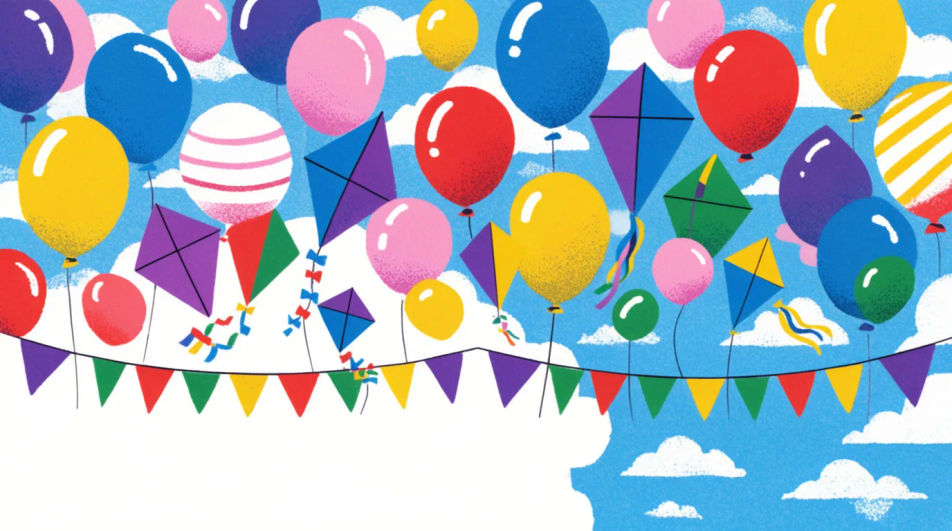
Design a Children's Day poster in Morphic by describing the scene you want, from a bright classroom celebration to a simple kite-and-balloon layout. Generate a few bright, kid-friendly options to compare, then export a version sized for a school notice board or print handout.
A portrait layout with the bright scene in the upper half and a clean band at the bottom reserved for the event date and time.
프롬프트 편집A wide landscape layout meant to print across a classroom wall, with bunting and balloons running the full width.
프롬프트 편집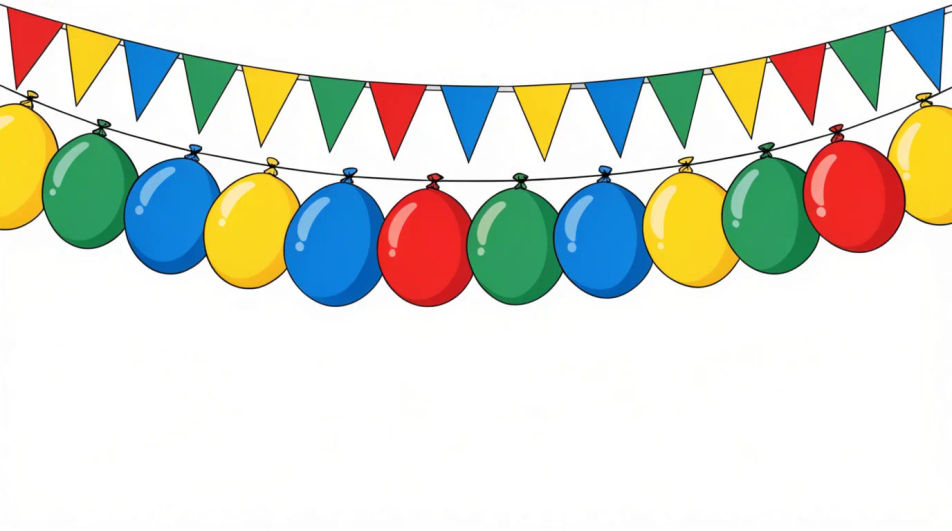
A balanced square layout with the celebration scene centred, suited to sharing on a school social media page.
프롬프트 편집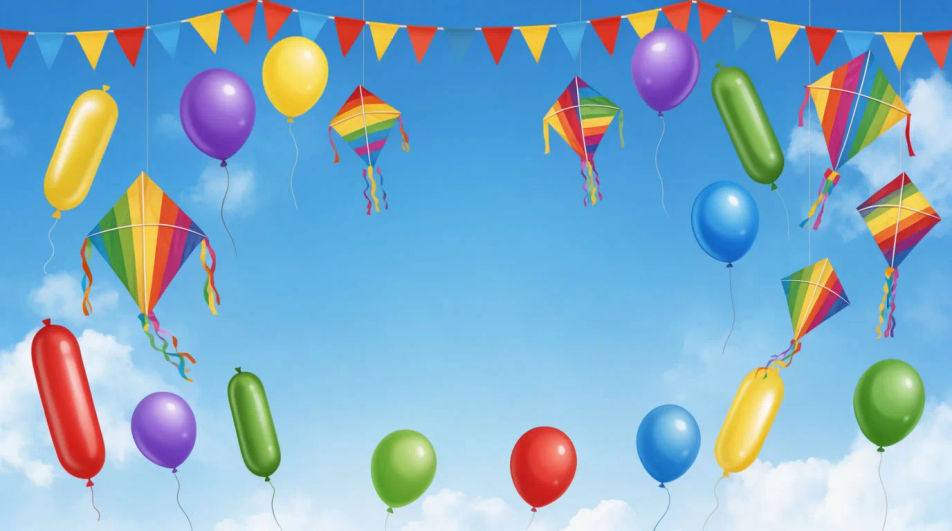
A restrained header band with a thin row of balloons and bunting, leaving most of the frame plain for a printed message below.
프롬프트 편집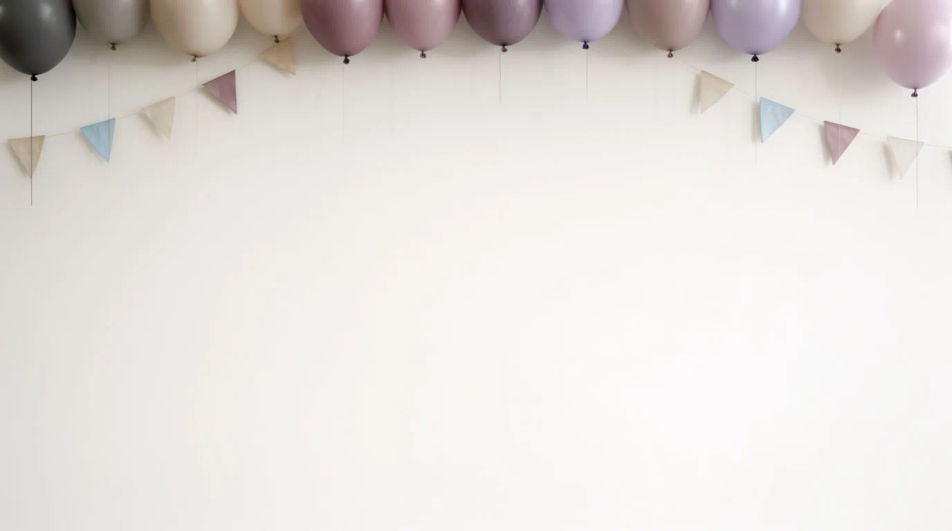
원하는 Children's Day Poster의 모습을 쉬운 말로 설명하세요.
Morphic이 캔버스 위에 바로 게시할 이미지를 몇 초 만에 생성합니다.
프롬프트를 조정해 다시 생성한 뒤, 원하는 이미지를 저장하거나 공유하세요.
참조 이미지를 선택하고 자신의 사진이나 아트워크에 시각적 스타일을 적용하세요.
모든 이미지를 새 종횡비로 변환합니다. 스마트 자르기 또는 가장자리를 늘려 맞춥니다.
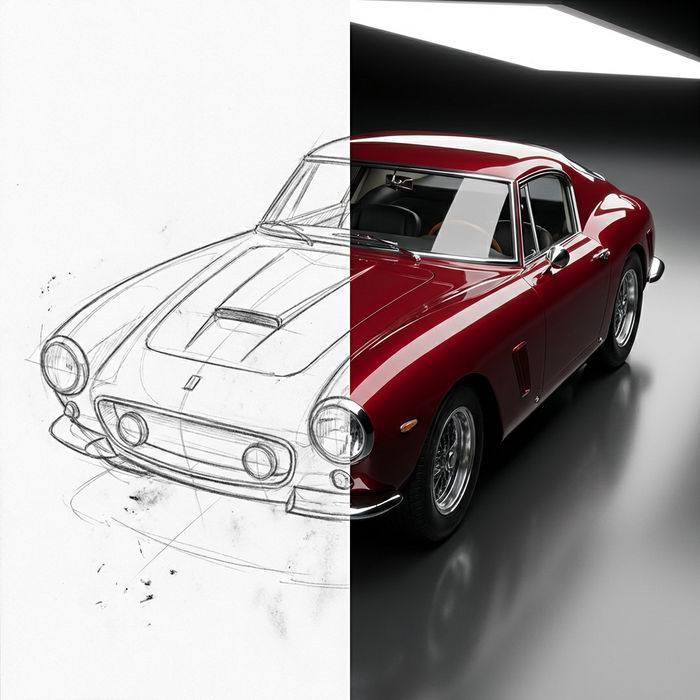
스케치나 그림을 완성된 렌더링으로 바꾸세요.
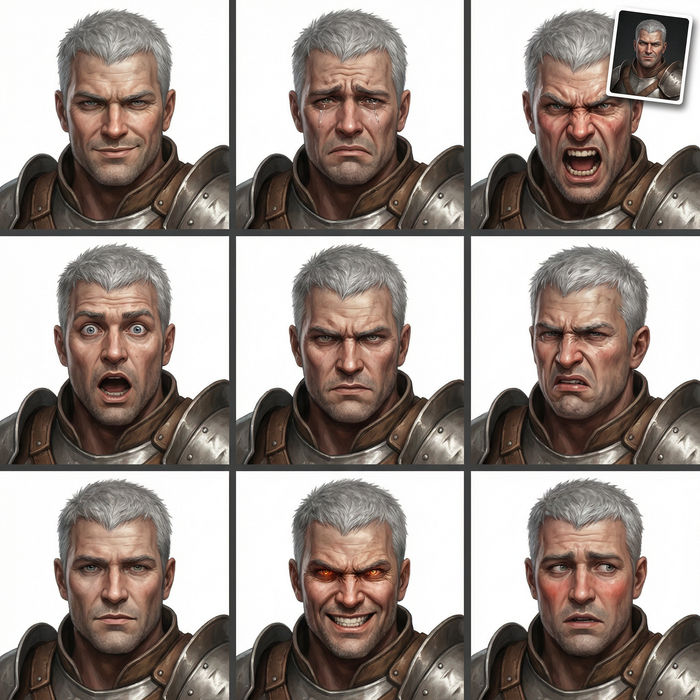
어떤 캐릭터 이미지든 가져와서 단일 참조 시트에 6가지의 뚜렷한 표정을 생성하세요.
모든 프레임이 변형되고 모든 움직임은 그대로 유지됩니다. 모든 동영상을 완전히 새로운 시각적 스타일로 재스타일링하세요.
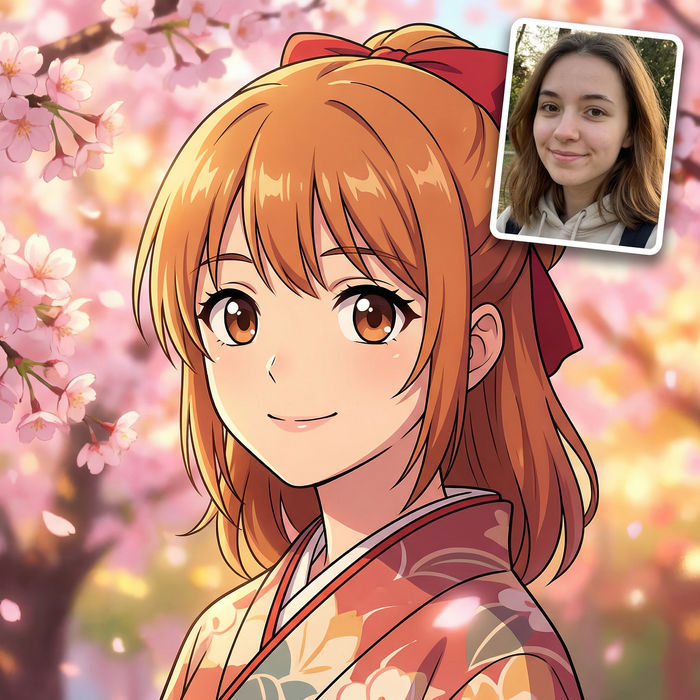
애니메이션 일러스트를 스타일 가이드로 선택하세요. 그 모양을 어떤 이미지에도 적용하세요.
Happy Children's Day Wishes Images
Create Children's Day wishes images for kids, students and family in Morphic. Add your message to a playful design and share it anywhere.
Org Chart Graphic AI Images
Make org chart graphic from a text prompt. Produce a full family of assets, not a single file. Yours to use commercially.
Outfit AI Design Ideas
Generate AI outfit ideas in your browser with Morphic's generator. Create casual, professional, evening, date-night, and seasonal looks with coordinated pieces for any occasion. Original HD images, no skills needed, great for shopping inspiration.
Owl meme maker
Make owl meme images in Morphic. Describe the scene and the joke, generate versions to compare, then refine the prompt until the picture lands.
오늘 무료로 시작하고 언제든지 업그레이드하거나 취소할 수 있습니다.
Basic
2400 월간 크레딧
1 명 전용
모든 모델
워크플로
Standard
3625 월간 크레딧
1 명 전용
모든 모델
워크플로
Pro
6350 공유 월간 크레딧
1 사용자
모든 모델
워크플로
Max
24650 공유 월간 크레딧
1 사용자
모든 모델
워크플로
Enterprise
더 높은 제한
사용자 정의
가격 및 청구 조건

Free
가볍게 사용해보기
$0
영구 무료