Photo to emoji side by side
A soft-lit portrait photo of a smiling man with glasses beside a matching glossy emoji-style face of the same man, same hair and glasses, plain grey backdrop.
프롬프트 편집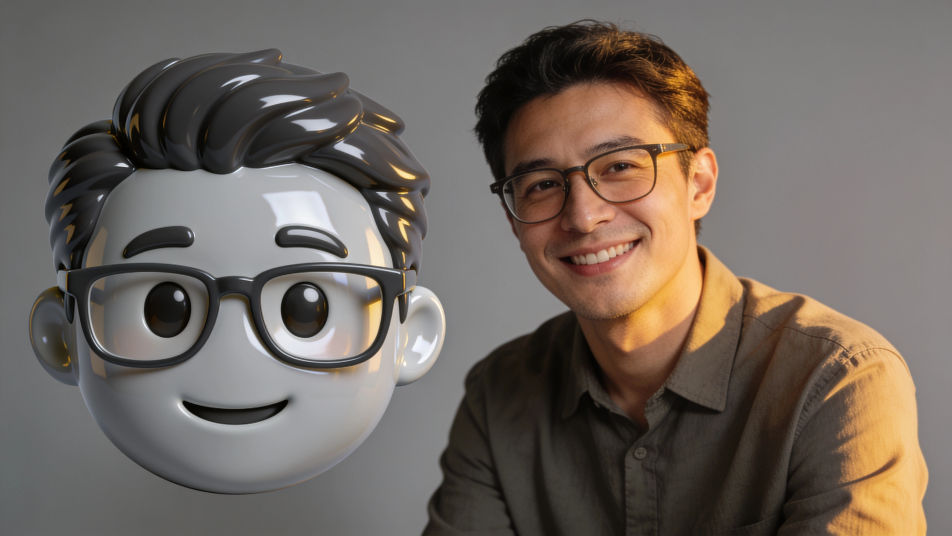
Put a photo into emoji form in Morphic by attaching the portrait as a reference and describing the emoji look you want, from a glossy round face to a flat sticker avatar. Keep the hair, glasses and smile that make it read as you, choose the finish and the background, then download an emoji face you can use in chats and on your profile.
A soft-lit portrait photo of a smiling man with glasses beside a matching glossy emoji-style face of the same man, same hair and glasses, plain grey backdrop.
프롬프트 편집A row of four glossy emoji-style faces of one invented family, a mother, a father, a teenage girl and a grandfather, matching finish, even spacing, plain cream background.
프롬프트 편집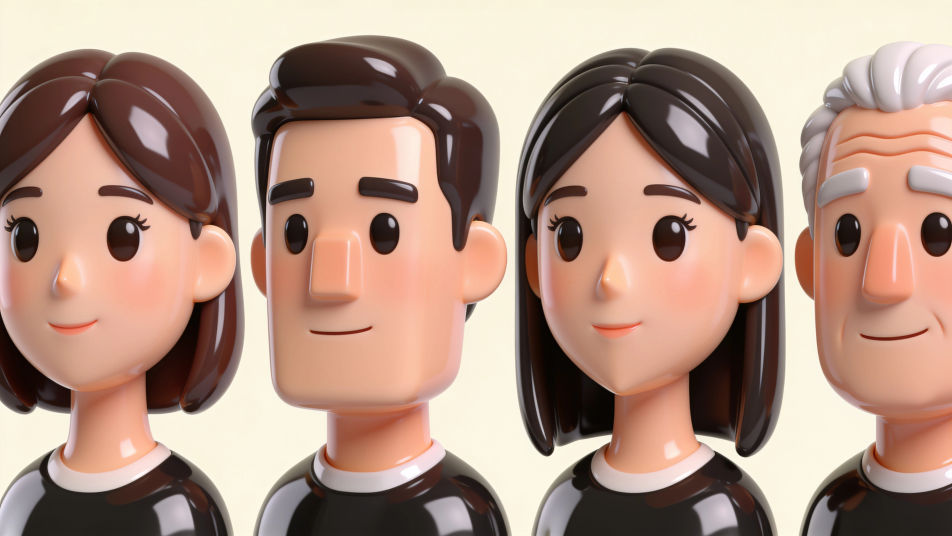
A row of four glossy emoji-style faces of the same young woman with a short black bob: happy, surprised, sleepy and laughing, plain pastel background, no labels.
프롬프트 편집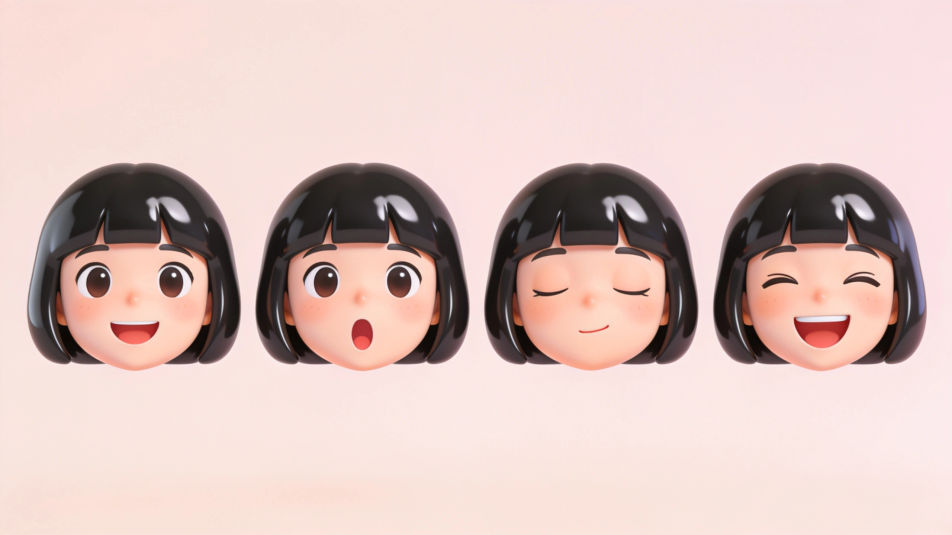
A sticker sheet of emoji-style faces of different invented people with white die-cut borders, varied hair, skin tones and glasses, evenly spaced on a mint background.
프롬프트 편집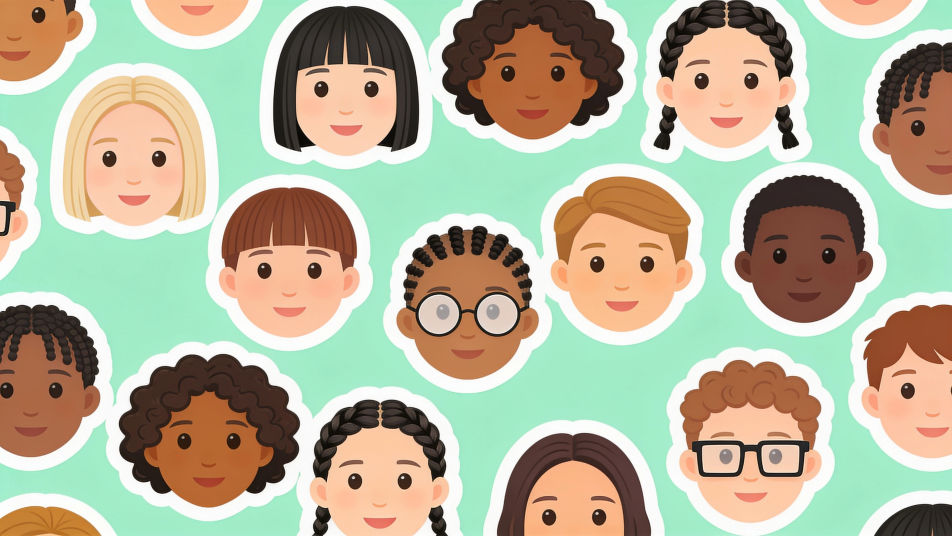
원하는 Photo form emoji의 모습을 쉬운 말로 설명하세요.
Morphic이 캔버스 위에 바로 게시할 이미지를 몇 초 만에 생성합니다.
프롬프트를 조정해 다시 생성한 뒤, 원하는 이미지를 저장하거나 공유하세요.
참조 이미지를 선택하고 자신의 사진이나 아트워크에 시각적 스타일을 적용하세요.
모든 이미지를 새 종횡비로 변환합니다. 스마트 자르기 또는 가장자리를 늘려 맞춥니다.

스케치나 그림을 완성된 렌더링으로 바꾸세요.
모든 프레임이 변형되고 모든 움직임은 그대로 유지됩니다. 모든 동영상을 완전히 새로운 시각적 스타일로 재스타일링하세요.

사진이나 설명을 애니메이션 치비 스프라이트로 변환하세요. 춤추고, 점프하고, 손 흔들고, 공격하는 등 다양한 동작을 할 수 있습니다.
하나의 레퍼런스 이미지로 룩을 설정하세요. 모든 씬이나 배치에 해당 그레이드를 정확하게 적용하세요.
Photo from emoji generator
Generate from emoji images in Morphic. Describe the expression, colour and style you want, generate options, then refine the prompt and download it.
Cartoon PFP generator
Browse cartoon profile pictures and regenerate any in your own style, palette, and crop. Make bold flat-vector, soft 3D-render, and retro rubber-hose avatars, then download original PFPs in HD, sharp at a small crop, all in Morphic.
Emoji faces generator
Generate faces emoji images in Morphic. Describe the expression, colour and style you want, generate options, then refine the prompt and download it.
Happy anniversary meme generator
Make happy anniversary meme images in Morphic. Describe the scene and the joke, generate versions to compare, then refine the prompt until the picture lands.
오늘 무료로 시작하고 언제든지 업그레이드하거나 취소할 수 있습니다.
Basic
2400 월간 크레딧
1 명 전용
모든 모델
워크플로
Standard
3625 월간 크레딧
1 명 전용
모든 모델
워크플로
Pro
6350 공유 월간 크레딧
1 사용자
모든 모델
워크플로
Max
24650 공유 월간 크레딧
1 사용자
모든 모델
워크플로
Enterprise
더 높은 제한
사용자 정의
가격 및 청구 조건

Free
가볍게 사용해보기
$0
영구 무료