UGC-style videos you can create
Make a UGC-style product video in three steps
- 01
Open Morphic
Sign up and start creating on a free-flowing, infinite visual canvas.
- 02
Upload your product photo
Drop in a clean product shot so the clip animates from the real product.
- 03
Generate your clip
Describe the handheld feel, add captions and a voiceover, and export for every placement.
Who uses it
Small brands without a shoot
Turn one product photo into native-looking b-roll for reels and TikTok. Handheld framing and natural light, generated around your real product, no crew or camera kit.

Shopify stores that post weekly
Keep a weekly feed of product video going from the shots you already have. Make the clip once, reframe it to feed, story and product page, and keep the product accurate throughout.
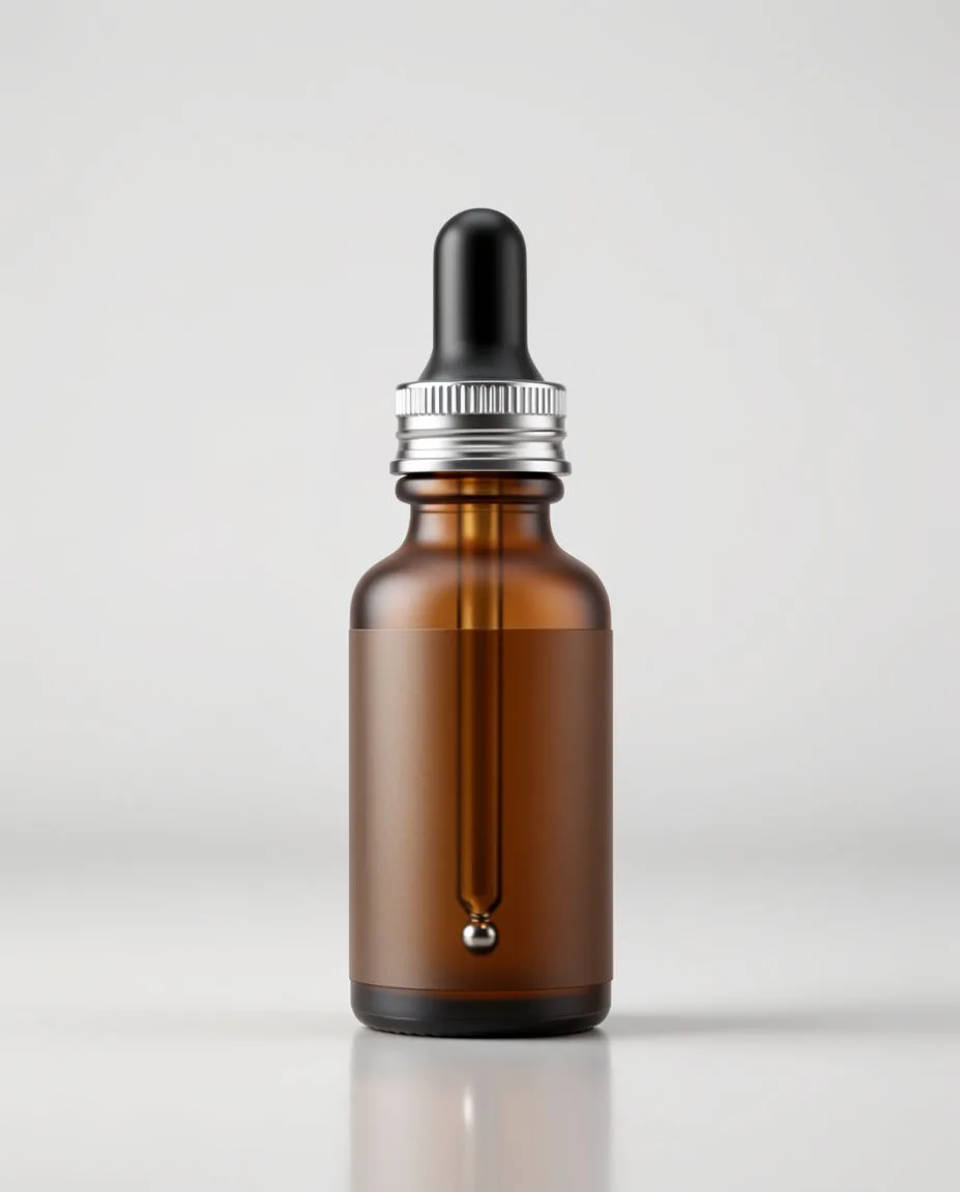
Agencies across clients
Produce UGC-style product b-roll for several clients from their product photos, with captions and localisation in the same workspace. Save each client's product as a reference so it holds.
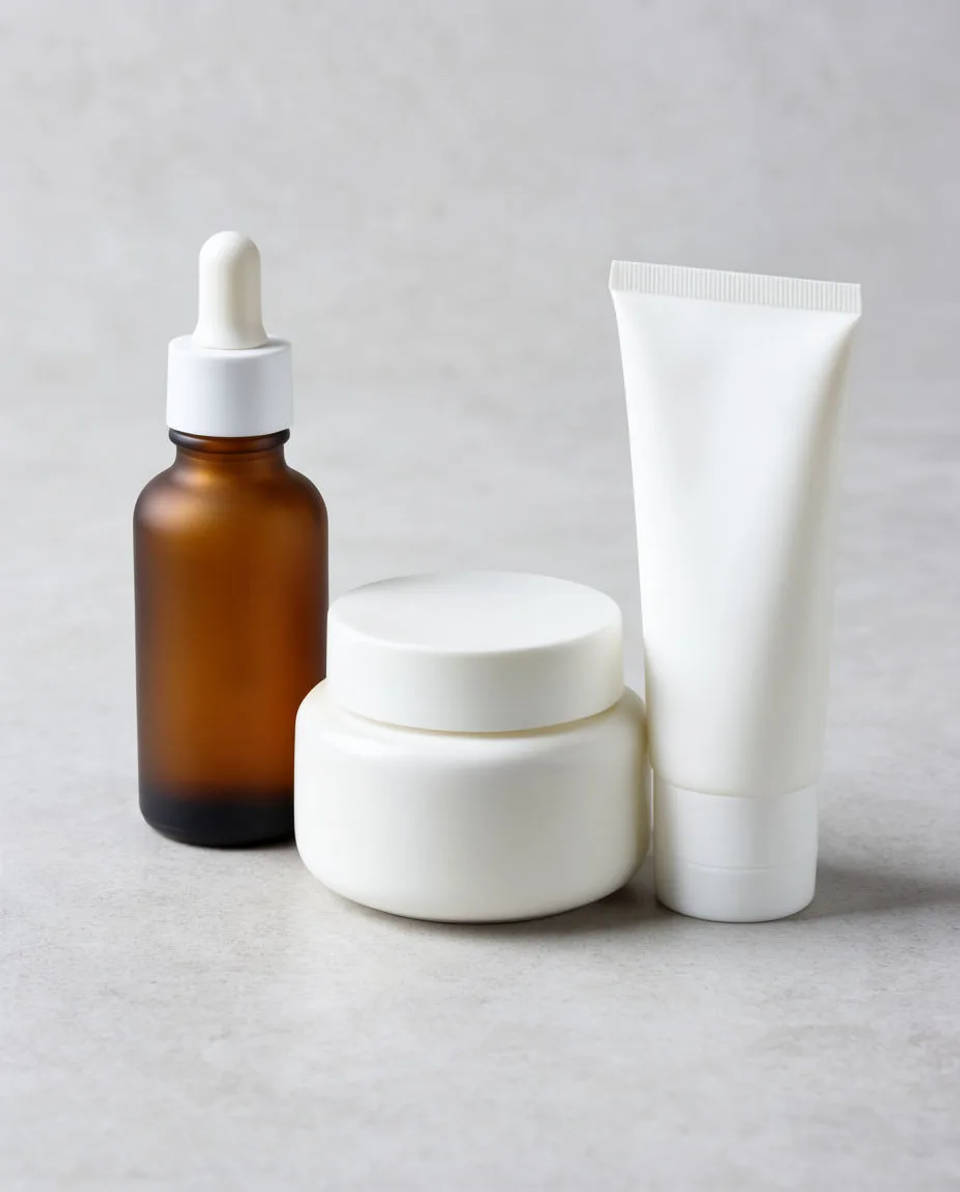
UGC prompts you can run
Each starts from your own product photo. Open any prompt to tweak it and generate your own clip.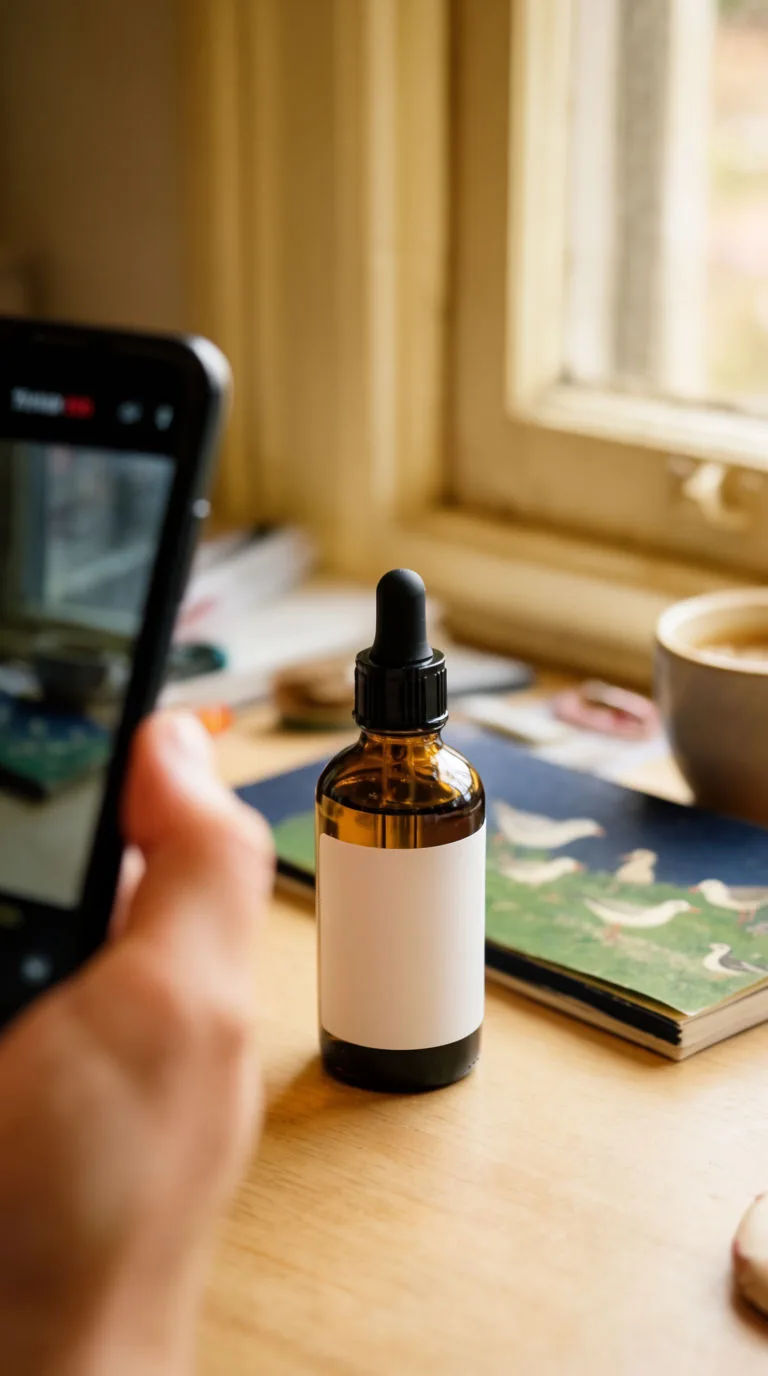
Handheld desk b-roll
Handheld UGC-style clip of the product on a natural-light desk, subtle camera movement, soft morning window light
Edit prompt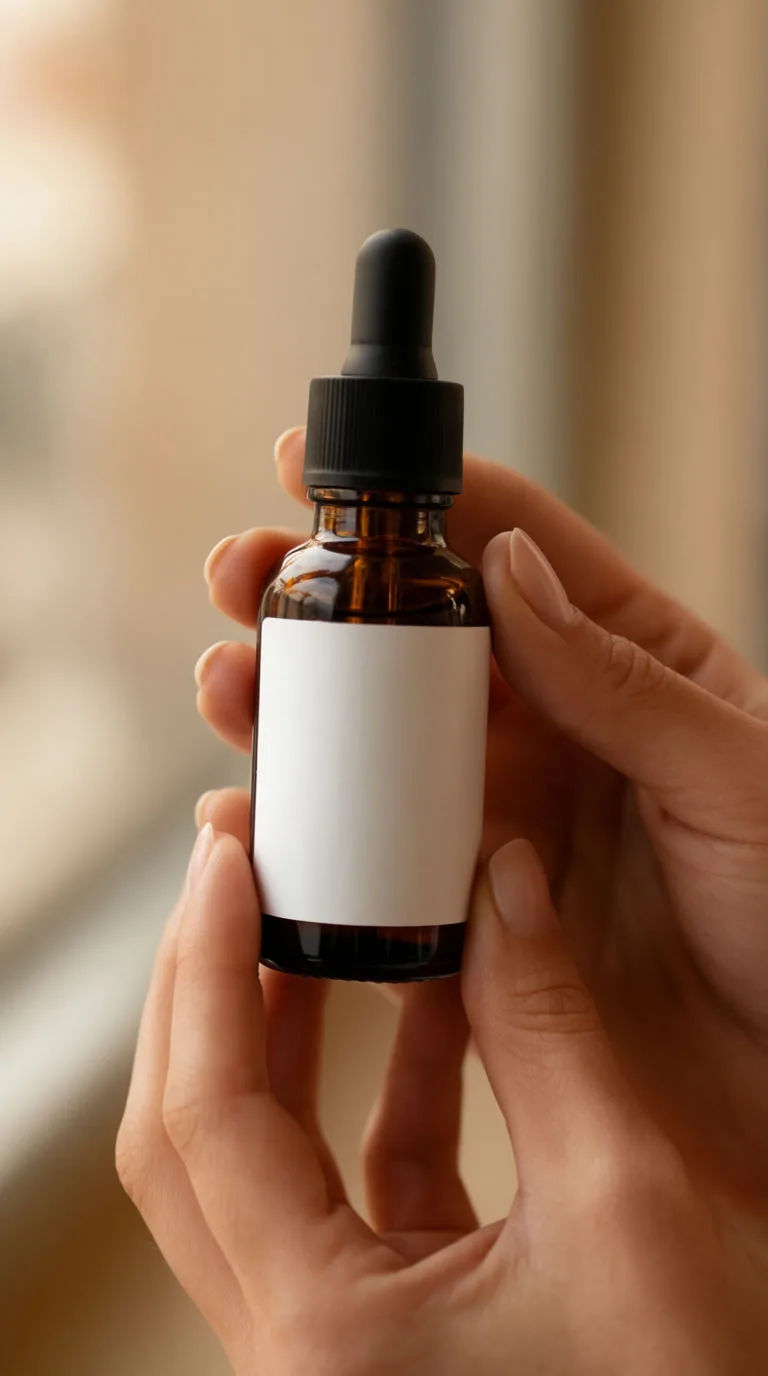
In-use close-up
Close-up UGC clip of hands using the product, shallow depth of field, warm natural light, gentle motion
Edit prompt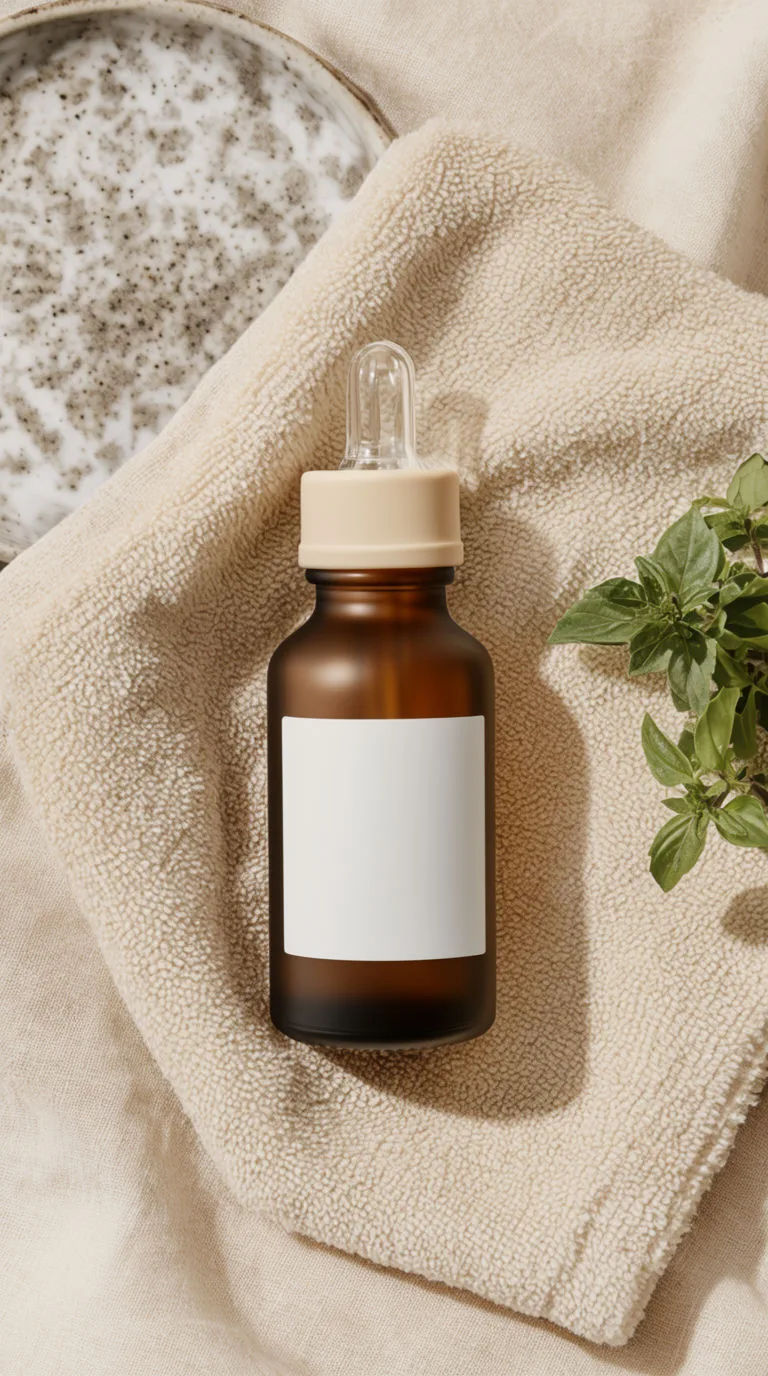
Flat-lay reveal
Overhead UGC flat-lay of the product among everyday objects, slow push-in, soft daylight, captions on
Edit promptUGC 제품 피치
정지된 이미지, 사람, 스크립트를 활용한 멀티샷 제품 홍보 영상.

제품 폭발 광고
오디오가 포함된 드라마틱한 5초 제품 공개 영상.
끊김 없는 비디오 루프
2-10개의 프레임을 완벽하게 루핑되는 비디오로 스티치하고 각 프레임 사이에 부드러운 시네마틱 전환을 적용합니다.
UGC 광고
제품 사진과 포맷. 누군가가 자연스럽게 제품을 사용하는 현실적인 UGC 스타일 광고를 받으세요.
타임 프리즈 효과
모든 장면에 사용할 수 있는 시네마틱 타임 프리즈 단편 영상
극적인 공개
부드러운 전환 효과를 갖춘 시네마틱 전/후 공개 영상. 메이크오버 및 재설계에 완벽합니다.
All on Morphic
Your complete UGC video toolkitAccurate product
Each clip animates from your real product still, and a saved reference keeps the label, shape and colour consistent across every shot. The product stays the product.
Captions and voiceover
Transcribe speech into styled captions and burn them on for Latin-script languages, or generate a voiceover from text. For other scripts, a subtitle file is returned to add on upload.
Image-to-video
Turn a flat product photo into motion: a slow push-in, a gentle rotation, a soft reveal. You direct the motion in plain words and keep it subtle so it reads as real.
Workflows
Lock your look, captions and framing into a Workflow, then rerun it for the next product or client. Share the link or favourite it.
