AI light leak effect

Light leak shots with warm blooms of amber and magenta rolling in from the frame edge, washing over the scene and fading as the shot settles.

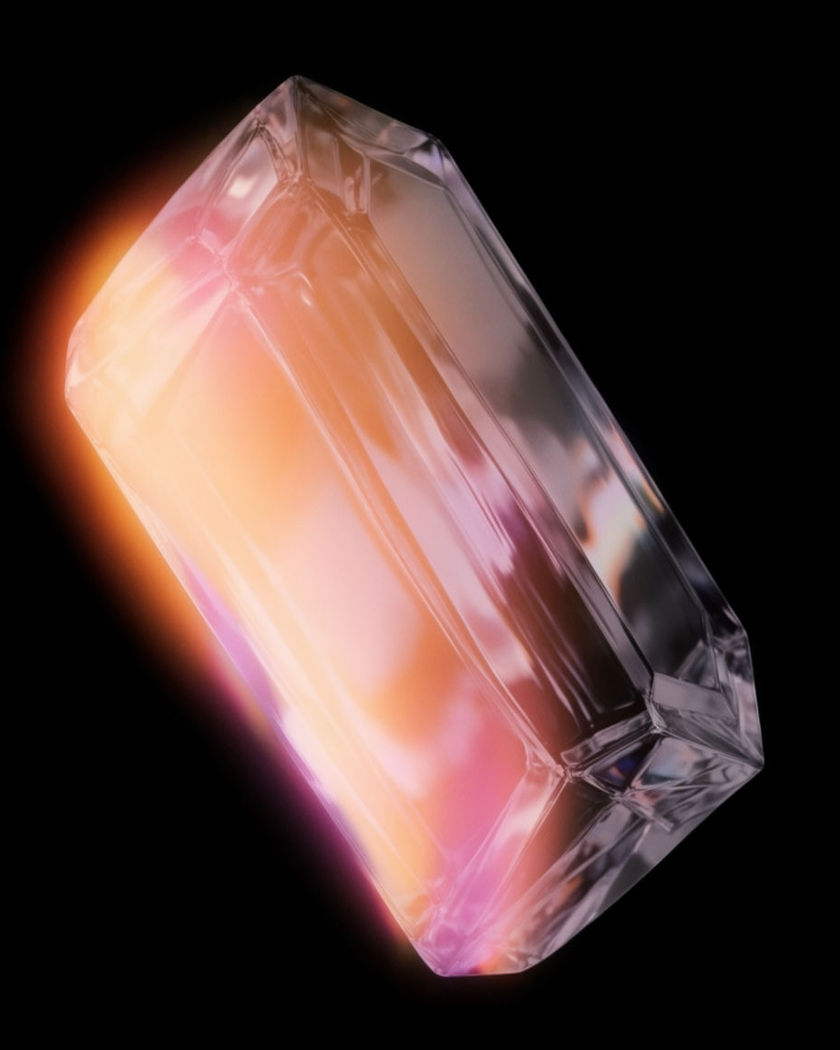
A crisp translucent crystal form lit cleanly from one side on a black ground

Light leak effect examples

Golden field sweep

이 프롬프트 사용

A leak travels across a wheat field as the sun sits on the horizon. a wide shot of a wheat field at golden hour with a figure walking through it, a warm amber light leak entering at the left edge and sweeping slowly across the whole frame to leave on the right, flushing the grain and the sky as it passes, the shot clean again once it has gone

Skate park corner leak

이 프롬프트 사용

A red-orange bloom holds in one corner while a skater rolls through. a widescreen shot of a skater rolling through a concrete bowl, a red and orange light leak blooming steadily in the top right corner of the frame, its edge feathering over the rim of the bowl, breathing slightly as the skater passes beneath it, harsh afternoon sun

Flicker on a dancer

이 프롬프트 사용

Bursts of warm light pulse in from the corner in time with the moves. a dancer moving slowly on a dark stage, short bursts of warm red and amber light leak flickering in from the top left corner, each burst washing over her shoulder and arm for a beat then vanishing, the flicker irregular like a film gate, the stage otherwise dark and clean

Two-colour edge leak

이 프롬프트 사용

Orange at one edge, teal at the other, framing a still portrait. a still portrait of a woman with her eyes closed, an orange light leak glowing along the left edge of the frame and a teal leak along the right edge, both feathering inward and gently breathing, her face in the middle untouched and sharp, film look, quiet indoor light

Amber bloom at the top edge

이 프롬프트 사용

A soft orange leak holds at the top of a portrait, breathing slightly. a portrait of a young man against a plain wall, a soft amber light leak blooming in from the top edge of the frame, its glow feathering down over his hair and forehead, breathing brighter and dimmer while the rest of the frame stays clean and sharp, film look, warm afternoon light

Magenta wash on a dusk street

이 프롬프트 사용

A whole-frame magenta cast rolls over a quiet street and drains away. a quiet street at dusk with one figure walking away, a magenta and violet light leak washing over the entire frame from the bottom edge, tinting the road and buildings for a few seconds then slowly draining out of the frame to leave the natural dusk colours, film look, handheld

Rooftop teal and orange wash

이 프롬프트 사용

A two-tone wash rolls over a rooftop at dusk and settles out. a wide rooftop at dusk with two friends sitting on a ledge, a teal light leak washing over the top half of the frame and an orange leak over the bottom half, both rolling in together, meeting in the middle, then slowly fading to reveal the natural dusk light, locked camera

Sweep across a window seat

이 프롬프트 사용

The leak travels left to right over the scene and out the far side. a woman reading on a window seat, a warm orange and pink light leak entering from the left edge of the frame and sweeping slowly across the whole image to exit on the right, everything under the leak flushed and lifted, everything outside it untouched, soft daylight, locked camera

Concert crowd flicker

이 프롬프트 사용

Warm leaks pulse in from both sides over raised hands. a widescreen shot of a concert crowd with hands raised, seen from the stage, warm amber and pink light leaks flickering in from the left and right edges in irregular bursts, each burst washing over the nearest faces for a beat then vanishing, haze in the air, film look

Leak rolling in on the ending

이 프롬프트 사용

A clean shot of a cyclist that a warm leak overtakes at the end. a cyclist coasting down a tree-lined lane, the shot clean and natural for the first half, then a warm golden light leak rolling in from the right edge and growing until it floods most of the frame as the clip ends, soft blooms and streaks catching the leaves, late sun

Generate your own light leak effect

시작점을 고르고 원하는 대로 수정한 뒤 Morphic에서 생성하세요.

생성하기

간단한 가격

오늘 무료로 시작하고 언제든지 업그레이드하거나 취소할 수 있습니다.

Basic

$9/
청구 금액 $0

1100 월간 크레딧

1 명 전용

모든 모델

워크플로

Standard

$24/
청구 금액 $0

3625 월간 크레딧

1 명 전용

모든 모델

워크플로

Pro

$45/
청구 금액 $0

6350 공유 월간 크레딧

1 사용자

+ 최대 4 명 추가 비용으로 추가 가능

모든 모델

워크플로

Pro Max

$170/
청구 금액 $0

24650 공유 월간 크레딧

1 사용자

+ 최대 9 명 추가 비용으로 추가 가능

모든 모델

워크플로

Enterprise

더 높은 제한

사용자 정의

가격 및 청구 조건

대용량 크레딧
맞춤형 시트 제한
모든 모델
워크플로
Pricing Gradient

Free

가볍게 사용해보기

$0

영구 무료

최대 20 크레딧
1명 전용
일부 모델
워크플로

자주 묻는 질문

Where can I make light leak effect videos with AI?
You can generate light leak videos directly in your browser on Morphic. Describe the scene and the leak, its colour, edge and movement, in the Text to Video tool, and Morphic renders the leak inside the footage so it moves with the light. No overlay files or blend modes needed.
What is a light leak effect?
A light leak is a soft bloom of warm colour, usually orange, red or magenta, that appears at the edge of the frame when stray light reaches film inside a camera. As an effect it adds a nostalgic, sun-struck feel. In AI video the leak is generated as part of the shot.
How do I write a good prompt for a light leak effect video?
Give the leak an origin edge, a colour, a behaviour, and an end. For example: amber from the top right, sweeping left, fading out before the clip ends. State what stays clean. The more specific the path, the less the leak reads as a general colour tint.
What is the difference between a light leak and a lens flare?
A lens flare is a sharp pattern of rings, streaks or a starburst caused by a bright light source hitting the lens. A light leak is a soft, edge-based wash of colour with no defined shape. Flares point at a light; leaks bleed in from the frame border.
Can I add a light leak to a clip I already have?
The strongest result is to generate the shot with the leak inside it, since the bloom then wraps the subject and answers the scene light. For an existing clip, take a still from it and re-generate with the leak described in the prompt, then cut the new shot into your timeline on Compose.
What scenes suit a light leak effect best?
Backlit or golden-hour scenes, portraits near windows, and slow, quiet moments. The leak reads as sunlight reaching the film, so shots that already have warm directional light make it feel motivated. Dark scenes work too when the leak is used as a flicker or a reveal.