Countdown over product shot
A large ticking countdown overlaid on a soft-focus product arrangement, the numbers sharp against the blurred background.
프롬프트 편집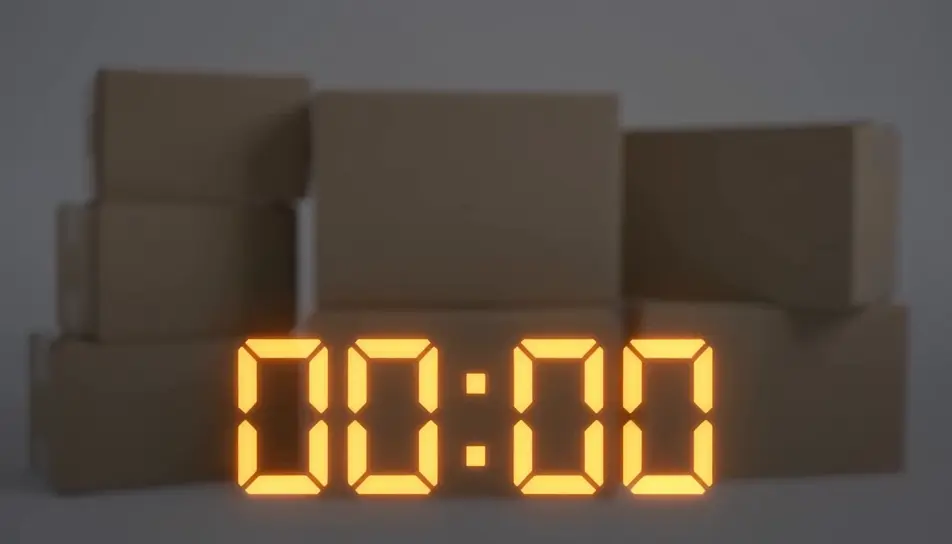
Generate a Black Friday countdown video in Morphic's AI video generator: ticking numbers over a product shot, a bold "sale ends in..." graphic, or a looping urgency clip sized for stories, reels or an email header. This is a rendered video clip you add your own offer to, not a live interactive timer — cut it together on Compose and post it everywhere your sale needs urgency.
A large ticking countdown overlaid on a soft-focus product arrangement, the numbers sharp against the blurred background.
프롬프트 편집A vertical, loopable countdown graphic built for a story placement, numbers ticking center-frame with a pulsing background glow.
프롬프트 편집
A wide, short countdown bar with ticking digits and a thin progress line beneath, designed to sit at the top of an email.
프롬프트 편집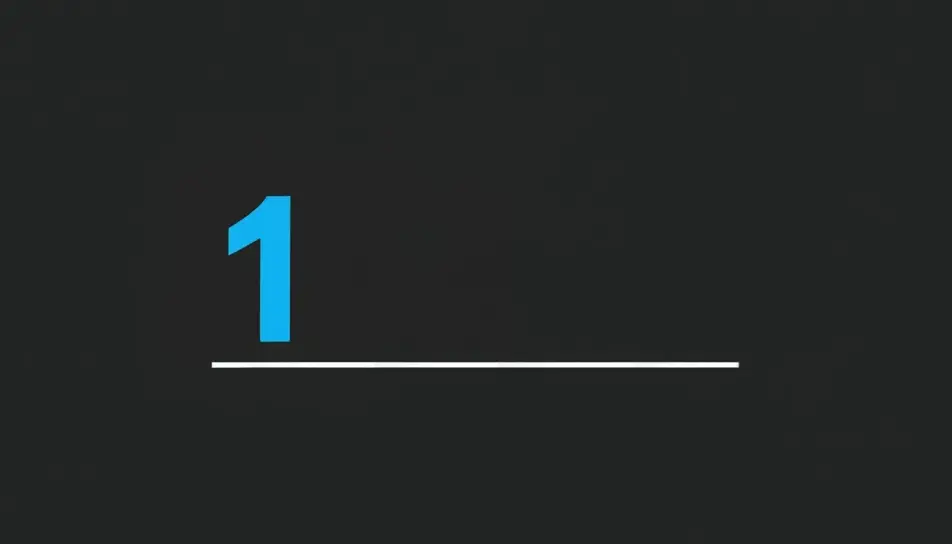
The countdown ticks down to zero, then wipes to reveal a blank offer card ready for the store's own text and price.
프롬프트 편집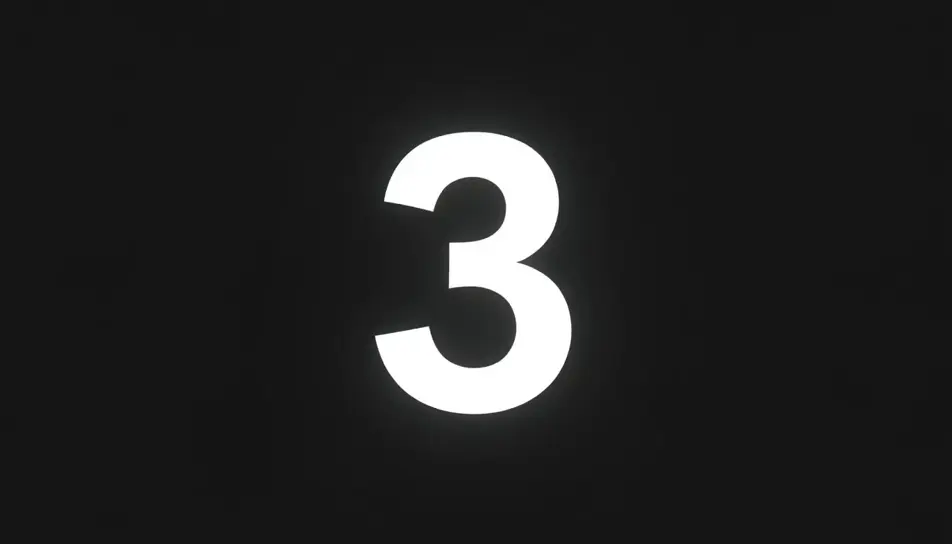
원하는 Black Friday countdown video 장면을 쉬운 말로 작성하세요.
Morphic이 캔버스 위에 영화 같은 클립을 몇 초 만에 생성합니다.
프롬프트를 조정해 다시 생성한 뒤, 원하는 장면을 저장하거나 공유하세요.

모든 텍스트 대화를 영화 같은 멀티샷 비디오로 각색하세요.
모든 장면에 사용할 수 있는 시네마틱 타임 프리즈 단편 영상

선택적인 영화 애니메이션과 함께 처음부터 전문적인 영화 타이틀 카드를 생성합니다.
부동산 사진이 건설 음향 효과와 음악과 함께 영화 같은 리노베이션 타임랩스 비디오로 변환됩니다.
하나의 이미지에서 9장면의 시네마틱 영상으로.

1인칭 시나리오를 설명합니다. 순차적인 POV 프레임을 오디오와 함께 비디오 클립으로 애니메이션화합니다.
Black Friday GIFs
Create Black Friday GIFs in Morphic for email headers, stories and ads. Animate your offer in a short loop that matches your brand.
AI 비디오 생성기
텍스트로 놀라운 영상 생성. 모든 스타일의 전문 영상.
AI 블랙프라이데이 홍보 영상
촬영도 재고도 없이 블랙프라이데이 홍보 영상을 만듭니다. 스포트라이트 리빌부터 색종이 피날레까지 Morphic에서 무료로 시작하세요.
AI 카운트다운 타이머 영상
Morphic으로 AI 카운트다운 타이머 영상을 생성하세요. 분위기 있는 카운트다운 배경, 곧 시작 화면, 음악과 음성 안내가 있는 집중 스프린트 타이머.
오늘 무료로 시작하고 언제든지 업그레이드하거나 취소할 수 있습니다.
Basic
2400 월간 크레딧
1 명 전용
모든 모델
워크플로
Standard
3625 월간 크레딧
1 명 전용
모든 모델
워크플로
Pro
6350 공유 월간 크레딧
1 사용자
모든 모델
워크플로
Max
24650 공유 월간 크레딧
1 사용자
모든 모델
워크플로
Enterprise
더 높은 제한
사용자 정의
가격 및 청구 조건

Free
가볍게 사용해보기
$0
영구 무료