Direct a maintenance guide video in your browser with Morphic's maintenance guide video generator. Generate a safety intro, an inspection checklist beat, and a service step sequence from a written brief. Voice it with Speech, then assemble the steps into one continuous guide on Compose.

Maintenance guide segments you can direct

Maintenance guide moments you can stage

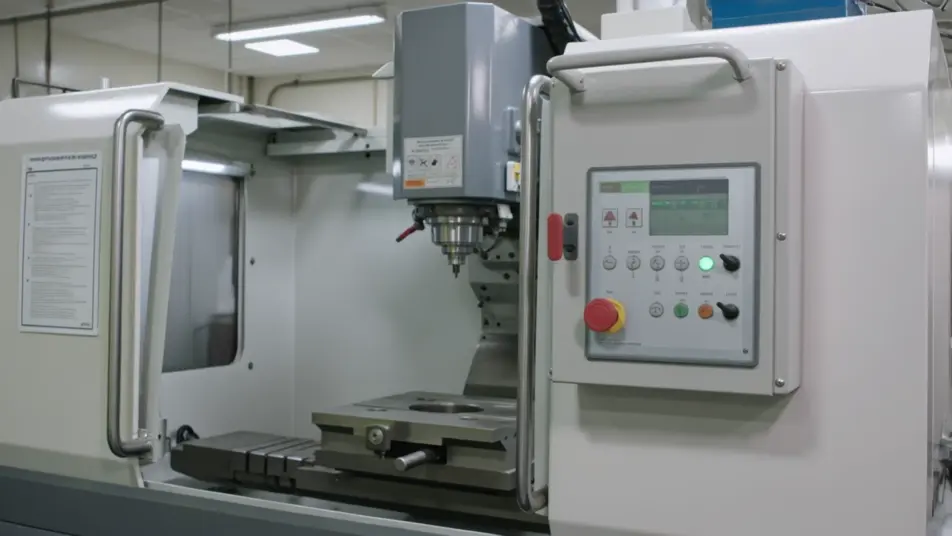
A safety shutdown intro

A steady wide shot where equipment powers down and a clear caution card lands under even light, the camera holding so the isolation step reads before any work begins.

프롬프트 편집

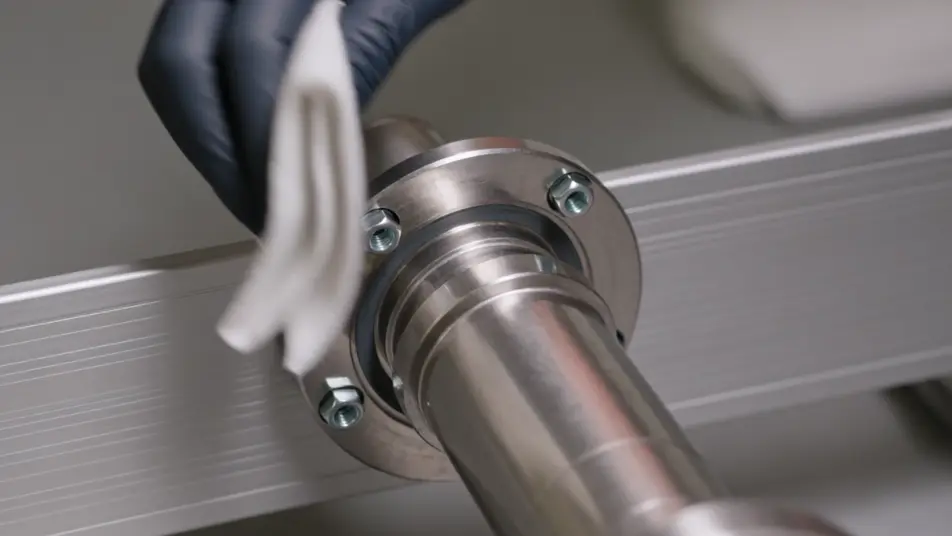
A service step close-up

A tight frame where hands clean and tighten a part under soft even light, the camera steady and the motion slow enough to follow, each action holding for a beat.

프롬프트 편집

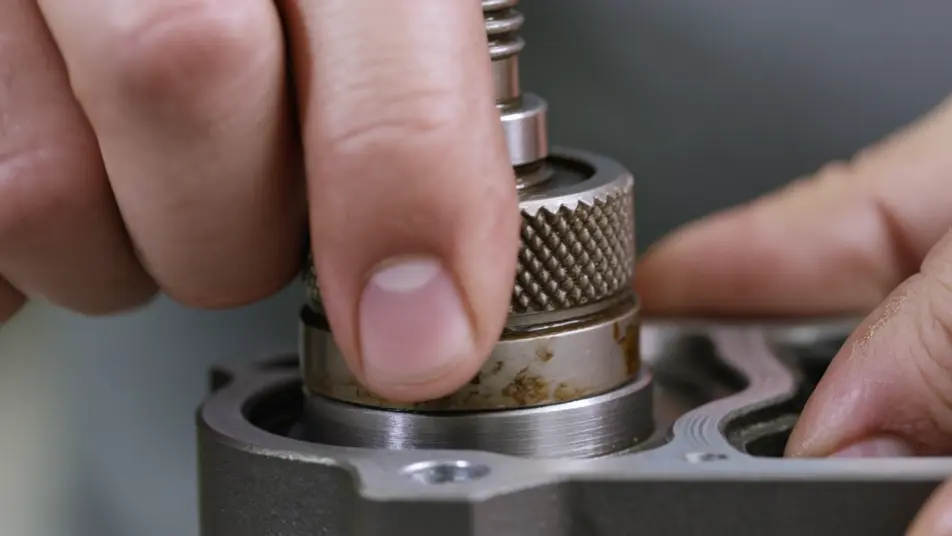
Part-replacement macro

A macro shot where a worn component is removed and a new one seated in crisp focus, the light even so the fit is clear enough for a technician to copy. Only hands and hardware fill the frame.

프롬프트 편집

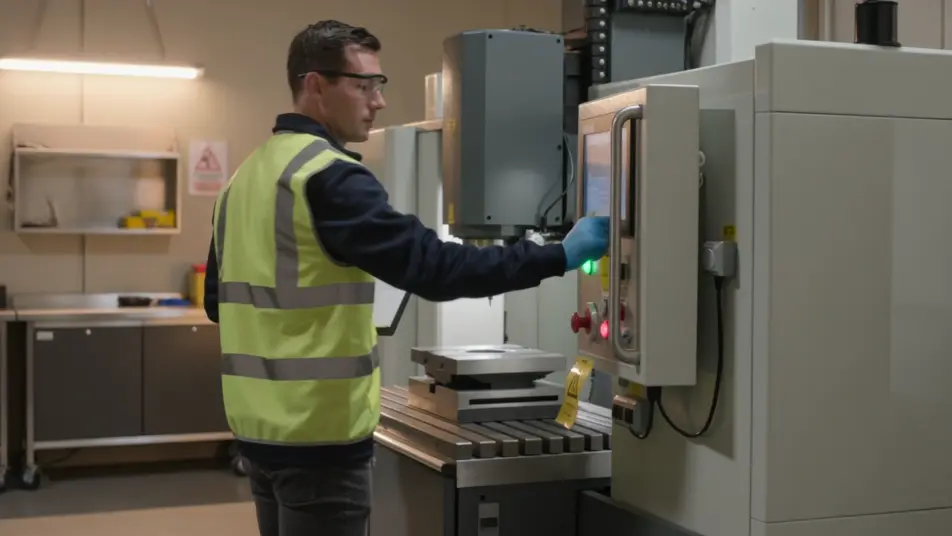
A reset-and-test run

A steady wide shot where the equipment powers back on and runs a quick check under warm light, the camera holding so the working result confirms the service is done.

프롬프트 편집

maintenance guide video 영상을 3단계로 만들기

  1. maintenance guide video 장면 설명하기

    원하는 maintenance guide video 장면을 쉬운 말로 작성하세요.

  2. 영상 생성하기

    Morphic이 캔버스 위에 영화 같은 클립을 몇 초 만에 생성합니다.

  3. maintenance guide video 영상 다듬기

    프롬프트를 조정해 다시 생성한 뒤, 원하는 장면을 저장하거나 공유하세요.

간단한 가격

오늘 무료로 시작하고 언제든지 업그레이드하거나 취소할 수 있습니다.

Basic

$9/
청구 금액 $0

900 월간 크레딧

1 명 전용

모든 모델

워크플로

Standard

$24/
청구 금액 $0

3200 월간 크레딧

1 명 전용

모든 모델

워크플로

Pro

$45/
청구 금액 $0

6200 공유 월간 크레딧

1 사용자

+ 최대 4 명 추가 비용으로 추가 가능

모든 모델

워크플로

Pro Max

$170/
청구 금액 $0

24000 공유 월간 크레딧

1 사용자

+ 최대 9 명 추가 비용으로 추가 가능

모든 모델

워크플로

Enterprise

더 높은 제한

사용자 정의

가격 및 청구 조건

대용량 크레딧
맞춤형 시트 제한
모든 모델
워크플로
Pricing Gradient

Free

가볍게 사용해보기

$0

영구 무료

최대 20 크레딧
1명 전용
일부 모델
워크플로

자주 묻는 질문

Where can I make a maintenance guide video with AI?
You can create a maintenance guide video directly in your browser on Morphic. Open the Text to Video tool, describe each step as a close shot, and the segments generate. On Compose you assemble them in order into one continuous guide with no editing suite needed.
What segments work best in a maintenance guide video?
A safety intro, an inspection checklist, a service step sequence, and a reset-and-test each carry one clear action. Holding the same framing and light across every step makes a multi-part guide feel like one continuous piece rather than a stack of clips.
How do I write a good prompt for a maintenance guide video?
Reduce each step to one action and prompt it as a close shot in the same style. Name the hands, the part, and the angle, whether close-up or macro. Keeping the light and framing consistent is what makes the steps read as one guide a technician can follow.
How do I update a maintenance guide video when the procedure changes?
Reprompt only the step that changed, keeping the same style descriptors so it matches the rest. On Compose you swap that clip in and re-time the sequence, so a revised interval or a new step is an edit rather than a full reshoot.
Can I add narration to a maintenance guide video?
Yes. The Speech tool generates a clear narration track in the voice you choose to call each step and each safety note as it happens on screen. Keep any background bed subtle so the instructions stay in focus for a technician following along.