Three bottles in a slow dolly
A slow lateral dolly passes three blank frosted bottles standing in a row, each catching the same soft rim light as it crosses the lens.
프롬프트 편집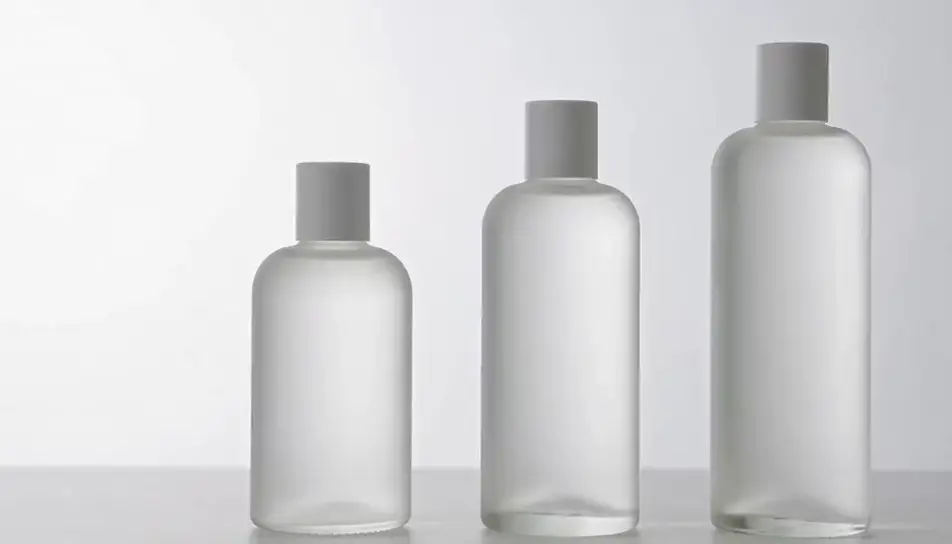
Generate product animation videos in Morphic's AI video generator: a frosted bottle turning on a plinth, or headphones drifting apart in an exploded view. Add the label on Compose.
A slow lateral dolly passes three blank frosted bottles standing in a row, each catching the same soft rim light as it crosses the lens.
프롬프트 편집A plain matte jar lid rises straight up and hovers as the cream beneath swirls once and settles, soft daylight from one side on a pale ground.
프롬프트 편집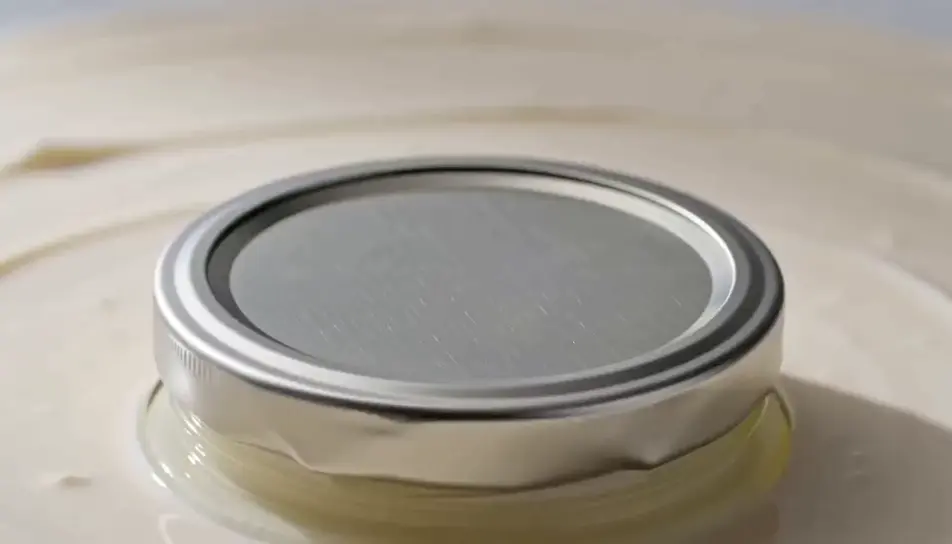
A blank kraft box unfolds flap by flap on a pale ground and a simple matte object rises from it into a soft top light, camera locked.
프롬프트 편집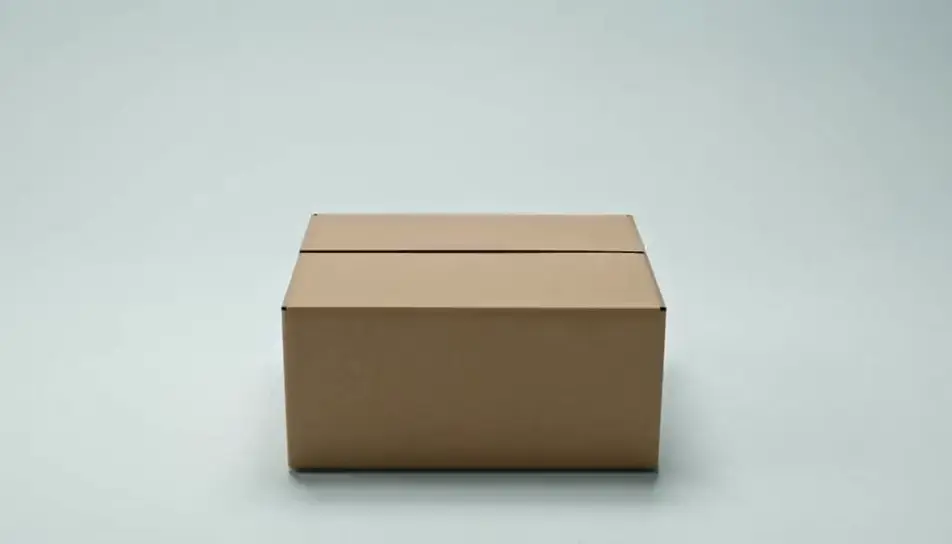
A generic moulded chair holds still on a grey ground while its finish shifts through four matte colours, a soft studio key light on its shell.
프롬프트 편집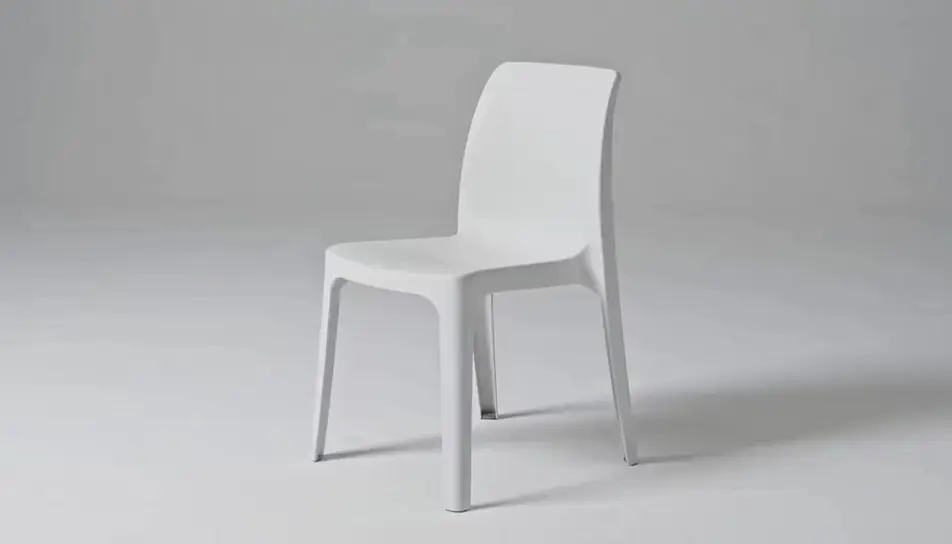
원하는 product animation 장면을 쉬운 말로 작성하세요.
Morphic이 캔버스 위에 영화 같은 클립을 몇 초 만에 생성합니다.
프롬프트를 조정해 다시 생성한 뒤, 원하는 장면을 저장하거나 공유하세요.

캐릭터 참조가 포함된 장면 설명을 공유하세요. 촬영 각도와 분위기가 포함된 전체 스토리보드를 받으세요.

단일 이미지를 입력하세요. 3x3 스토리보드 그리드로 구성된 9개의 시네마틱 비트를 얻으세요.
사진을 올려주세요. 애니메이션과 어울리는 사운드트랙이 포함된 12초 분량의 영화를 만들어 드립니다.

어떤 캐릭터 이미지든 가져와서 단일 참조 시트에 6가지의 뚜렷한 표정을 생성하세요.

스케치나 그림을 완성된 렌더링으로 바꾸세요.
모든 이미지에 대한 정확한 원근감 전환과 전체 카메라 제어를 통해 시청 각도를 선택하세요.
AI 제품 데모 영상
제품을 또렷하게 보여주는 데모 영상을 AI로 만듭니다. 턴테이블, 마크로 디테일, 핸즈온 클로즈업까지 한 프롬프트로 완성하세요.
AI 제품 런칭 영상 제작
검은 천이 걷히는 언베일부터 컨페티 피날레까지, AI로 제품 런칭 영상을 프롬프트 한 줄로 만드세요.
AI logo animation
Browse logo animation and generate your own shots at the exact length, ratio and look the cut needs. Morphic makes video, image, voice and sound.
3D 애니메이션 AI 영상
Morphic으로 3D 애니메이션 영상을 만드세요. CGI 캐릭터, 렌더링된 세계, 역동적인 카메라 무빙, 애니메이션 장면을 평이한 언어 프롬프트로 생성합니다.
오늘 무료로 시작하고 언제든지 업그레이드하거나 취소할 수 있습니다.
Basic
2400 월간 크레딧
1 명 전용
모든 모델
워크플로
Standard
3625 월간 크레딧
1 명 전용
모든 모델
워크플로
Pro
6350 공유 월간 크레딧
1 사용자
모든 모델
워크플로
Max
24650 공유 월간 크레딧
1 사용자
모든 모델
워크플로
Enterprise
더 높은 제한
사용자 정의
가격 및 청구 조건

Free
가볍게 사용해보기
$0
영구 무료