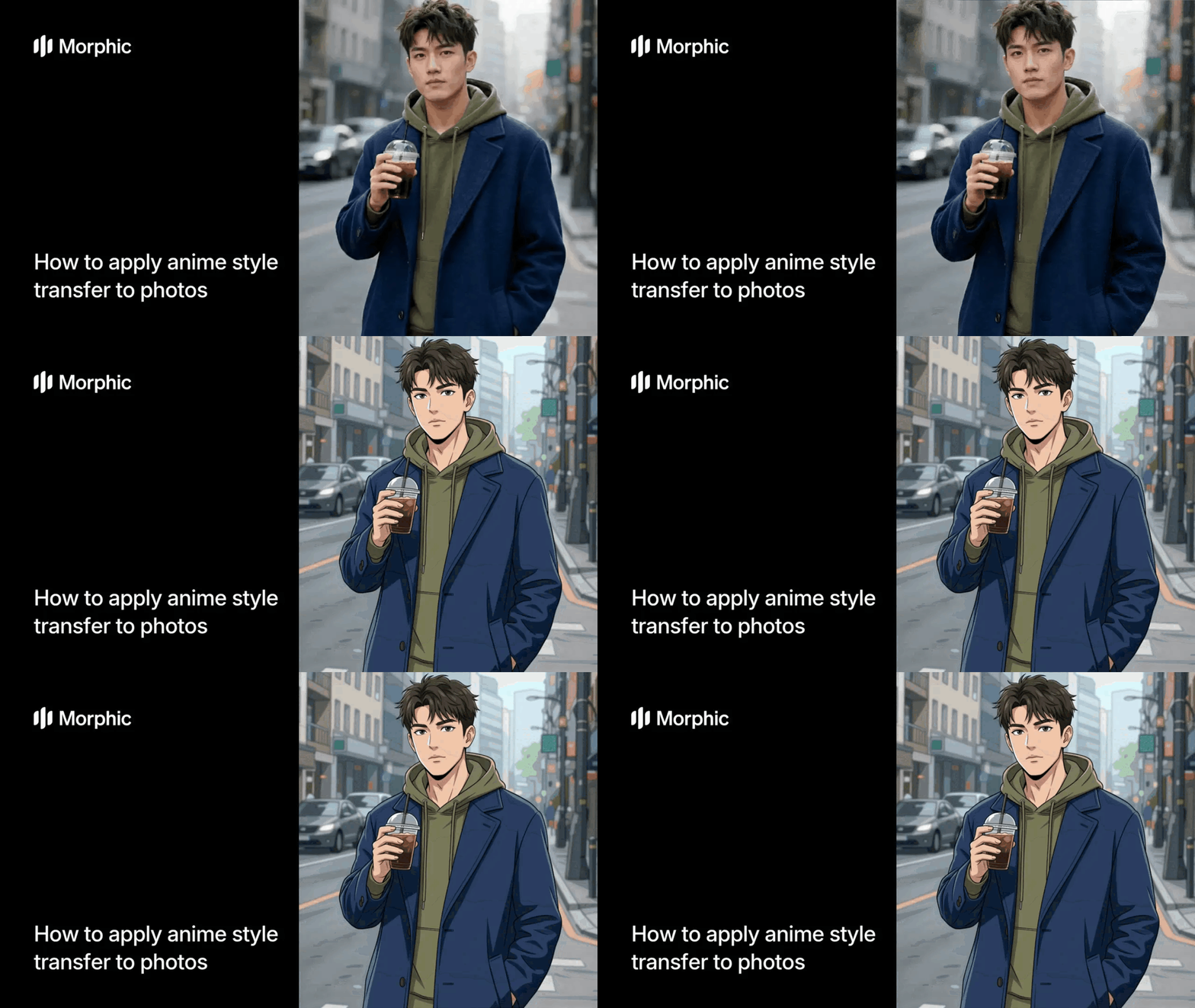
What is anime style transfer?
Style transfer is a technique that takes the visual characteristics of one image and applies them to another. Anime style transfer specifically uses anime illustrations as source material. You choose an anime artwork you love, then apply its color palette, line work, lighting, and overall aesthetic to a photograph. The original photo content stays the same, but rendered in the anime illustration's visual style. The result feels handcrafted, not like a simple filter.
The anime style transfer template lets you upload any anime illustration as reference and any photograph as your subject. The template analyzes the anime artwork's aesthetic elements and applies them to your photo. Your photo's composition and content are preserved, but now rendered in the anime style you selected. This approach gives far more control and quality than preset filters.
Upload your image and generate
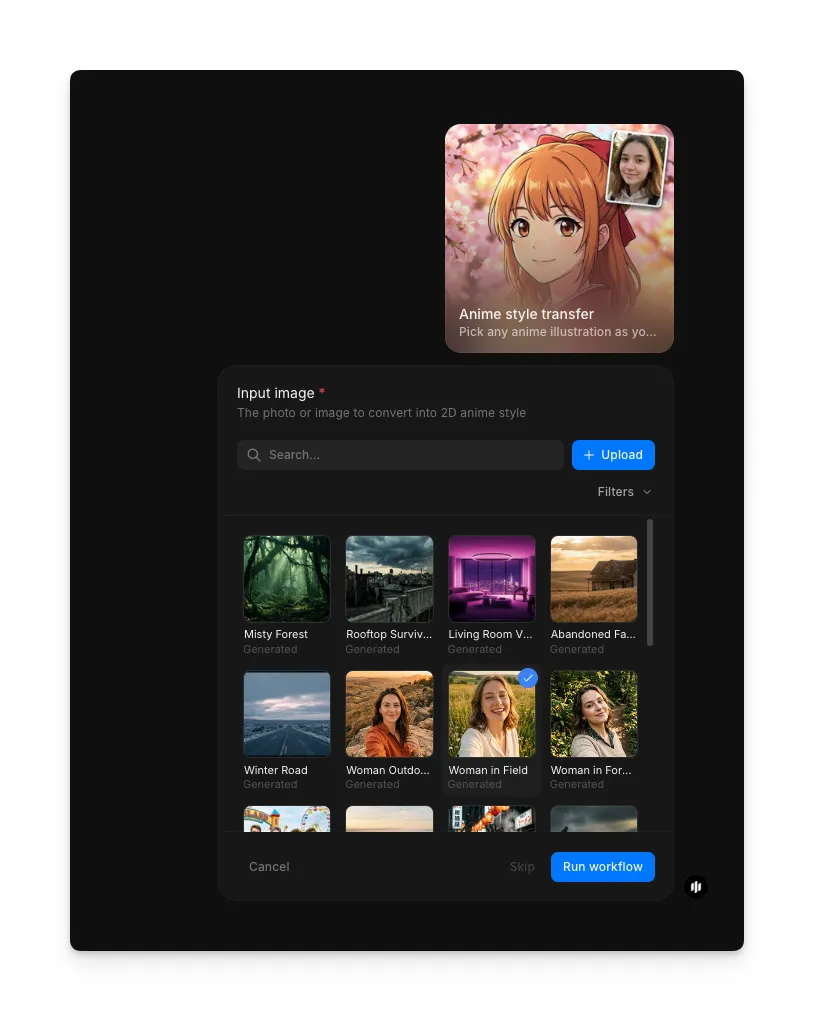
Open the "Anime style transfer" workflow. In the "Input image" step, browse the gallery or upload the photo you want to convert into anime style. Any photograph works: portraits, landscapes, action shots, or still life. Once you've selected your image, click "Run workflow." Morphic analyzes the photo and renders it in an anime aesthetic, applying stylized line work, color grading, and illustrated details while preserving your photo's composition and content.

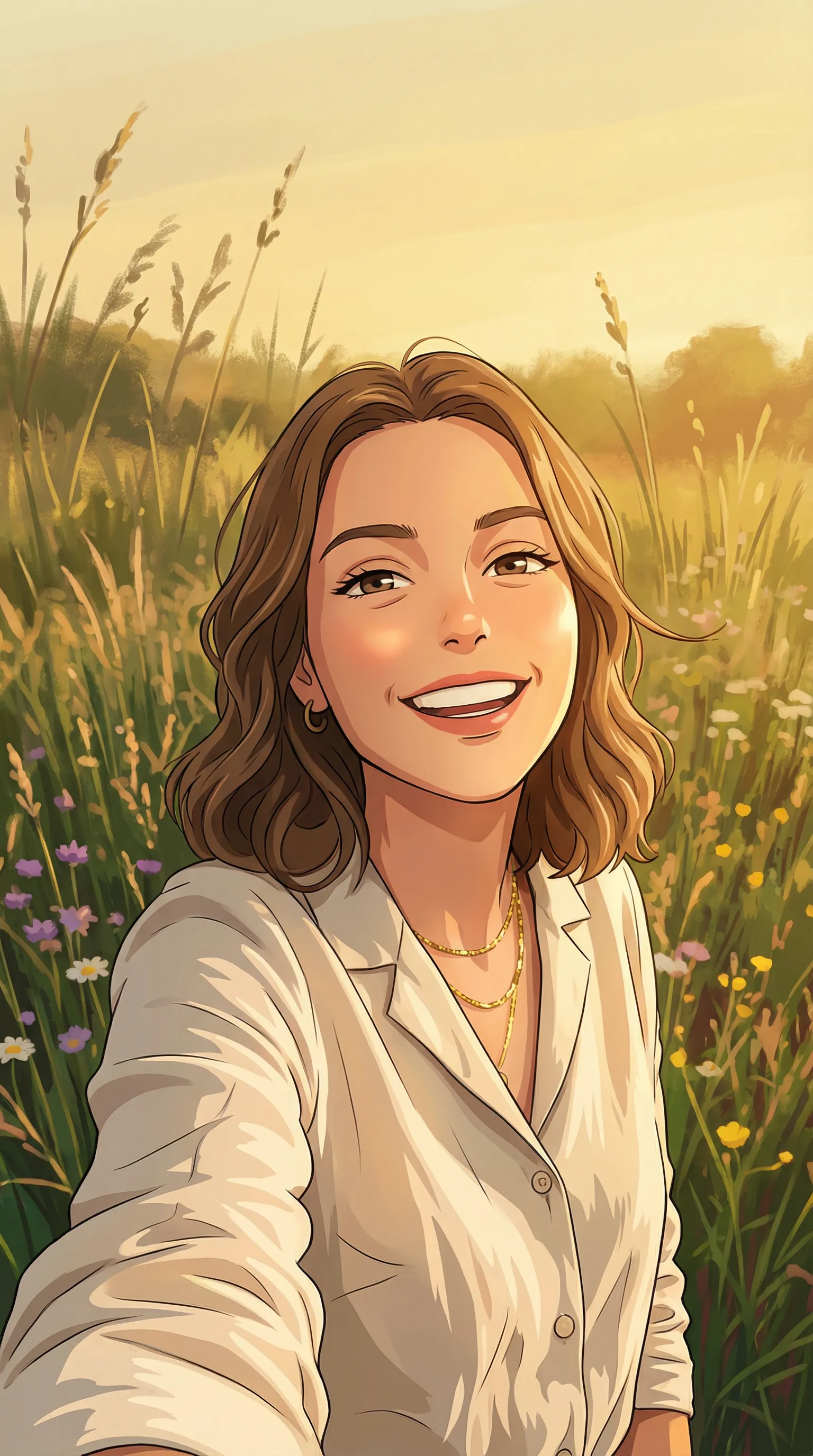
What makes a great anime style transfer
| Quality | What it means | Why it matters |
|---|---|---|
| Visual cohesion | Photo rendered convincingly in anime aesthetic | Style application that feels pasted or mismatched looks amateurish |
| Detail preservation | Photo subject clearly recognizable and detailed | Transferred images that become blurry or abstract lose impact |
| Color authenticity | Colors match anime reference's palette naturally | Artificial or overly saturated colors break the immersion |
| Artistic quality | Feels like intentional anime illustration | Feels like a filter or afterthought, not professional art |
The workflow handles style analysis, color grading, line work application, and rendering automatically, so you only need to provide your photo and anime reference.
Anime style transfer vs. manual style replication in art software
| Anime style transfer template | Recreating style manually in Photoshop | |
|---|---|---|
| Time required | 10-15 minutes | 4-8 hours of manual work |
| Software needed | None, handled automatically | Photoshop or similar advanced software |
| Artistic skill | No drawing or design skills needed | Professional-level color and design skills |
| Reference accuracy | Automatically matches anime aesthetic | Manual interpretation prone to error |
| Iteration | Regenerate instantly with different references | Start over for each style attempt |
| Output consistency | Ensures quality anime rendering | Results depend entirely on artist ability |
| Cost | Available on Morphic | Software subscription plus artist time |
FAQs
Yes. Any anime illustration works, whether it's from official sources, fan art, or screenshots. The higher the resolution and clearer the visual style, the better Morphic's transfer will be. Low-resolution references produce less accurate transfers.
Your photo's composition, subject positioning, and framing stay intact. Only the visual treatment changes. A portrait remains a portrait, a landscape remains a landscape. The style transfer is additive, not transformative of your image's structure.
Yes, absolutely. Generate a style transfer, then use the result as your new photo and apply a different anime reference to it. Morphic lets you layer style transfers for unique blended effects.
No. You could apply a serene, nature-inspired anime aesthetic to an urban street photo or a cyberpunk anime style to a landscape. The style transfers regardless of thematic match. Creative mismatches often produce surprising and unique results.
You can run the workflow multiple times as needed. Experiment with different photos to see how each one looks in anime style.