Every image model
One workspaceCreate AI images in any style
Compare top AI image models
| Model | Best for | Main strength | Reference image support | Text accuracy | Maximum resolution |
|---|---|---|---|---|---|
| Nano Banana 2 | Everyday images and quick edits | Web grounding for real places and products | Up to 14 | Strong, and can translate text in an image | 4K |
| GPT Image 2.5 | Quick images (Flare), precise edits (Sunburst) | Keeps subjects intact across many edits | Up to 10 | Strong, including complex layouts | 4K |
| Flux 2 Pro | Photoreal product and ad images | Sharp detail and accurate color | Up to 10 | Strong, including UI mockups | 2K |
| Krea 2 Large | Photoreal images with a strong aesthetic | Style transfer from reference images | Up to 10 (style) | Supported, not its focus | 1K |
| Seedream 5.0 Pro | Cinematic realism | Precise local edits and multi-image fusion | Up to 10 | Strong, in 14 languages | 1440p |
| Grok Imagine Image 2.0 | Bold, distinctive visuals | Follows detailed instructions closely | Up to 3 | Strong, with designer-style layouts | 1440p |
| Ideogram 4.0 | Posters, ads and headline text | Typography and type styling | 1 | Best in class, from headlines to paragraphs | 2K |
| Recraft V4.1 Pro | Logos, branding and design assets | Color palette control for on-brand work | Text prompts only | Strong, for logos and packaging | 4K |
| Qwen Image 2.1 | Transparent assets and typography | Keeps a person's identity across edits | Up to 10 | Strong, with styled type and layout | 2K |
How to use Morphic's AI image generator
- 01
Open Morphic
Create a free account. You start with 20 free credits and no card.
- 02
Describe the image
Subject, style, light, composition, mood. Be specific.
- 03
Generate and refine
Render in seconds. Swap models and refine side by side on the Canvas.
AI image generator use cases
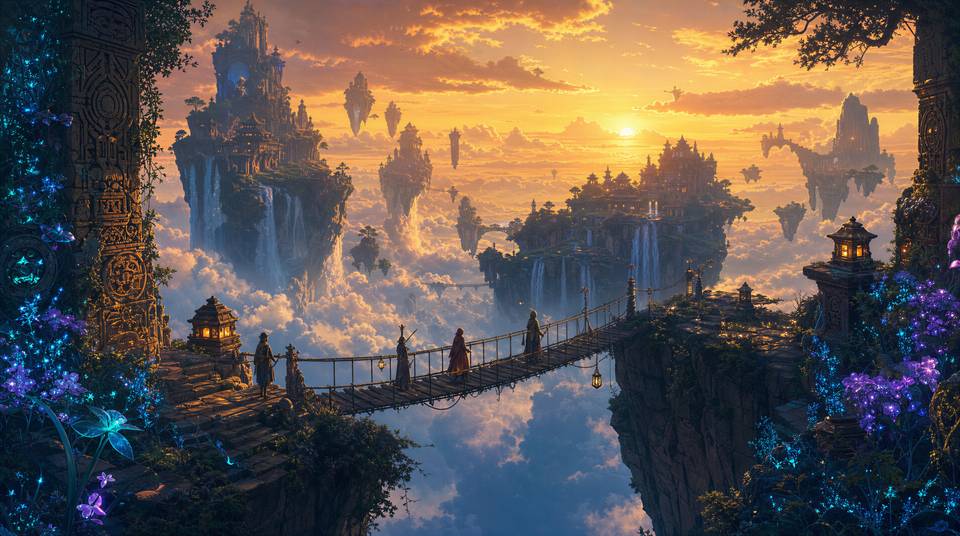
Concept art and illustration
Sketch worlds, characters, and key moments before you commit to production. Generate concept art, key frames, and reference illustrations in any style, then iterate on direction without hiring a studio.
Ad creative and social graphics
Spin up campaign-ready ad creatives, hero banners, and on-brand social tiles in minutes. Test multiple visual angles per channel and ship the variant that performs without booking a photo shoot.

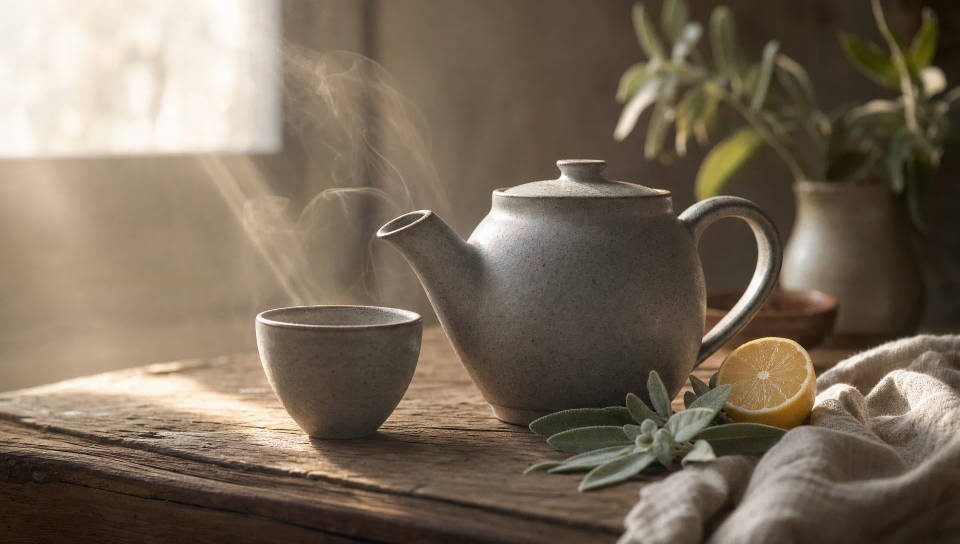
Product photography and lifestyle
Generate clean catalog shots, lifestyle scenes, and seasonal hero imagery for any SKU. Place a single product into a dozen contexts and refresh the storefront without a studio day.
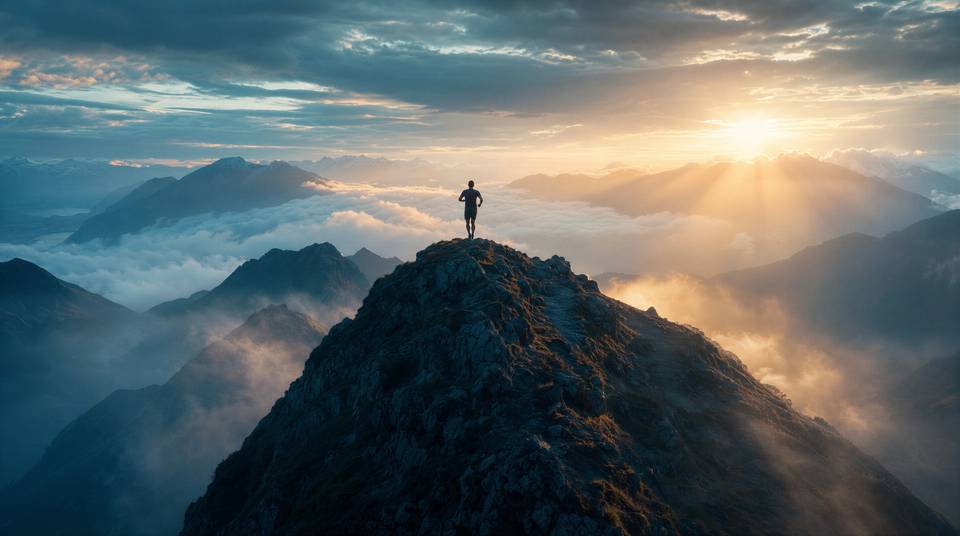
Storyboards and brand films
Build pitch-deck storyboards, animatics, and brand film key art that look like the finished piece. Direct entire sequences with consistent characters, then carry them through to video on Canvas.
AI image generator examples
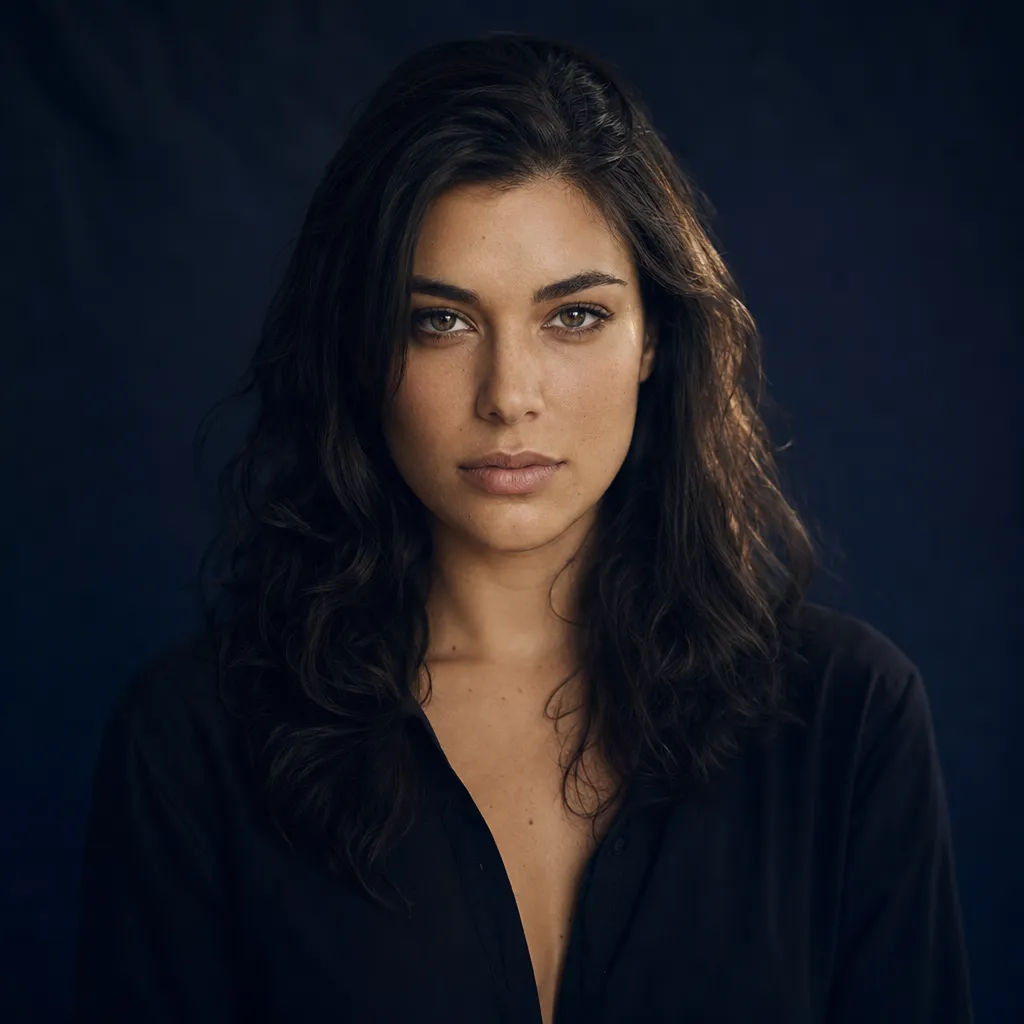
Cinematic portrait
Cinematic portrait, navy backdrop, soft studio rim light, 85mm lens, shallow depth of field
Edit prompt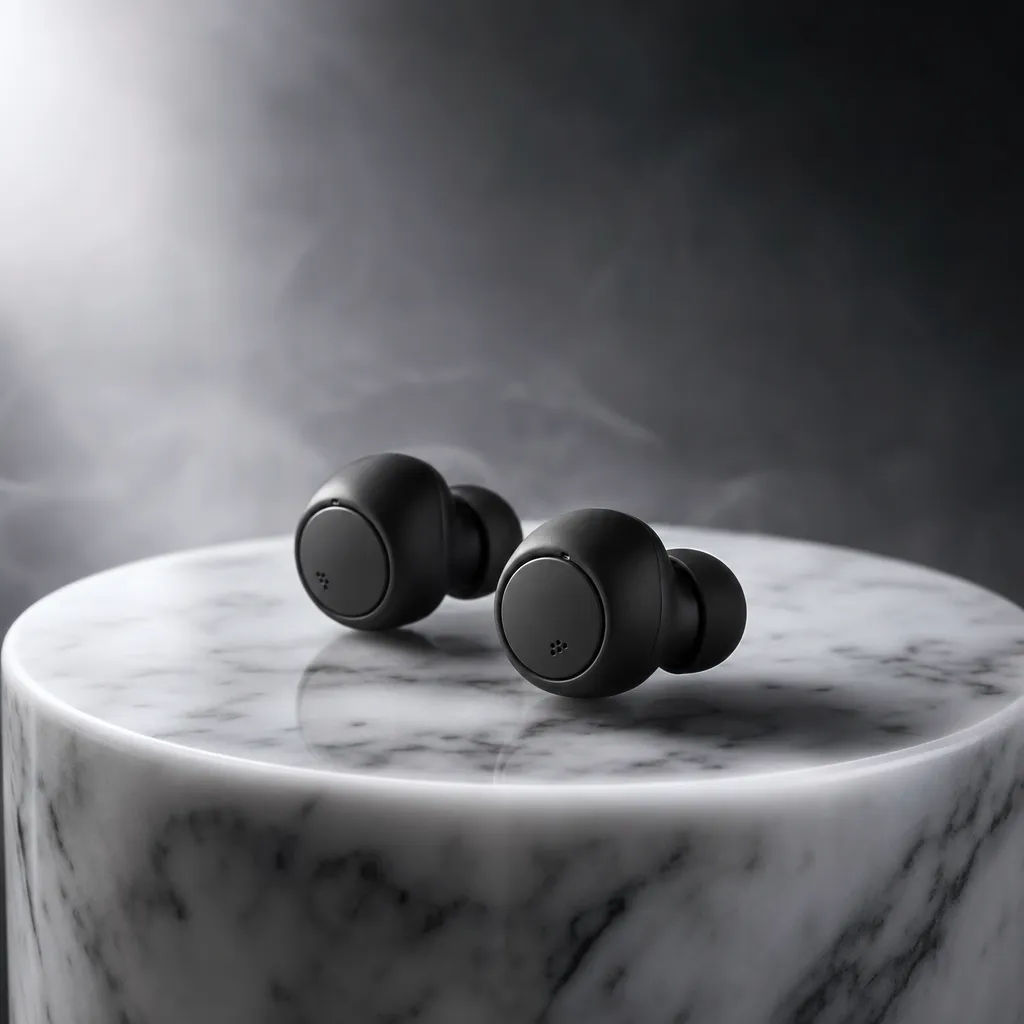
Product photography
Matte-black wireless earbuds on a marble pedestal, soft rim light, subtle haze, premium commercial mood
Edit prompt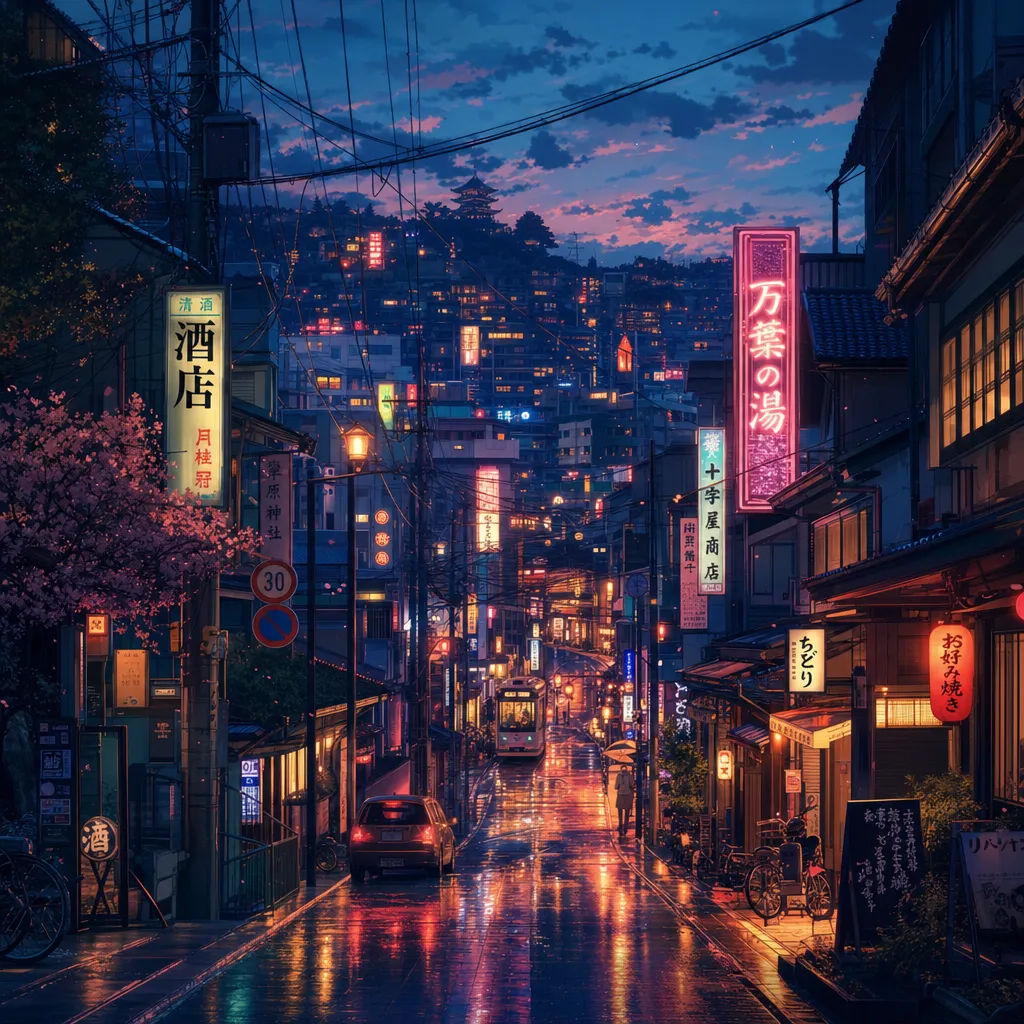
Anime illustration
Anime city street at dusk, neon reflections on wet pavement, cinematic lighting, detailed background
Edit prompt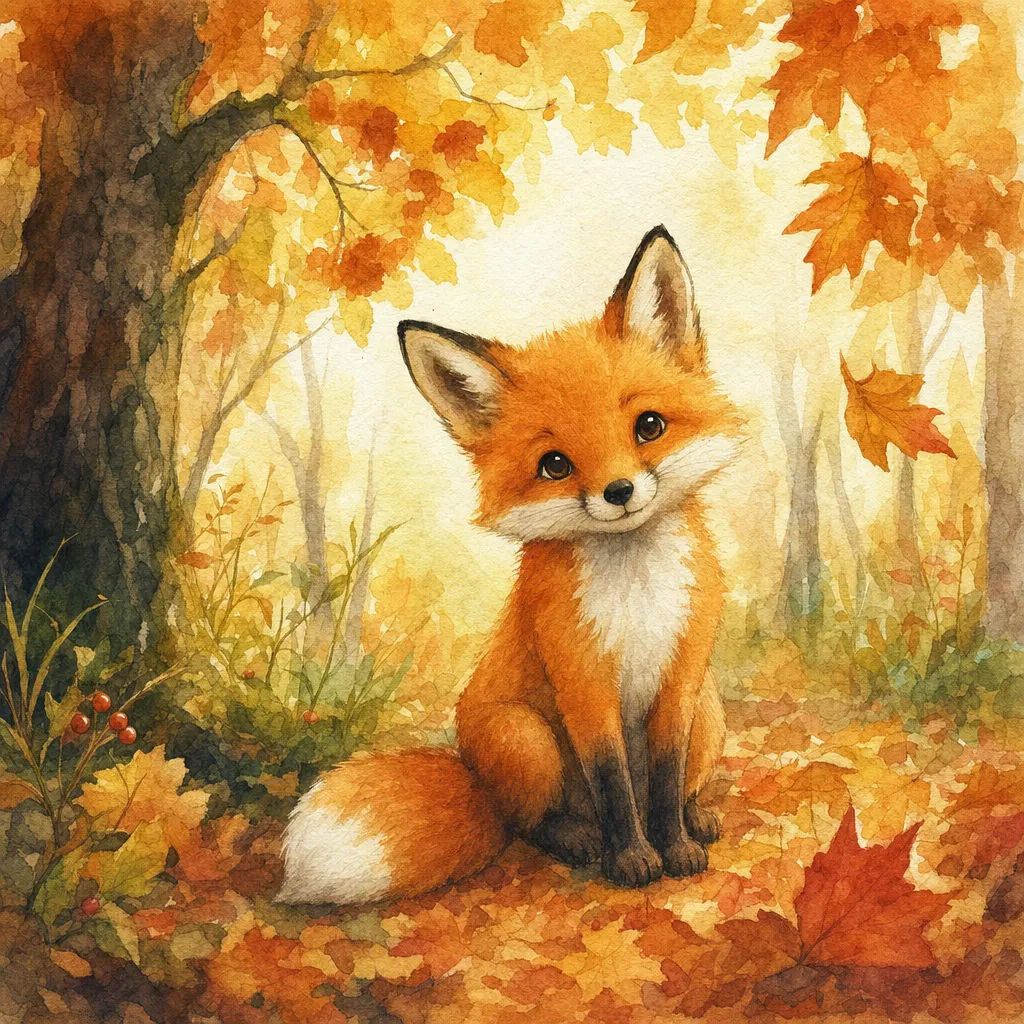
Storybook watercolor
Storybook watercolor of a fox in an autumn forest, soft washes, paper grain, warm palette
Edit prompt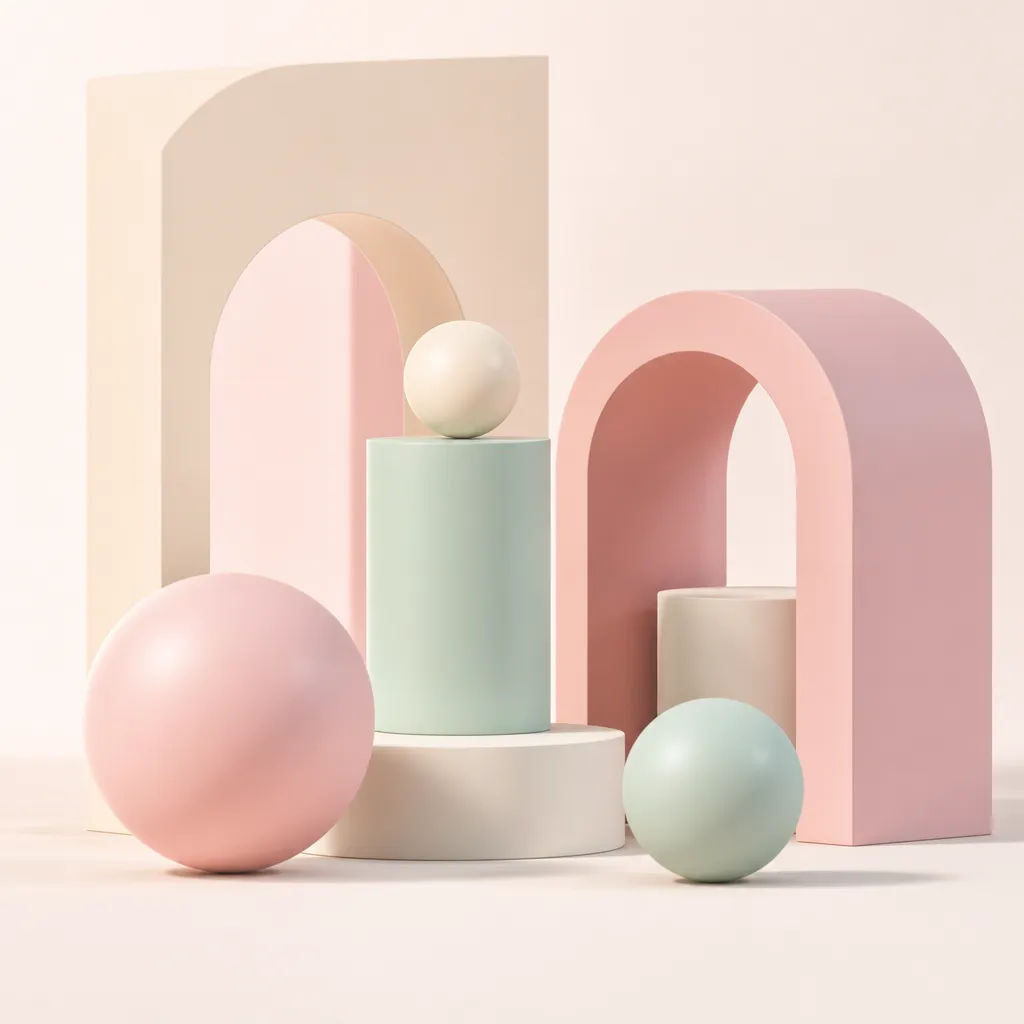
3D render
Glossy 3D render of a pastel geometric still life, soft shadows, studio lighting, ray-traced finish
Edit prompt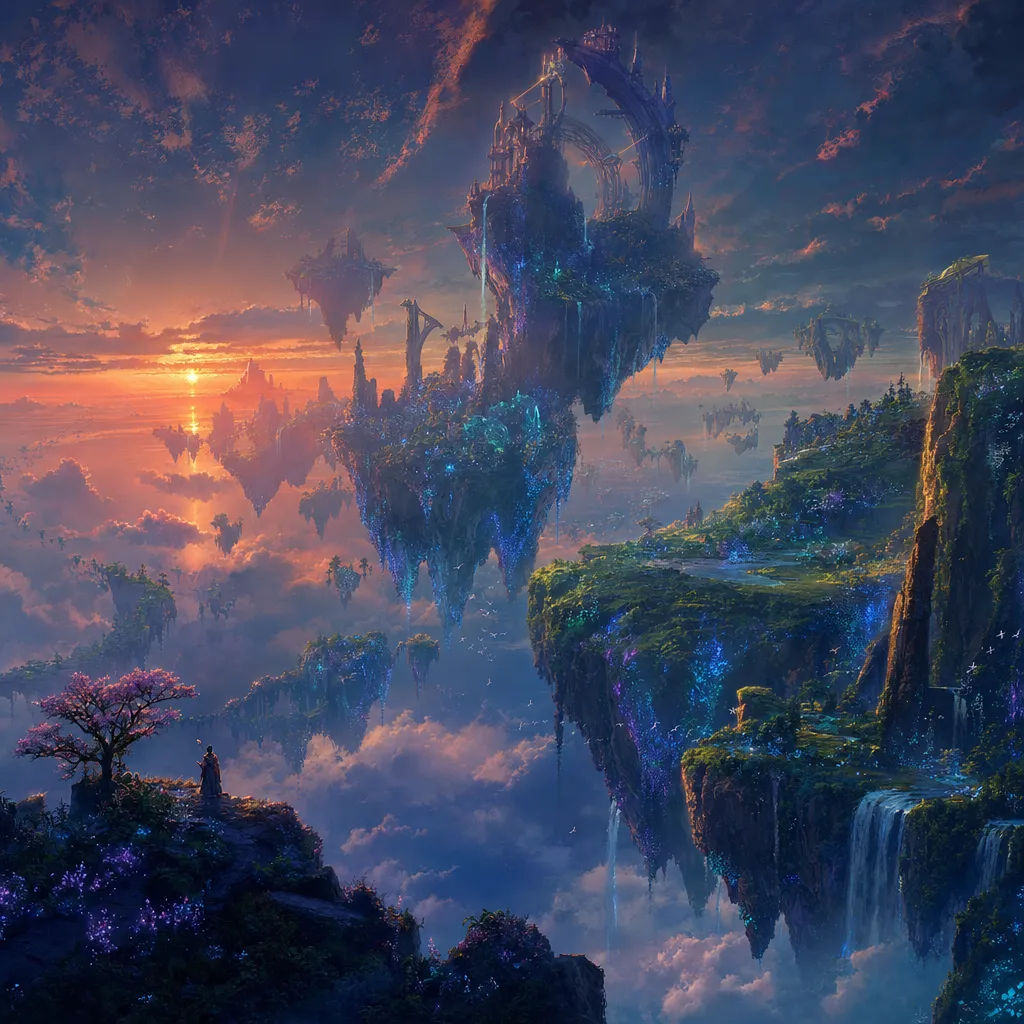
Concept art
Surreal floating archipelago at dusk, bioluminescent flora, epic scale, painterly concept art
Edit prompt
Expressions
Take any character image and generate 6 distinct facial expressions on a single reference sheet.
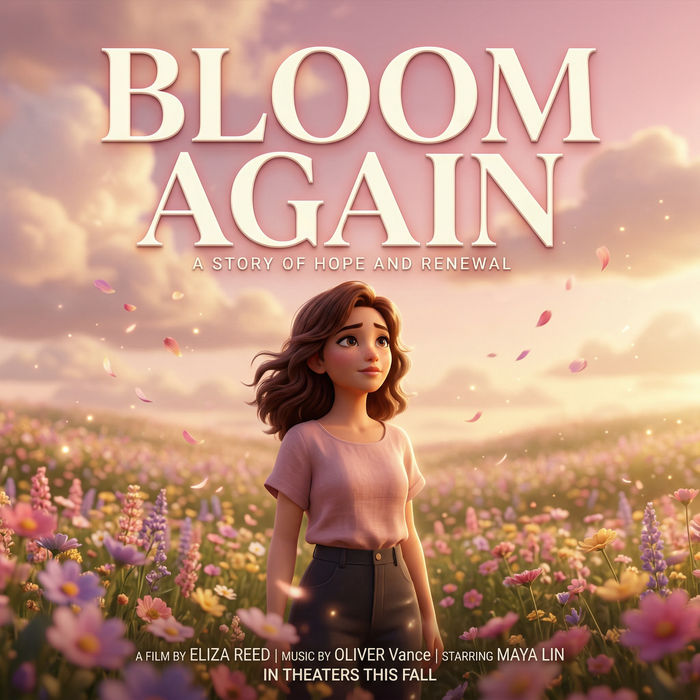
Title sequence
Generate a professional film title card from scratch, with optional cinematic animation.

Cinematic storyboard
Share a scene description with character references. Get a full storyboard with shot angles and mood.

3x3 storyboard
Feed in a single image. Get 9 cinematic beats laid out as a 3x3 storyboard grid.

Messages to cinematic scene
Dramatize any text conversation into a cinematic multi-shot video.

Chibi sprite animation
Turn any photo or description into an animated chibi sprite. Dance, jump, wave, attack, and more.
All on Morphic
Your complete image stackText to image
Write a prompt and get a finished image in any style or aspect ratio. The text to image guide shows how to write prompts that land.
Image to image
Upload a picture and describe the change. Restyle it as watercolor, oil or anime while the subject and layout hold.
Inpainting and outpainting
Edit one part of the image without rerolling everything. Inpaint to swap a face, color, or object. Outpaint to extend the frame and open the scene.
Image resizing
Change the aspect ratio for any placement, from a square post to a wide banner. AI fills the new space instead of stretching or cropping.
