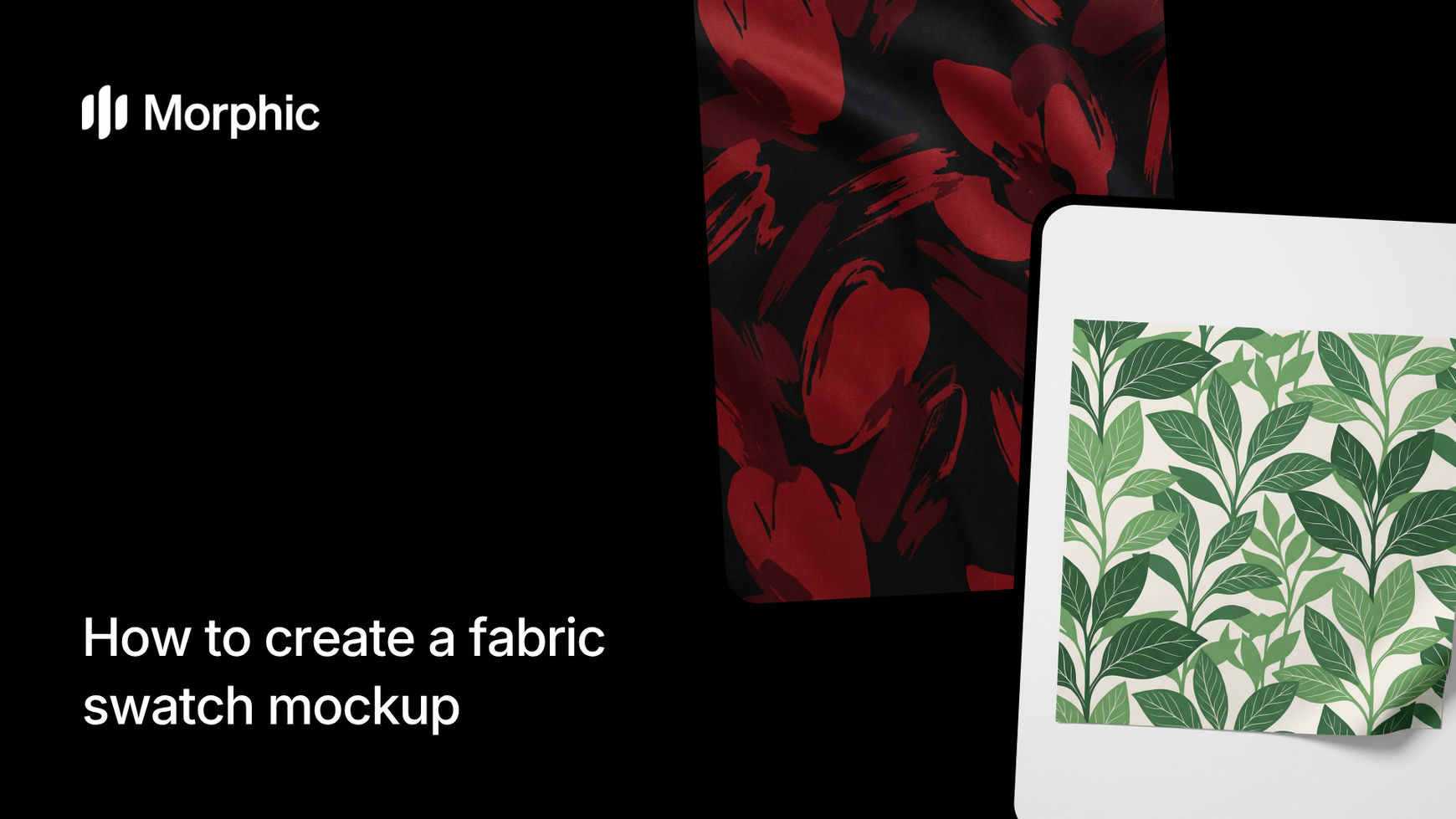
What is a fabric swatch mockup?
A fabric swatch mockup is a photorealistic digital rendering of a textile material showing its weave, texture, pattern, and color as it would appear in real life. Designers use swatches to evaluate material options, present concepts to clients, and make informed decisions before ordering physical samples.
Specify your fabric type, pattern, color palette, and presentation style, then run the workflow. Morphic generates a high-resolution swatch that accurately represents the material's surface characteristics, drape behavior, and light interaction. The result is a production-quality mockup you can use in mood boards, client presentations, and material specification documents.
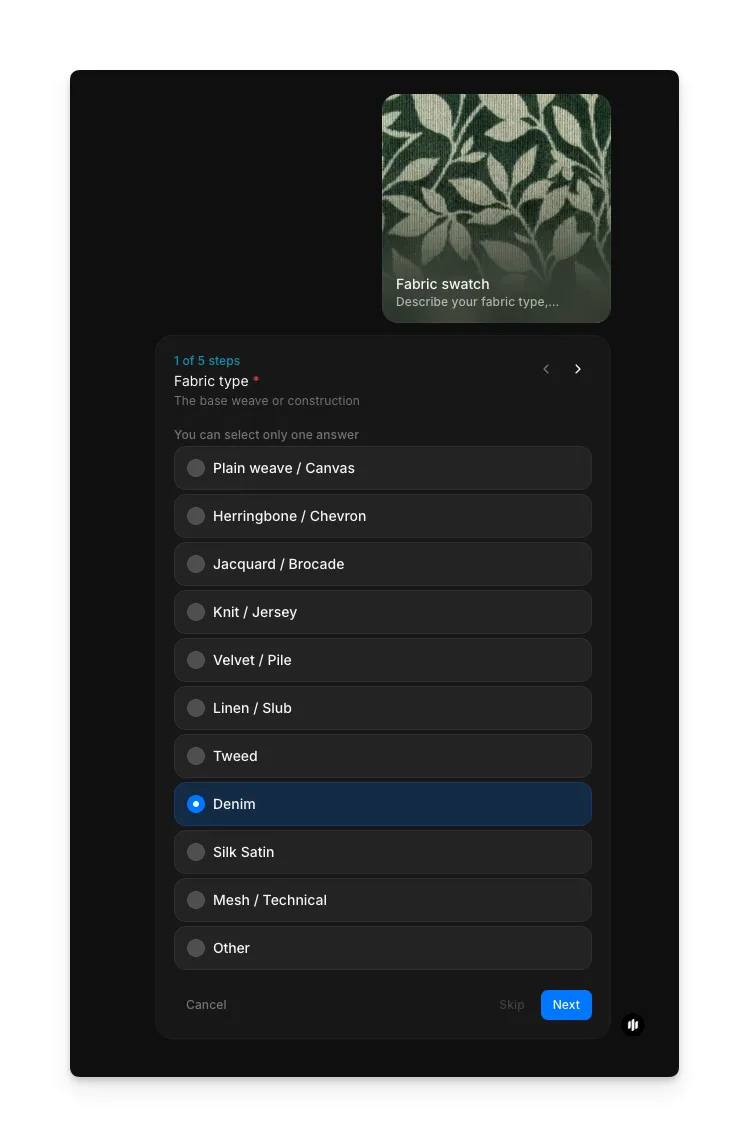
Choose your fabric type
Open the "Fabric swatch" workflow. In the "Fabric type" step, select the base weave or construction for your swatch. Options include Plain weave / Canvas, Herringbone / Chevron, Jacquard / Brocade, Knit / Jersey, Velvet / Pile, Lace, Tweed, Denim, Silk Satin, and Mesh / Technical.
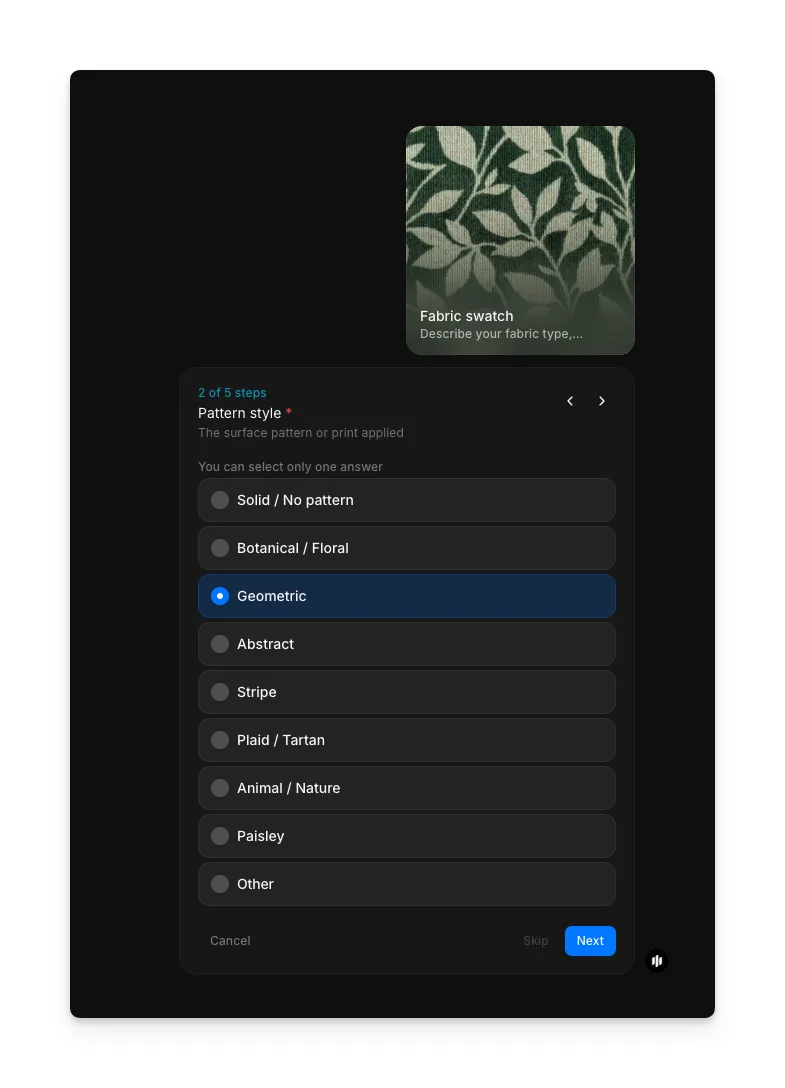
Pick your pattern style
In the "Pattern style" step, select the pattern applied to your fabric. Options include Solid / No pattern, Botanical / Floral, Geometric, Abstract, Stripe, Plaid / Tartan, Animal, Paisley, and Other for custom descriptions.
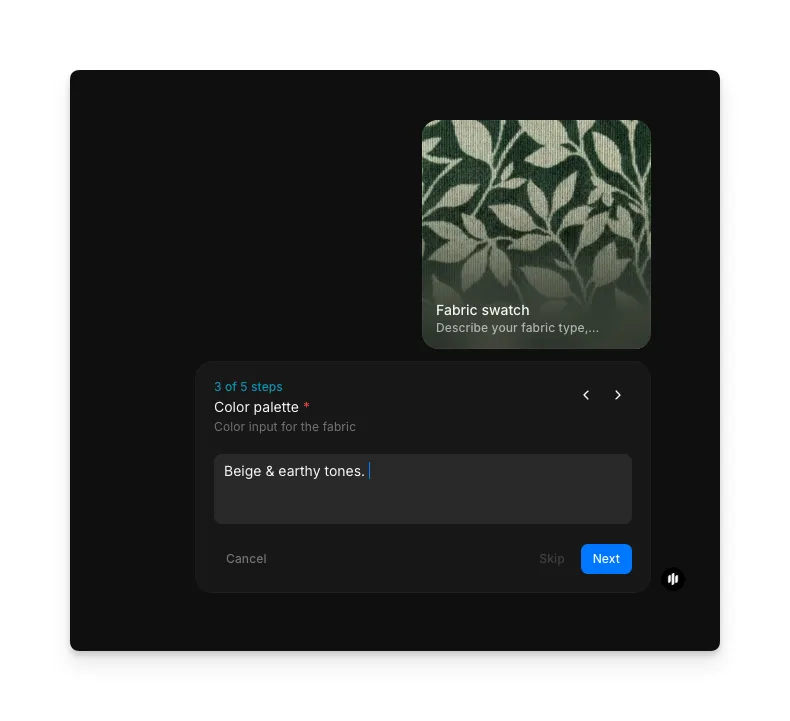
Define your color palette
In the "Color palette" step, describe the colors you want in a text field. You can use color names, moods, or specific references. The example shows "Beige & earthy tones." entered as the color input.
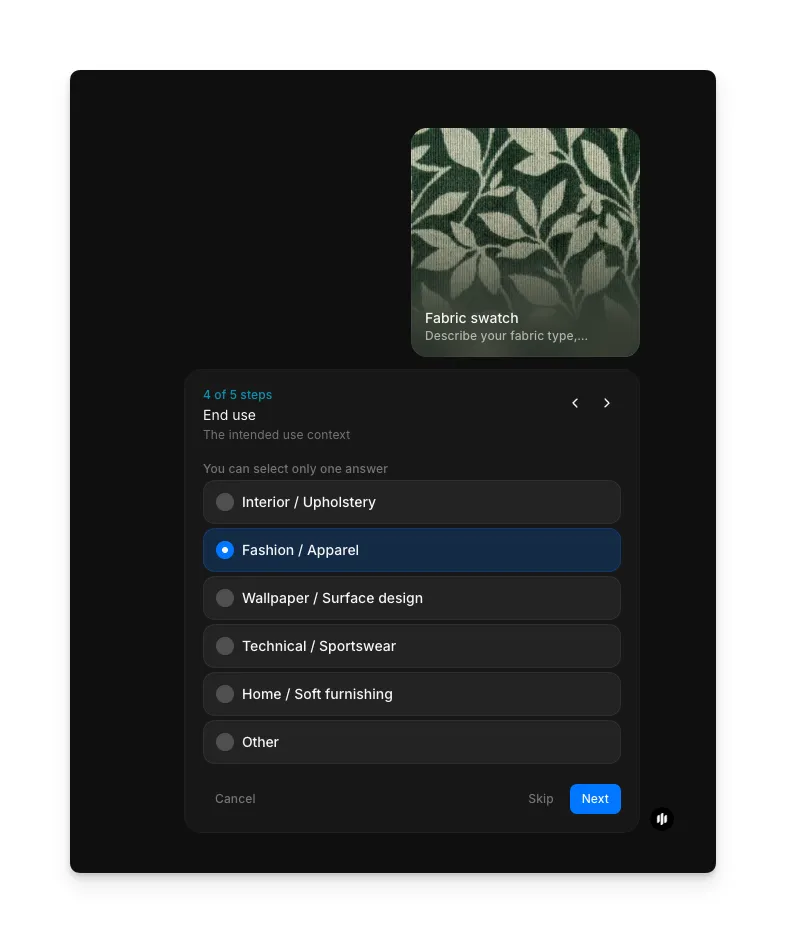
Select the end use
In the "End use" step, select what the fabric will be used for. Options include Interior / Upholstery, Fashion / Apparel, Wallpaper / Surface design, Technical / Sportswear, Home / Soft furnishing, and Other. This influences how the swatch is rendered.
Choose presentation style and generate
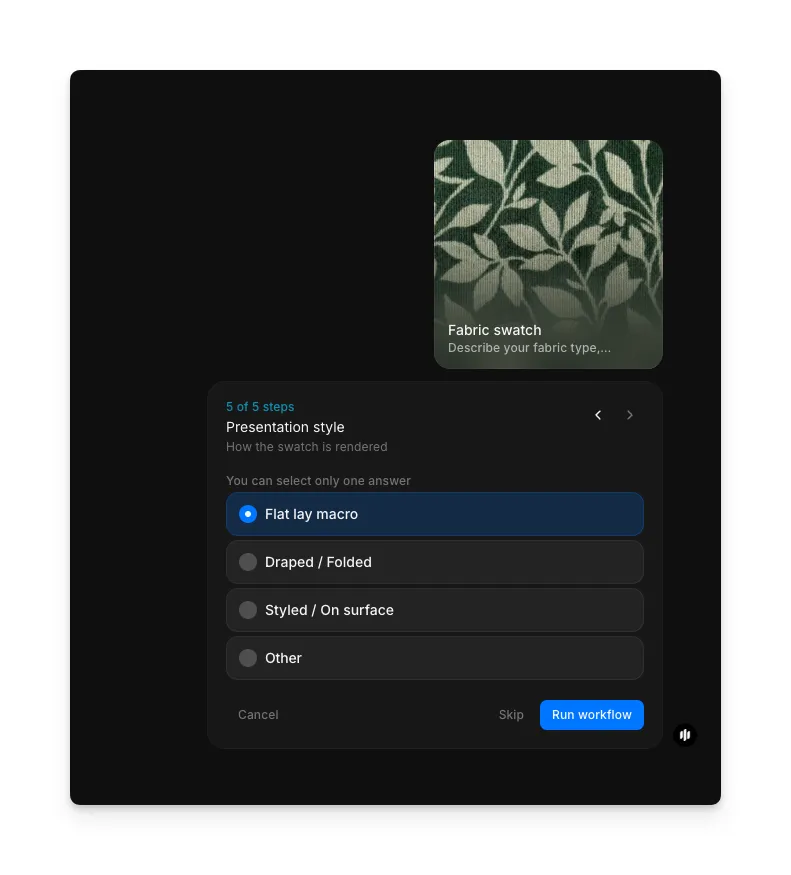
In the "Presentation style" step, select how the swatch is rendered. Options include Flat lay macro, Draped / Folded, Styled / On surface, and Other. Click "Run workflow" to generate your swatch.
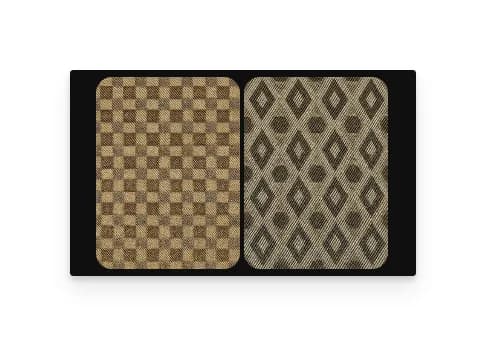
Morphic processes your specifications and generates a high-resolution fabric swatch with accurate texture, pattern alignment, and material behavior.
What makes a convincing fabric swatch mockup
| Quality | What it means | Why it matters |
|---|---|---|
| Texture accuracy | Weave structure and surface detail match the specified material | Stakeholders can evaluate material feel from the visual alone |
| Color fidelity | Rendered colors match specified values under realistic lighting | Design decisions based on the mockup translate accurately to physical production |
| Pattern alignment | Repeat patterns tile seamlessly with correct scale and registration | The swatch looks like a real fabric sample rather than a digital overlay |
| Material sheen | Light interaction reflects the fabric's natural surface properties | Silk looks like silk and matte cotton looks like matte cotton |
The AI handles texture generation, light simulation, and pattern tiling automatically, so you only need to describe the material you want and choose a presentation style.
Digital swatch mockup vs. ordering physical samples
| Morphic's fabric swatch workflow | Ordering physical samples | |
|---|---|---|
| Cost | Available on Morphic | Varies per swatch plus shipping |
| Time to receive | Minutes | 3 to 14 business days |
| Color variations | Change palette and regenerate | Each color variant is a separate order |
| Pattern iteration | Switch patterns and regenerate in seconds | Requires new sample orders for each pattern |
| Client presentations | Digital mockups ready for decks and mood boards | Physical samples need photography for digital use |
| Environmental impact | Zero material waste | Unused samples become textile waste |
| Production decisions | Narrow options digitally before ordering select physical samples | Order broad range and discard most |
FAQs
The workflow produces photorealistic 2K renders that accurately represent weave structure, surface texture, and light behavior for the specified fabric type. Many designers use them directly in client presentations alongside physical samples.
Yes. Beyond the preset pattern options, you can describe custom patterns or upload pattern references. The workflow renders your custom design onto the selected fabric type with accurate scale and repeat.
Swatches generate at 2K resolution, providing enough detail to zoom into weave structure and surface texture. The output works for screen presentations, print materials, and specification documents.
Run the workflow multiple times with different fabric type selections to compare materials side by side. This approach lets you evaluate how the same pattern and color palette look across cotton, silk, linen, and other bases.
Physical sample orders require shipping costs and take days to arrive. Morphic's fabric swatch workflow is available on Morphic and delivers results significantly faster than ordering physical samples.