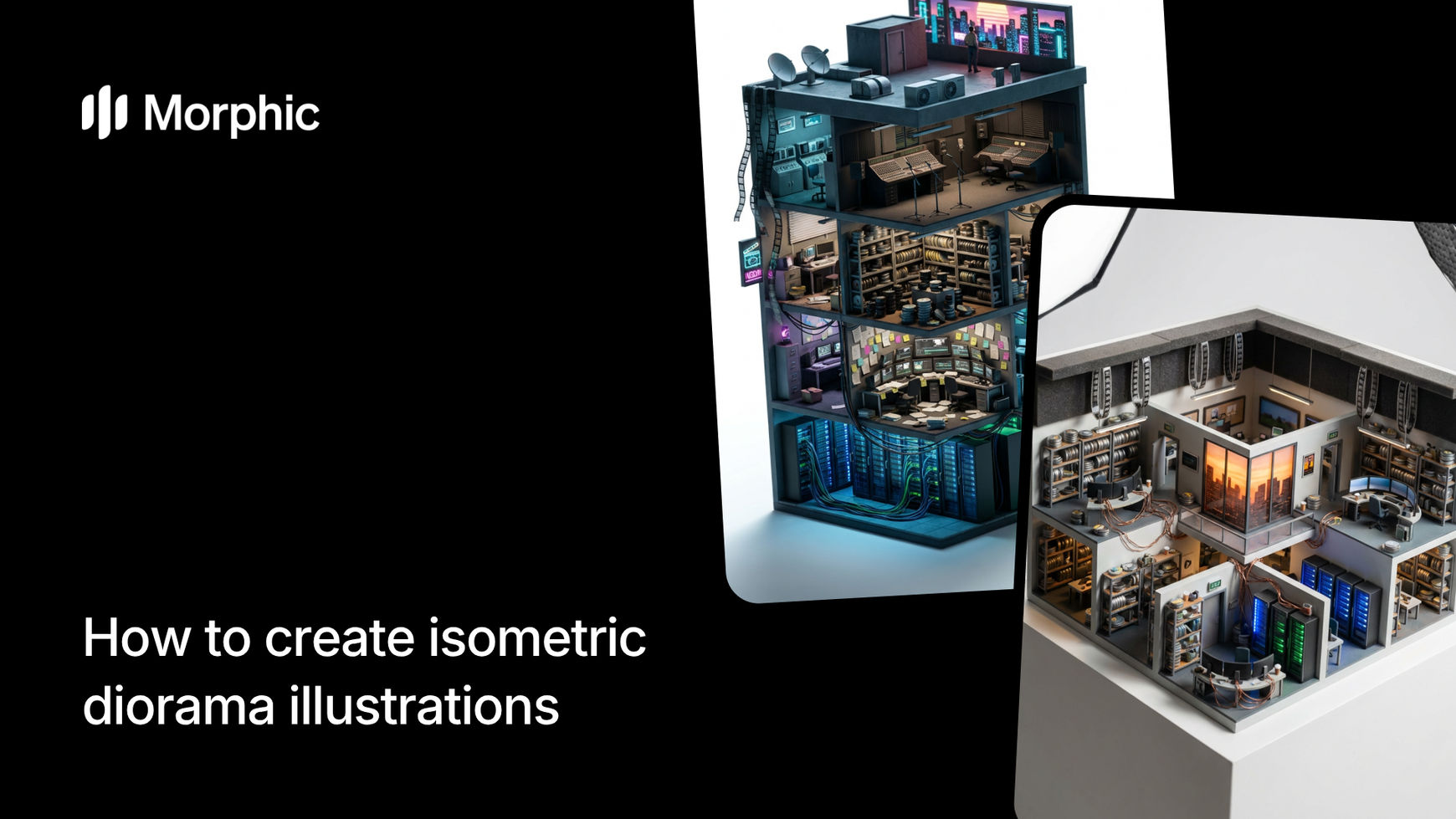
What is an isometric diorama illustration?
An isometric diorama is a three-dimensional scene rendered from an angled top-down perspective without perspective distortion, creating the appearance of a detailed miniature model. These illustrations combine the precision of isometric projection with the charm of physical dioramas, featuring realistic materials, tiny environmental details, and carefully crafted lighting that makes scenes look like photographed tabletop models.
Morphic's isometric diorama workflow takes a text description of any environment and generates a complete isometric scene. Describe a cozy coffee shop, a medieval blacksmith's forge, a tropical island, or a cyberpunk alley, and the workflow builds it as a hyper-realistic miniature with accurate materials, natural lighting, and rich environmental detail.
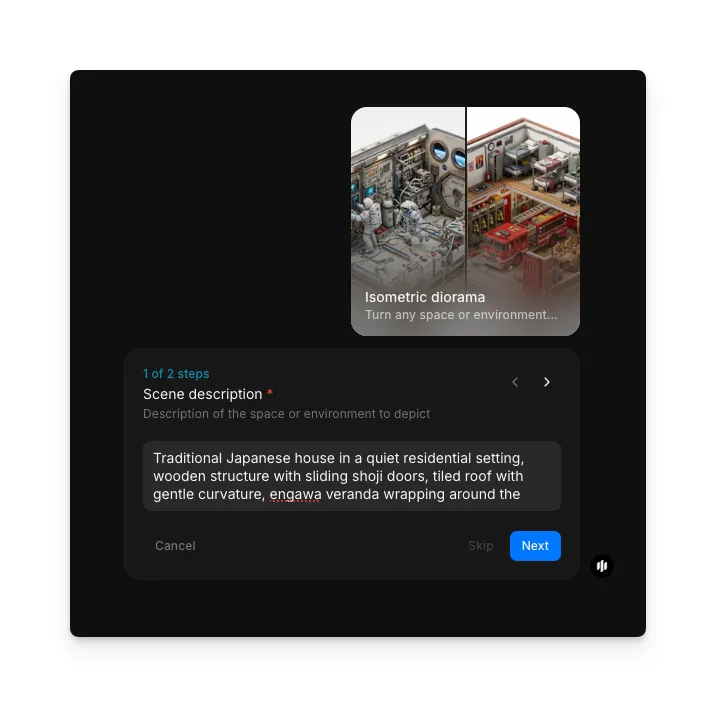
Describe your scene
Open the "Isometric diorama" workflow. In the "Scene description" step, write a description of the space or environment you want rendered. Include details about the setting, key objects, materials, lighting mood, and atmosphere. The example shows a description of a traditional Japanese kitchen with wooden structures and paper lanterns.
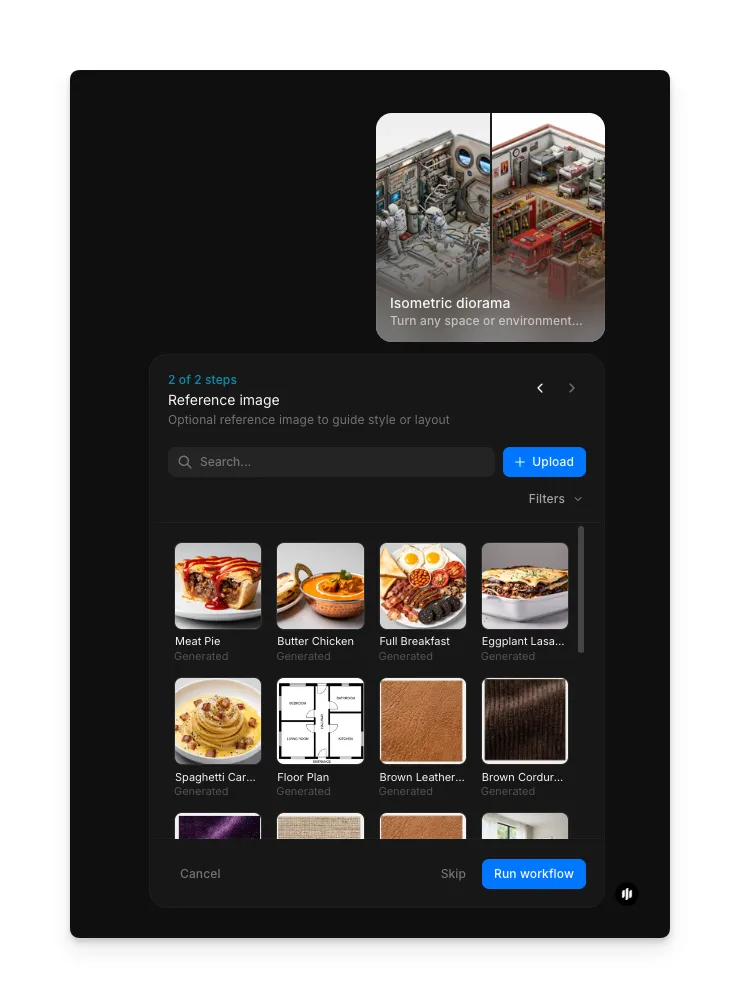
Add a reference image and generate
In the "Reference image" step, browse the gallery or upload an image to guide the style or objects in your diorama. Click "Run workflow" to generate the isometric scene.
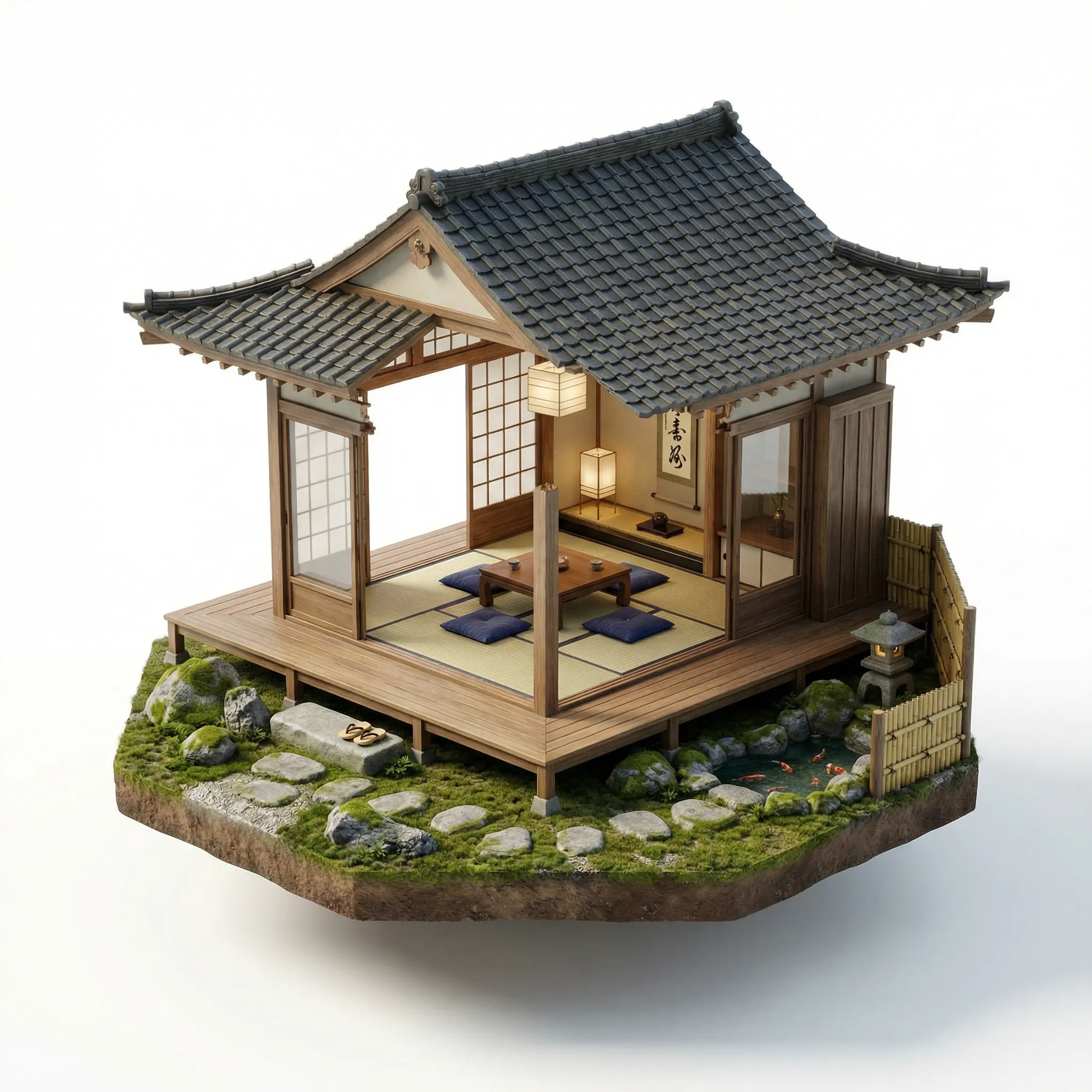
Morphic processes your environment description and generates a hyper-realistic isometric diorama. The output features detailed materials, natural lighting, and the characteristic miniature model aesthetic.
What makes an effective isometric diorama
| Quality | What it means | Why it matters |
|---|---|---|
| Depth and scale | The scene reads as a miniature model with convincing proportions and layered depth | The diorama effect depends on objects feeling small and precisely crafted |
| Material realism | Surfaces like wood, metal, fabric, and stone look physically accurate with proper texture and sheen | Realistic materials are what separates a polished diorama from a flat illustration |
| Lighting accuracy | Light falls naturally across the scene with soft shadows and ambient occlusion | Proper lighting sells the three-dimensional miniature illusion |
| Environmental storytelling | Small details like scattered objects, wear patterns, and lived-in touches tell a story | The best dioramas feel inhabited and invite viewers to explore every corner |
The AI handles 3D composition, material rendering, lighting, and environmental detail automatically, so you only need to describe the space you have in mind.
Morphic isometric diorama vs. manual 3D modeling
| Morphic isometric diorama workflow | Manual 3D modeling | |
|---|---|---|
| Cost | Available on Morphic | Varies by artist and scene complexity |
| Time to create | Seconds | Days to weeks for modeling, texturing, lighting, and rendering |
| Skill required | None, write a text description | Proficiency in Blender, Cinema 4D, or similar 3D software |
| Material quality | Hyper-realistic materials generated automatically | Each material must be manually textured and calibrated |
| Iterations | Adjust description and regenerate | Each revision requires manual scene modification and re-rendering |
| Render time | Instant | Minutes to hours per render depending on scene complexity |
FAQs
Any environment works. The workflow handles interior spaces like cafes, bedrooms, and workshops, as well as exterior environments like forests, cityscapes, and fantasy landscapes. It also works for abstract or fictional settings like sci-fi space stations or underwater habitats.
Yes. The generated illustrations are suitable for editorial content, social media graphics, game concept art, marketing materials, presentations, and any commercial application that benefits from detailed isometric visuals.
More detail produces more accurate results. A description like "a cozy Japanese ramen shop at night with steam rising from bowls, wooden counters, paper lanterns, and rain visible through the window" will produce a richer diorama than just "a ramen shop." Include materials, lighting conditions, and specific objects for the best output.
Yes. You can adjust your description to shift the aesthetic. Adding terms like "low-poly," "pixel art," "watercolor," or "photorealistic" to your description changes the rendering style while maintaining the isometric diorama structure.
Commissioning a 3D artist to build and render an isometric diorama can be expensive depending on complexity. Morphic's isometric diorama workflow is available on Morphic and generates detailed scenes significantly faster than manual 3D modeling.