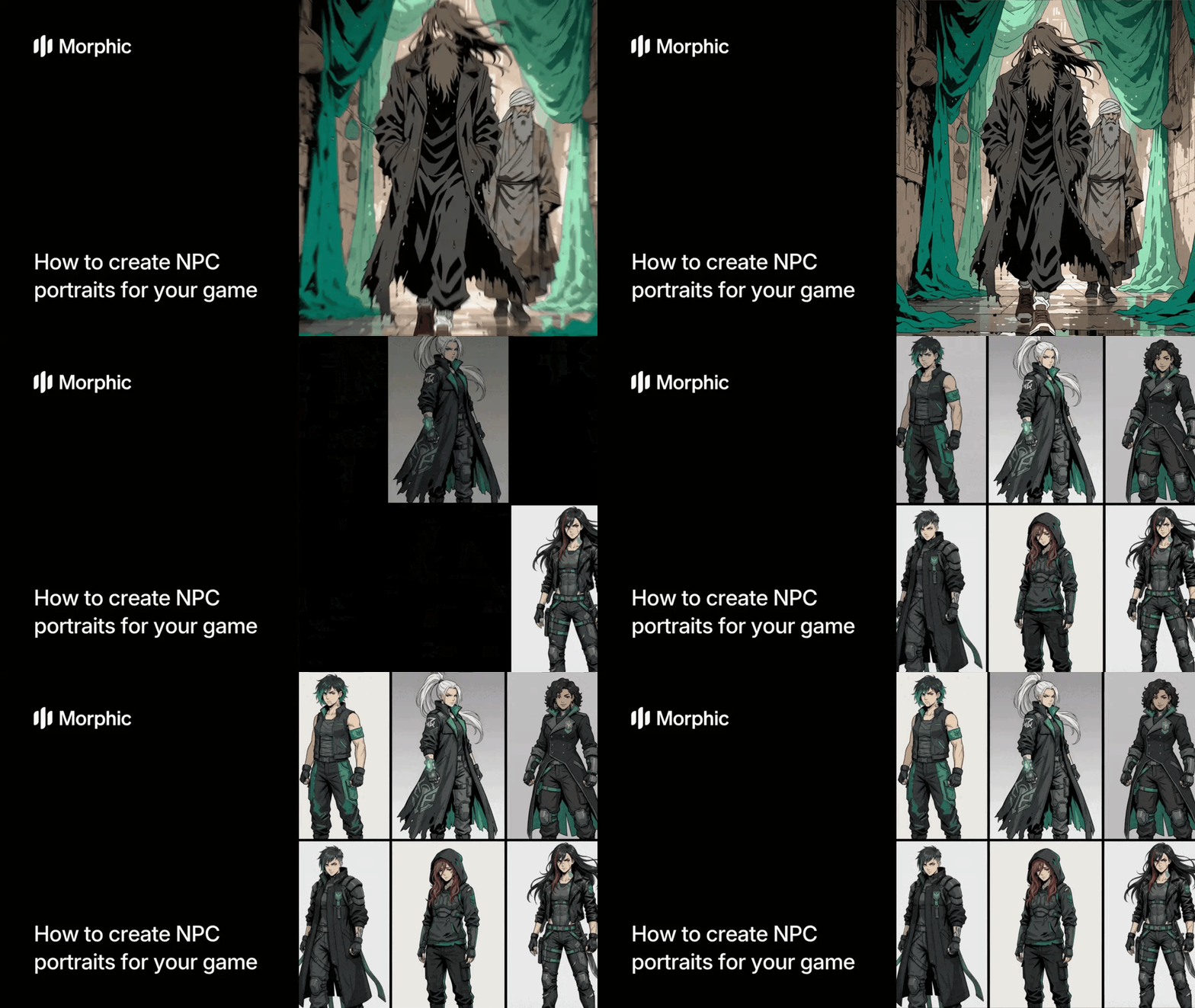
What is an NPC portrait pack?
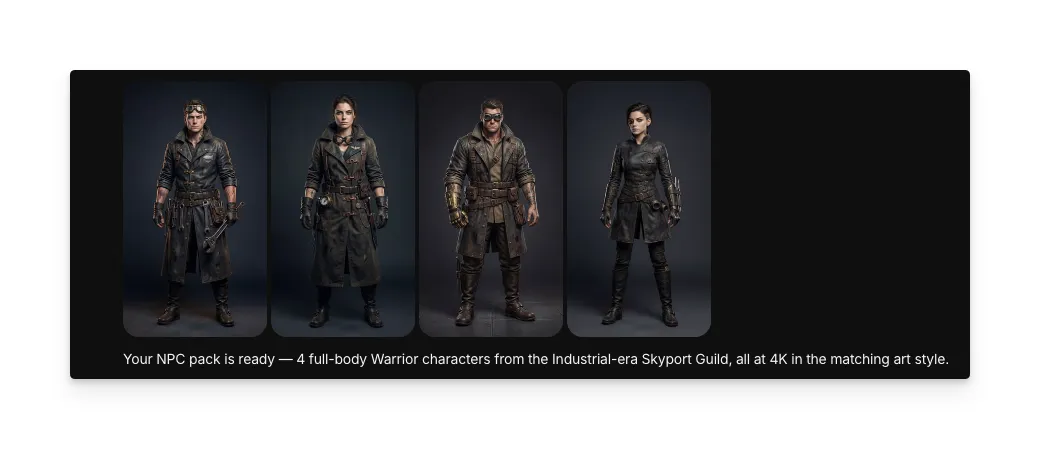
An NPC portrait pack is a set of character face portraits designed for use as in-game dialogue art, inventory screens, quest givers, or any context where a game displays a character's face. Each portrait in the pack shares the same art style, color palette, and rendering approach, while the characters themselves differ in facial features, age, expression, and personality. This cohesion makes the portraits feel like they belong to the same world and faction.
Morphic's workflow takes your faction description, character count, gender distribution, and age range preferences, then generates a complete portrait pack with distinct individuals who share a unified visual identity.
Choose a game style reference
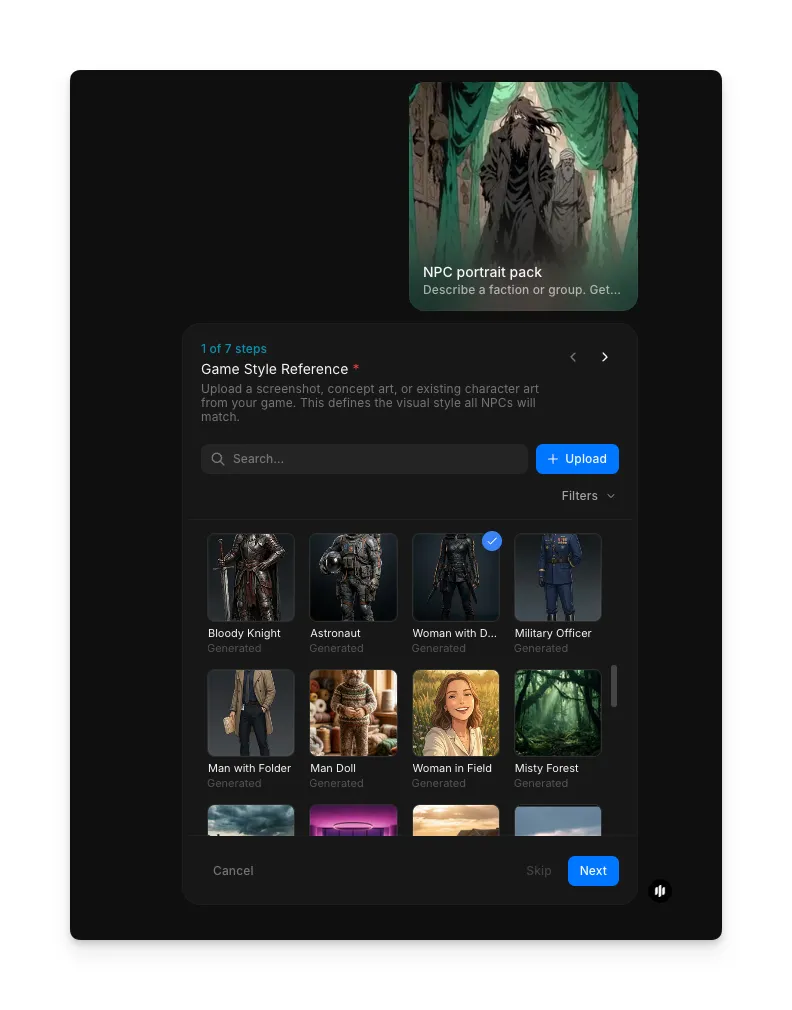
Open the "NPC portrait pack" workflow. In the "Game Style Reference" step, browse the gallery or upload an image that matches your game's visual direction. This reference defines the rendering style for the entire pack.
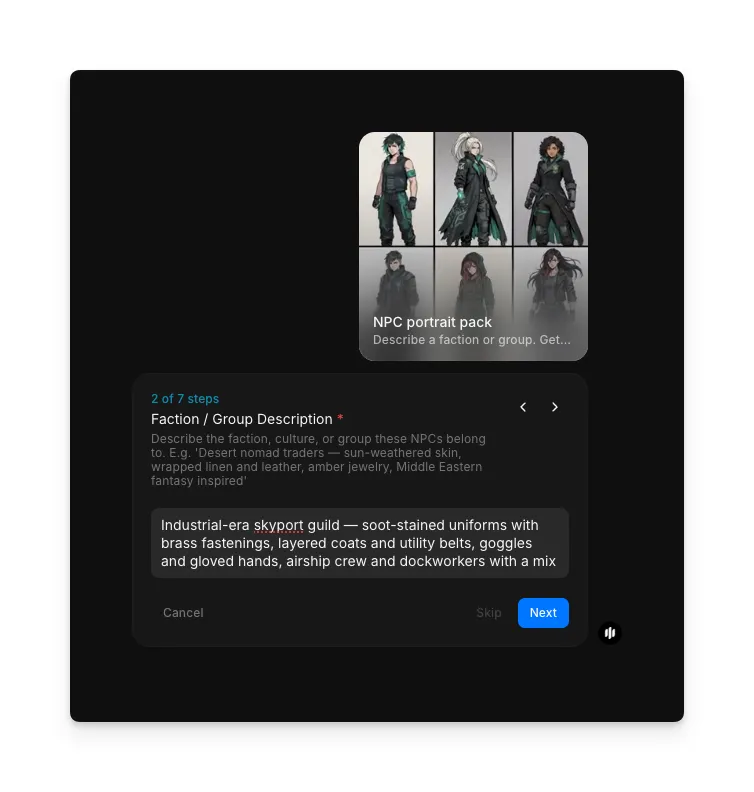
Set character count and types
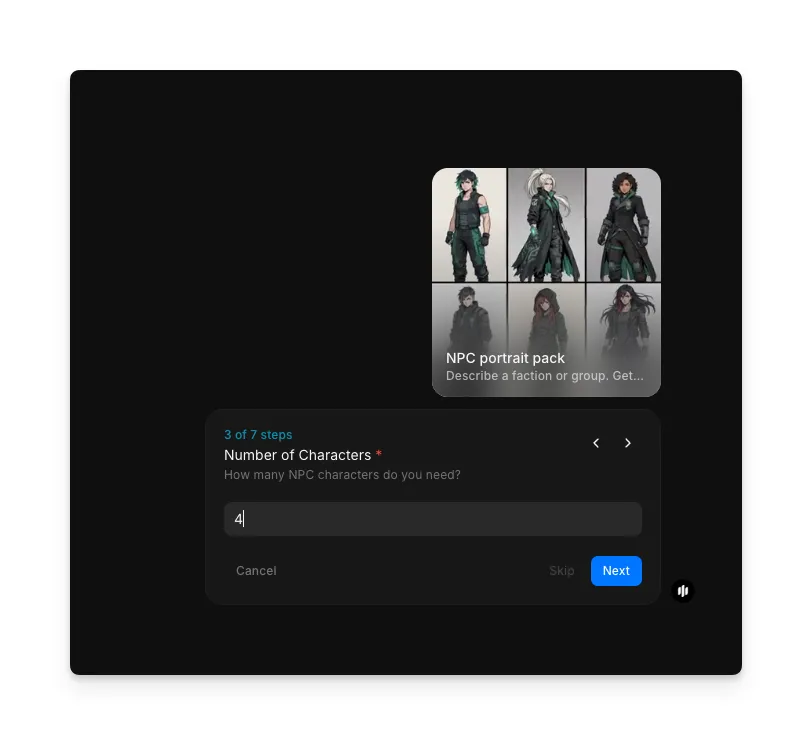
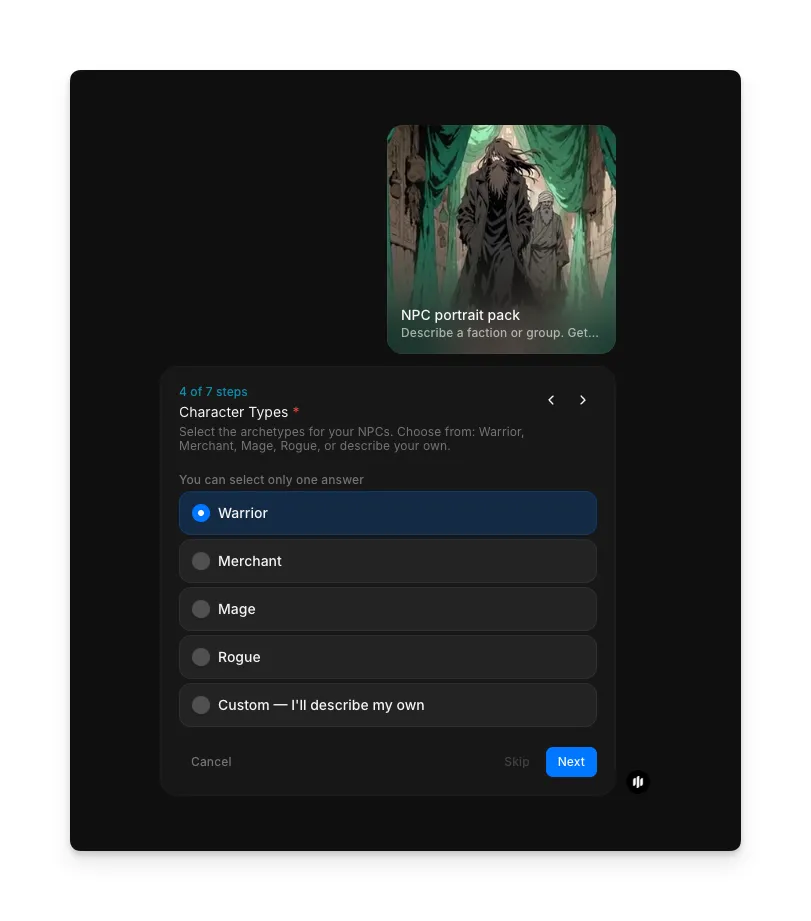
In the "Number of Characters" step, enter how many portraits to generate. Then in "Character Types," select the roles represented in your pack: options include Warrior, Merchant, Mage, Rogue, and Custom.
Set gender distribution and age range
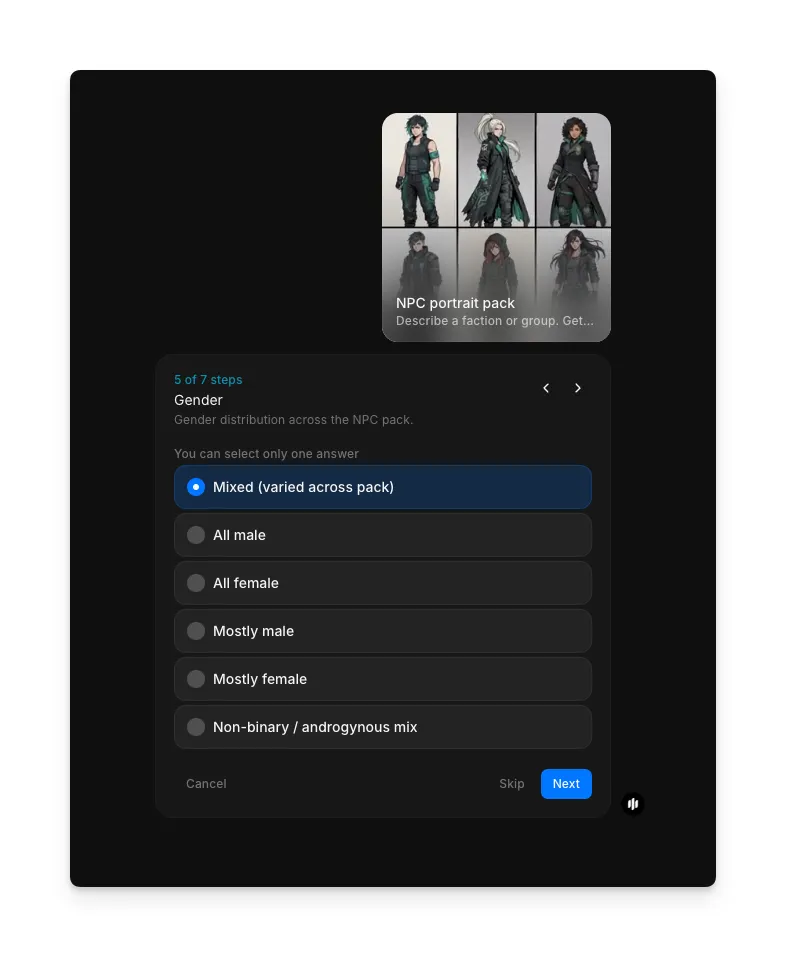
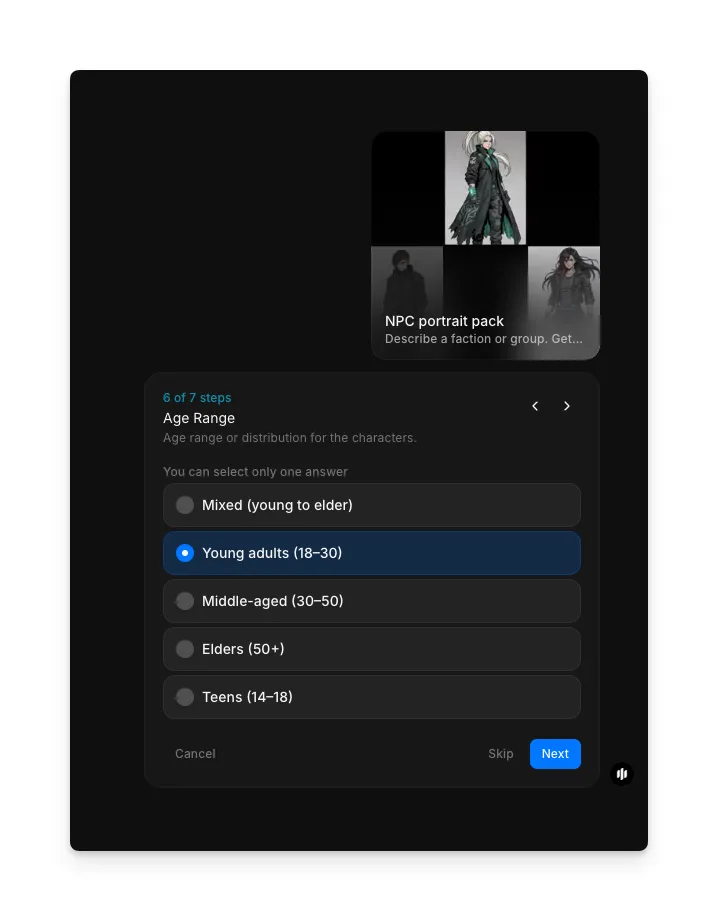
In the "Gender" step, select the distribution: Mixed (varied across pack), All male, All female, Mostly male, Mostly female, or Non-binary / androgynous mix. Then in "Age Range," choose from Mixed (young to elder), Young adults (18-30), Middle-aged (30-50), Elders (50+), or Teens (14-18).
Add details and generate
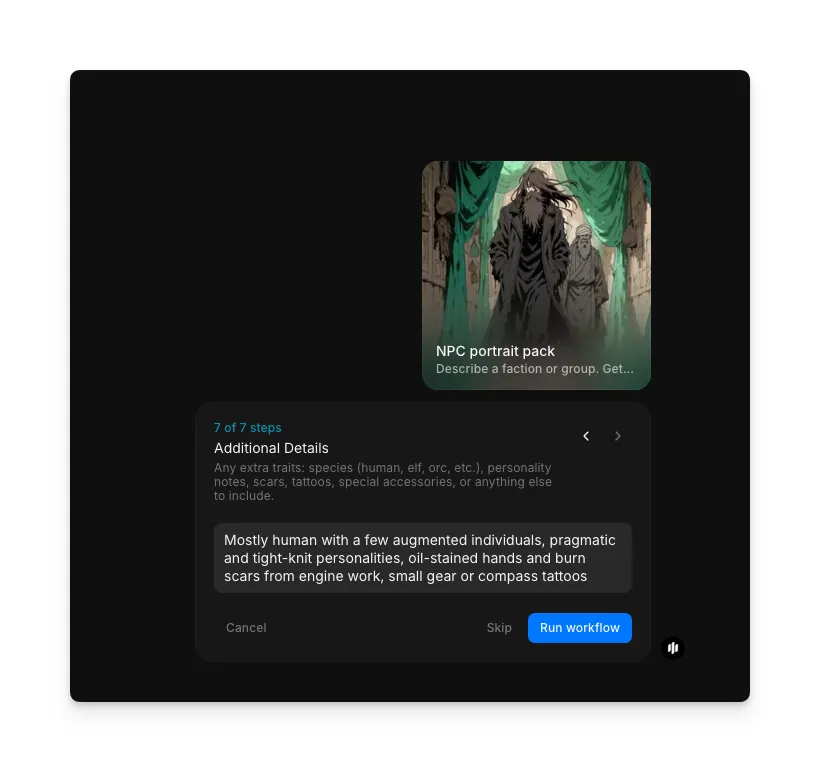
In the "Additional Details" step, add any final notes about your characters. Click "Run workflow" to generate the complete portrait pack.
What makes an effective NPC portrait pack
| Quality | What it means | Why it matters |
|---|---|---|
| Style cohesion | Every portrait uses the same rendering technique, color palette, and framing | Mismatched styles break immersion and make the game world feel inconsistent |
| Facial distinctiveness | Each character has unique bone structure, features, and expression | Identical-looking NPCs make a game feel low-effort and confuse players |
| Faction identity | Shared visual markers like insignia, colors, or armor style tie the group together | Players should recognize faction membership at a glance during gameplay |
| Detail clarity | Fine details like scars, jewelry, or facial hair render cleanly at game resolution | Muddy details at small display sizes make portraits look unfinished |
The workflow balances unity and variety automatically, generating characters that clearly belong together while remaining individually memorable.
Morphic vs commissioning an artist
| Morphic NPC portrait pack | Commissioning an artist | |
|---|---|---|
| Cost | Available on Morphic | Varies by artist and detail level |
| Time to delivery | Minutes for a full pack of six | Days to weeks per portrait depending on artist availability |
| Style consistency | Guaranteed by the workflow across all portraits | Dependent on the artist maintaining consistency manually |
| Revision process | Regenerate the entire pack instantly with adjusted settings | Each revision requires artist time and additional fees |
| Scalability | Generate dozens of packs for different factions in an afternoon | Each faction requires a separate commission and timeline |
| Customization | Faction description, gender, age, and style template | Full creative direction but limited by budget and turnaround |
FAQs
Yes. Choose a template style that matches your game's visual direction, and provide a detailed faction description that includes your preferred rendering approach. The workflow adapts to a wide range of styles including realistic, painterly, anime, pixel art, and stylized cartoon.
The standard output is six portraits per run. To create larger sets, run the workflow multiple times with the same faction description and style template. The consistent style ensures portraits from separate runs still look unified.
Output format depends on the selected template. Some templates produce portraits on neutral backgrounds suitable for easy extraction, while others include stylized frames or backgrounds. Choose the template that fits your integration needs.
Yes. Portraits generated through your Morphic subscription are yours to use in commercial projects including games sold on Steam, mobile app stores, or any other distribution platform without additional licensing fees.
The NPC portrait pack workflow is available on Morphic. You can run the workflow multiple times for different factions, races, or character groups.