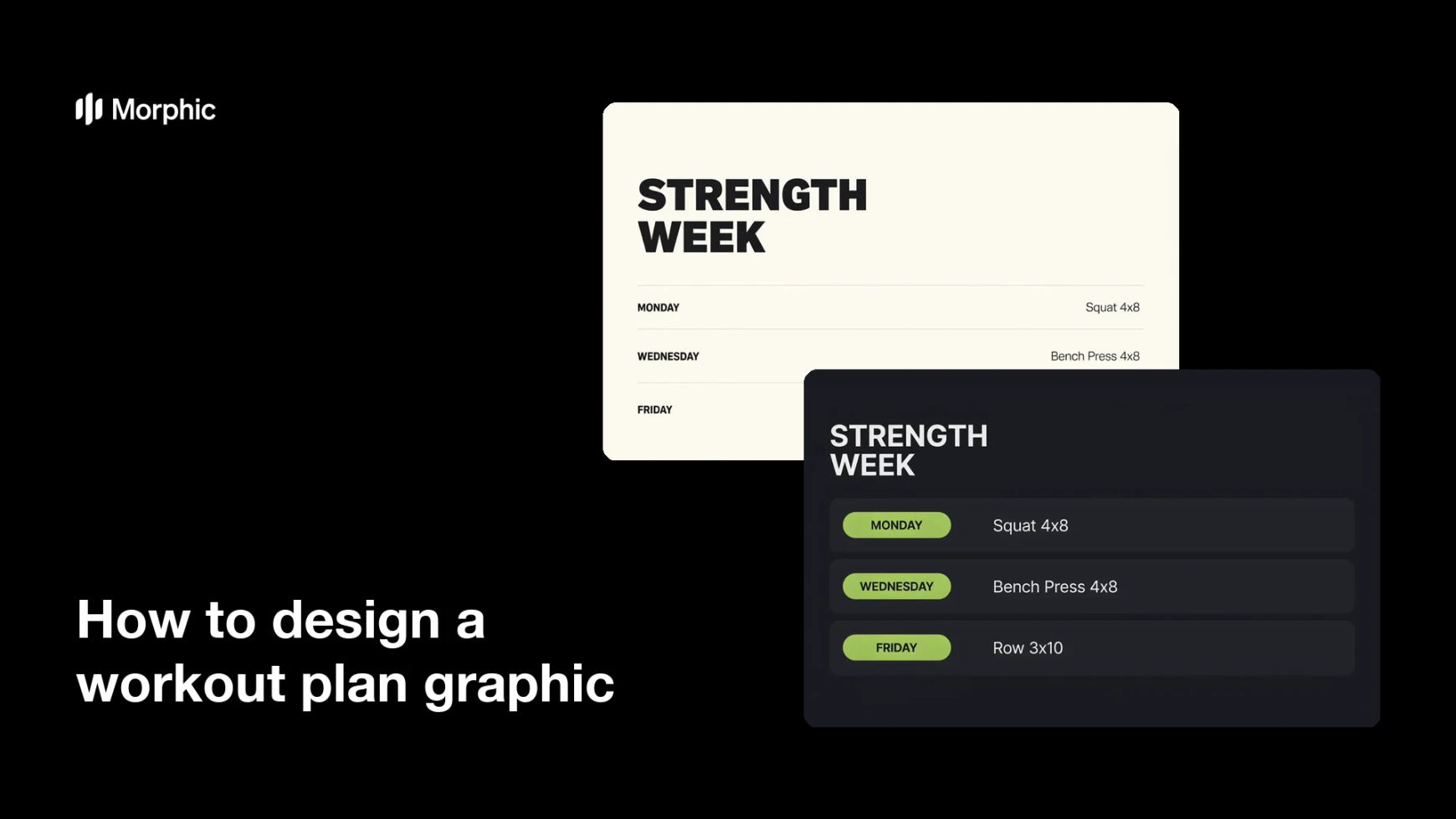
What is a workout plan graphic?
A workout plan graphic is a single image that lays out a training week so a client can follow it without opening a document. It groups the days, names the exercises, and states the sets and reps in a structure the eye can scan. Personal trainers, coaches, and gyms send it to clients and post it as lead-generating content.
With Morphic you design this graphic from a text prompt in your browser. Describe the grid, the day labels, the exercise lines, and the styling you want, then refine the layout and download in HD. You end up with a clean, branded plan sheet without wrestling with a design tool.
Write out the plan text
Draft the day labels and the exact exercise lines, with sets and reps, before you generate. A finished text list is what keeps the rendered graphic accurate.
Choose a structure
Open Morphic and describe how the week should be organised, a column per day, stacked day blocks, or a card grid. Ask for two distinct structures so you can see which one scans faster.
Set the styling
Name your colors, a strong heading weight, and a lighter weight for the exercise lines. Generous spacing between rows matters more than decoration on a sheet people read at arm's length.
Proof the text
Read every day label, exercise name, and rep count on the graphic. Regenerate any version where lines run together, a word is misspelled, or text crowds the edge.
Export and share it
Preview the plan at the size clients will see it, phone screen, printed sheet, or feed post. Download in HD and send it out.
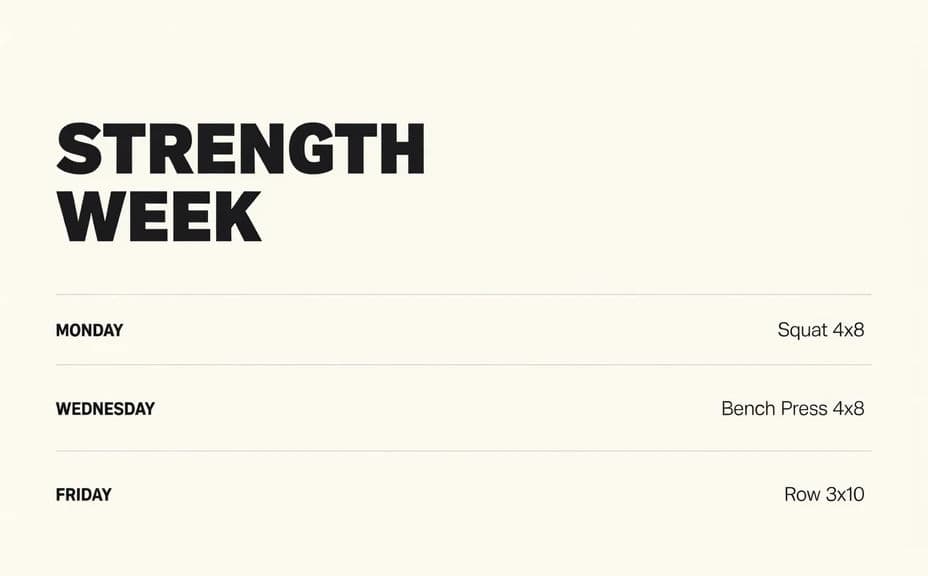
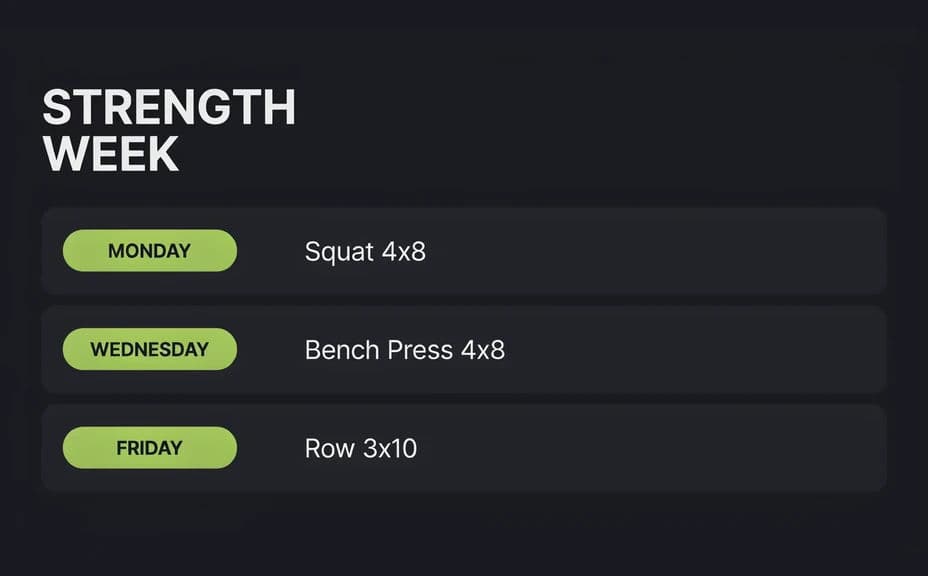
Two different layout structures for the same training week, each carrying the same day labels and exercise text.
What makes a good workout plan graphic
| Quality | What it means | Why it matters |
|---|---|---|
| Scannable structure | Days and blocks are visually separated | Clients find today's session in seconds |
| Legible type | Exercise lines stay sharp on a phone | The plan gets followed instead of squinted at |
| Consistent hierarchy | Headings, exercises, and reps look distinct | The eye knows what to read first |
| Room to breathe | Space between rows and from the edges | Nothing gets lost when the sheet is printed or cropped |
Morphic vs the traditional way
| Morphic | Spreadsheets or design software | |
|---|---|---|
| Cost | Available on Morphic | Software subscription or design fee |
| Time | A finished plan sheet in minutes | An afternoon of formatting and alignment |
| Skill needed | Describe it in plain language | Layout and typography skills |
| Consistency | Regenerate every client's plan in one style | Rebuilding the template each time |
FAQs
Yes. Provide the full text in your prompt, then proof every line on the rendered graphic and regenerate if a word or number looks wrong.
A full week fits comfortably if you keep the exercise lines short. Beyond that, split the plan across two graphics so the type stays readable.
Yes. Describe your colors, type style, and where your name should sit, and generate the sheet to match.
Yes, if you prioritise legibility. Preview at phone size, keep contrast high, and regenerate any layout where the lines feel cramped.
Yes. Swap the exercise text and regenerate in the same style, so every client gets a plan that looks like it came from the same place.
Yes. Graphics you generate with Morphic are cleared for commercial use in your coaching business and marketing.