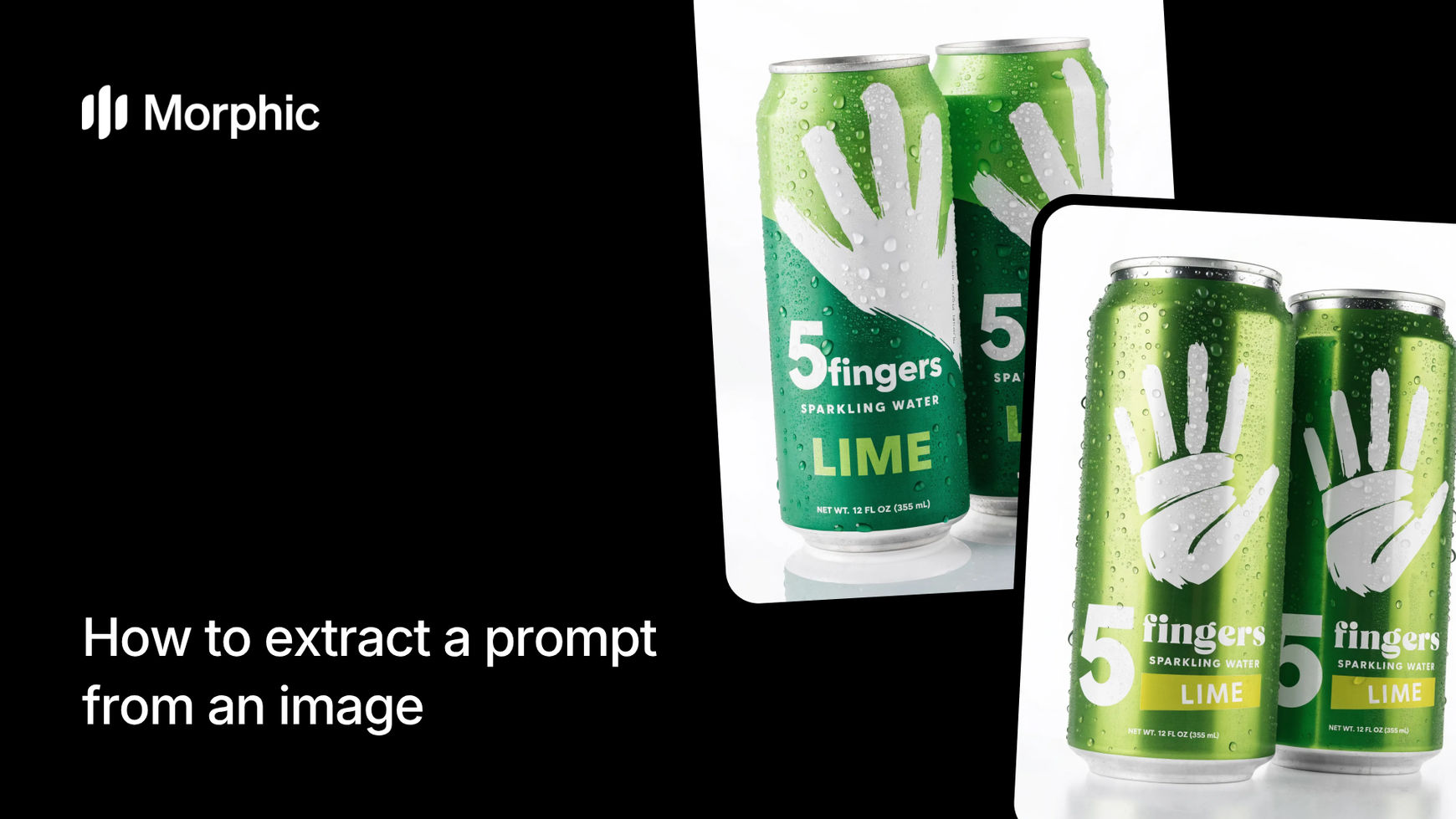
What is prompt extraction from an image?
Prompt extraction is the process of analyzing a reference image and producing a text prompt that describes its visual properties with enough precision to recreate a similar result using an AI image generator. A good extracted prompt captures composition, color palette, lighting, artistic style, subject matter, and mood.
Morphic's image reverse-engineer workflow handles the entire pipeline. Upload a reference image, and the workflow analyzes its visual DNA, outputs a detailed structured prompt, and generates a fresh image from that prompt so you can immediately verify accuracy. The result is a reusable prompt you can tweak, remix, or drop into any generation workflow.
Upload your reference image
Open the "Image reverse engineer" workflow. In the "Reference image" step, browse the gallery or upload the image you want to extract a prompt from. This can be any image: a photograph, illustration, digital artwork, or AI-generated piece.

Add context notes and generate
In the "Context notes" step, optionally add notes about the image to guide the analysis. For example, you might enter a category like "Food" to help the AI focus its prompt extraction. Click "Run workflow" to extract the prompt and generate a recreation.

The workflow outputs a detailed text prompt alongside a freshly generated image. The prompt captures every visual dimension of your reference, and the generated image demonstrates that the prompt works.

What makes a high-quality prompt extraction
| Quality | What it means | Why it matters |
|---|---|---|
| Composition accuracy | The extracted prompt captures subject placement, framing, and spatial relationships | Recreations match the layout and visual hierarchy of the original |
| Style precision | Artistic style, rendering technique, and medium are identified correctly | Generated images carry the same visual language as the reference |
| Mood transmission | Emotional tone, atmosphere, and color temperature are described accurately | The feeling of the original image carries through to recreations |
| Technical detail | Lighting direction, depth of field, texture, and resolution cues are captured | Prompt produces results with the same technical qualities as the source |
The AI handles visual analysis across all of these dimensions simultaneously, so you get a complete, structured prompt without manually dissecting the image yourself.
Morphic prompt extraction vs. manual trial-and-error prompt writing
| Morphic image reverse-engineer | Manual trial-and-error prompt writing | |
|---|---|---|
| Cost | Available on Morphic | Your time, often hours of iteration |
| Time to extract | Seconds | Dozens of attempts over hours or days |
| Accuracy | Multi-dimensional visual analysis across style, mood, composition, and technical detail | Depends entirely on your prompt engineering experience |
| Consistency | Structured output every time | Varies wildly between attempts |
| Verification | Instant recreation generated alongside the prompt | Manual comparison after each generation attempt |
| Reusability | Clean, structured prompt ready to remix or adapt | Messy notes and scattered prompt fragments |
FAQs
Any image works: photographs, digital illustrations, AI-generated art, paintings, graphic design pieces, or screenshots. The workflow analyzes visual properties regardless of how the original was created. Higher detail images give more precise prompts, but standard web images produce strong results.
Yes. The extracted prompt is fully editable text. You can adjust specific elements like changing the color palette, swapping the subject, or shifting the mood before running a generation. This makes extracted prompts a powerful starting point for creative variations.
The recreation captures the essential visual qualities of the original including style, mood, composition, and technical characteristics. It will not be a pixel-perfect copy, which is by design. The goal is a prompt that reliably produces images with the same look and feel, not an exact duplicate.
The extracted prompt is standard descriptive text. You can copy it and use it in any AI image generation tool that accepts text prompts. The prompt is optimized for Morphic but translates well to other platforms.
Manual prompt engineering requires extensive trial and error, often taking hours of iteration. Morphic's image reverse-engineer workflow is available on Morphic and delivers structured prompts with verified recreations significantly faster.