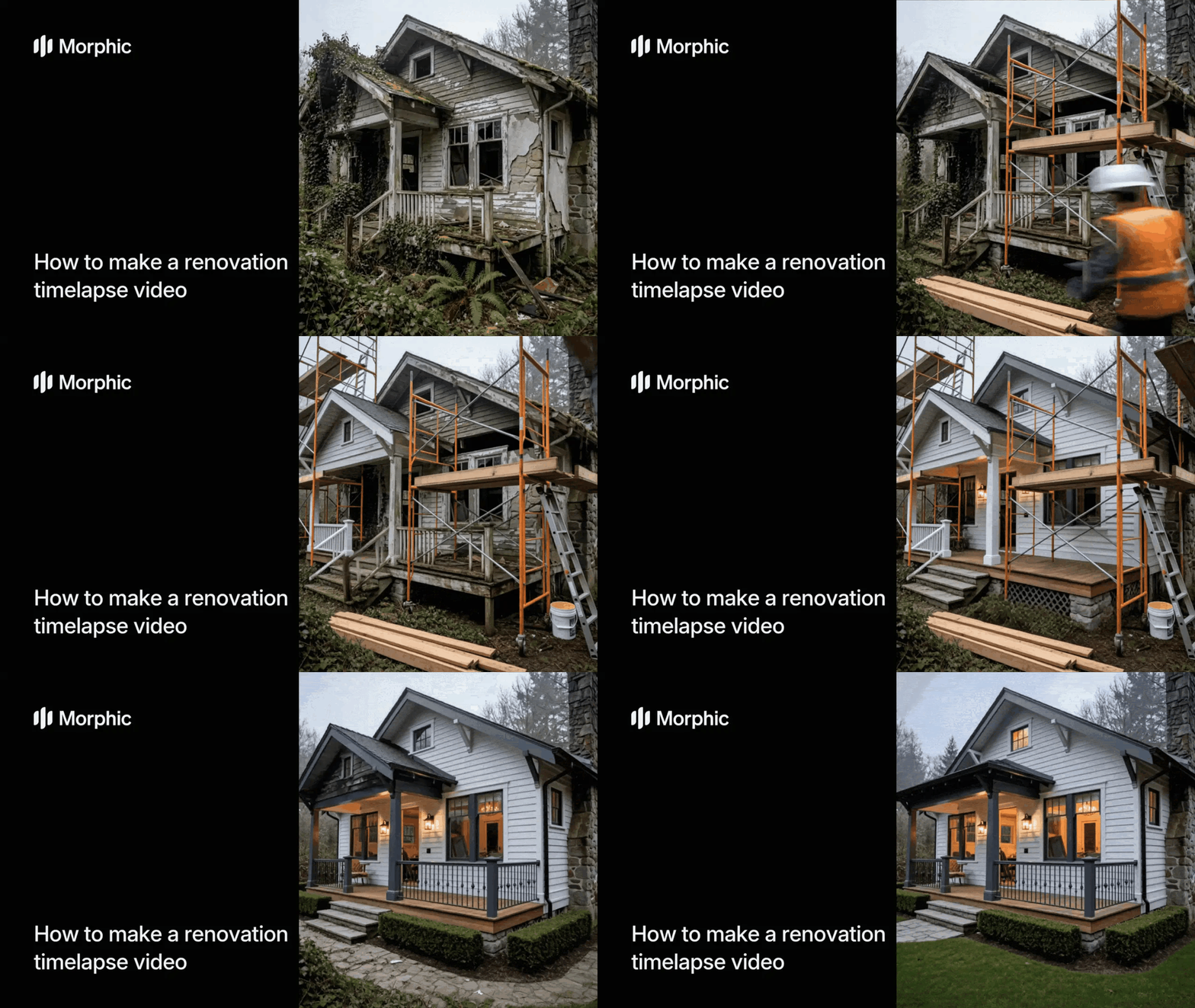
What is a renovation timelapse video?
A renovation timelapse video is a short-form video that compresses the transformation of a space from its current state to a fully renovated finish. It simulates the construction process with realistic staging, material transitions, and finishing details, all set to construction sound effects and background music. These videos are used in real estate marketing, interior design presentations, and property development pitches.
Upload your property photo, select your renovation type and finish style, and Morphic generates a complete timelapse video with sound design and music.
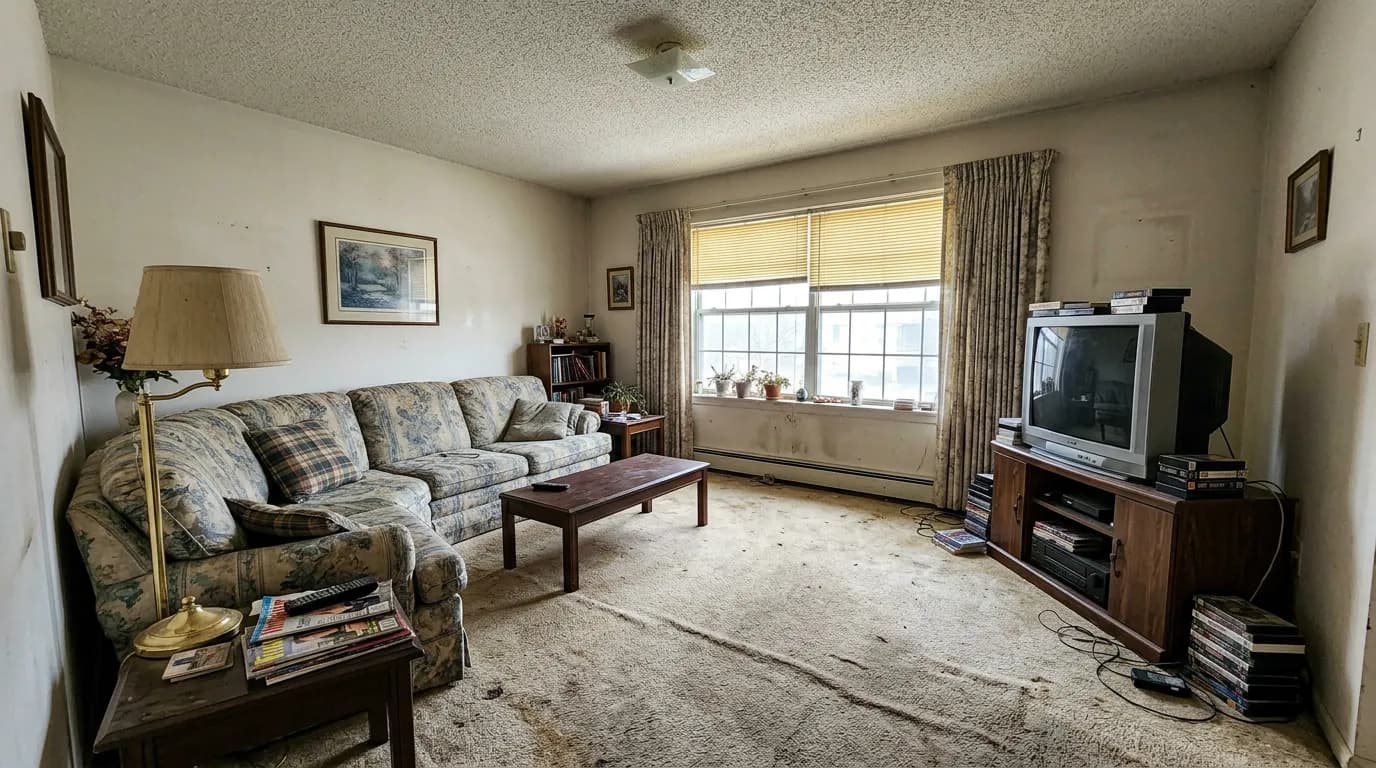
Upload your property photo
In the "Before image" gallery, browse the available samples or upload your own property photo. This can be an interior room or an exterior facade.
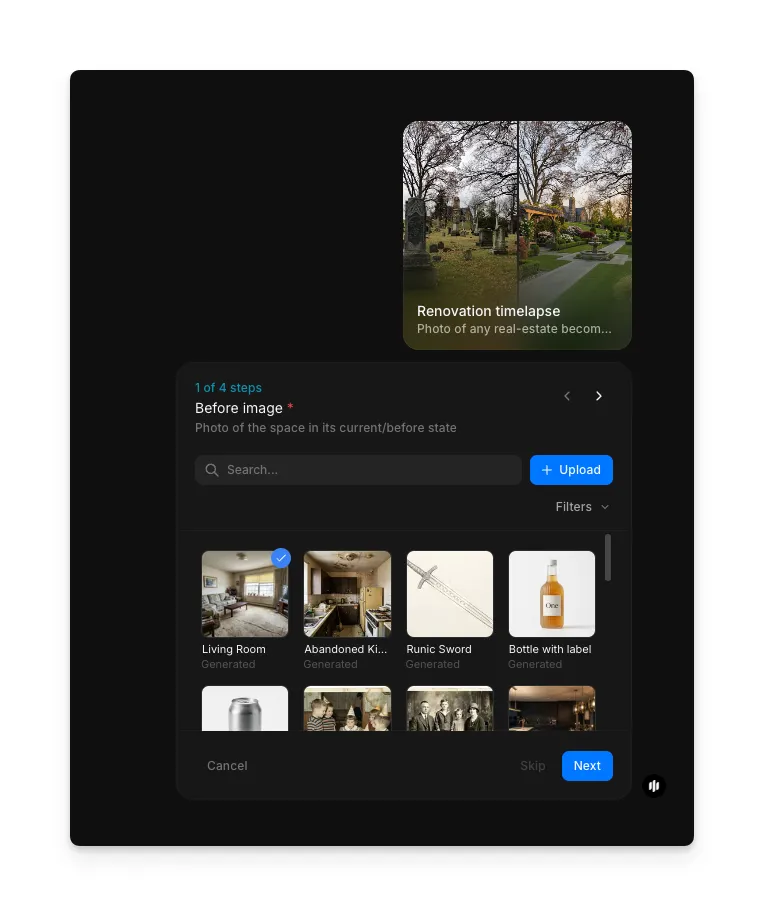
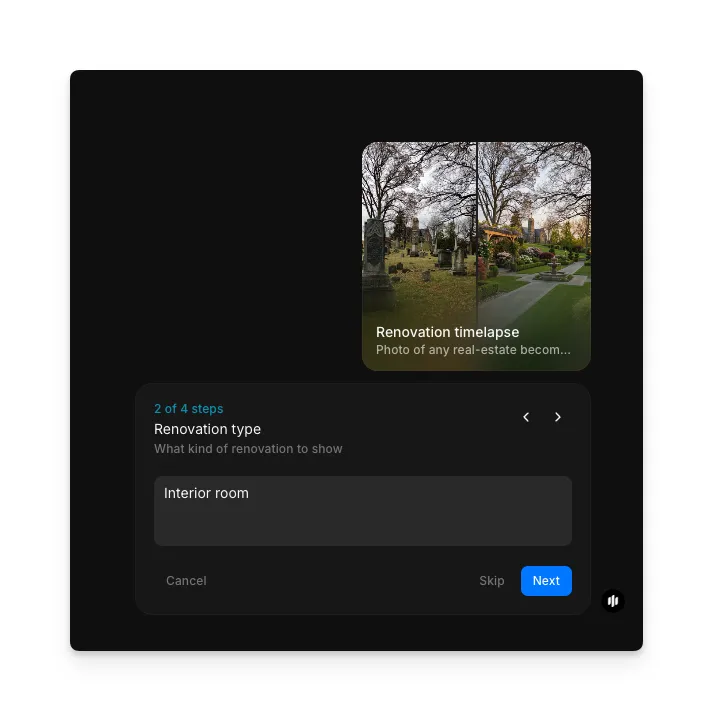
Select renovation type
In the "Renovation type" step, describe the kind of renovation (e.g. "Interior room" or "Exterior facade").
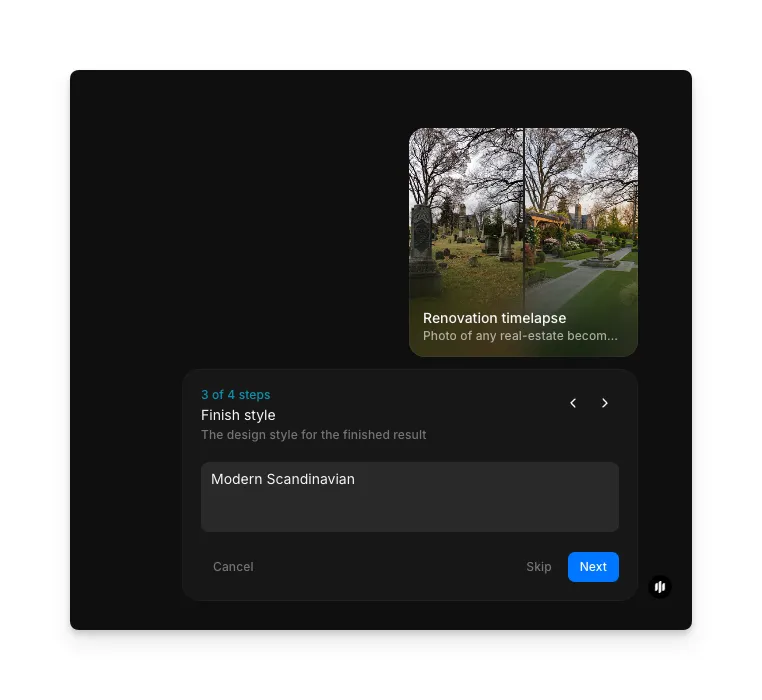
Choose finish style
In the "Finish style" step, describe the design aesthetic for the finished result (e.g. "Modern Scandinavian").
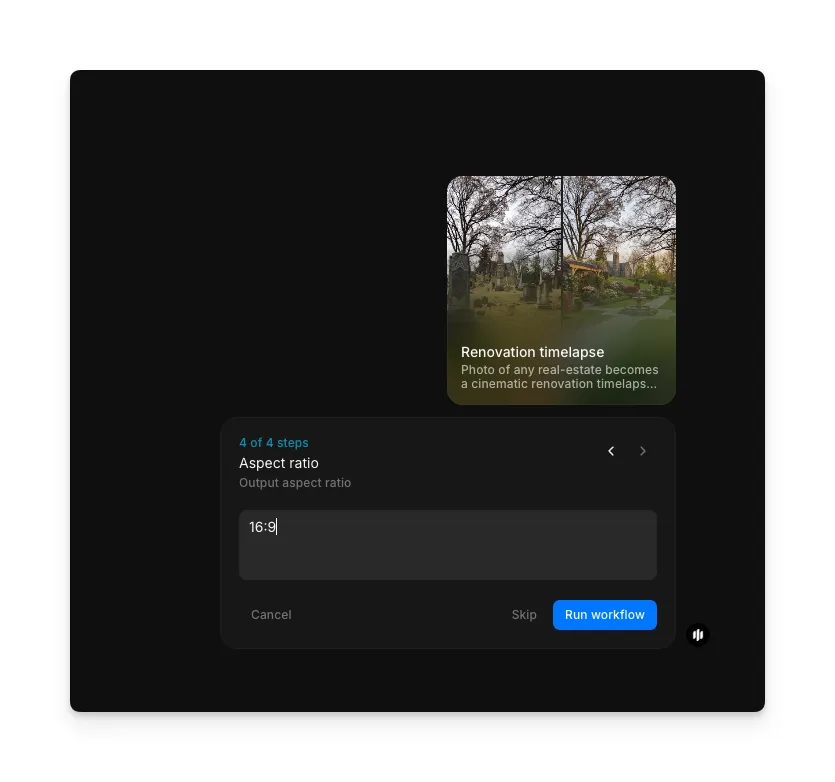
Set aspect ratio
In the "Aspect ratio" step, enter your output aspect ratio (e.g. "16:9"). Click "Run workflow" to generate.
Hit "Run workflow," and Morphic generates your complete renovation timelapse video with construction sound effects and music:
Your renovation timelapse video with sound design and music
What makes a great renovation timelapse
| Quality | What it means | Why it matters |
|---|---|---|
| Transformation clarity | The progression from original state to finished renovation is visually clear and logical | A confusing transformation sequence loses the viewer and undermines the impact of the renovation |
| Construction realism | Intermediate stages look like believable construction phases with realistic materials and tools | Unrealistic construction stages make the video feel artificial and reduce credibility |
| Pacing rhythm | The timelapse moves at a pace that builds anticipation without rushing or dragging | Poor pacing either bores the viewer or skips the dramatic moments that make the format compelling |
| Before-after impact | The contrast between the starting condition and the finished result is dramatic and satisfying | Weak before-after contrast fails to communicate the value of the renovation |
The AI handles construction staging, material transitions, sound design, and music synchronization automatically, so you only need to upload a property photo and select your preferences.
Renovation timelapse vs. filming an actual renovation
| Morphic's renovation timelapse workflow | Filming an actual renovation | |
|---|---|---|
| Cost | Available on Morphic | Professional rates |
| Time to delivery | Seconds | Weeks to months depending on the scope of the renovation |
| Project required | No actual renovation needed | Requires a real renovation project to film |
| Sound design | Auto-generated construction SFX and background music | Requires sourcing audio and manual synchronization in post-production |
| Iterations | Generate multiple styles and variations instantly | Limited to what was actually filmed on-site |
| Property access | Only a single photo needed | Requires ongoing access to the property throughout the renovation |
FAQs
No. Morphic generates the entire renovation timelapse from a single photo. There is no need for a real renovation project. The workflow simulates the construction process and produces a realistic timelapse from the original state to a fully finished result.
The workflow supports both interior rooms and exterior facades. Interior spaces include kitchens, living rooms, bedrooms, bathrooms, and offices. Exterior spaces include home facades, storefronts, and commercial buildings. Any clearly photographed space works as input.
Yes. Renovation timelapse videos are highly effective for real estate marketing. They help potential buyers visualize the transformation potential of a property, which is especially useful for fixer-uppers, investment properties, and renovation-ready listings.
Yes. The output includes construction sound effects synchronized to the visual transformation stages and background music that complements the pacing of the timelapse. The audio is generated and mixed automatically.
Filming and editing an actual renovation timelapse takes weeks to months of on-site filming. Morphic's renovation timelapse workflow is available on Morphic and delivers a complete video with sound design in seconds.