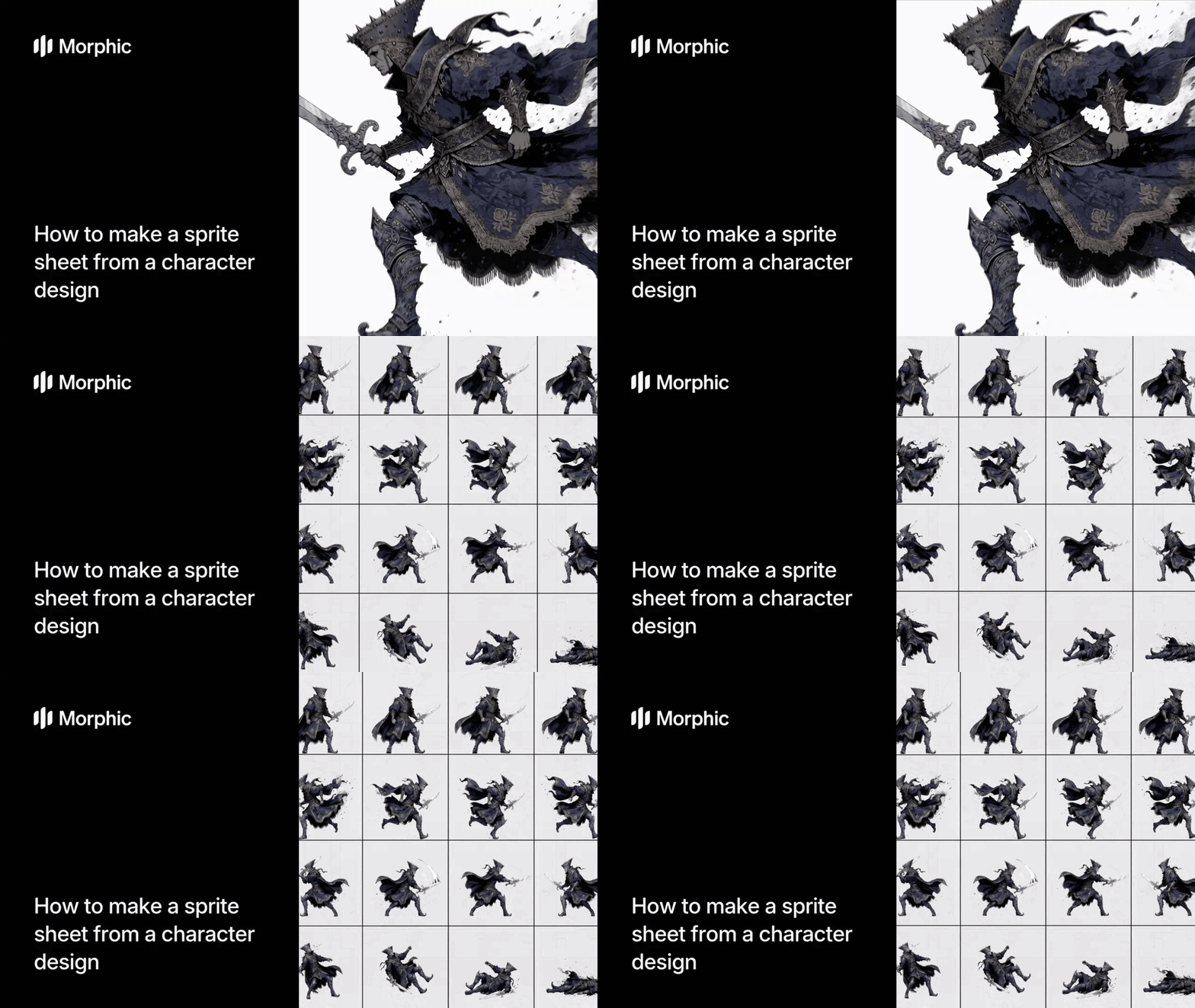
What is a character sprite sheet?
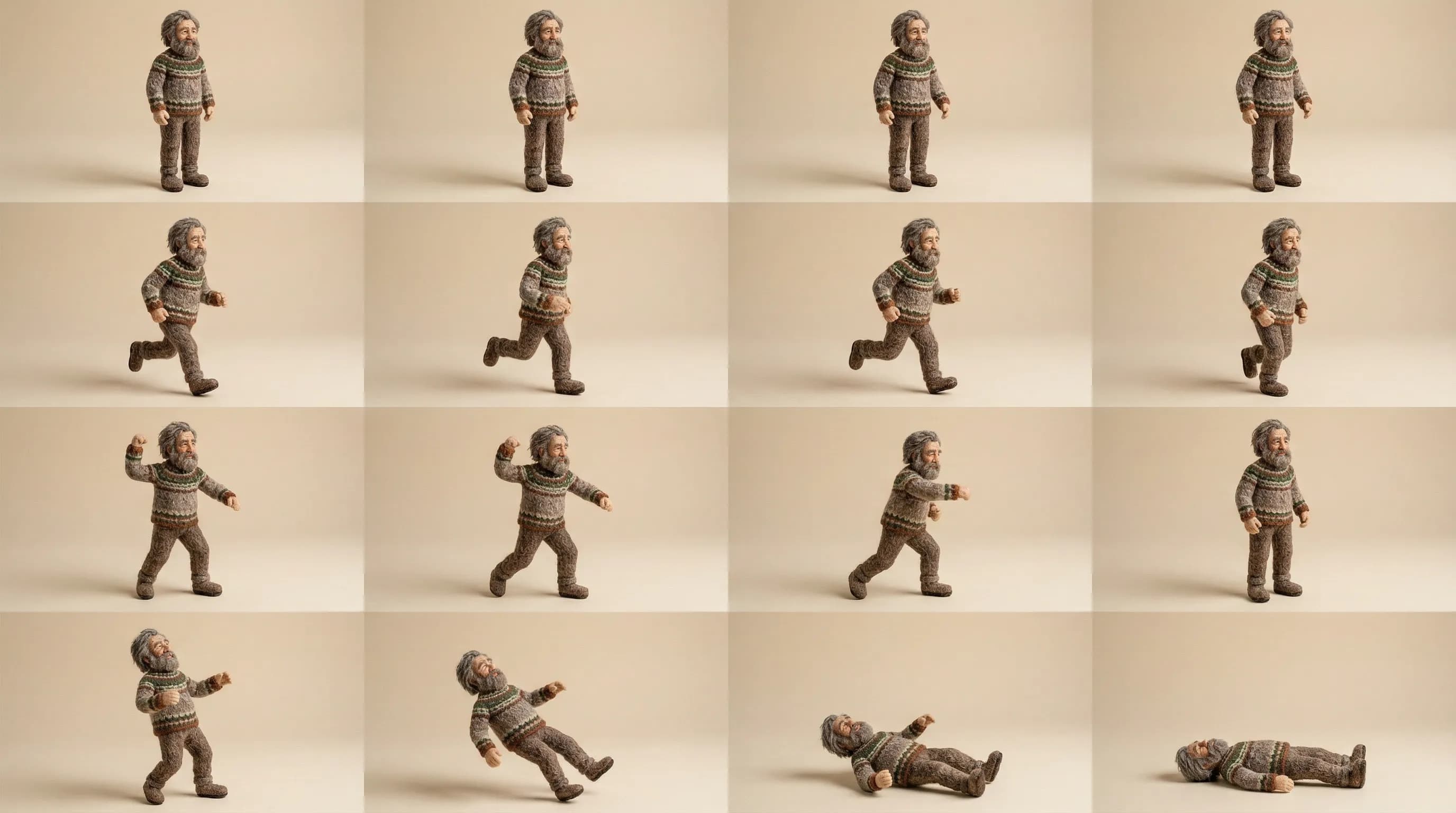
A character sprite sheet is a single image containing all animation frames for a game character, arranged in a grid. Each row typically represents one animation cycle like idle, run, attack, jump, or death. Game engines read the grid and play frames in sequence to animate the character in real time.
Upload your character design, select which animation cycles you need, then run the workflow. Morphic analyzes your character's design language and generates frame-by-frame animations that maintain visual consistency, proper silhouettes, and smooth motion across every cycle. The result is a grid-aligned sprite sheet ready for direct import into any game engine.
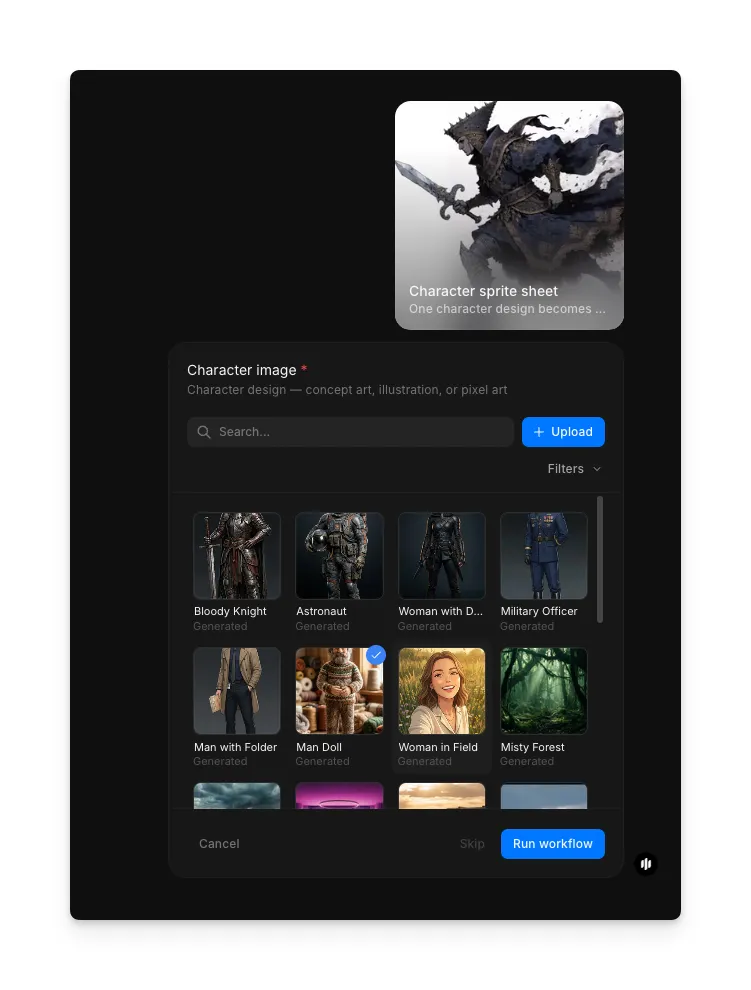
Upload your character design and generate
Open the "Character sprite sheet" workflow. In the "Character image" step, browse the gallery or upload your character design. Click "Run workflow" to generate the complete sprite sheet.

| Animation cycle | Typical frames | Use case |
|---|---|---|
| Idle | 4 to 8 frames | Character standing still with subtle breathing or movement |
| Run | 6 to 10 frames | Horizontal movement with full stride cycle |
| Attack | 4 to 8 frames | Melee or ranged attack with anticipation and follow-through |
| Jump | 4 to 6 frames | Launch, apex, and landing phases |
| Death | 4 to 8 frames | Hit reaction and collapse or fade-out sequence |
What makes an effective sprite sheet
| Quality | What it means | Why it matters |
|---|---|---|
| Frame consistency | The character looks identical across every frame with no visual drift | Players see a unified character instead of flickering inconsistencies |
| Clear silhouettes | Each frame has a distinct readable outline even at small sizes | Characters remain recognizable during fast gameplay at any resolution |
| Proper spacing and grid | Frames are evenly spaced and aligned to a precise pixel grid | Game engines import the sheet cleanly without manual alignment fixes |
| Animation flow | Frames transition smoothly with natural motion and timing | Animations feel fluid and professional during real-time playback |
The AI handles frame consistency, silhouette clarity, grid alignment, and motion flow automatically, so you only need to provide your character design and select which animations you need.
Sprite sheet workflow vs. hand-animating sprites
| Sprite sheet workflow | Hand-animating sprites in pixel art software | |
|---|---|---|
| Cost | Available on Morphic | Art software subscription plus hours of artist time |
| Time to create | Minutes | 8 to 40 hours depending on animation count and complexity |
| Frame consistency | Automatic visual consistency across all frames | Manual consistency requires constant cross-referencing |
| Animation cycles | All standard cycles generated simultaneously | Each cycle drawn individually frame by frame |
| Grid alignment | Pixel-perfect grid output ready for engine import | Manual grid setup and alignment verification required |
| Iteration speed | Regenerate instantly with different parameters | Each revision means redrawing affected frames |
FAQs
Yes. The output is a standard grid-aligned sprite sheet image that imports directly into Unity, Godot, Unreal, GameMaker, and any other engine that supports sprite sheet animation.
Yes. Upload a pixel art character design and the workflow generates frames that match your pixel art style, maintaining the same resolution and color palette across all animation cycles.
Frame counts vary by cycle type. Idle animations typically use 4 to 8 frames, run cycles use 6 to 10, and attack sequences use 4 to 8. The workflow optimizes frame count for smooth playback in each cycle.
Yes. The output is a standard image file, so you can open it in any sprite editing tool to adjust individual frames, tweak colors, or refine specific animations while keeping the rest of the sheet intact.
Hand-animating a complete sprite sheet typically takes 8 to 40 hours of artist time. Morphic's sprite sheet workflow is available on Morphic and delivers production-ready results in minutes.