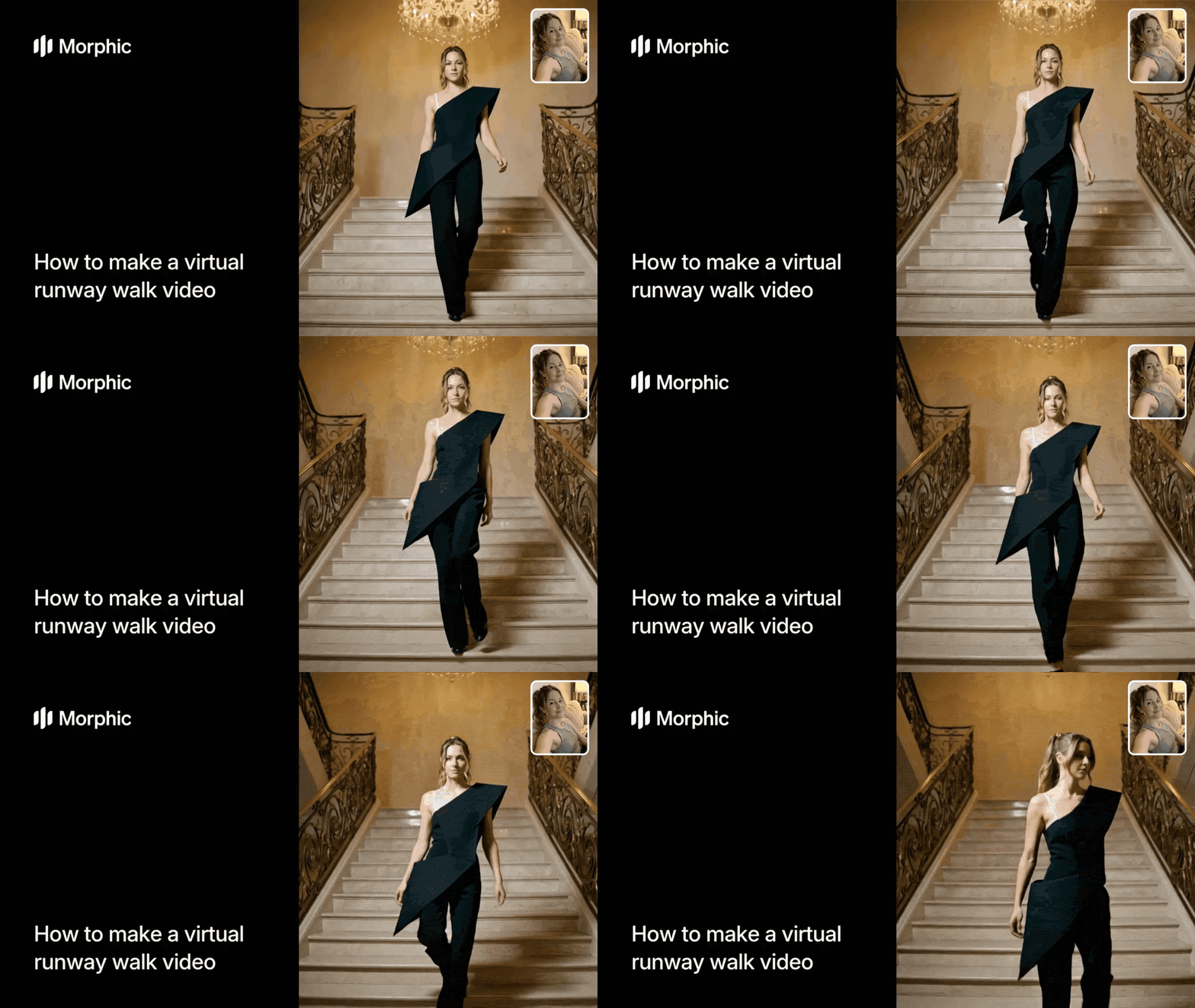
What is a virtual runway walk?
A virtual runway walk is a short-form video that shows a model walking a runway while wearing a garment, generated entirely from still images. The workflow takes a photo of your garment and a photo of your model, applies virtual try-on to dress the model in the garment, and animates a realistic runway walk in a professional setting. The result is a polished fashion video that looks like it was filmed at a runway show.
Upload your garment and model photos, select a runway setting and aspect ratio, and Morphic generates a complete runway walk video.
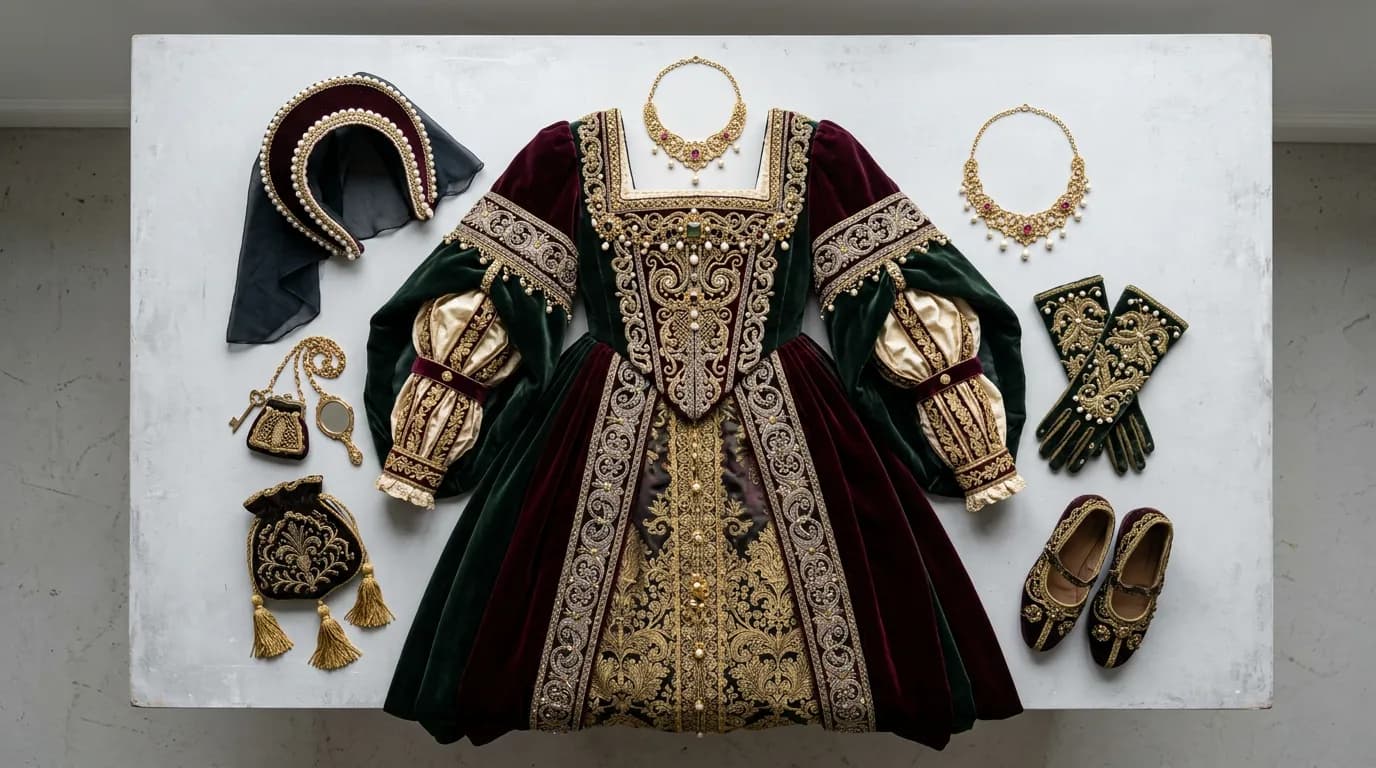
Upload your garment image
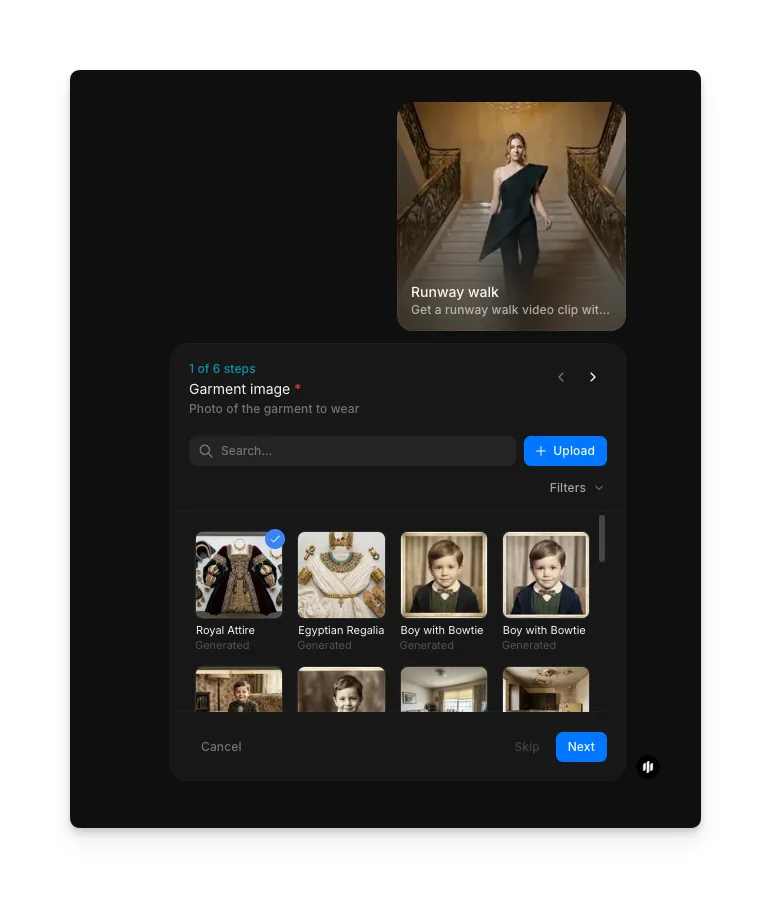
Open the "Runway walk" workflow. In the "Garment image" step, browse the gallery or upload a clear photo of your garment.
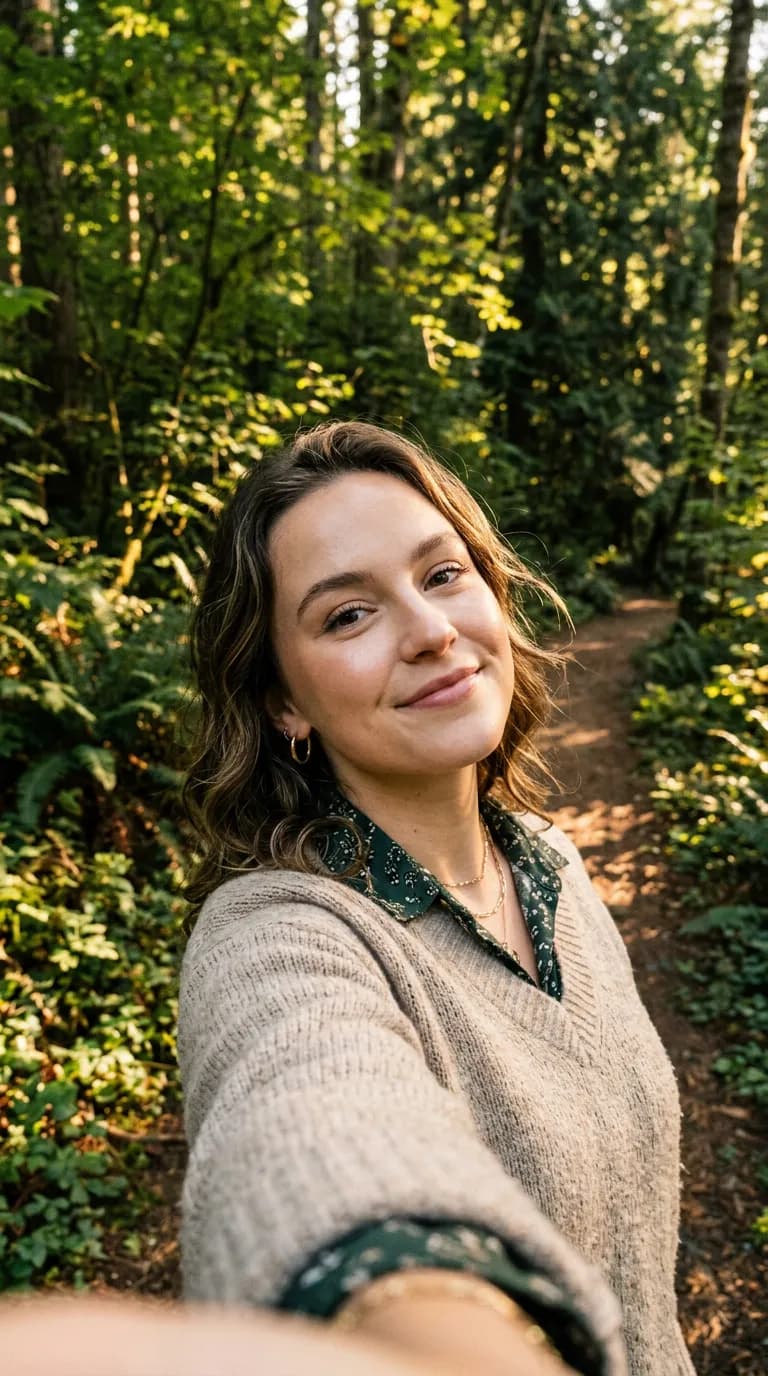
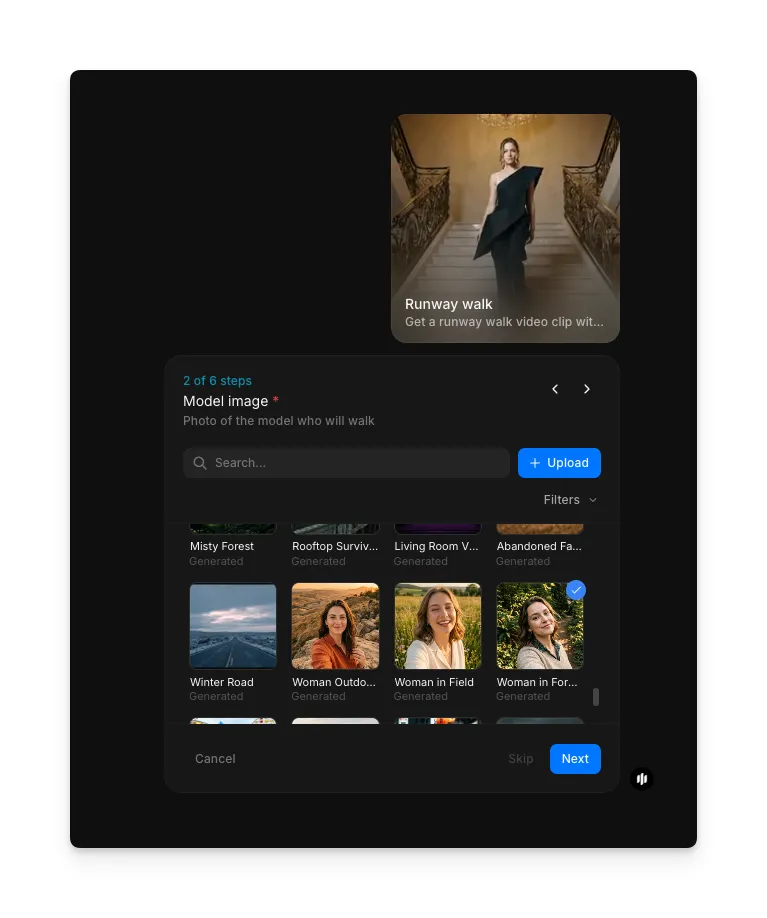
Upload your model image
In the "Model image" step, browse the gallery or upload a full-body model photo.
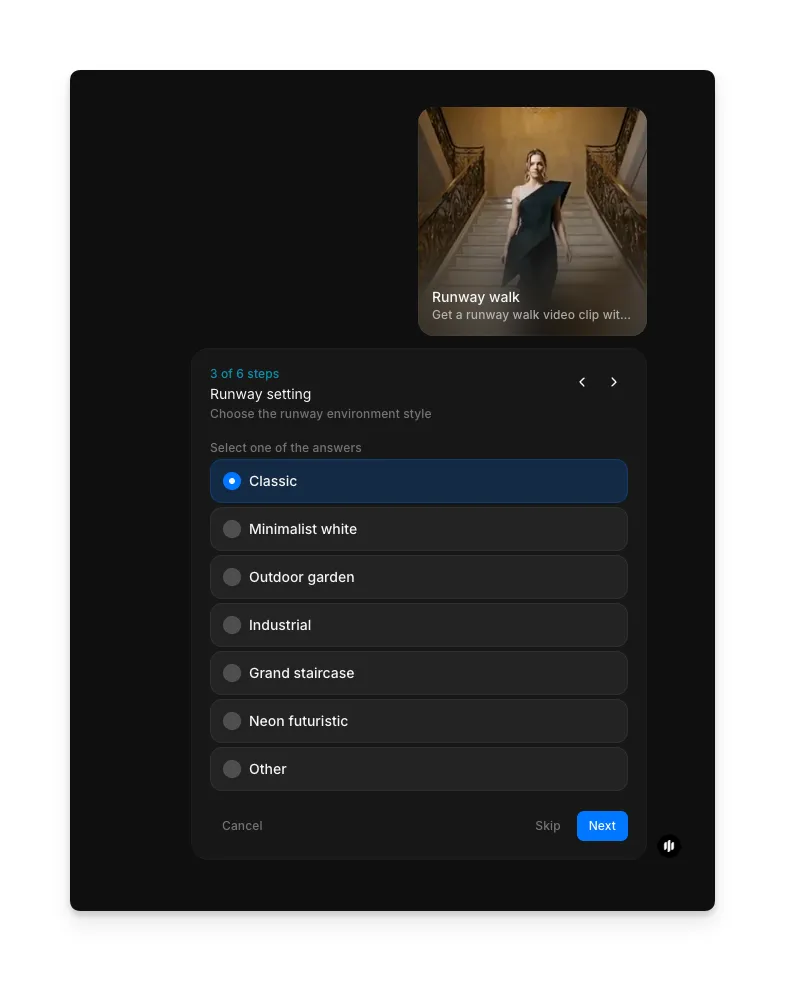
Choose your runway setting
Select the runway environment that fits your brand and collection aesthetic:
| Setting | Visual style | Best for |
|---|---|---|
| Classic | Traditional runway with audience seating, professional lighting, and neutral backdrop | Established brands, formal collections, and traditional fashion presentations |
| Minimalist white | Clean white studio runway with soft lighting and no distractions | Modern brands, editorial content, and product-focused videos |
| Outdoor garden | Lush garden setting with natural light, greenery, and organic textures | Resort wear, spring collections, and nature-inspired brands |
| Industrial | Raw concrete, exposed steel, and dramatic overhead lighting | Streetwear, avant-garde collections, and urban fashion brands |
| Grand staircase | Elegant architectural setting with grand steps and classical details | Couture, evening wear, and luxury brand presentations |
| Neon futuristic | Glowing neon accents, dark backdrop, and high-contrast lighting | Tech-inspired fashion, youth brands, and statement collections |
| Other | Custom setting based on your description | Any unique environment not covered by the preset options |
Enter custom aspect ratio and generate
In the "Custom aspect ratio" step, enter your desired aspect ratio. Click "Run workflow" to generate.
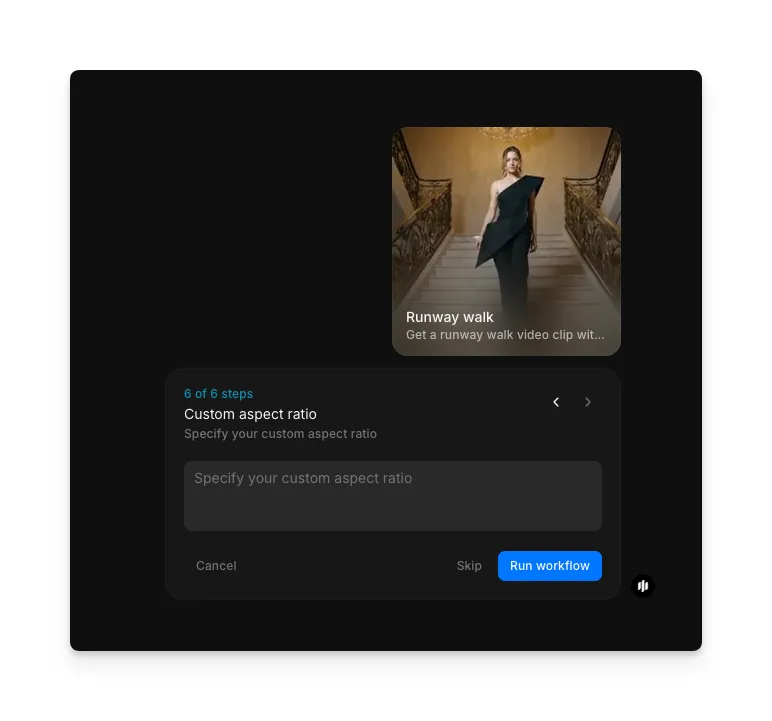
Hit "Run workflow," and Morphic generates your complete virtual runway walk video:
Final output: A polished runway walk video with the model wearing your garment
What makes a great virtual runway video
| Quality | What it means | Why it matters |
|---|---|---|
| Garment fit | The garment drapes, folds, and moves naturally on the model's body during the walk | Poorly fitted virtual garments look fake and misrepresent the actual product |
| Walking naturalism | The model's gait, posture, and movement look like a real runway walk | Stiff or unnatural walking motion makes the entire video feel artificial |
| Lighting continuity | Lighting on the model matches the runway environment throughout the sequence | Mismatched lighting breaks the illusion and makes compositing obvious |
| Model compositing | The model integrates seamlessly into the runway setting with correct shadows and reflections | Visible compositing artifacts make the video look like a cheap cutout effect |
The AI handles virtual try-on, walking animation, environment compositing, and lighting matching automatically, so you only need to upload your photos and select your preferences.
Runway walk workflow vs. physical runway production
| Morphic's runway walk workflow | Physical runway production | |
|---|---|---|
| Cost | Available on Morphic | Professional production rates |
| Time to delivery | Seconds | Days of planning, shooting, and editing |
| Models | Use any model photo without booking or scheduling | Requires booking, fitting, and coordinating with professional models |
| Garment samples | Only a photo of the garment is needed | Requires finished physical samples in the correct size for each model |
| Variations | Generate multiple settings and model combinations instantly | Each variation requires a separate shoot setup |
| Venue | Virtual runway settings included in the workflow | Requires renting a venue and setting up lighting and staging |
FAQs
Yes. The workflow uses virtual try-on technology that analyzes the garment's shape, fabric texture, and draping characteristics to apply it naturally to the model. The garment moves and folds realistically during the runway walk.
Yes. Upload the same garment photo with different model photos to generate runway videos showing multiple models wearing the same piece. This is useful for showing how a garment looks on different body types and presentations.
The workflow handles a wide range of garments including dresses, suits, coats, jackets, skirts, trousers, and full outfits. Garments photographed flat or on a mannequin with clear detail and good lighting produce the best results.
Yes. Virtual runway walk videos are effective for e-commerce product pages, social media marketing, and fashion lookbooks. They give customers a dynamic view of how a garment moves and fits, which static product photos cannot provide.
A physical runway production requires significant investment when factoring in models, venue, videography, and post-production. Morphic's runway walk workflow is available on Morphic and delivers polished runway videos in seconds.