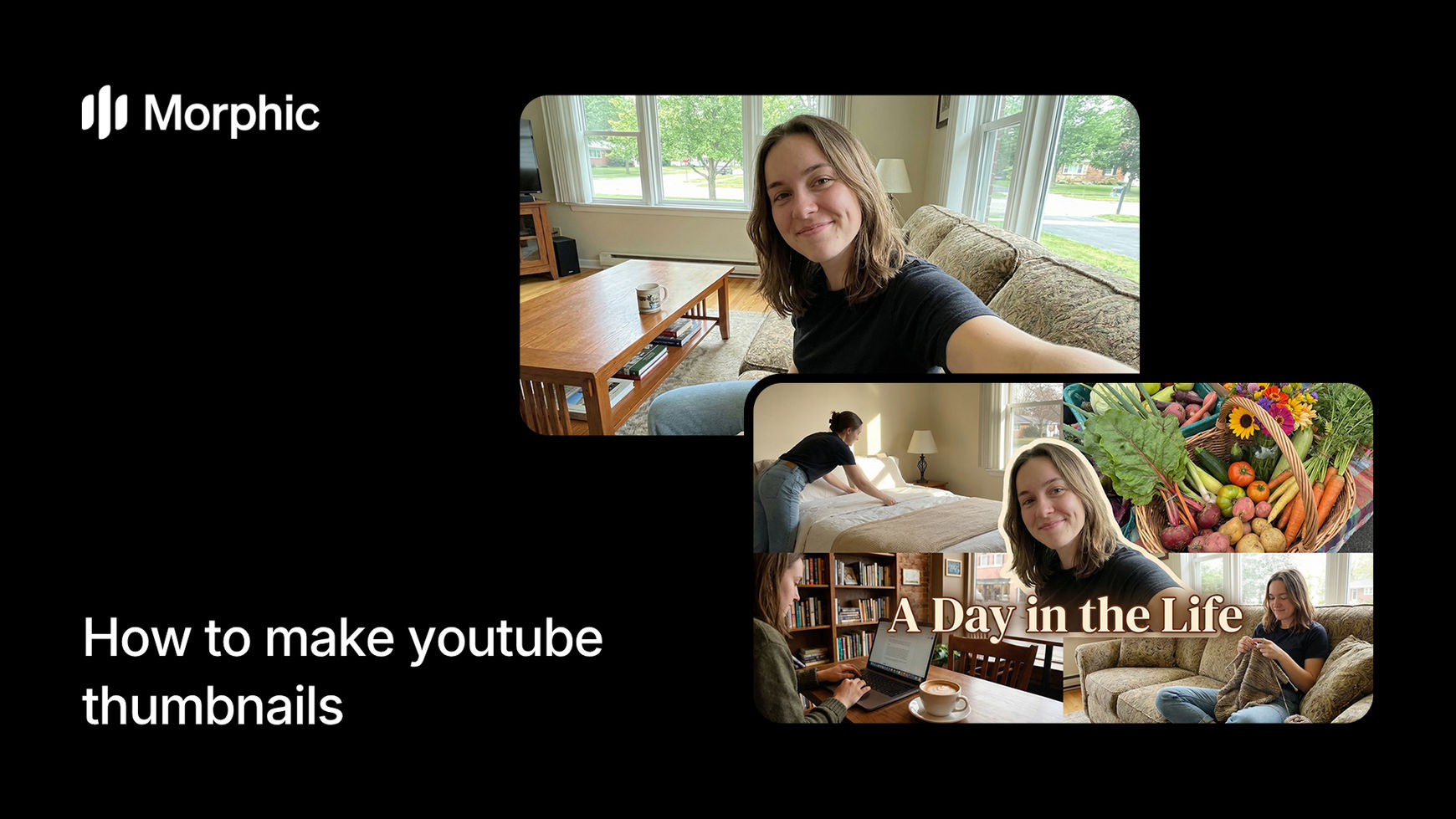
What is a thumbnail A/B factory?
A thumbnail A/B factory is a workflow that generates multiple distinct YouTube thumbnail variations from a single video concept description. Each variation uses different visual hooks, text treatments, color schemes, and compositional approaches while maintaining relevance to your video topic. The result is a set of thumbnails ready for A/B testing so you can identify which design drives the highest CTR.
Enter your video concept, select a thumbnail style, customize your preferences, and Morphic generates a set of thumbnail variations optimized for different viewer psychology triggers.
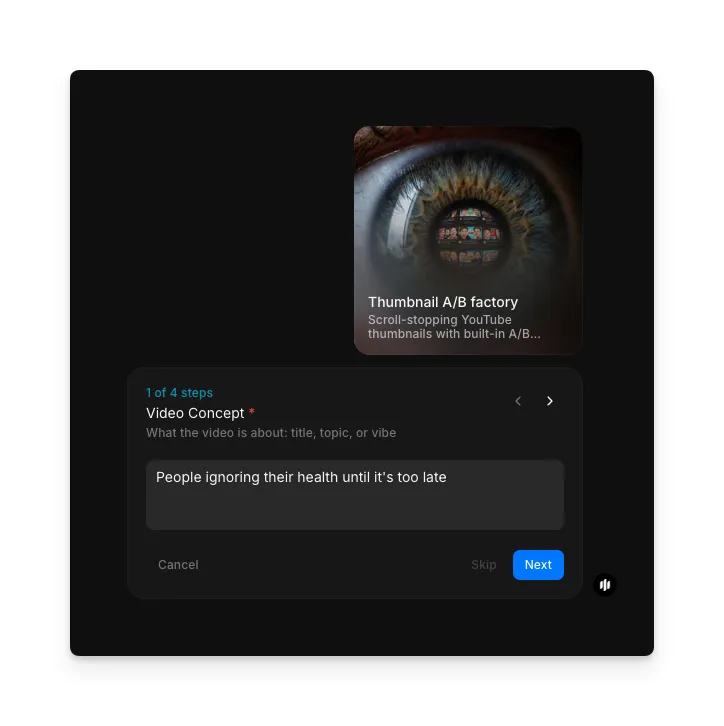
Enter your video concept
In the "Video Concept" step, describe what the video is about: the title, topic, or vibe. The more context you provide, the more targeted the thumbnail designs.
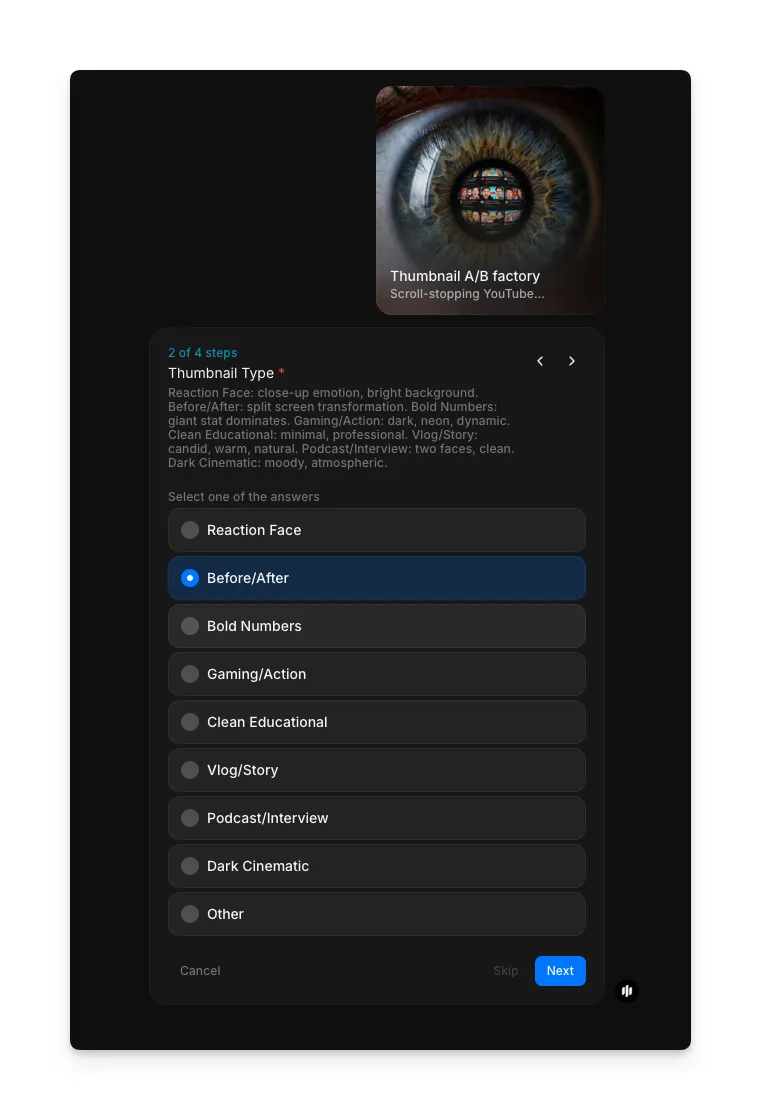
Choose your thumbnail type
Choose the thumbnail type that matches your channel aesthetic and video content. Each type uses different design principles to capture attention:
| Type | Visual treatment | Best for |
|---|---|---|
| Reaction Face | Expressive facial close-up with bold reaction | Commentary, reaction videos, opinion content |
| Before/After | Side-by-side or split layout with clear contrast | Transformation content, reviews, comparisons |
| Bold Numbers | Large numbers or statistics as the visual focal point | Listicles, data-driven content, ranking videos |
| Curiosity Gap | Partially revealed subject, mystery-driven composition | Challenge videos, reveals, experiment content |
| Clean Educational | Clear typography, organized layout, informational design | Tutorials, how-to videos, explainer content |
| Vlog/Story | Natural, personal style with lifestyle framing | Vlogs, personal stories, travel content |
| Product/Interview | Product-focused or interview-style composition | Reviews, interviews, product launches |
| Dark Cinematic | High contrast, dramatic lighting, moody atmosphere | Documentary, cinematic content, thriller-style videos |
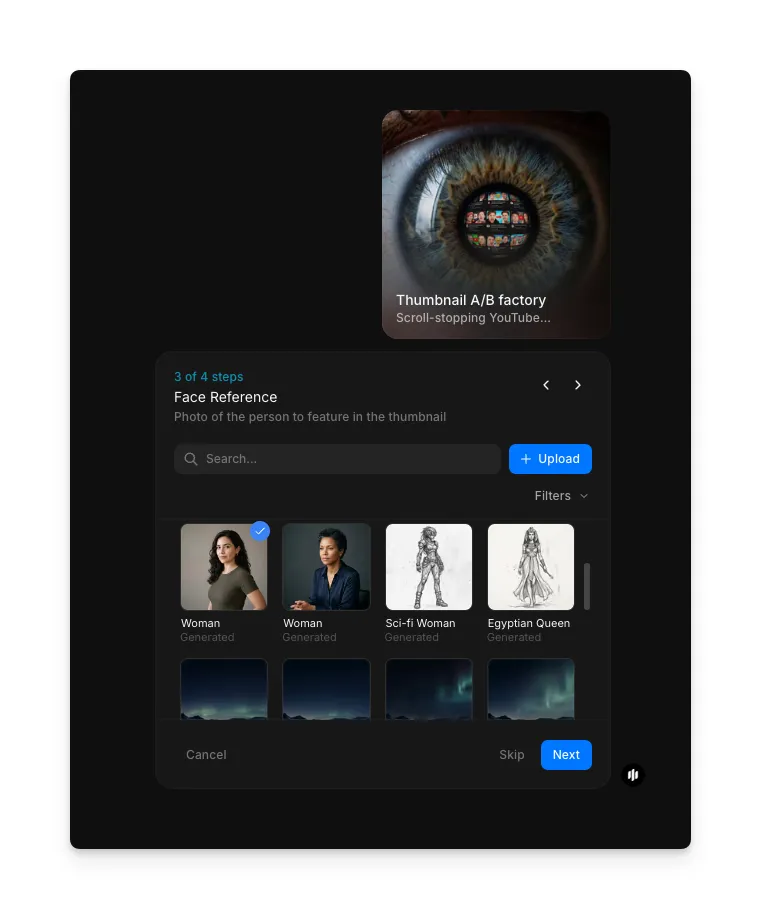
Add a face reference
In the "Face Reference" step, browse the gallery or upload a face image to use in your thumbnail.
Enter thumbnail text and generate
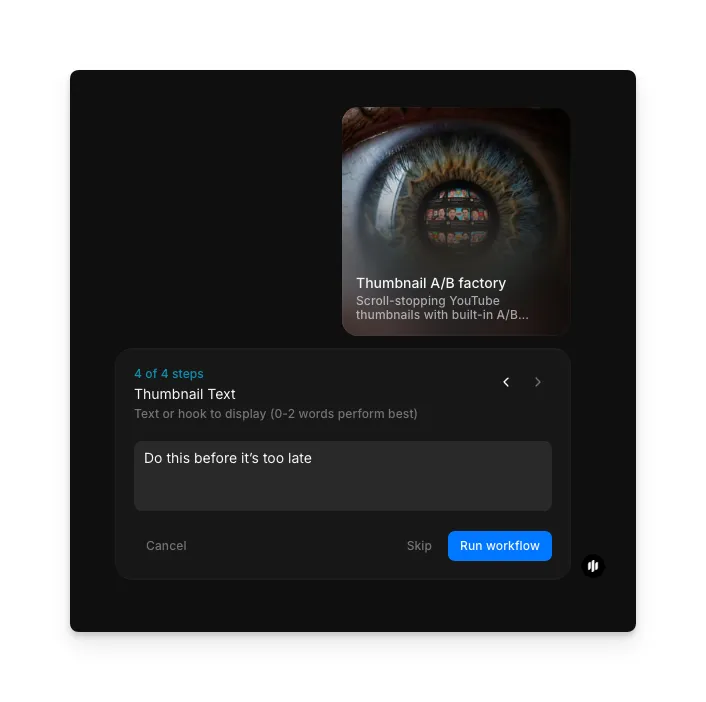
In the "Thumbnail Text" step, enter the text hook for your thumbnail. Keep it to 0-2 words for best performance. Click "Run workflow" to generate.
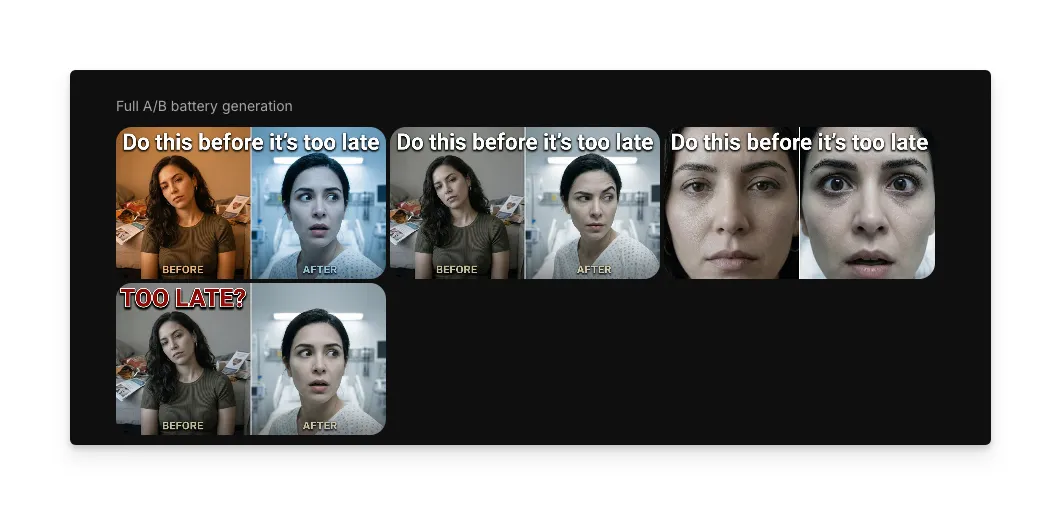
Morphic generates a set of thumbnail variations ready for A/B testing:
What makes great YouTube thumbnails
| Quality | What it means | Why it matters |
|---|---|---|
| Visual impact | The thumbnail commands attention at small sizes with clear focal points and strong contrast | Thumbnails compete with dozens of others on screen and must be instantly readable at 168x94 pixels |
| Text readability | Any text overlays are large, high-contrast, and readable at thumbnail scale without squinting | Illegible text wastes valuable thumbnail real estate and fails to communicate the video value proposition |
| Emotional hook | The thumbnail triggers a specific emotional response like curiosity, excitement, or surprise | Emotionally neutral thumbnails generate no impulse to click and get lost in the feed |
| Variation distinctness | Each A/B variation uses a meaningfully different visual strategy rather than minor tweaks | Similar variations provide no useful A/B testing data because the differences are too subtle to affect behavior |
The AI applies YouTube-specific design principles including the rule of thirds for thumbnail composition, color psychology for click-through optimization, and text hierarchy for small-format readability.
Thumbnail A/B factory vs. manual thumbnail design
| Morphic's thumbnail A/B factory | Manual thumbnail design | |
|---|---|---|
| Cost | Available on Morphic | Free tools plus 30 to 60 minutes of your time, or varies per thumbnail from a designer |
| Time to delivery | Minutes | 30 minutes to 1 hour per single thumbnail design |
| Variations per video | Multiple distinct variations generated simultaneously | Usually one to two variations due to time constraints |
| A/B testing readiness | Variations are designed with distinct visual strategies for meaningful testing | Manual variations tend to be minor tweaks rather than fundamentally different approaches |
| Skill required | None | Graphic design skills, YouTube design best practices, and thumbnail-specific optimization knowledge |
| Consistency at scale | Same quality and optimization level across every video | Quality drops as creators rush thumbnails for frequent upload schedules |
FAQs
The workflow generates multiple distinct variations per run, each using a different visual strategy. You can run the workflow again with adjusted settings to produce additional variations if needed. This gives you enough options for meaningful A/B testing across your YouTube analytics.
Yes. The AI applies YouTube-specific design principles including 1280x720 pixel output resolution, high contrast for small-format visibility, strategic text placement that avoids timestamp overlap zones, and focal point composition optimized for both desktop and mobile viewing.
The workflow provides customization options for text overlays, color direction, branding elements, and visual focal points before generation. For post-generation edits, you can download the output and make adjustments in any image editor, or regenerate with refined settings.
Upload different thumbnail variations to your YouTube video and use YouTube Studio's built-in thumbnail test feature to compare performance. Each variation from the workflow uses a meaningfully different visual approach, so your A/B test data reveals which design strategy resonates with your specific audience.
Hiring a designer can cost a significant amount per thumbnail, and creating your own takes 30 minutes to an hour with free tools. Morphic's thumbnail A/B factory is available on Morphic and generates multiple optimized variations in minutes, saving both time and money at scale.