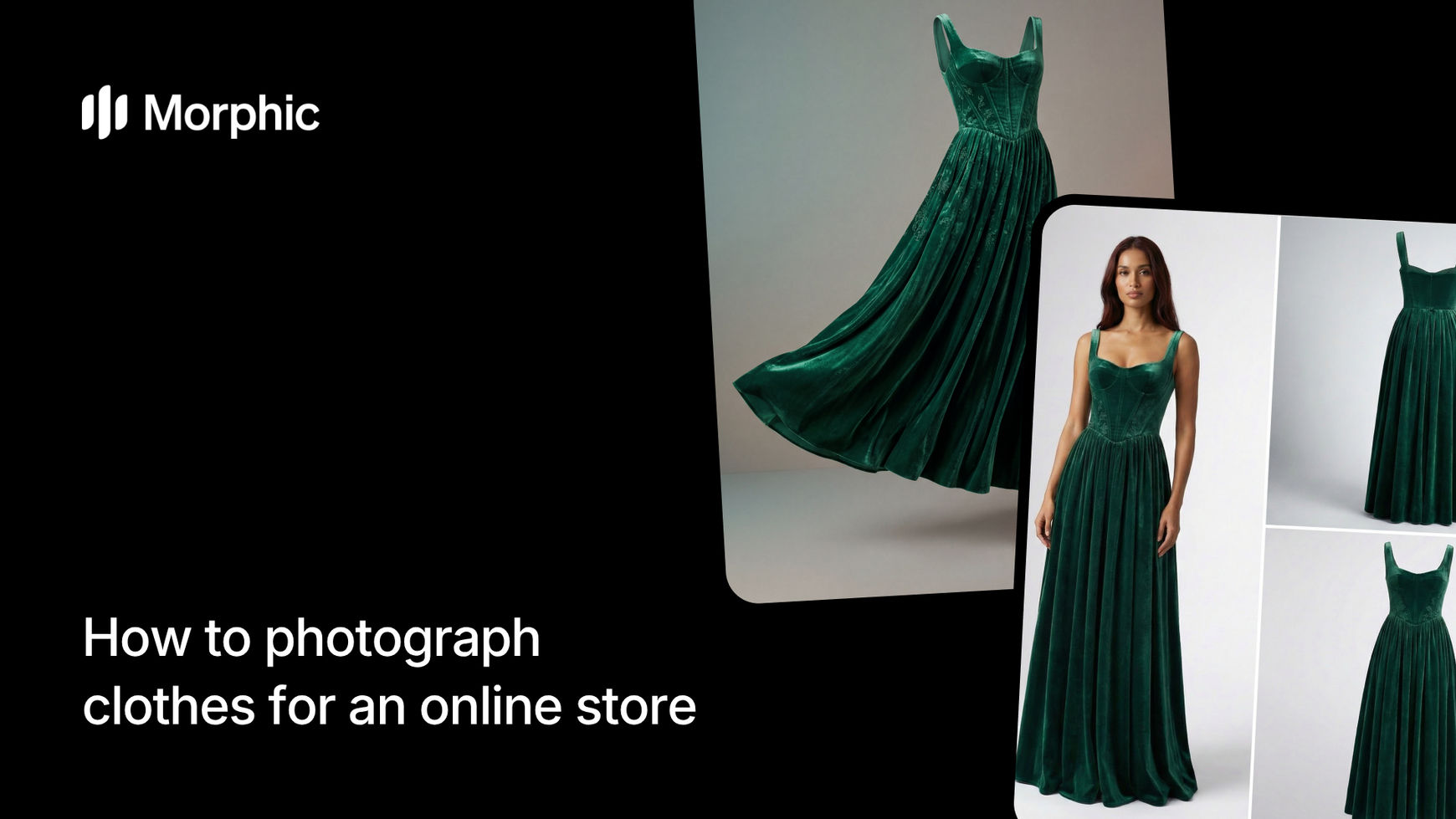
What is an AI clothing photography workflow?
An AI clothing photography workflow takes a single input image of a garment and generates multiple professional product views from it. Instead of photographing each angle separately, the workflow analyzes the fabric, cut, and construction of the garment, then renders realistic views from different perspectives and contexts. The result is a complete set of product images that maintain accurate colors, proportions, and fabric texture across every view.
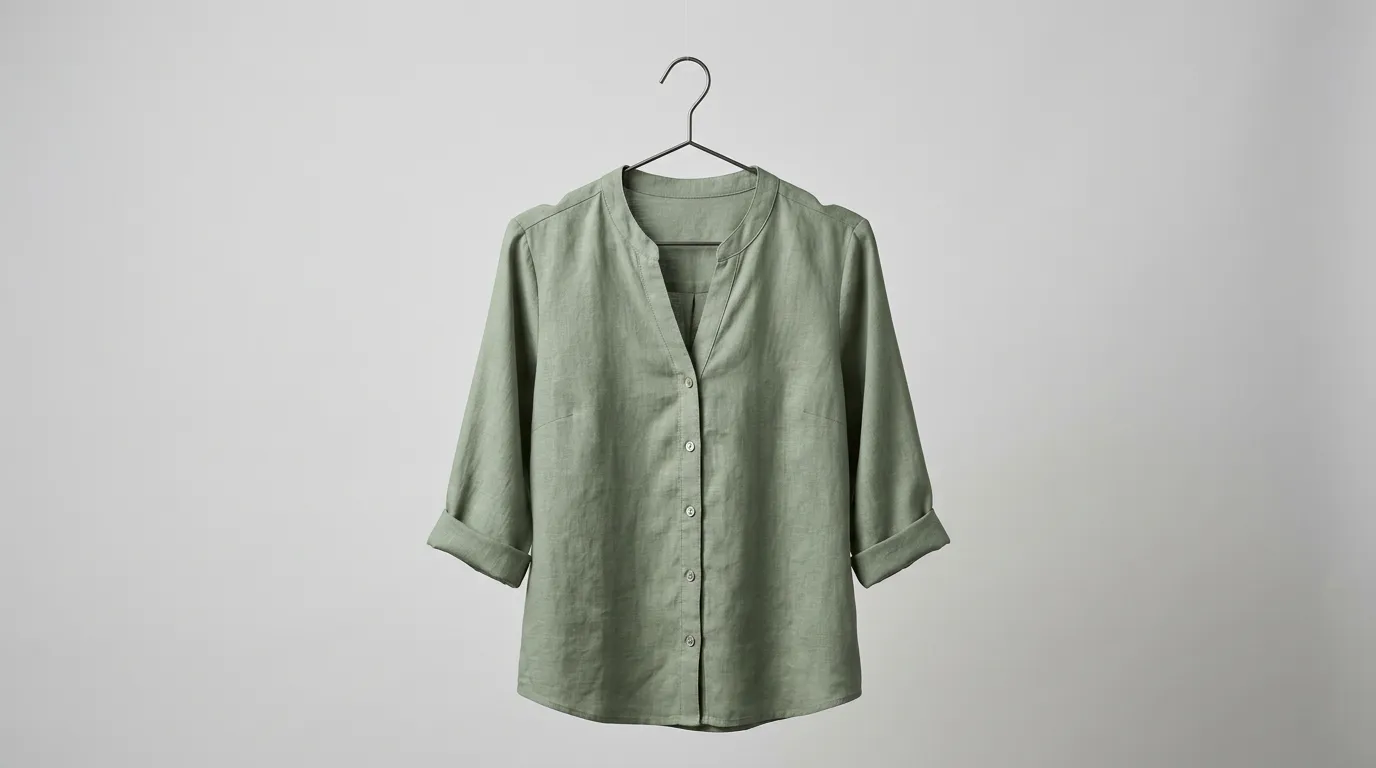
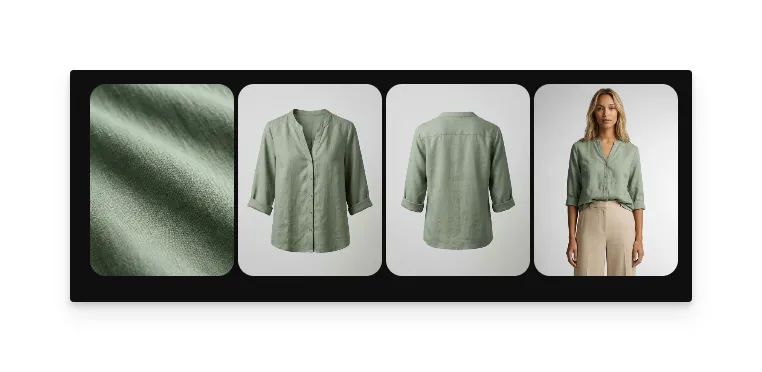
Morphic's template produces four distinct views from your upload: a fabric close-up showing texture and weave, a front-facing hanger shot, a back-facing hanger shot, and a model view showing fit and drape on a body.
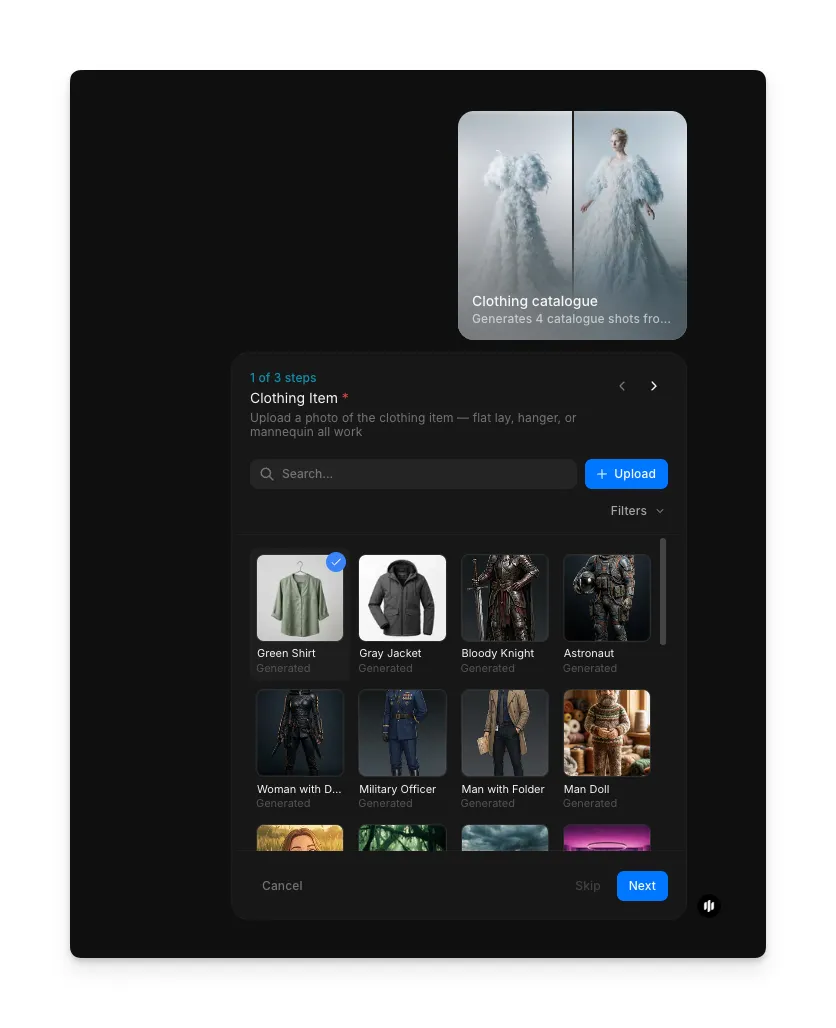
Upload your clothing item
Open the "Clothing catalogue" workflow. In the "Clothing item" step, browse the gallery or upload a clear photo of your garment.
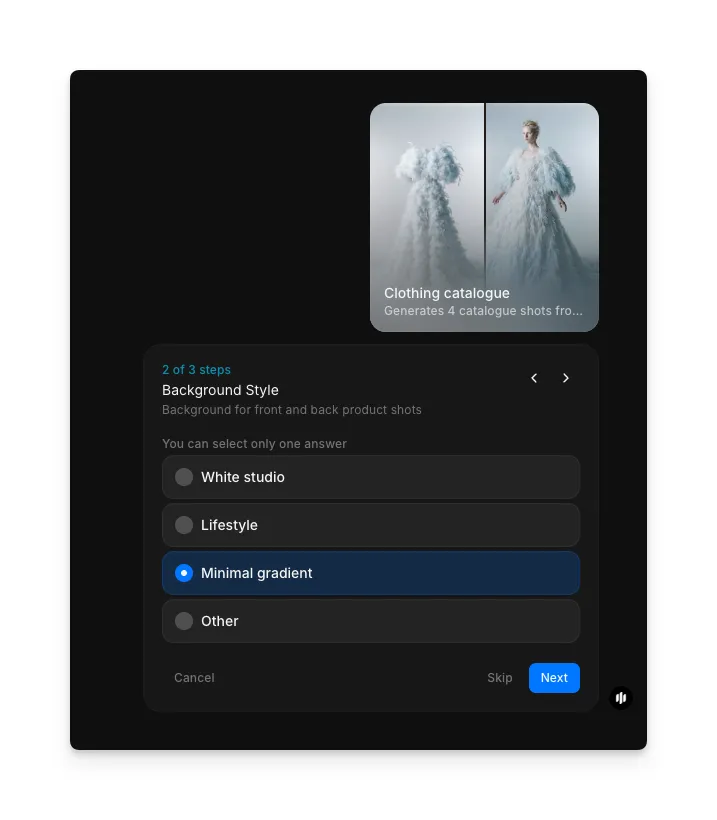
Choose your background style
In the "Background Style" step, select the background for your product shots. Options include White studio, Lifestyle, Minimal gradient, and Other.
Note: Additional steps follow before you click "Run workflow."
What makes great clothing product photography
| Quality | What it means | Why it matters |
|---|---|---|
| Accurate color | Colors in the image match the real garment exactly | Color mismatches are the top reason for clothing returns |
| Clear fit and drape | The garment looks natural and shows how it falls on a body | Customers need to understand how the garment will look when worn |
| Visible fabric texture | Weave, knit, or print details are sharp and distinguishable | Fabric feel is impossible to communicate without clear texture shots |
| Consistent lighting | All views share the same lighting style and white balance | Inconsistent lighting across views looks unprofessional and confusing |
The workflow handles background removal, lighting normalization, and perspective rendering automatically, so every image in your catalogue looks like it came from the same professional shoot.
Morphic vs product photography services
| Morphic clothing catalogue | Product photography services | |
|---|---|---|
| Time to delivery | Under 5 minutes per garment | 3-7 business days per batch |
| Cost | Available on Morphic | Professional rates per garment |
| Views per garment | 4 views from one upload | Each angle shot separately |
| Consistency | Identical lighting and style across all products | Varies by session, photographer, and day |
| Scalability | Process hundreds of garments in a day | Limited by studio availability and scheduling |
| Technical knowledge | None required | Photographer and editor handle all production |
FAQs
Yes. The images Morphic generates are yours to use anywhere. Upload them to your Shopify store, Amazon listings, Etsy shop, social media, or any other platform. The output resolution works for both web listings and print catalogues.
Upload each color variant separately and the workflow generates the full set of views for each. For sizes, the model view adapts to show the garment on an appropriately proportioned body, though most stores use a single size for their listing photos.
Morphic generates a model view that best represents how the garment fits and drapes naturally. You can regenerate to get different model presentations if the first result does not match your brand's requirements.
The workflow preserves visible branding elements like logos, labels, and tags that appear in your original upload. If your brand label is clearly visible in the input photo, it will appear in the generated views where that area of the garment is shown.
The clothing catalogue workflow is available on Morphic. Process as many garments as you need.