Seedream 5.0 Pro features and capabilities
Seedream 5.0 Pro is ByteDance's image generation and editing model. The recurring theme is control: grounded, region-precise editing, multi-layer separation you can drag and scale, high-density infographics, and text generated natively in 14 languages.
Seedream 5.0 Pro is live on Morphic, so you can try every capability below today.
| Feature | What it does | Best for |
|---|---|---|
| Precise, grounded editing | Locks onto a specific element and changes just that part | Catalog swaps, packaging, retouching |
| Point, box, arrow, sketch | Marks the target by point, box, arrow, or a rough sketch | Targeted edits, sketch-to-image |
| Multi-layer separation | Splits a result into independent, editable layers | Posters, layouts, composited scenes |
| High-density infographics | Charts, flowcharts, and diagrams in one legible pass | Explainers, e-commerce, slides |
| Native 14-language text | Generates text directly in 14 languages | Multilingual posters and designs |
Precise, grounded editing
Seedream 5.0 Pro understands the grounding, where each element sits in the frame and what it means. That lets editing be targeted rather than a full re-roll: lock onto a single element, a prop, a color, or a label, and the rest of the frame stays exactly as it was. It makes catalog and packaging work practical, where a swap should not disturb the lighting or the layout you already have.
Point, box, arrow, or sketch
You do not have to describe the target in words alone. Mark it with a point, draw a bounding box, or drop an arrow to pin the exact element, then describe the change. You can also rough out an idea as a sketch, a layout, a pose, a poster frame, and let the model complete it, so a loose drawing becomes a finished image that follows your marks.
Multi-layer separation
Seedream 5.0 Pro can split a result into independent layers on demand. Ask it to separate a single line of text, a character, an object, or the whole layout, and each becomes its own editable layer. From there you can drag and scale a layer on its own, much like editing a design file, so you build and adjust a composition instead of re-describing the whole scene.
High-density infographics
It is built for information-dense images: data charts, flowcharts, and precision diagrams generated in a single pass. The layout tools optimize info density, logical structure, and page layout, sharpen small-text rendering, and balance rich content with clear logic, so an e-commerce homepage, a children's picture-book explainer, a slide graphic, or a science diagram comes out readable rather than cluttered.
Native text in 14 languages
Seedream 5.0 Pro renders text natively in 14 languages, including Arabic, English, Russian, Japanese, Korean, and Thai. Native means it generates directly in the target language rather than translating and pasting the words on, so it respects each language's cultural context, typographic conventions, and letterforms, from Arabic's right-to-left layout to Thai's stacked tone marks, and matches local design aesthetics.
Seedream 5.0 Pro use cases
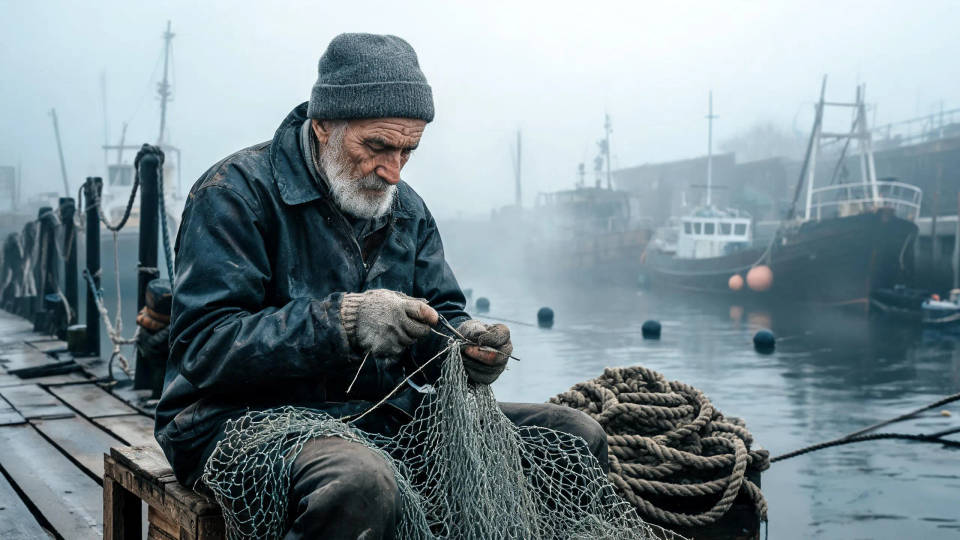
Photoreal portraits and scenes
Faces, skin, and fabric hold their fine texture, so a portrait reads as a photograph rather than a render. Grounded editing keeps expression and detail exactly where you place them.
Architecture and interiors
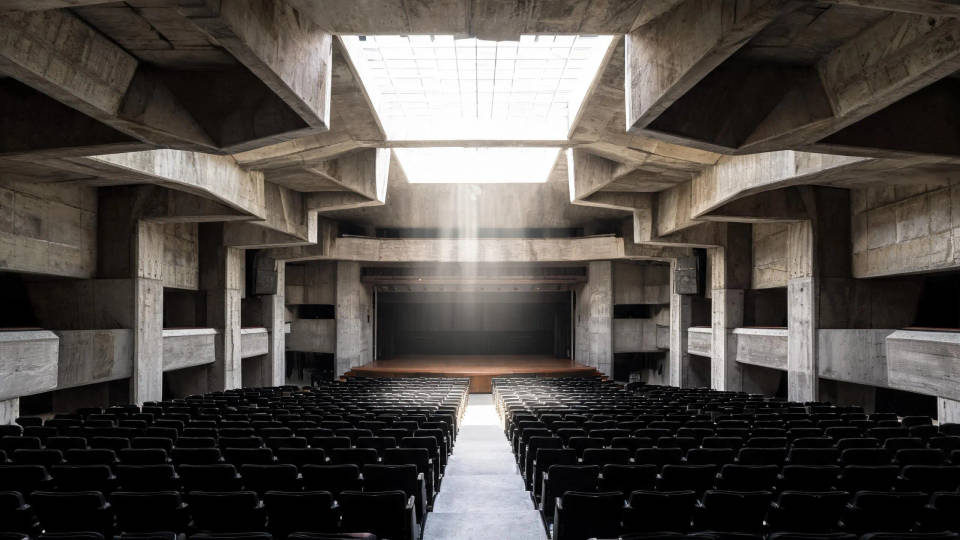
Straight lines, scale, and perspective stay clean across a wide frame. Separate the light or a single surface into its own layer to adjust it without re-rolling the whole composition.
Product and food flat-lays
Catalog and menu shots where a swap should not disturb the rest of the frame. Point or box the prop, color, or label, change just that, and the lighting and layout stay put.

Macro product detail
Close inspection shots keep crisp edges and material detail, from brushed metal to a watch dial. Grounded control makes it practical to fix one element without softening the rest.

Posters and multilingual layouts
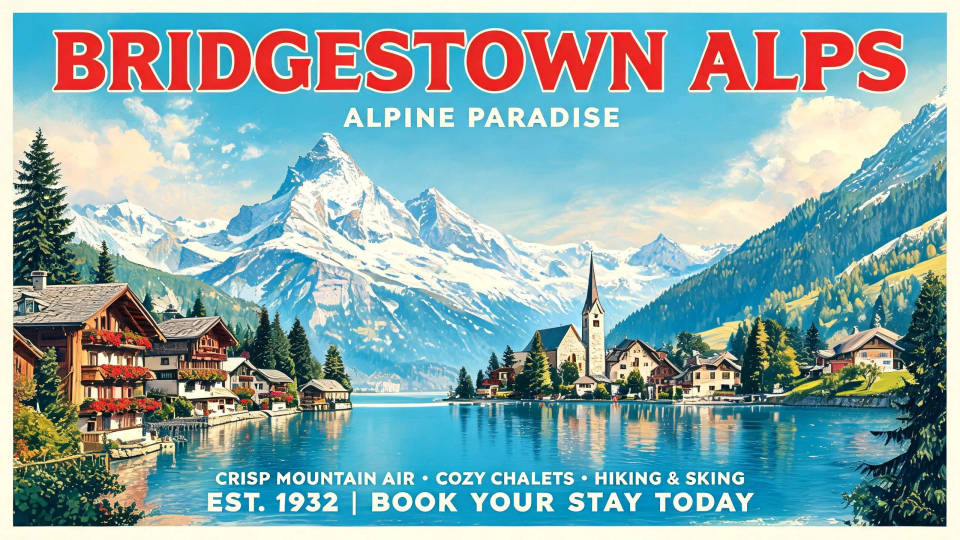
On-image text stays legible and placed, in any of 14 languages, so a poster or cover comes out laid out rather than re-described. Address the title block and the background as separate layers.
Scenic frames and backgrounds
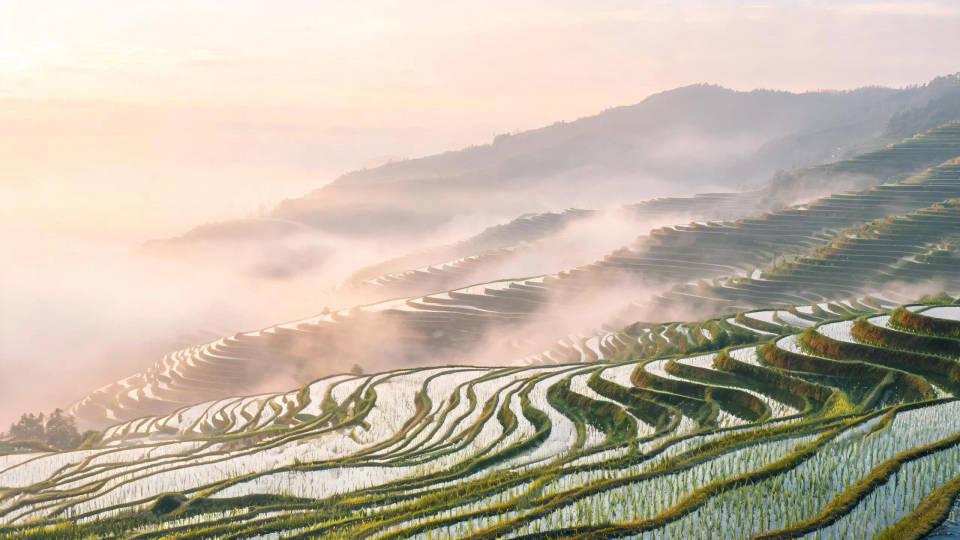
Wide landscapes hold their depth from foreground to horizon. Use one as a clean background layer, or lay a multilingual title over it for a travel poster.
How to get the best out of Seedream 5.0 Pro
Seedream 5.0 Pro rewards a specific brief and a habit of editing in place rather than re-rolling. A few practices carry most of the quality:
- Place the light. Naming its direction and quality does more for a scene than any style word.
- Spell out on-image text in quotes. The words render as written, in any of the 14 supported languages, which matters for posters, covers, and labels.
- Mark the target. Point, box, arrow, or sketch the exact element you want, then describe the change.
- Change one element, keep the rest. Ask for a single edit so the rest of the frame stays exactly as it was.
- Think in layers. Separate the subject, the background, and the text block, then drag or scale each on its own.
- Lean on it for dense layouts. Infographics, charts, and diagrams come out readable in a single pass.
For the full capability list and specifications, see the Seedream 5.0 Pro model page.
Seedream 5.0 Pro prompt guide
A strong image prompt names what is in the frame and how it is arranged, rather than a single adjective like "beautiful." Run through SPACE before you send.
| SPACE | Include | Example |
|---|---|---|
| Subject | Who or what is in frame, described concretely | A weathered fisherman mending a net |
| Palette and style | Art direction, medium, and mood | Muted documentary color, matte finish |
| Arrangement | Composition, framing, and layout | Tight three-quarter portrait, off-center |
| Camera and light | Lens, angle, and light quality | 85mm, eye level, soft overcast light |
| Extra detail | On-image text, textures, and finishing | Legible boat name, fine skin and rope texture |
Weak vs strong prompts
Place the light, spell out the layout and any text, and mark an edit precisely rather than describing it vaguely.
| Focus | Weak | Strong |
|---|---|---|
| Lighting | A product on a table | A glossy bottle on wet slate, a single raking light from camera left, soft falloff |
| Composition and text | A movie poster | A film poster with the title 'NORTHWIND' across the top third, a lone figure lower right |
| Precise edit | Make it look better | Box the matte label and swap it for a glossy one, keep the lighting and the background |
Common mistakes
- One adjective instead of a brief: "beautiful" tells the model nothing; name the subject, the light, and the layout.
- Text without quotes: put the exact on-image words in quotes, or they render garbled.
- Re-rolling for a small change: mark the element and edit it in place instead of regenerating the whole image.
- Flattening a layered design: separate the text, subject, and background into layers so you can adjust each on its own.
