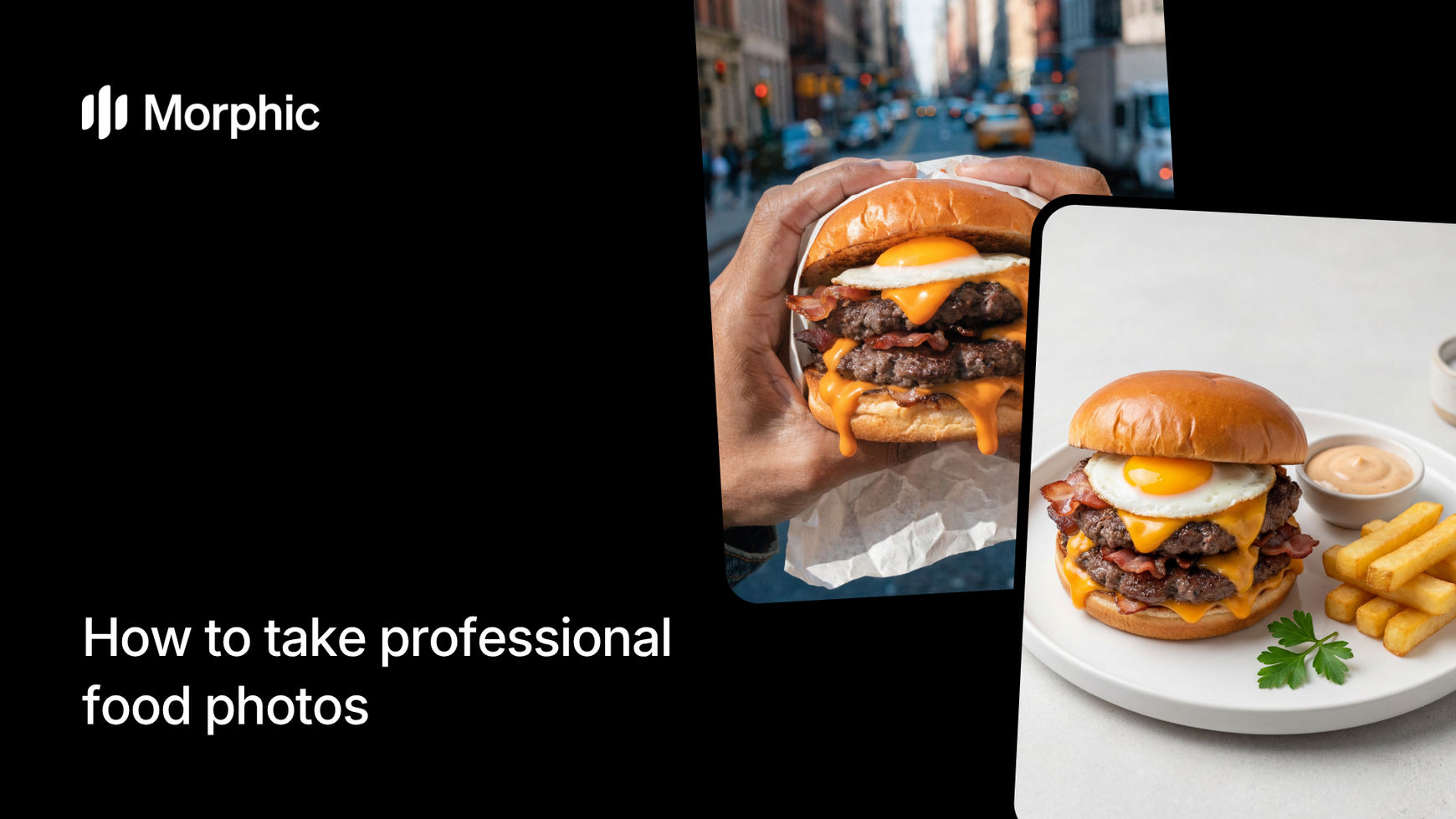
What is an AI food photography workflow?
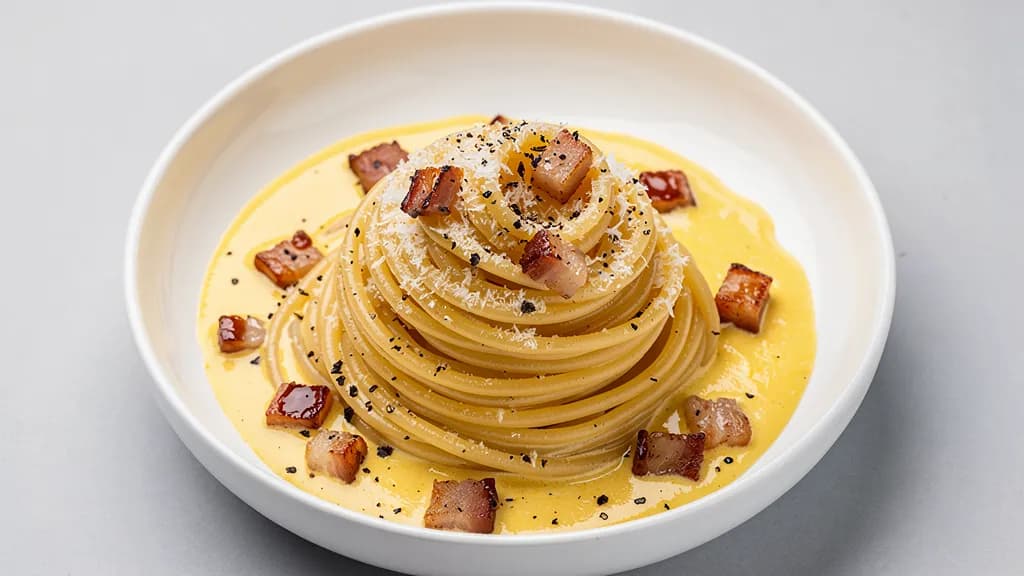
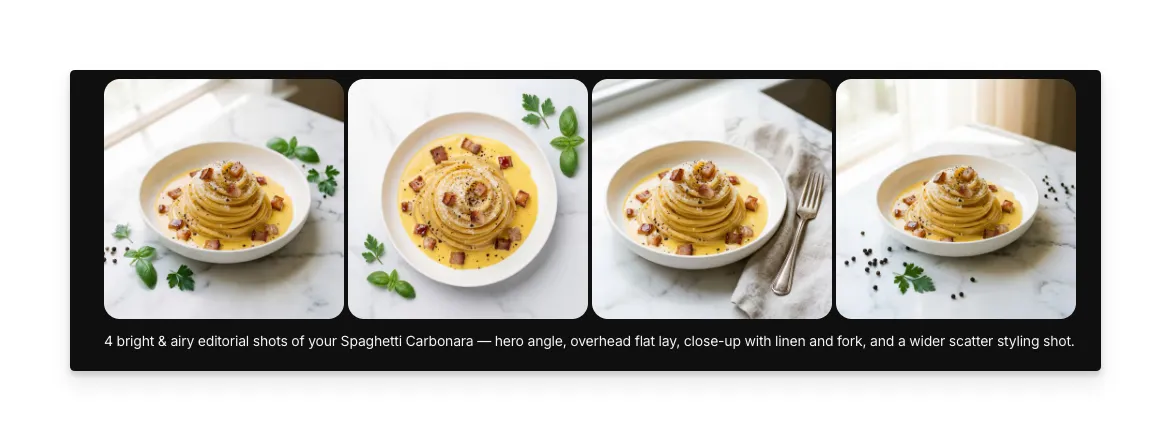
An AI food photography workflow takes a reference image or description of a dish and generates professionally styled food photographs from it. Instead of arranging the dish, setting up lighting rigs, and shooting dozens of frames to get one usable shot, the workflow analyzes the dish and renders it with professional plating, complementary props, and studio-quality lighting. The result is an image that looks like it was shot by a food photographer for a cookbook or magazine spread.
Morphic's template gives you control over the dish description, visual aesthetic, number of output photos, and aspect ratio, so each image is tailored to your specific use case.
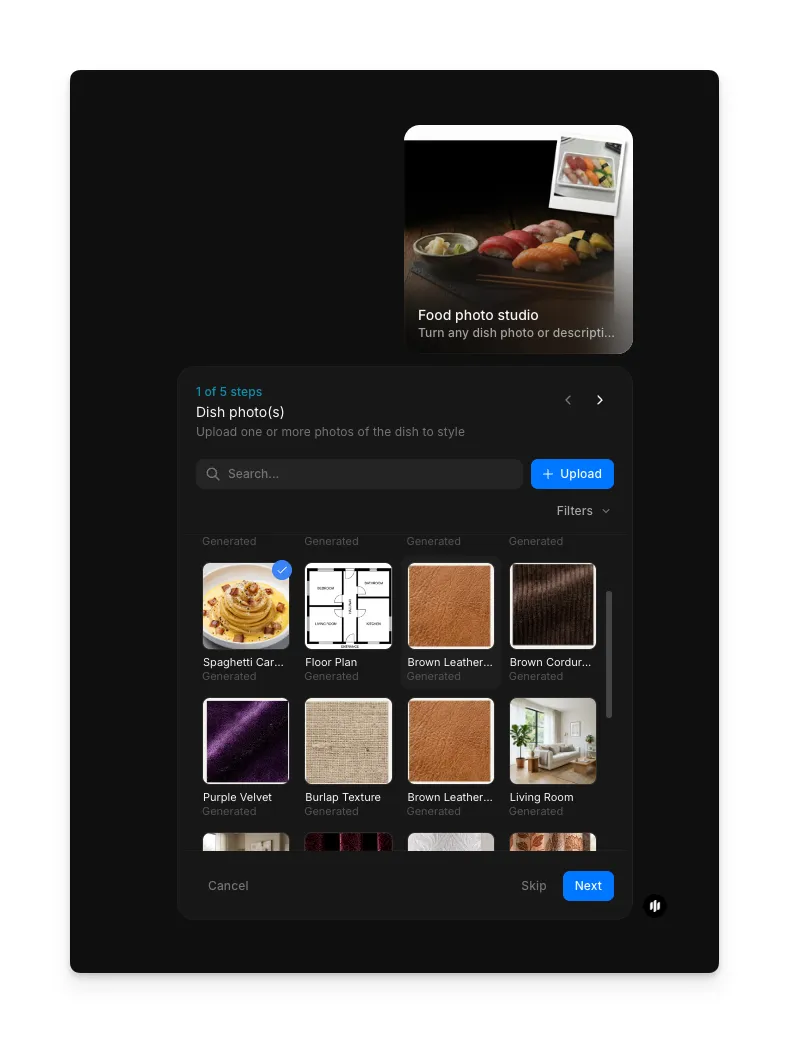
Upload your dish photos
Open the "Food photo studio" workflow. In the "Dish photo(s)" step, browse the gallery or upload photos of your dish.
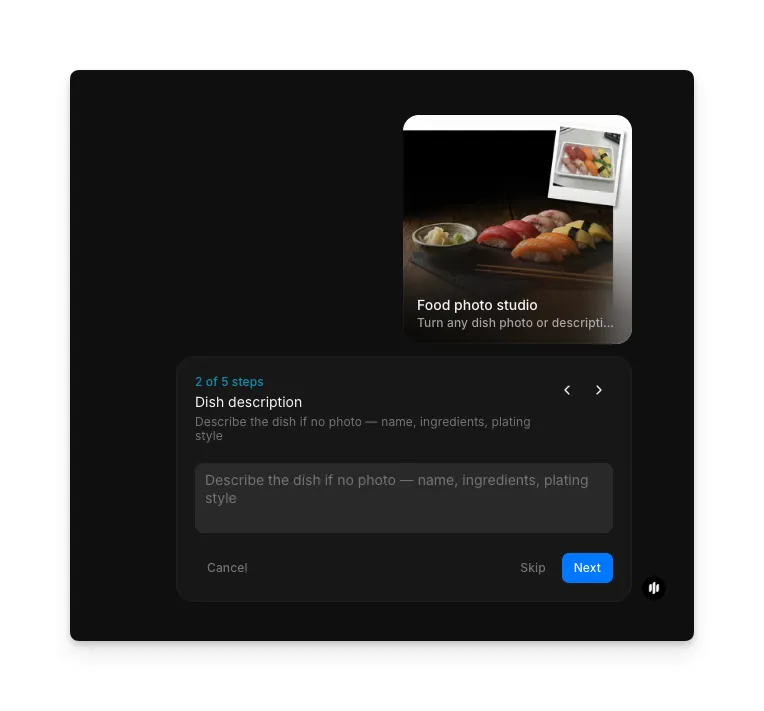
Describe your dish
In the "Dish description" step, optionally describe the dish. This field is subtitled "Describe the dish if no photo — name, ingredients, plating style," so use it to provide context when you do not have a photo or to add details that complement your uploaded image.
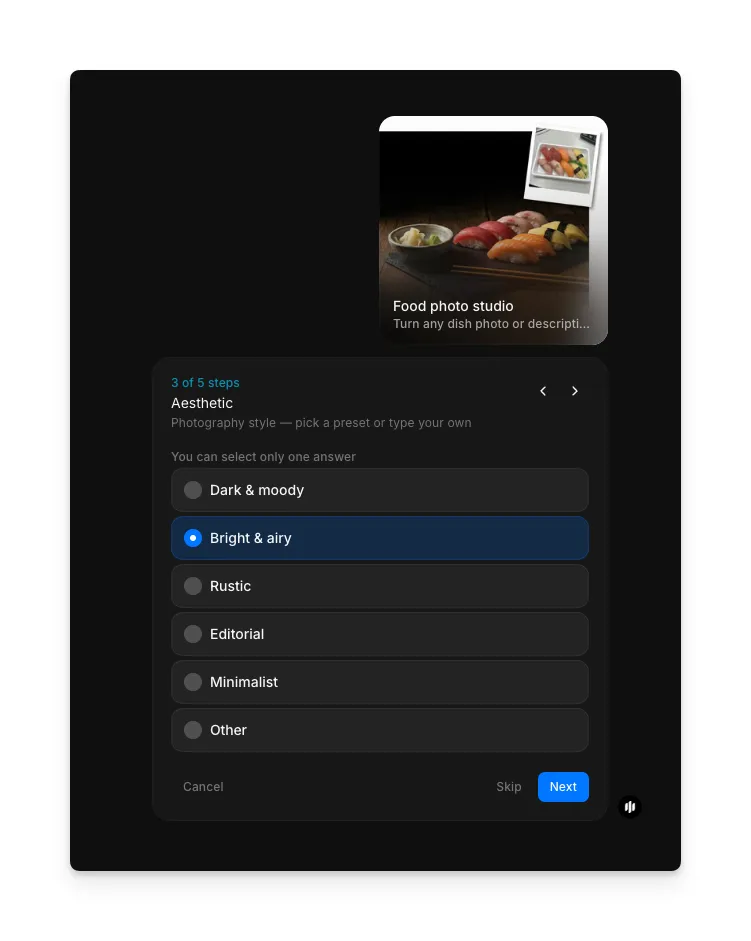
Choose your aesthetic
Select the visual aesthetic for your food photograph. Options include Dark & moody, Bright & airy, Rustic, Editorial, Minimalist, and Other. Each aesthetic changes the lighting style, background textures, prop styling, and overall color grade of the output. Choose the one that matches your brand or the platform where you will use the image.
Select photo count
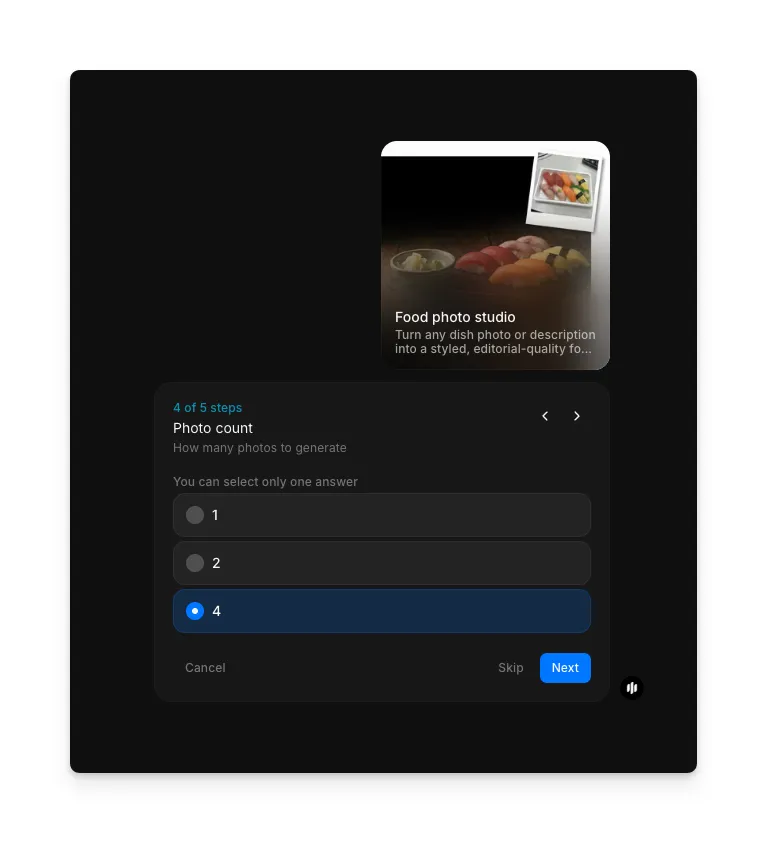
In the "Photo count" step, choose how many styled photos you want the workflow to generate. Options are 1, 2, or 4. Multiple outputs give you options to pick the best shot or use different images across platforms.
Choose aspect ratio and generate
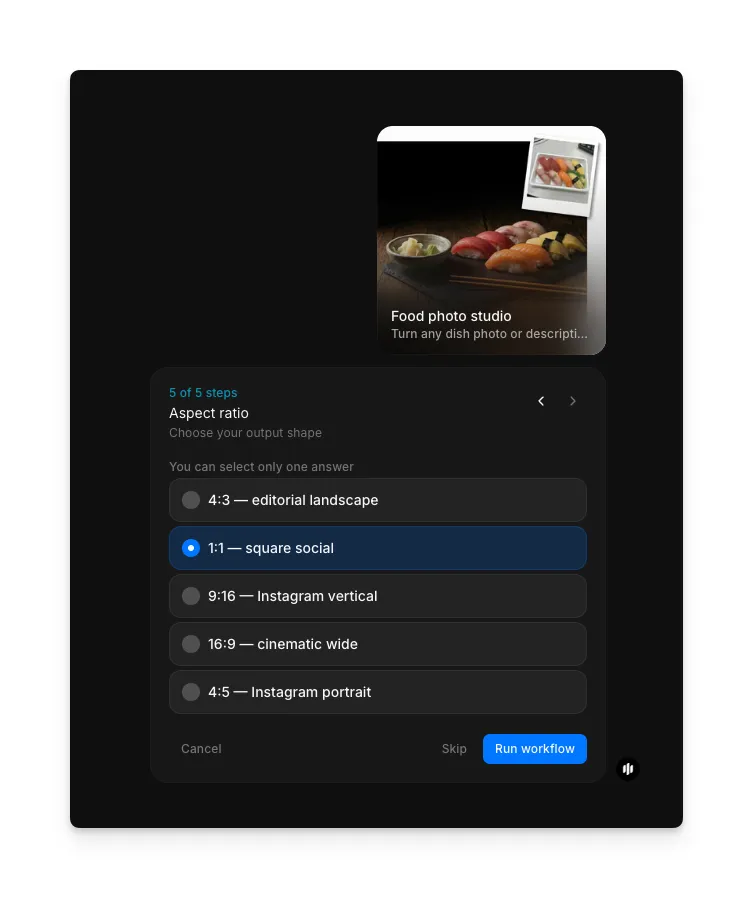
In the "Aspect ratio" step, select the ratio for your output. Options are 4:3: editorial landscape, 1:1, square social, 9:16, Instagram vertical, 16:9, cinematic wide, and 4:5, Instagram portrait. Click "Run workflow" and Morphic generates your styled food photographs with professional lighting, plating, and composition.
What makes a great food photograph
| Quality | What it means | Why it matters |
|---|---|---|
| Appetite appeal | The image makes the viewer want to eat the dish immediately | This is the entire purpose of food photography and the metric that determines its effectiveness |
| Accurate representation | The food looks like what a customer would actually receive | Misleading food photos damage trust and lead to disappointment |
| Professional plating | The dish is arranged with intention, using complementary props and surfaces | Presentation separates a snapshot from a professional photograph |
| Lighting warmth | Warm, directional lighting that highlights texture and creates depth | Harsh or flat lighting makes even the best dishes look unappetizing |
The workflow handles lighting, composition, prop styling, and color grading automatically, so every image looks like it was shot by a specialist food photographer.
Morphic vs hiring a food photographer and stylist
| Morphic food photo studio | Hiring a food photographer and stylist | |
|---|---|---|
| Time to delivery | Under 5 minutes | 1-2 weeks including styling and retouching |
| Cost | Available on Morphic | Professional rates per session |
| Photos per session | Multiple photos per run | 10-20 usable shots per day |
| Consistency | Identical aesthetic across all dishes | Varies by session and team |
| Menu updates | Regenerate instantly when dishes change | Requires a new shoot for every menu change |
| Technical knowledge | None required | Food styling and photography expertise needed |
FAQs
Yes. The images Morphic generates are yours to use anywhere. Print menus, website headers, delivery app listings, social media posts, and marketing materials are all fair game. The output resolution supports both digital and print use.
Yes. The workflow handles all cuisines and dish types, from sushi and pasta to burgers and desserts. The styling adapts to the type of food, choosing appropriate props, surfaces, and lighting that complement each cuisine. Describe the dish accurately and the workflow renders it appropriately.
Yes. Select the text description input method and describe the dish you want to visualize. This is useful for planning menus, creating marketing materials for upcoming dishes, or generating food content for recipes that have not been prepared yet.
Square (1:1) is the safest choice for delivery app listings, as most platforms display menu items in square crops. If a platform uses a different format, you can generate additional versions in the correct aspect ratio without re-describing the dish.
The food photo studio workflow is available on Morphic. Generate styled food photographs for your entire menu.