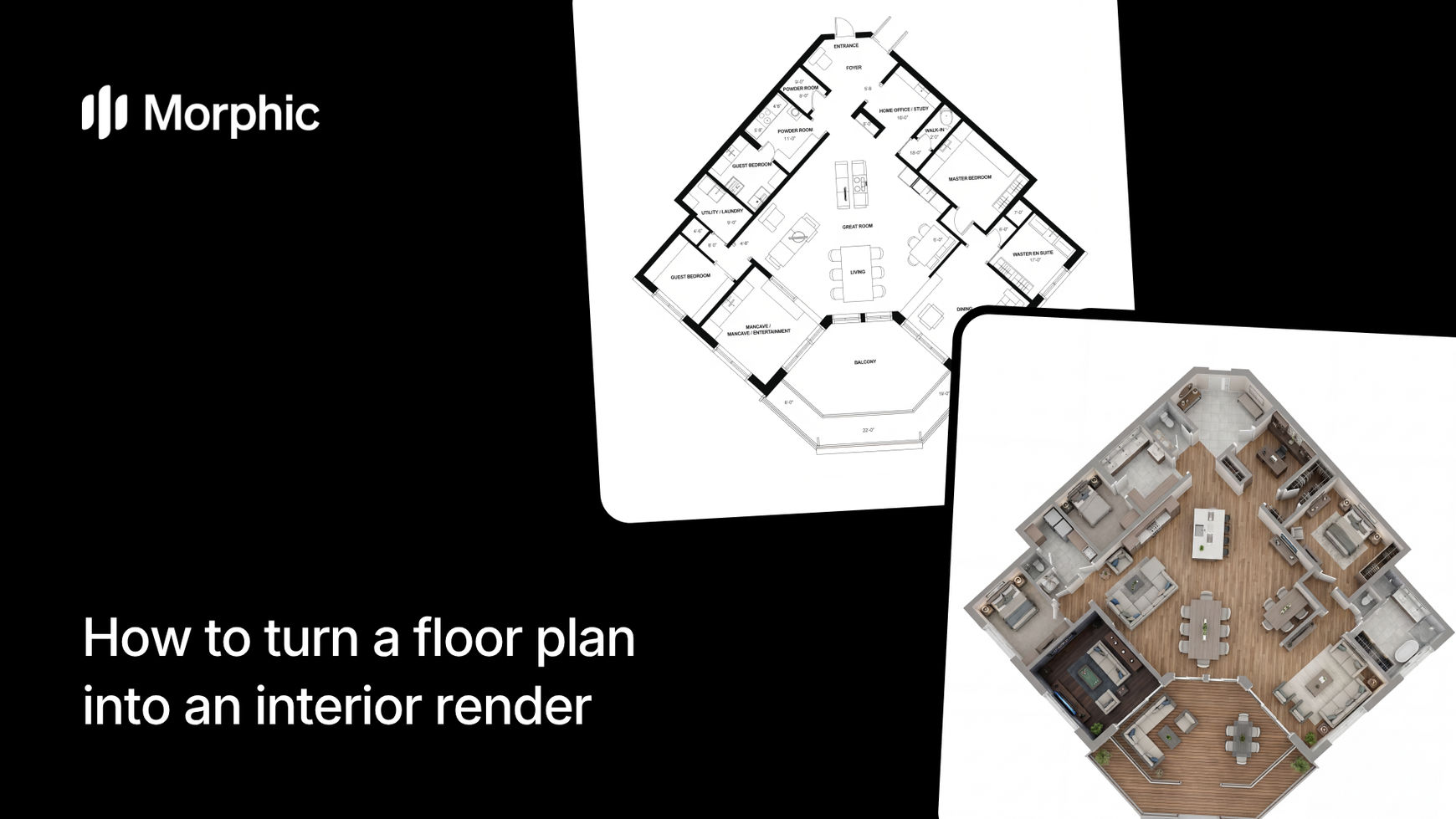
What is a floor plan to interior render workflow?
A floor plan to interior render workflow takes a 2D architectural floor plan and generates photorealistic 3D interior views of the spaces it defines. The workflow analyzes room dimensions, layouts, and adjacencies from the plan, then furnishes and renders each room with appropriate furniture, materials, lighting, and decor. The result is a set of interior images that show what the finished space could look like, without any 3D modeling or rendering software.
Morphic's template reads your floor plan, identifies individual rooms, and produces furnished renders with realistic lighting and material textures for each space.
Upload your floor plan
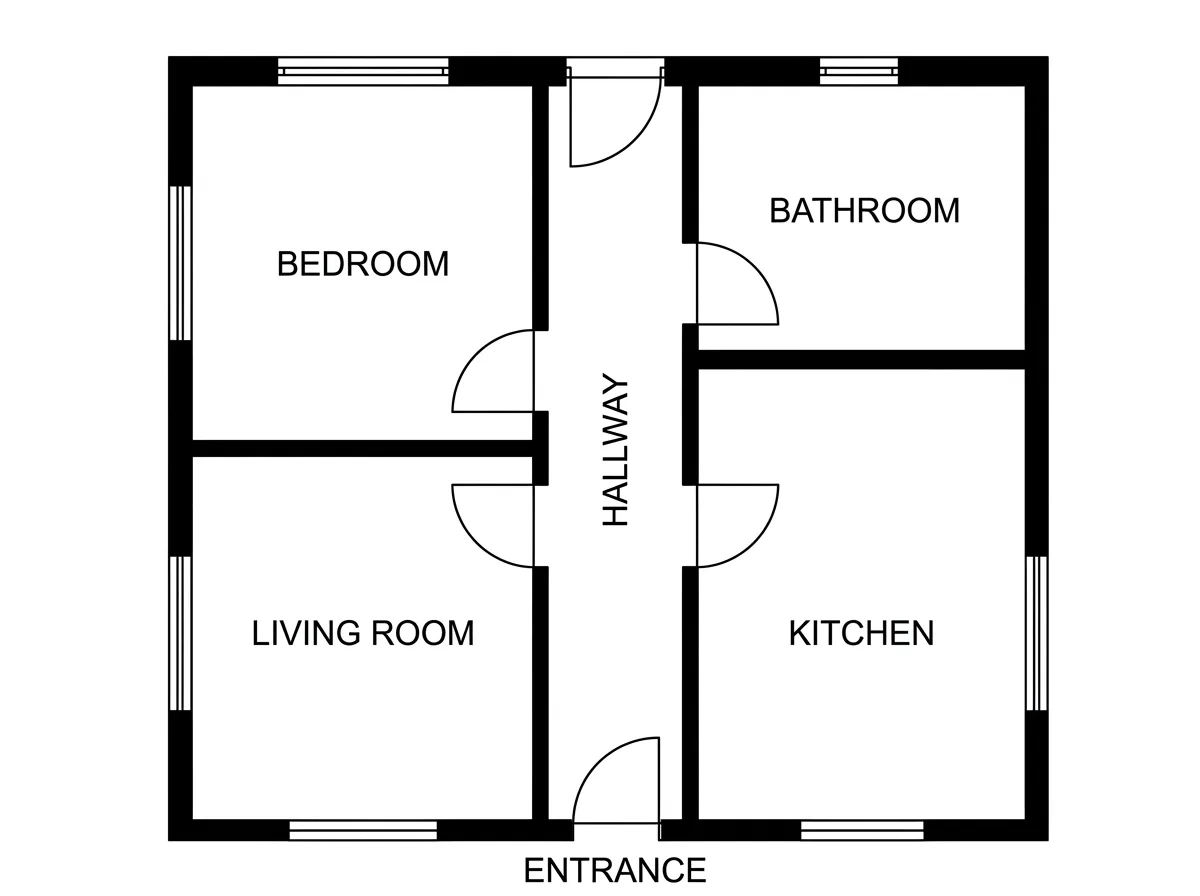
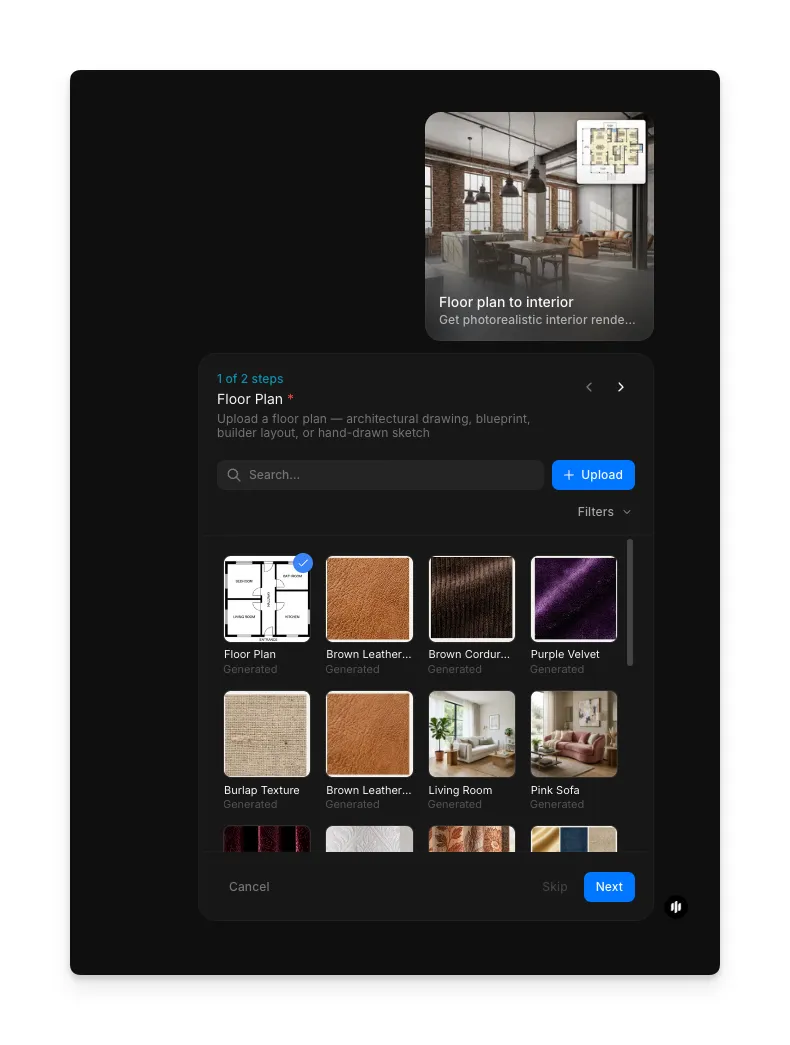
Open the Morphic workflow library and select the "Floor plan to interior" workflow. In the "Floor Plan" step (1 of 2), upload a clear image of your floor plan. The plan should have legible room labels, dimensions, and wall outlines. Hand-drawn sketches, architectural CAD exports, and scanned blueprints all work, as long as the layout is readable.
Select your design style and generate
In the "Design Style" step (2 of 2), select one or more interior styles. Options include Modern, Scandinavian, Luxury, Industrial, and Warm traditional. Click "Run workflow" to generate.
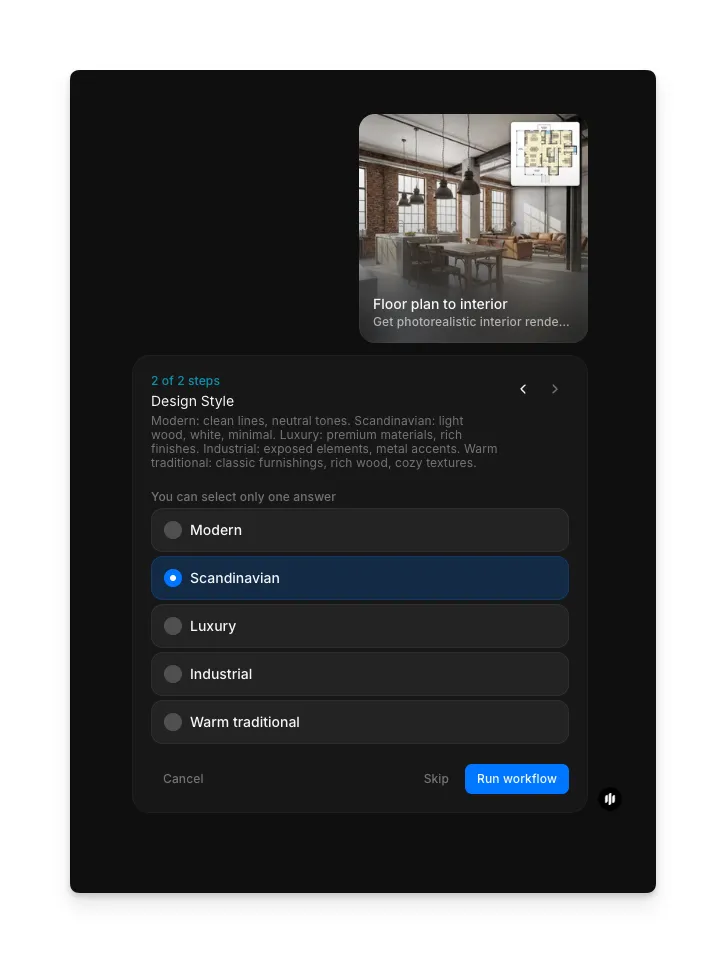
Click "Run workflow" and Morphic generates photorealistic interior renders for each room in your floor plan. Each render includes appropriate furniture placement, material textures, and natural lighting based on the room's function and your design preferences.
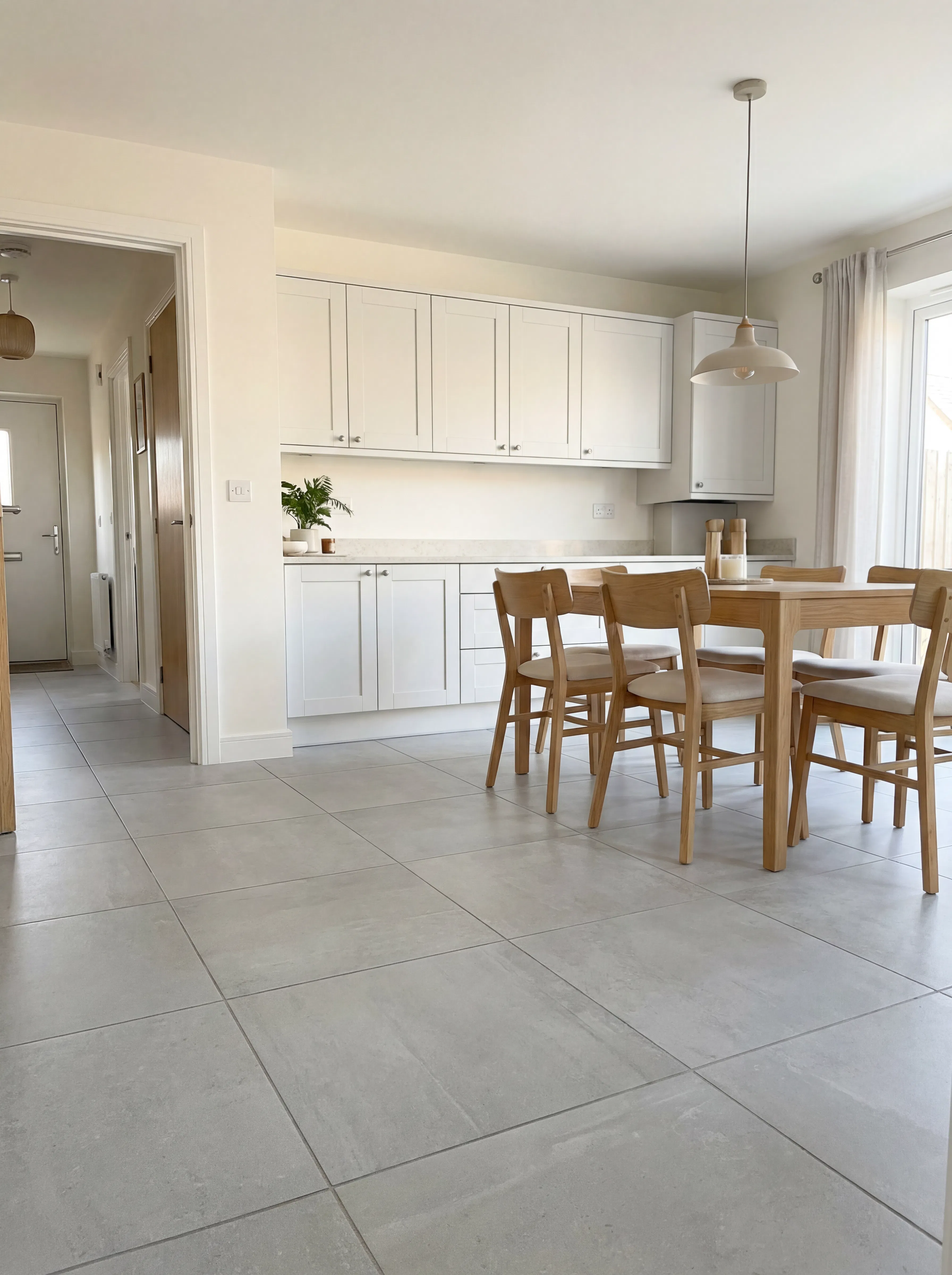
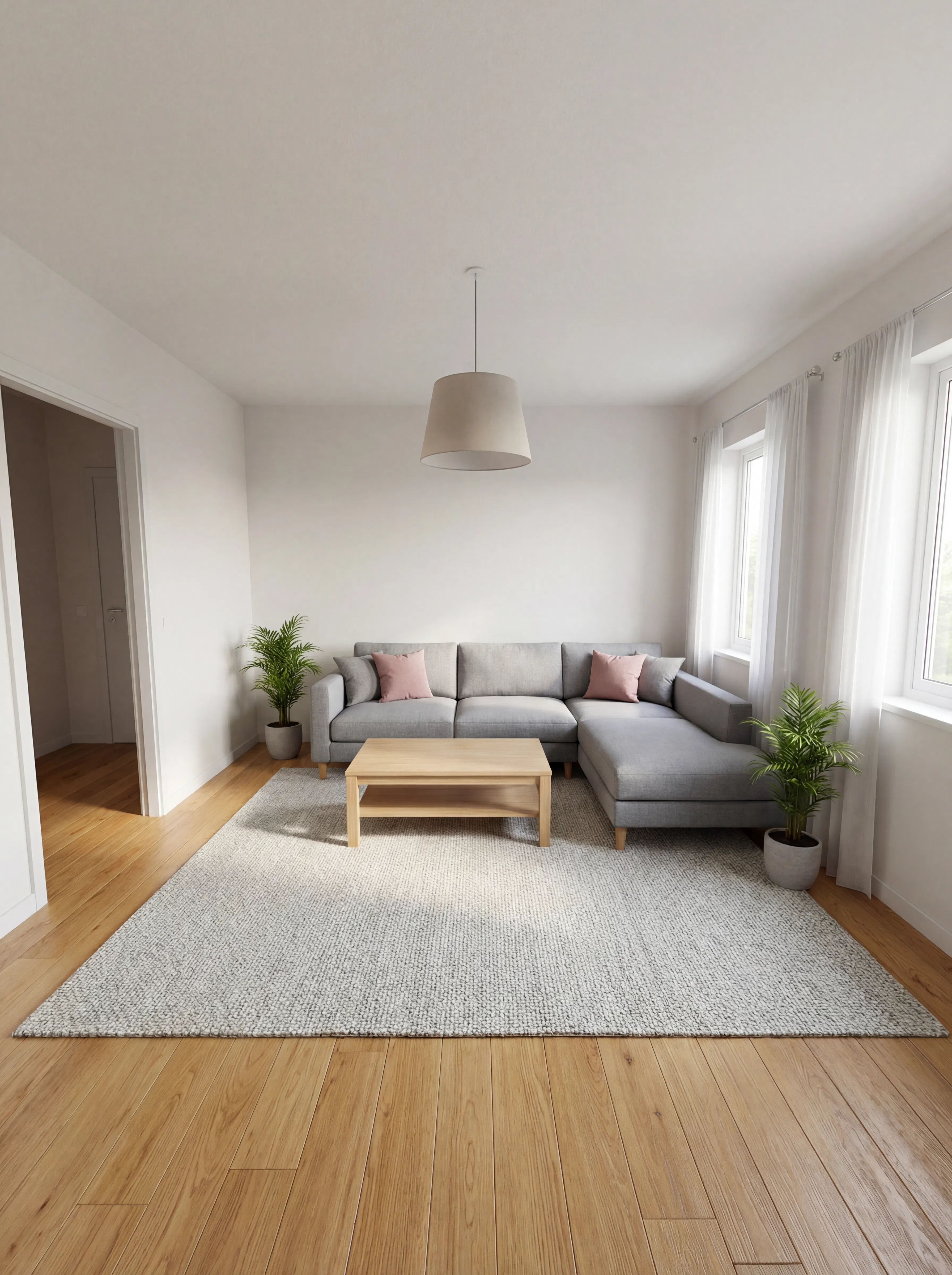
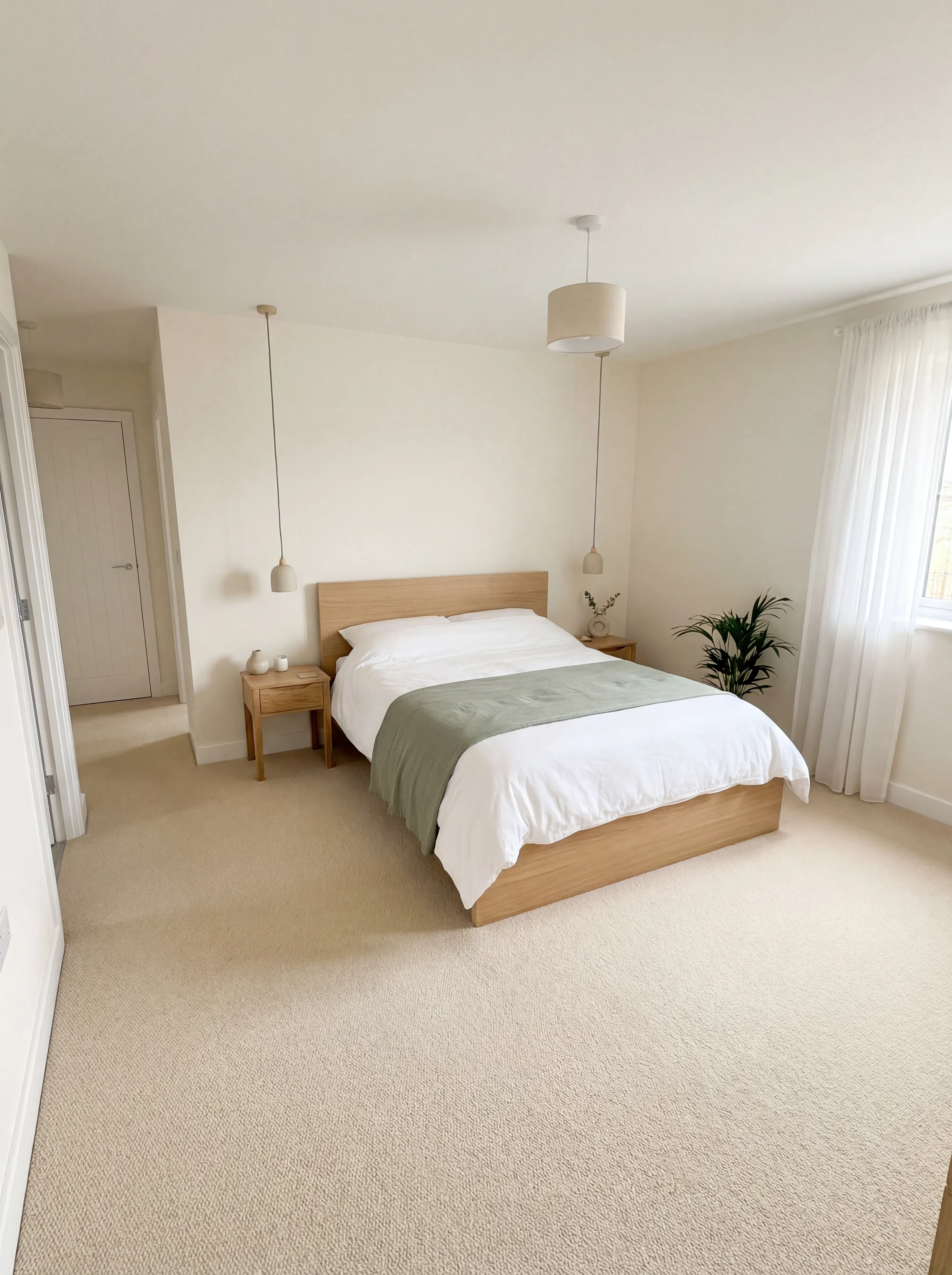
What makes a great interior render
| Quality | What it means | Why it matters |
|---|---|---|
| Spatial accuracy | Furniture and proportions match the actual room dimensions from the floor plan | Renders that ignore real dimensions mislead clients and create unrealistic expectations |
| Lighting realism | Natural and artificial light behaves the way it would in the real space | Lighting is the single biggest factor in whether a render looks photorealistic or artificial |
| Material authenticity | Wood, fabric, stone, and metal surfaces have realistic texture and reflections | Flat or plastic-looking materials immediately break the illusion of a real photograph |
| Design cohesion | Furniture, colors, and materials work together as a unified interior scheme | A room full of mismatched styles looks generated rather than designed |
The workflow handles furniture placement, material selection, and lighting automatically based on room function and your style preferences, so every render looks like it was produced by an interior designer.
Morphic vs traditional 3D rendering
| Morphic floor plan to interior | Traditional 3D rendering | |
|---|---|---|
| Time to delivery | Under 5 minutes for all rooms | 2-5 days per room |
| Cost | Available on Morphic | Professional rates per room |
| Software required | None, browser-based | SketchUp, 3ds Max, Blender, or similar |
| Technical skill | None required | 3D modeling and rendering expertise |
| Revisions | Regenerate with different preferences instantly | Each revision requires manual remodeling |
| Input required | A 2D floor plan image | Full 3D model with materials and lighting |
FAQs
The workflow accepts CAD exports, architectural drawings, hand-drawn sketches, and scanned blueprints. The key requirement is that room boundaries, labels, and approximate dimensions are legible. Cleaner, higher-contrast floor plans produce more accurate renders.
Yes. The renders are high-resolution and presentation-ready. Architects, interior designers, and real estate agents use them for client proposals, listing presentations, and marketing materials. The images are yours to use in any professional context.
Yes. The workflow identifies each room by its label and function, then furnishes it appropriately. Kitchens get countertops, appliances, and cabinetry. Living rooms get seating, tables, and decor. Bedrooms get beds, nightstands, and storage. Each room is furnished based on its purpose and your specified style.
You can describe the style and type of furniture you want in the design preferences step, and the workflow will match that direction. It does not support selecting specific branded products, but the rendered furniture closely follows the style, proportions, and materials you describe.
The floor plan to interior workflow is available on Morphic. Generate renders for as many floor plans as you need.