What is a sketch to render tool?
A sketch-to-render tool is an AI-powered workflow that interprets the lines, shapes, and spatial relationships in a hand-drawn sketch and generates a fully rendered image with realistic materials, lighting, and depth. The AI reads your structural intent and fills in textures, surfaces, shadows, and environmental context automatically.
Upload your sketch, choose a rendering style, and Morphic generates a photorealistic or stylized render that preserves the proportions and layout of your original drawing.
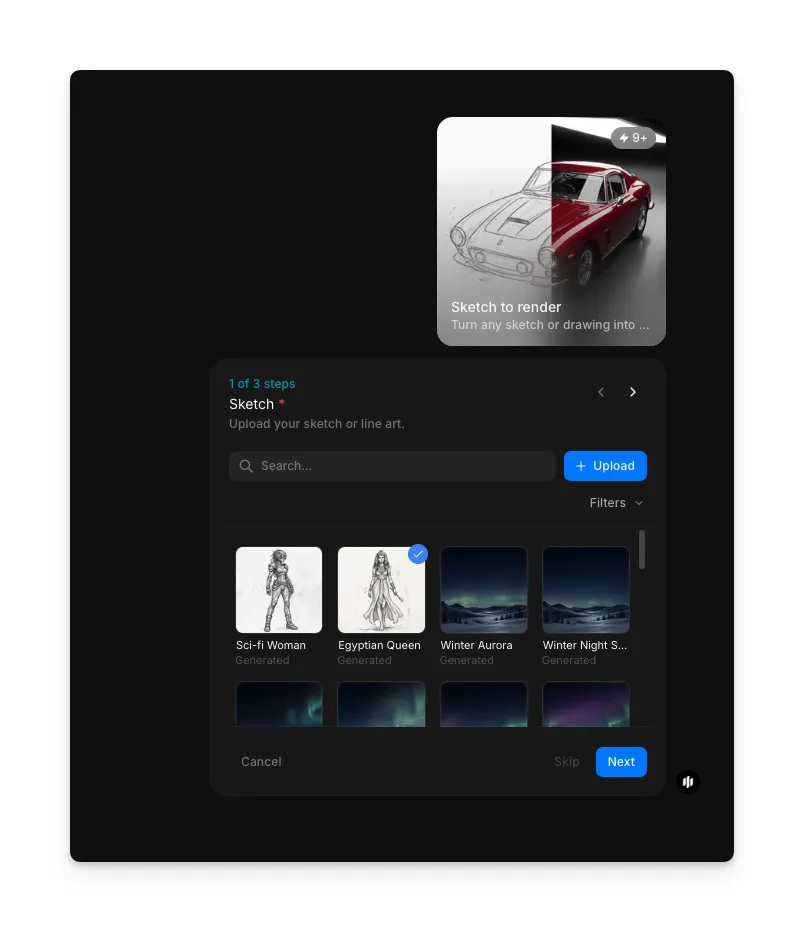
Upload your sketch
Upload your sketch, floor plan, or hand-drawn drawing to the Sketch to render workflow. The Sketch field accepts pencil sketches, ink drawings, digital wireframes, architectural plans, and rough concept art. Cleaner lines produce sharper results, but even rough napkin sketches work well.
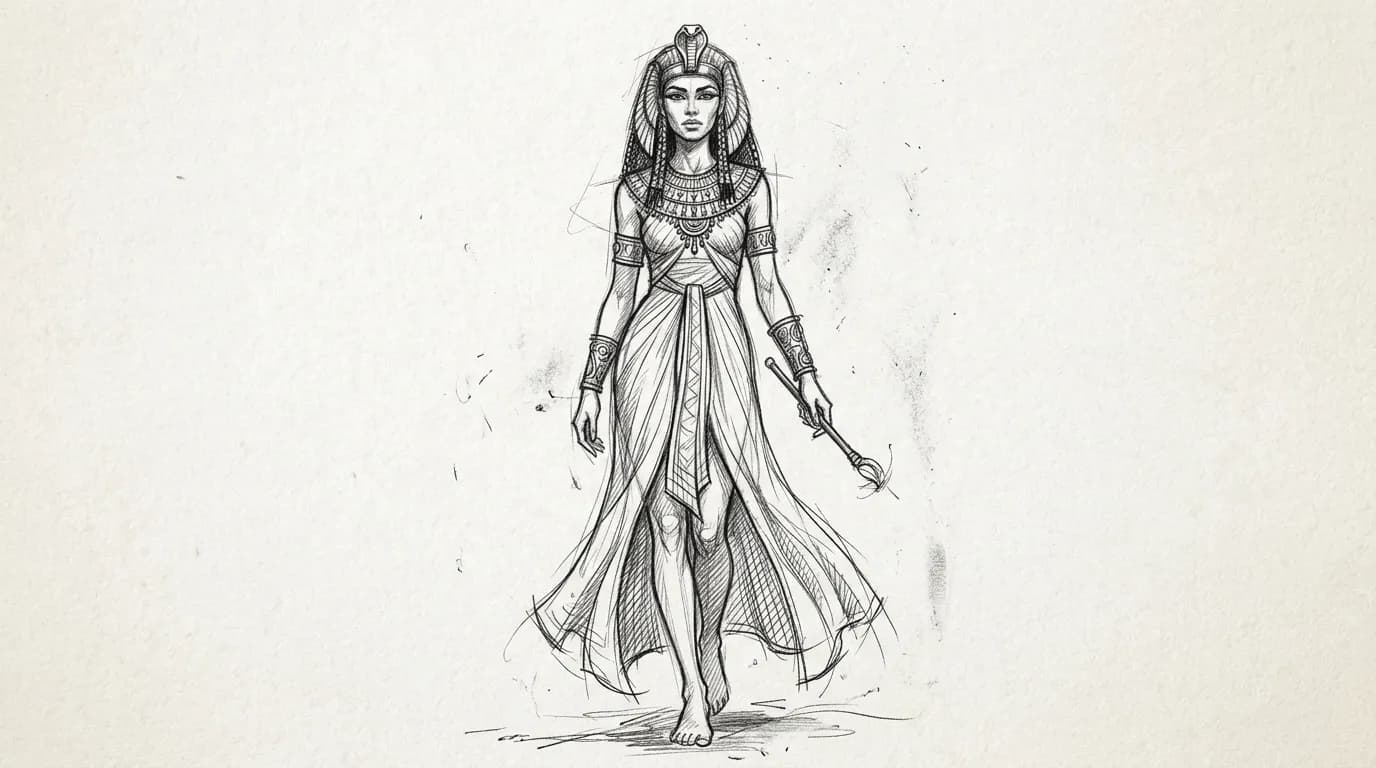
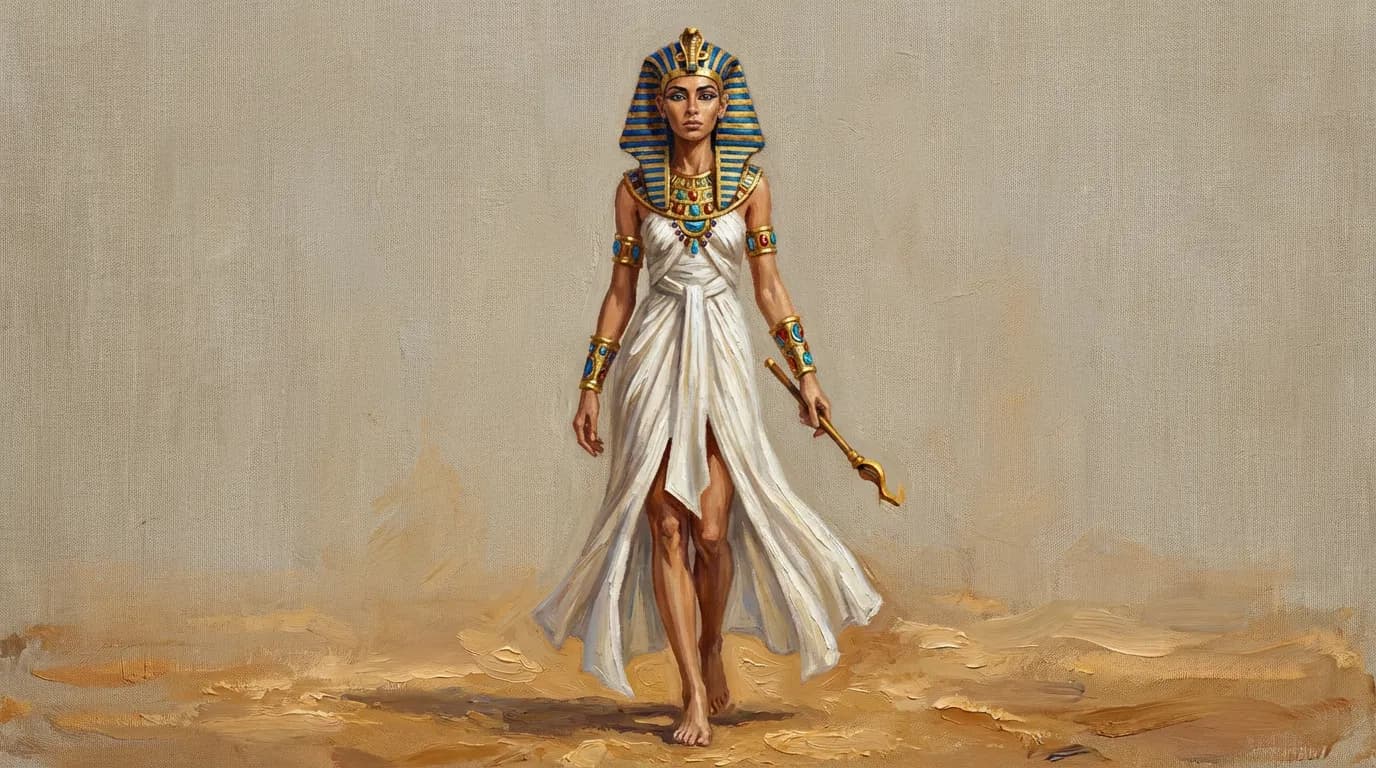
Choose your rendering style
Select the rendering style that matches your project needs. Each style changes the material treatment, lighting approach, and overall visual language of the output:
| Style | Visual treatment | Best for |
|---|---|---|
| Photorealistic | True-to-life materials, natural lighting, accurate shadows and reflections | Client presentations, architectural visualization, real estate marketing |
| Oil painting | Rich textured brushstrokes, warm tonal depth, painterly light and shadow | Concept art, artistic portfolios, editorial illustrations |
| Watercolor | Soft translucent washes, gentle color blending, organic paper texture | Interior mood boards, landscape concepts, early-stage design exploration |
| Concept art | Stylized rendering with bold shapes and dramatic lighting | Game design, film pre-production, visual development |
| Anime / manga | Clean linework with cel-shaded coloring and stylized proportions | Character design, illustration projects, stylized environments |
| 3D render | Clean geometric surfaces, studio lighting, precise material definition | Product design, industrial prototyping, technical visualization |
| Pencil sketch | Detailed graphite shading with natural pencil texture and tonal range | Preliminary studies, artistic exploration, hand-drawn aesthetic |
| Comic book | Bold outlines, flat color fills, and dynamic shading | Storyboarding, graphic novels, stylized scene illustration |
| Other | Custom rendering interpretation based on the AI's contextual analysis | Experimental styles or when other presets don't fit your vision |
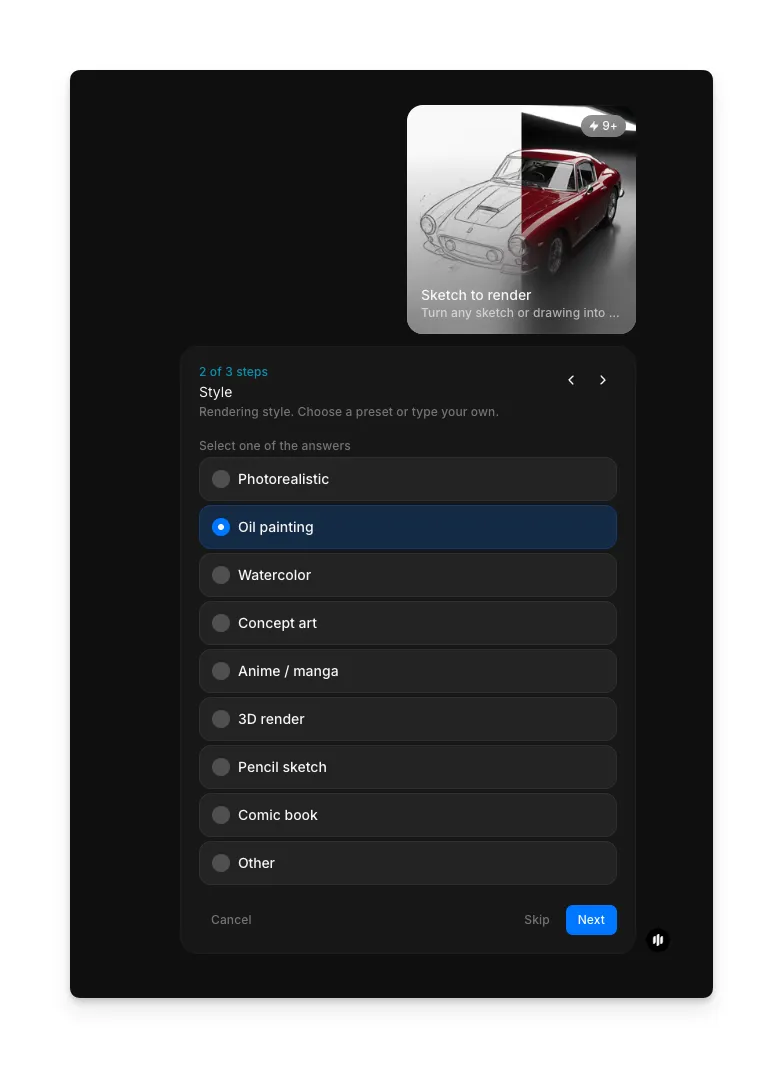
Note: The Sketch to render workflow includes additional configuration steps before you hit Run workflow. Review any remaining settings to fine-tune your output.
Hit "Run workflow," and Morphic generates your realistic render from the sketch in seconds.
What makes a great sketch-to-render result
| Quality | What it means | Why it matters |
|---|---|---|
| Structural fidelity | The render preserves the proportions, layout, and spatial relationships from the original sketch | Distorted proportions make the render useless for client presentations or design validation |
| Material realism | Surfaces look like real materials with accurate texture, reflectivity, and wear patterns | Flat or plastic-looking materials undermine the credibility of the visualization |
| Lighting quality | Natural light behavior with accurate shadows, ambient occlusion, and specular highlights | Poor lighting makes even well-modeled scenes look artificial and unconvincing |
| Detail interpretation | The AI correctly reads ambiguous sketch marks and fills in appropriate architectural or design details | Misinterpreted details require manual correction and defeat the purpose of automated rendering |
The AI handles material assignment, lighting simulation, and detail generation automatically, so you only need to provide a sketch and select your preferred rendering style.
Sketch to render workflow vs. traditional rendering pipeline
| Morphic's sketch-to-render workflow | Traditional rendering pipeline | |
|---|---|---|
| Cost | Available on Morphic | Professional rates for 3D modeling, texturing, and rendering |
| Time to delivery | Minutes | Days to weeks including modeling, material setup, lighting, and render time |
| Skill required | None beyond basic sketch ability | Proficiency in 3D software like Blender, SketchUp, or V-Ray |
| Input accepted | Any sketch, floor plan, or hand-drawn drawing | Requires clean CAD files or detailed 3D models |
| Material assignment | Automatic based on context and style selection | Manual material creation and UV mapping for every surface |
| Iterations | Adjust style and regenerate instantly | Each revision requires re-rendering, often taking hours |
FAQs
The workflow handles pencil sketches, ink drawings, digital wireframes, architectural floor plans, and rough concept art. Sketches with clear structural lines produce the sharpest results, but even loose or rough drawings generate usable renders. The AI interprets spatial relationships rather than requiring precise draftsmanship.
Yes. The photorealistic style generates renders at a quality level suitable for client-facing presentations, pitch decks, and design proposals. Many architects and interior designers use the workflow to quickly visualize concepts before committing to a full 3D production pipeline.
Yes. Upload a floor plan and the workflow generates a rendered perspective view of the space with walls, flooring, furniture placement, and lighting. This is particularly useful for real estate visualization and interior design concepts.
The AI automatically assigns materials based on the context of your sketch and the selected rendering style. For more control, include written annotations on your sketch indicating specific materials like marble, wood, or glass, and the AI will interpret those notes.
Traditional architectural rendering requires professional rates and turnaround times measured in days. Morphic's sketch-to-render workflow is available on Morphic and delivers results in minutes.