Bedtime sky page spread
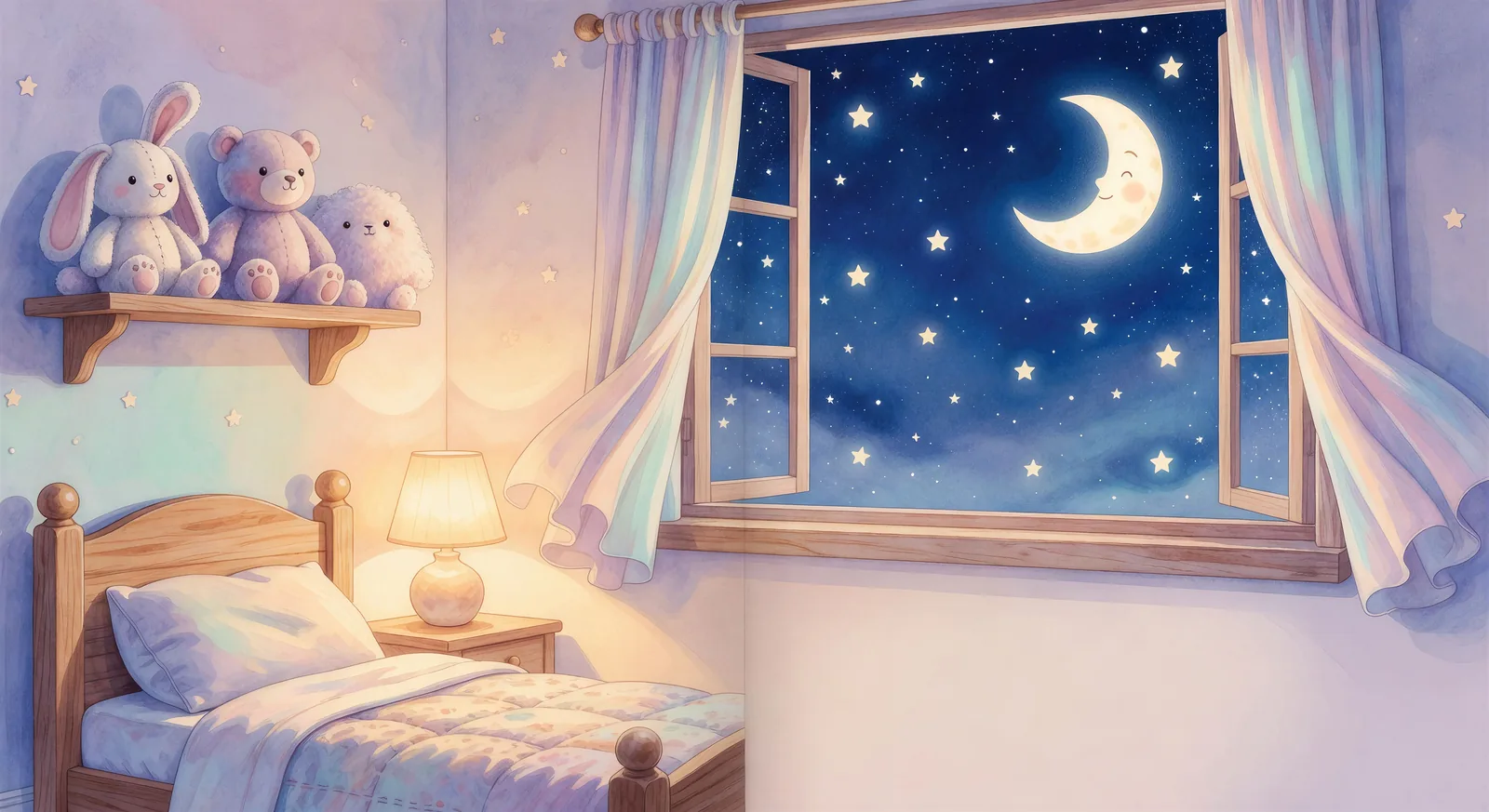
Cozy child-sized bedroom on the left page, oversized window on the right page open onto a starry indigo sky with a friendly crescent moon.
Try this promptChildren's books have their own visual language. Friendly characters with simple, exaggerated features (big eyes, small bodies, expressive ears), bright pastel palettes that read clearly under poor bedroom lighting, and page spreads that pair a tight illustration with whatever the text needs to breathe.
Until recently, illustrating one meant a months-long collaboration with a professional artist or buying stock. AI image generation has made it possible to draft a whole book yourself, in your browser, with the same character on every page.
A great children's book lives or dies on the illustrations. Bright, friendly characters who feel like the same character on every page, settings a kid wants to climb into, and the kind of warmth that survives a hundred bedtime readings. Morphic puts the toolkit in your browser. Pick a character, a page spread, or a workflow below and start now.
Cozy child-sized bedroom on the left page, oversized window on the right page open onto a starry indigo sky with a friendly crescent moon.
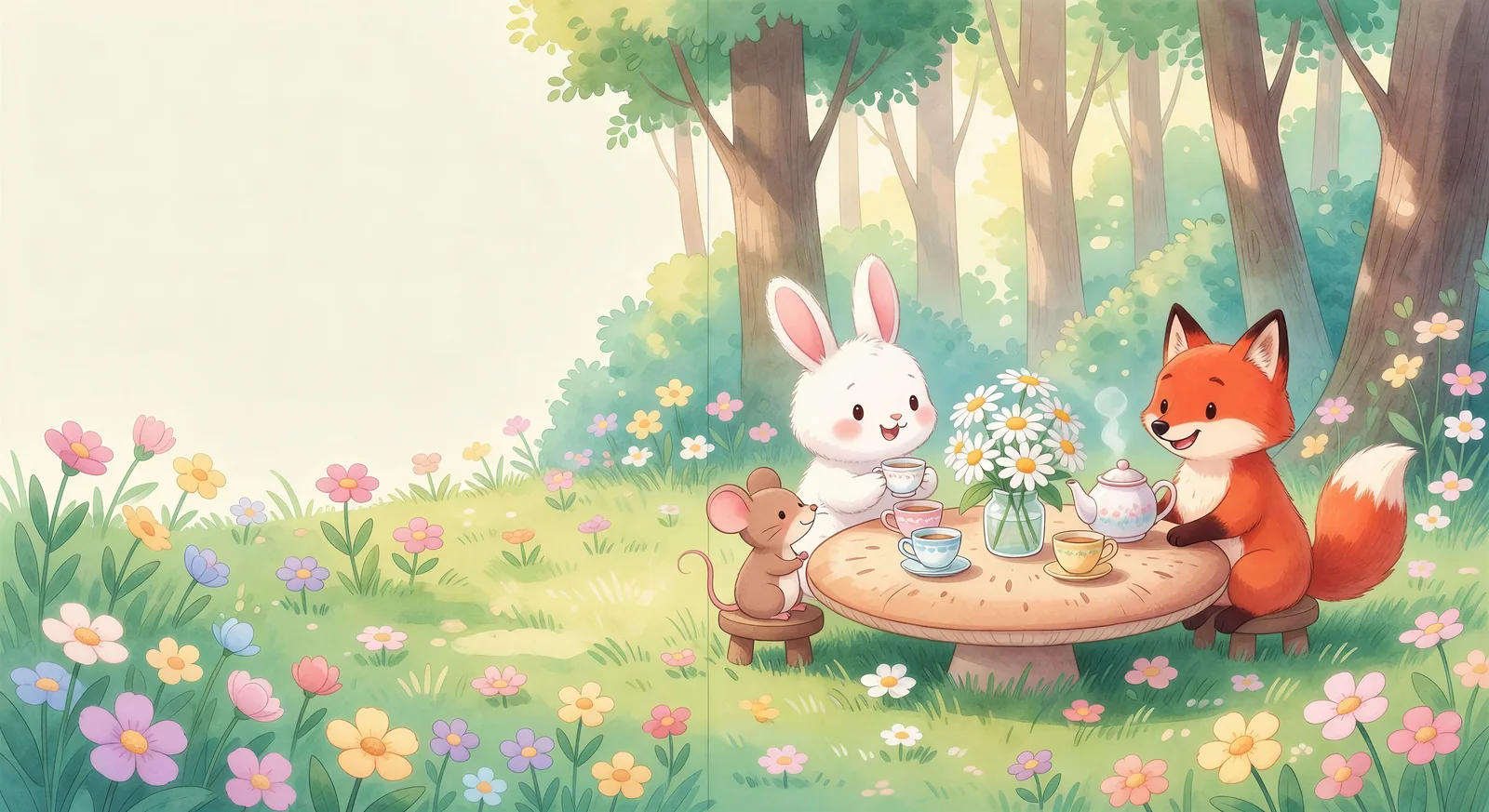
Try this promptA tiny tea-party in a sunlit forest clearing: bunny, mouse, and fox seated at a mushroom-cap table, daisies in a jar, gentle dappled light.
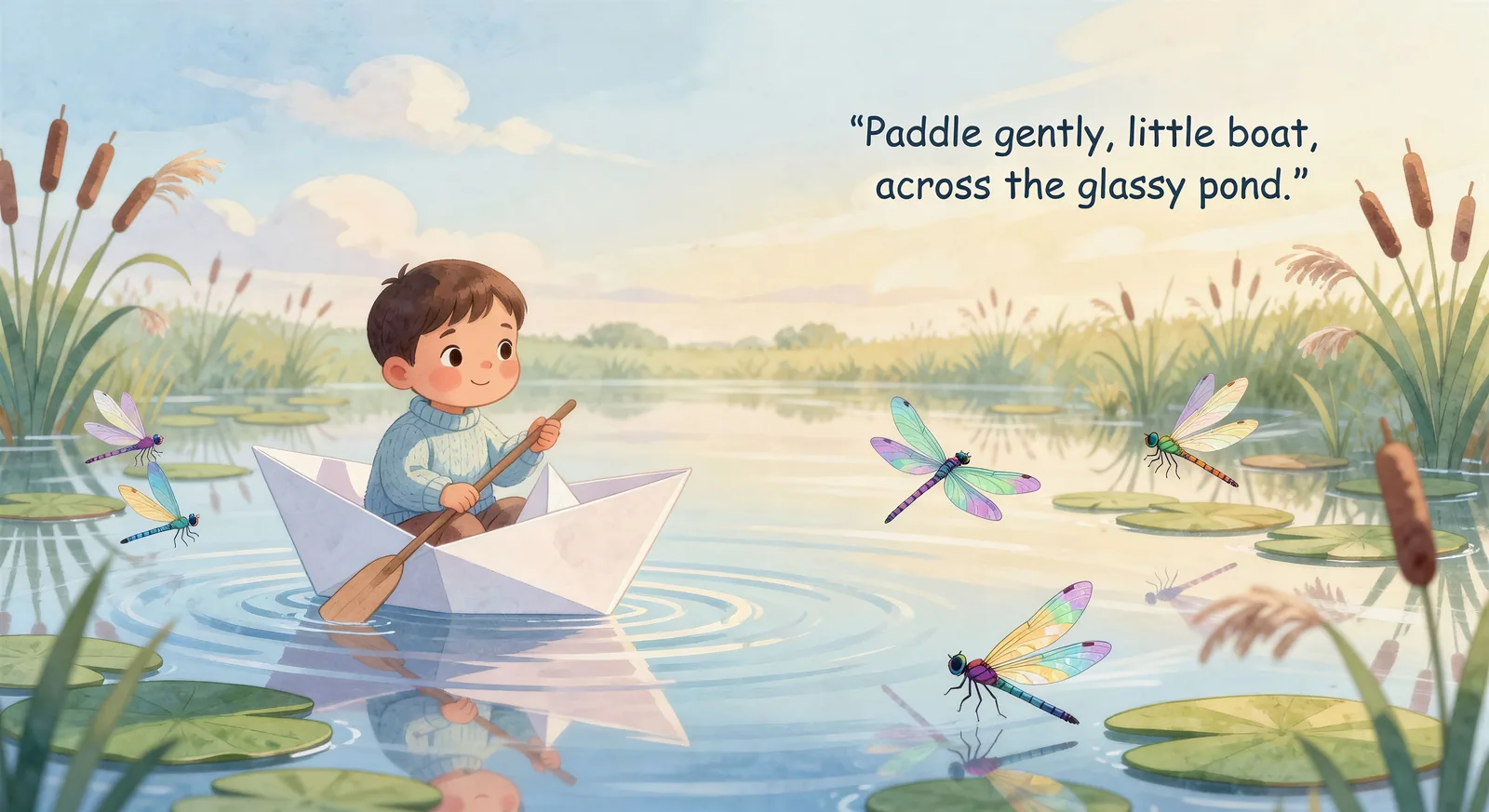
Try this promptA small character paddling a folded-paper boat across a lily-pad pond, dragonflies skimming the water, soft pastel reflections on the surface.
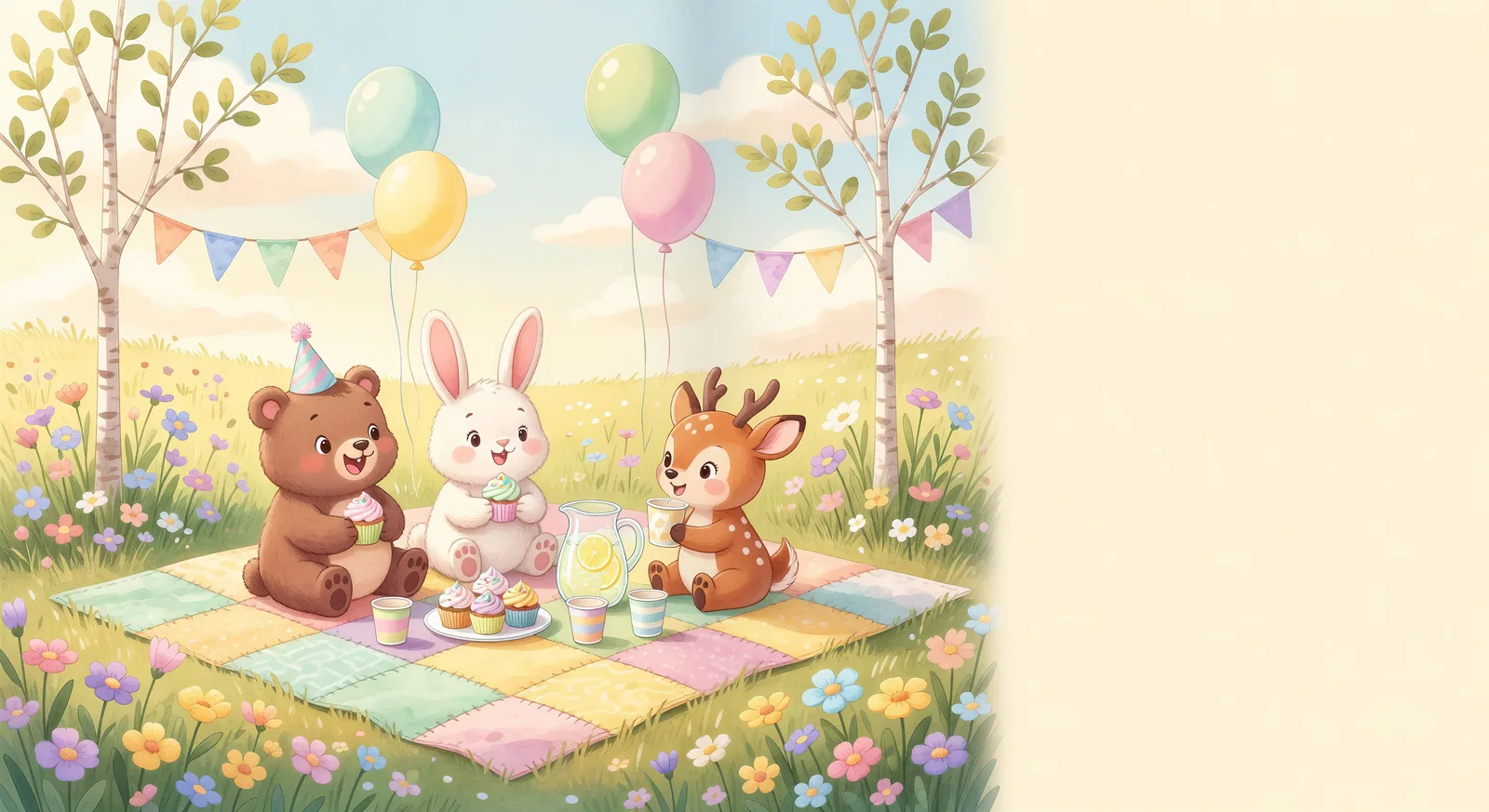
Try this promptA patchwork picnic blanket in a sunny meadow, bunting strung between two saplings, balloon clusters drifting upward, friends seated cross-legged.
Try this promptTiny wooden cabin with smoke curling from the chimney, thick snowflakes drifting down, a single set of small footprints leading to the door.
Try this promptGentle harbor at dusk, lighthouse beam sweeping across the cove, the keeper bear waving from the balcony at a small wooden boat below.
Try this promptSign in to Morphic in your browser and head to the Text to Video tool. No installs, no setup, and any device with a connection picks up where you left off.
Open Text to VideoWrite the children's book character or page spread you want to see in your own words. Name the protagonist with their signature accessory, the setting, the palette (warm pastel, soft daylight), and where the focal point sits on the spread so there is room for the text. The more specific the description, the closer the result lands to a page that feels publishable.
Children's book page spread: the curious pink bunny in a tiny green vest holds a daisy in a sunny meadow on the left page; on the right page, a butterfly drifts across an open sky with room for two lines of text underneath. Warm pastel palette, soft afternoon light.
Morphic returns a clip to your canvas. Refine the prompt for variations, regenerate to fix what missed, or remix into a longer sequence. Download or share when the shot lands.
Plan a multi-scene Children's book episode shot-by-shot, then generate each frame and stitch the sequence together.
Try this workflowContinue your Children's book story scene by scene with continuity preserved across shots.
Try this workflowApply a unified painterly or cinematic look across every clip in your Children's book series.
Try this workflowLock in consistent character designs across Children's book scenes before you generate video.
Try this workflowCompose dramatic single-shot Children's book scenes with depth of field, lighting, and camera direction baked in.
Try this workflowIterate on facial expressions and emotion for any Children's book character without re-rolling the whole scene.
Try this workflowChildren's book illustration is built on three principles. Character first: the protagonist needs to be visually recognisable in a single glance, with a signature shape (round bunny, tall heron, small mouse), a signature accessory (red scarf, straw hat, lantern), and a clear emotional read on the face. Setting second: the world needs to feel safe and curious, with bright pastel skies, friendly weather, and props at child eye-level. Composition third: page spreads pair a tight focal illustration with enough negative space for the text to sit naturally, and the eye is led from page to page through subtle directional cues. Name all three explicitly in your prompt so Morphic produces an image that actually fits a book page.
Character consistency is the part that makes or breaks a children's book. A reader, especially a young one, needs to recognise the same character across twenty pages, with the same proportions, the same expression range, and the same costume. Use the Character Lineup workflow to lock in the protagonist before you produce any pages, then reference that character card in every spread prompt. Add the signature accessory verbatim each time ("red scarf", "straw hat with a daisy") so Morphic preserves the recognition hook scene to scene.
Age-appropriateness is a quiet trust signal. Keep palette warm and high-key. Avoid sharp shadows, tense expressions, scary creatures (unless the story specifically wants them), and any visual that reads as ambiguous to a five-year-old. Friendly anthropomorphic animals carry stories better than realistic humans for picture books. Single-spread per scene with one clear focal subject reads better than busy compositions packed with detail. When in doubt, name "warm pastel palette", "friendly", and "soft daylight" in every prompt — it pulls Morphic toward the safe, age-appropriate look the genre needs.
How to make a comic book with AI
Western comic grammar, splash pages, and full issues from prompts.
How to make manga with AI
Shounen, shoujo, seinen, and slice-of-life manga panels generated from prompts.
How to make cartoon videos with AI
Generate cartoon shorts, character animations, and full episodes in your browser.
How to make Mahabharata videos with AI
Generate Mahabharata battle scenes, character portraits, and full episodes.