Splash page hero entrance
Single full-page panel: hero stepping into frame under a broken sky, thick ink outline, dramatic screentone shadow behind, page-edge bleed.
Edit prompt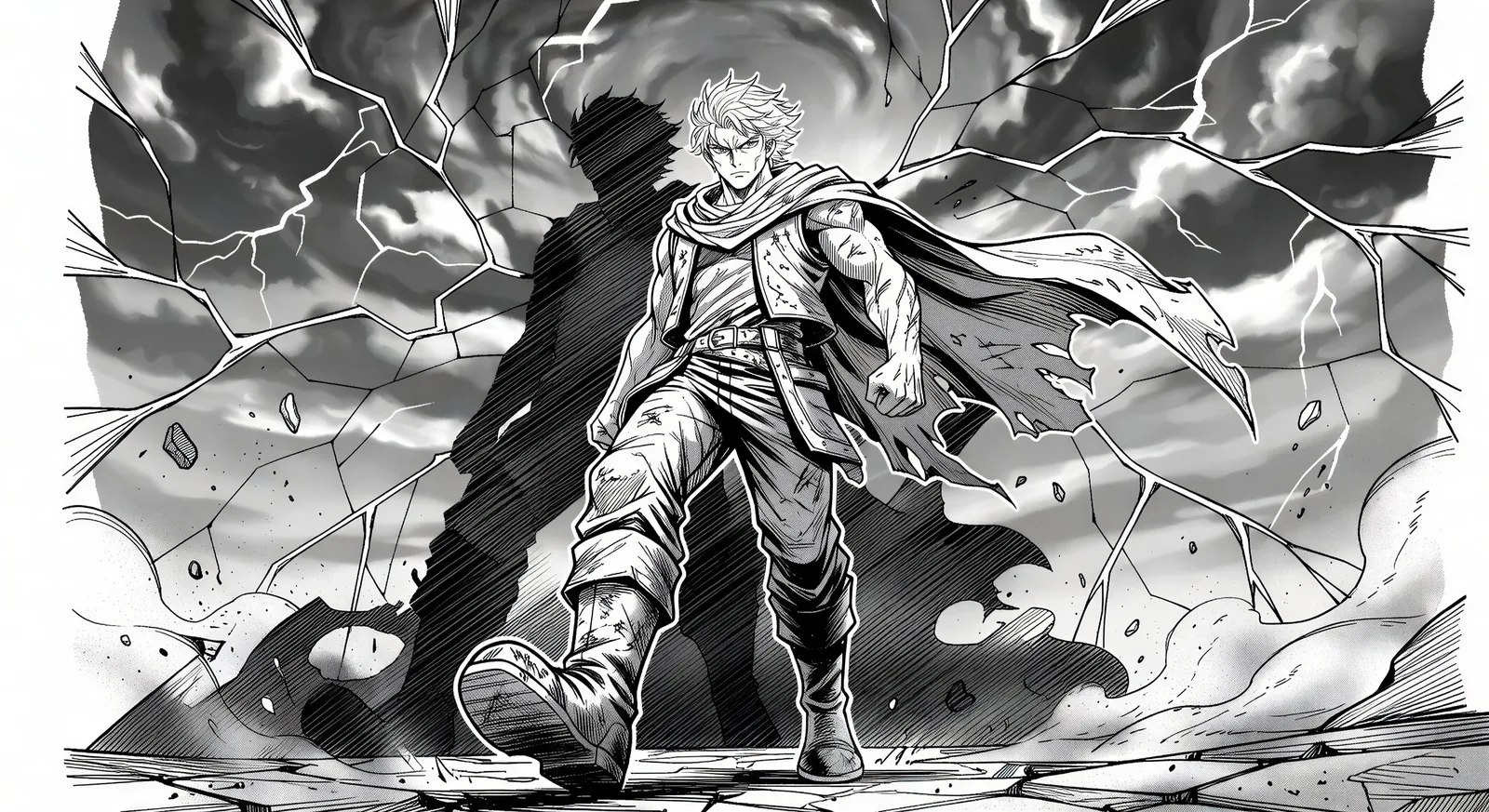
Render Japanese sequential art in your browser with Morphic's Manga AI image generator. Create a splash-page hero in thick ink and screentone or a one-eye cliffhanger close-up, lock faces with Character Lineup, then animate the spread with Image to Video.
Single full-page panel: hero stepping into frame under a broken sky, thick ink outline, dramatic screentone shadow behind, page-edge bleed.
Edit promptTop panel: hero glances over the shoulder, eyes lit. Bottom panel: villain mirrors the glance from across the city. Thin gutter for fast read.
Edit prompt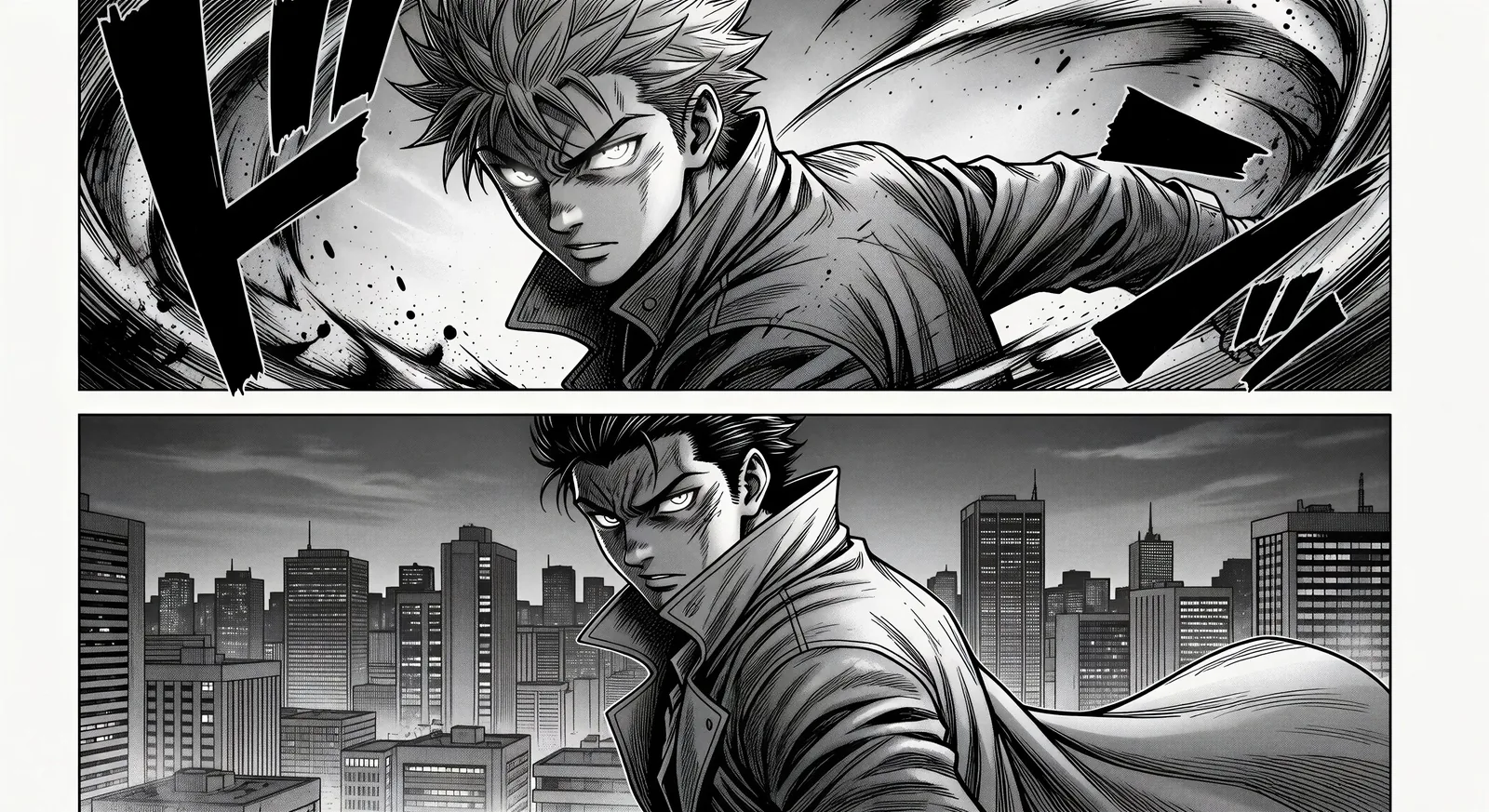
Tilted impact panel, silhouette explosion at the centre of frame, motion lines radiating, debris drifting, single onomatopoeia stamp at the corner.
Edit prompt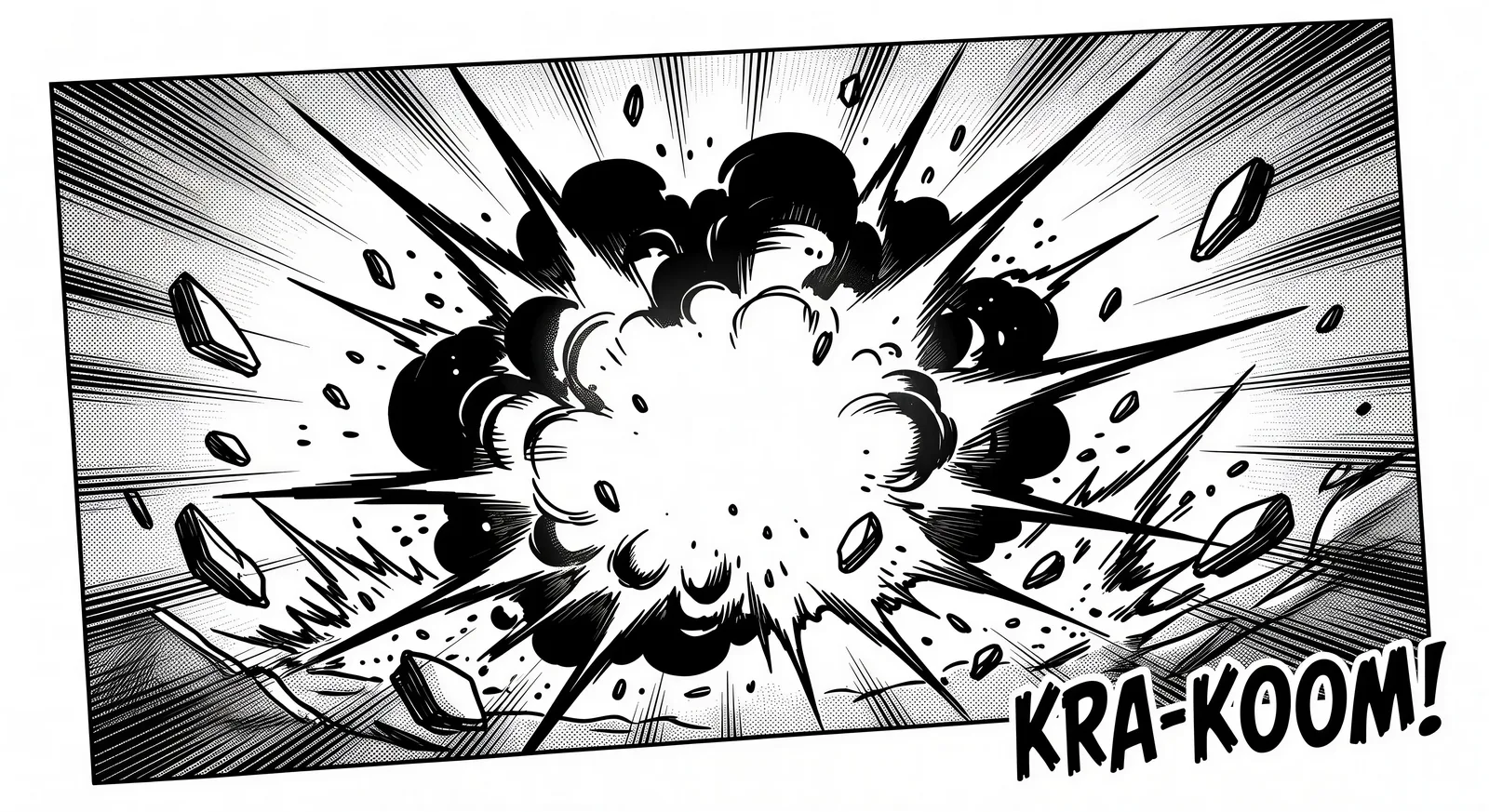
Two characters kneeling at a low table, single tea cup steaming between them, soft daylight through shoji panels, no dialogue.
Edit prompt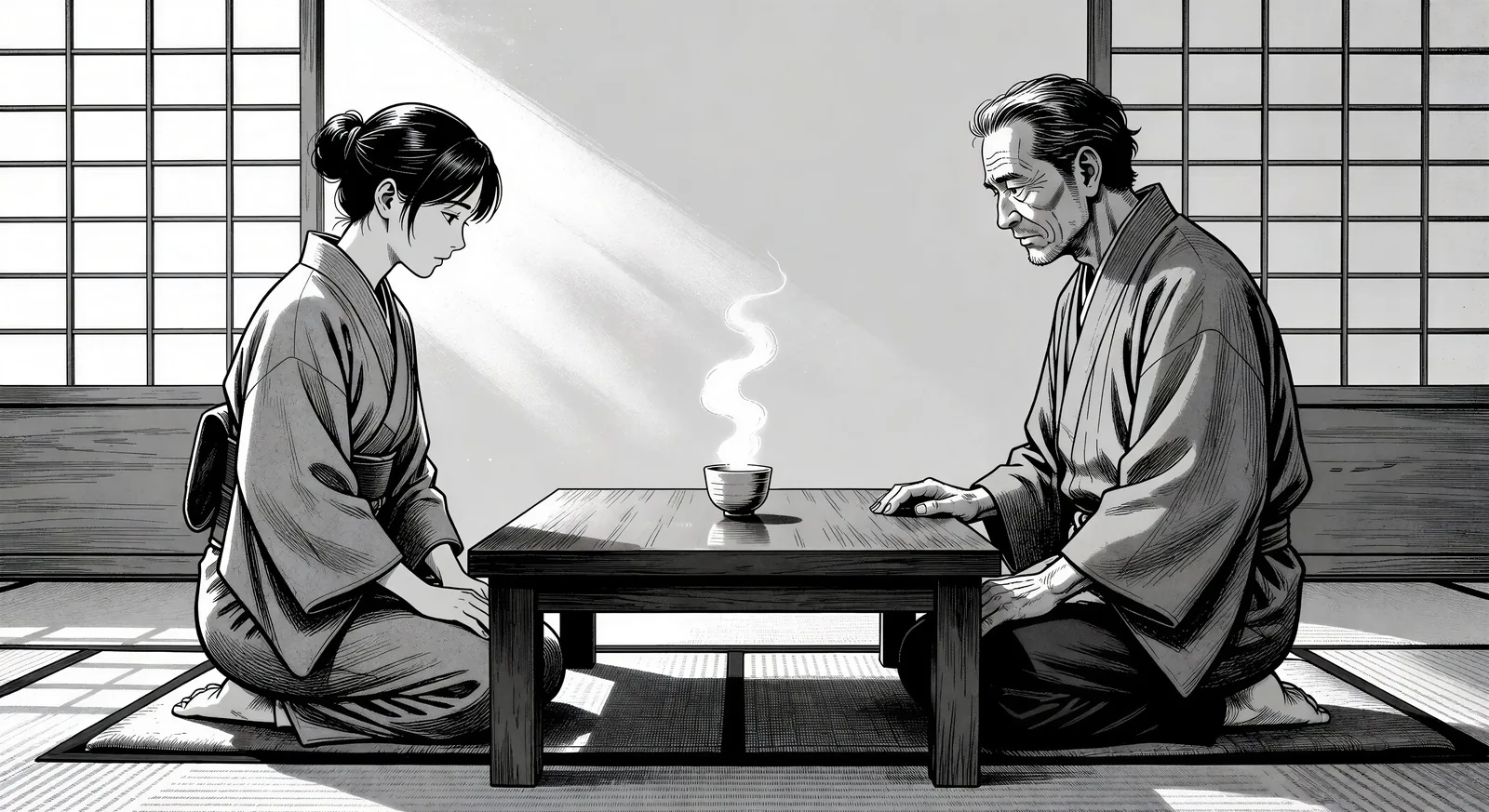
Describe the Manga you want, in plain words.
Morphic generates a clean, ready-to-publish image on your canvas in seconds.
Tweak the prompt, regenerate variations, then download or share the frame.

Pick any anime illustration as your style guide. Apply its look to any image.

Turn any sketch or drawing into a finished render.

Take any character image and generate 6 distinct facial expressions on a single reference sheet.

All your characters on a single lineup image, side by side with height comparison.
Reimagine any anime character as a photorealistic, high-fashion live-action portrait.

Turn any photo or description into an animated chibi sprite. Dance, jump, wave, attack, and more.
Manhwa AI Images
Create Manhwa panels, character designs, and full episodes with Morphic. Vertical-scroll Korean webtoons in regression, hunter, chaebol, and villainess subgenres from a single prompt.
Comic book AI Images
Create comic book panels, character designs, and full pages with Morphic. Splash pages, action sequences, decompressed beats, and indie-comic styles from a single prompt.
Anime AI Videos
Create Anime videos with Morphic. Slice-of-life scenes, Mecha shots, magical-girl transformations, and full Anime episodes generated from a single prompt.
Anime AI Videos
Create Anime fight scenes, sword duels, magic battles, and Mecha clashes with Morphic. Generate, animate, narrate, and score scenes from a single prompt.
Get started for free today, with the option to upgrade or cancel anytime.
Basic
2400 monthly credits
1 user only
All models
Workflows
Standard
3625 monthly credits
1 user only
All models
Workflows
Pro
6350 shared monthly credits
1 user
All models
Workflows
Max
24650 shared monthly credits
1 user
All models
Workflows
Enterprise
For higher limits
Custom
pricing and billing terms

Free
For playing around
$0
forever free