An underground drow city
A vast cavern city of black spires and thin arching bridges lit by glowing violet fungus and crystals, drow figures crossing high walkways, cold magenta light on polished obsidian.
Edit prompt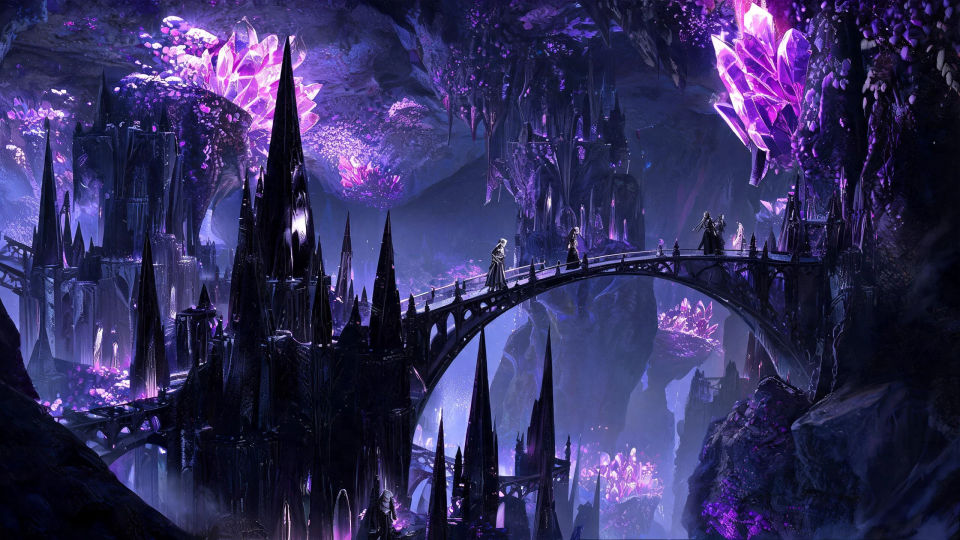
Design drow characters in your browser with Morphic's drow character AI image generator. Generate an obsidian-skinned priestess, a white-haired blade-master, or a drow scout in a cavern city. Hold one look with Style Transfer, then swirl a cloak with Image to Video.
A vast cavern city of black spires and thin arching bridges lit by glowing violet fungus and crystals, drow figures crossing high walkways, cold magenta light on polished obsidian.
Edit promptA dim temple of black stone carved with looming spider forms, a drow priestess raising her arms before an altar, thin shafts of violet light falling across kneeling figures.
Edit prompt
Two drow blade-masters crossing curved swords on a narrow bridge above a dark chasm, sparks flying, glowing crystals below throwing cold light up across their leathers.
Edit prompt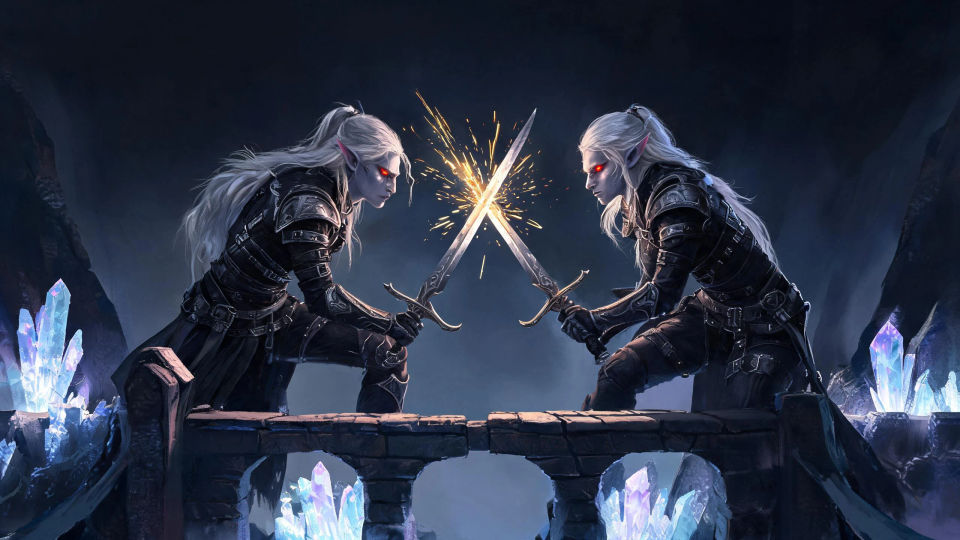
A grand obsidian hall lit by hovering purple lights, drow nobles in dark finery arrayed before a raised dais, silver jewelry glinting and shadows pooling in the corners.
Edit prompt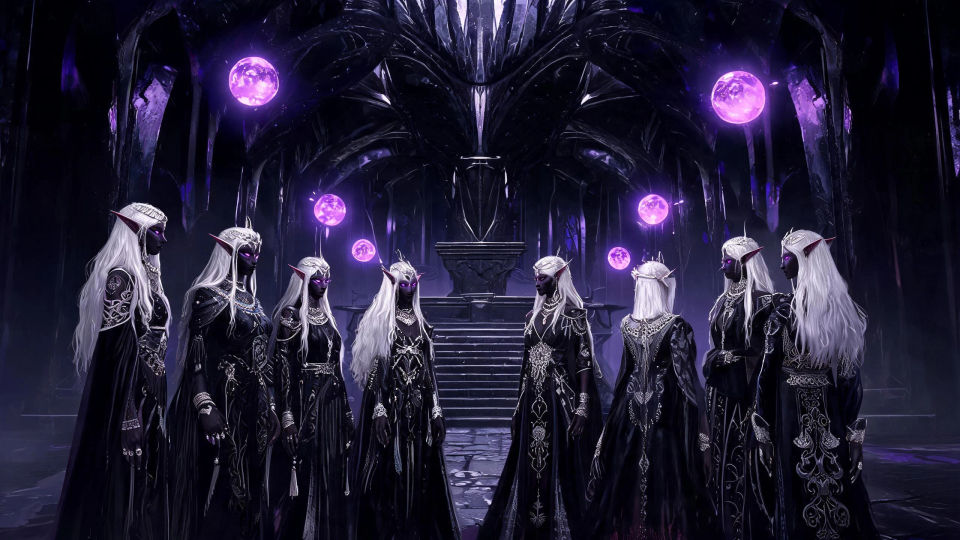
Describe the Drow Character you want, in plain words.
Morphic generates a clean, ready-to-publish image on your canvas in seconds.
Tweak the prompt, regenerate variations, then download or share the frame.

Take any character image and generate 6 distinct facial expressions on a single reference sheet.

Share a scene description with character references. Get a full storyboard with shot angles and mood.

Turn any photo or description into an animated chibi sprite. Dance, jump, wave, attack, and more.

All your characters on a single lineup image, side by side with height comparison.
Drop in a photo of yourself. Get a 12-second cinematic movie with animation and a matched soundtrack.

Professional 7-panel location reference sheet from a single photo.
Eladrin AI Images
Create AI eladrin images on Morphic. Fey-touched high elves in spring, summer, autumn, and winter forms, plus fey realms, from plain-language prompts.
Shadar-kai AI Images
Create AI shadar-kai images on Morphic. Ashen shadow elves, blade-dancers, shadow priests, and gloom realms from plain-language prompts.
Elf AI Images
Create AI elf images on Morphic. High elves, wood elves, dark elves, archers, and woodland scenes from plain-language prompts, consistent across a full set.
Dragon AI Images
Create AI dragon images on Morphic. Fire wyrms, frost dragons, storm wyverns, and hoard scenes from plain-language prompts, with consistent scales across a set.
Get started for free today, with the option to upgrade or cancel anytime.
Basic
1100 monthly credits
1 user only
All models
Workflows
Standard
3625 monthly credits
1 user only
All models
Workflows
Pro
6350 shared monthly credits
1 user
All models
Workflows
Pro Max
24650 shared monthly credits
1 user
All models
Workflows
Enterprise
For higher limits
Custom
pricing and billing terms
Free
For playing around
$0
forever free