Vertical-scroll hunter gate splash
Single tall panel built for vertical scroll: the Hunter steps toward a glowing monster gate, embers and rune particles trailing upward.
Edit prompt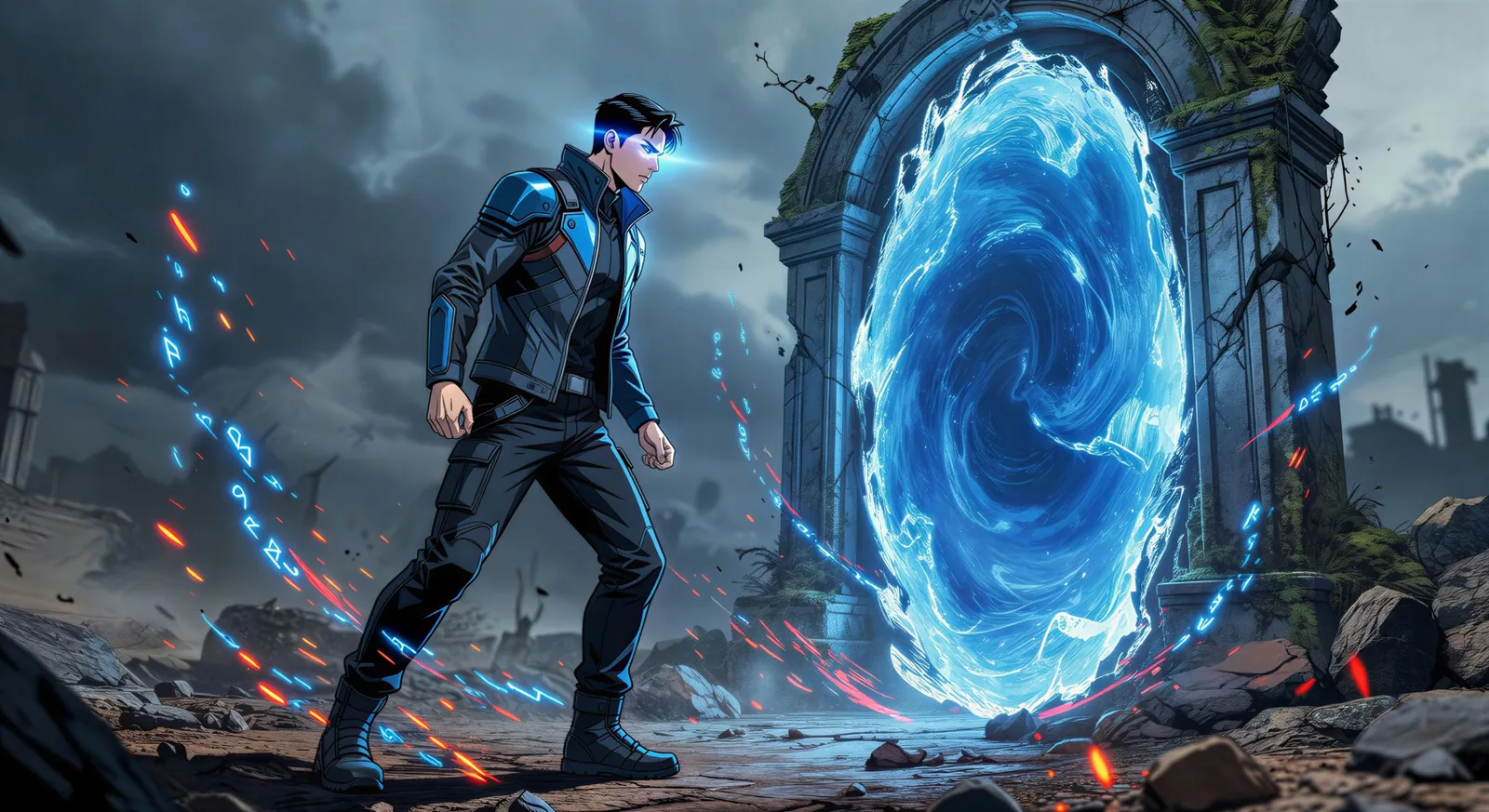
Render Manhwa art in your browser with Morphic's Manhwa AI image generator. Create a vertical-scroll splash of a Hunter at a monster gate or a chaebol reveal over Seoul, lock the cast with Character Lineup, then cut a Webtoon-ready reel with Image to Video.
Single tall panel built for vertical scroll: the Hunter steps toward a glowing monster gate, embers and rune particles trailing upward.
Edit promptWide horizontal panel: chaebol heir framed against a floor-to-ceiling glass office wall over the Seoul night skyline, warm amber rim light.
Edit prompt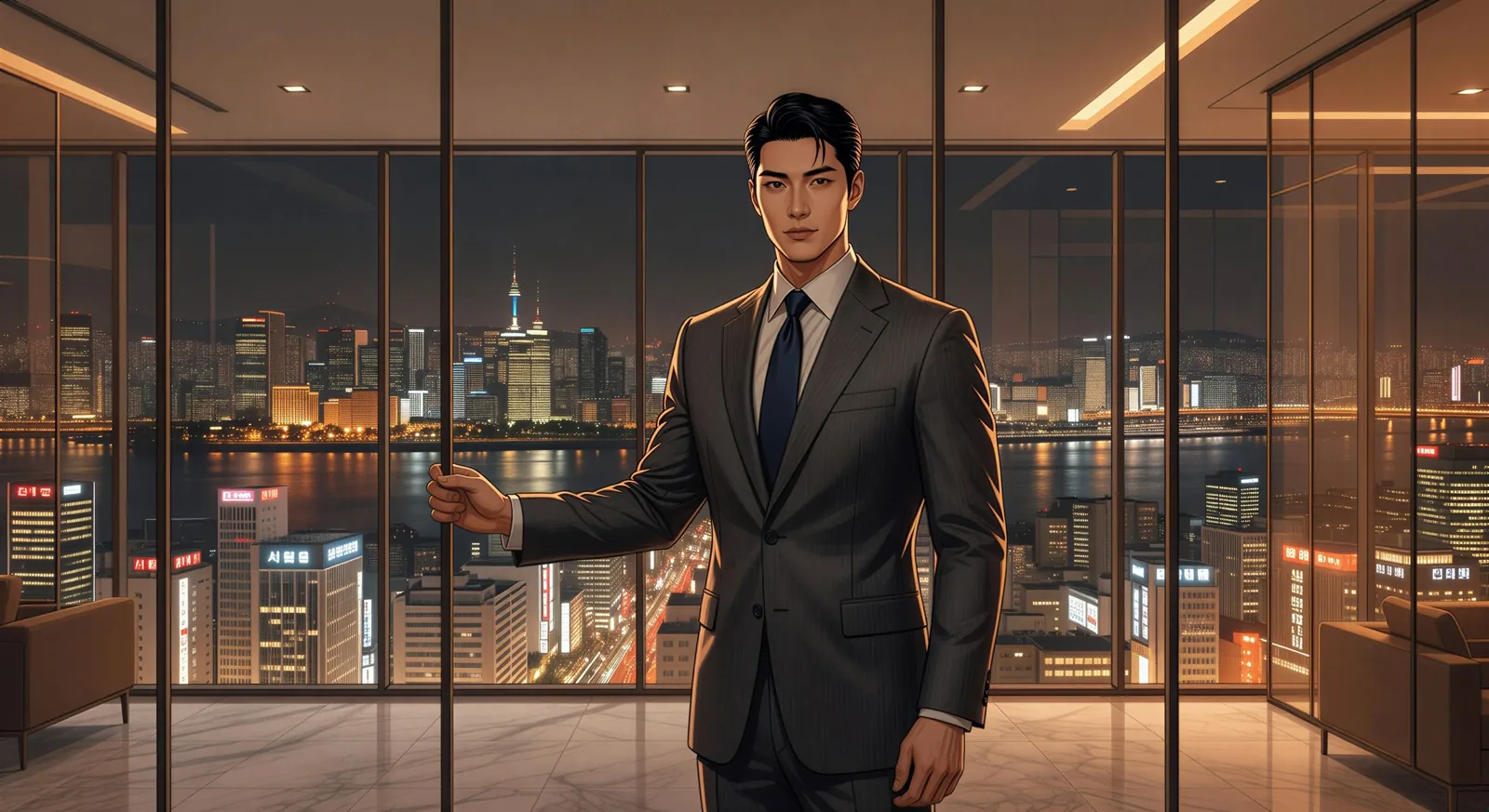
Tilted impact panel: two robed fighters at the apex of a strike, chi flames clashing at centre frame, mountain temple stone below.
Edit prompt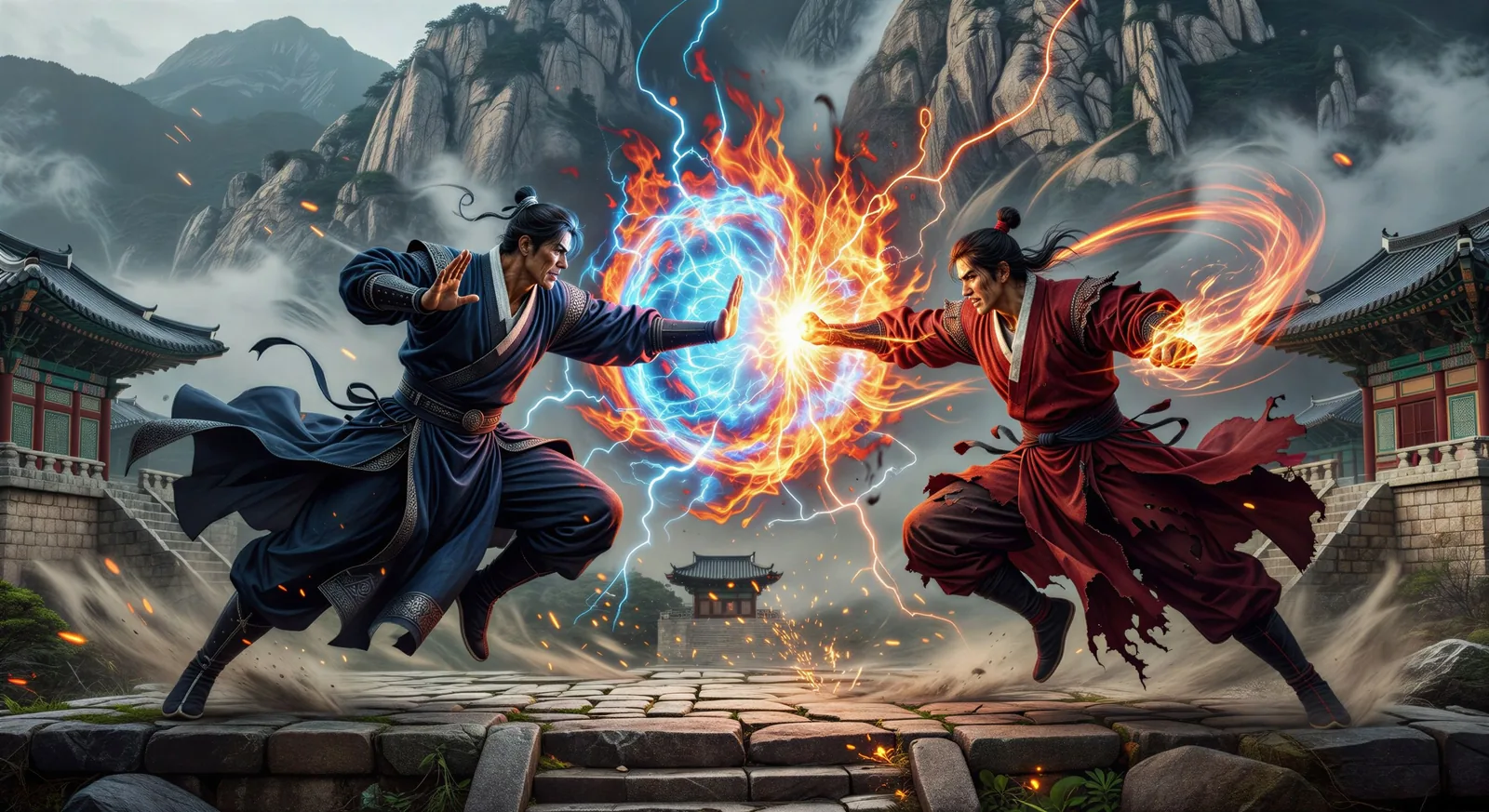
Two characters across a small Seoul café table, soft afternoon window light, iced Americanos sweating on the wood, no dialogue.
Edit prompt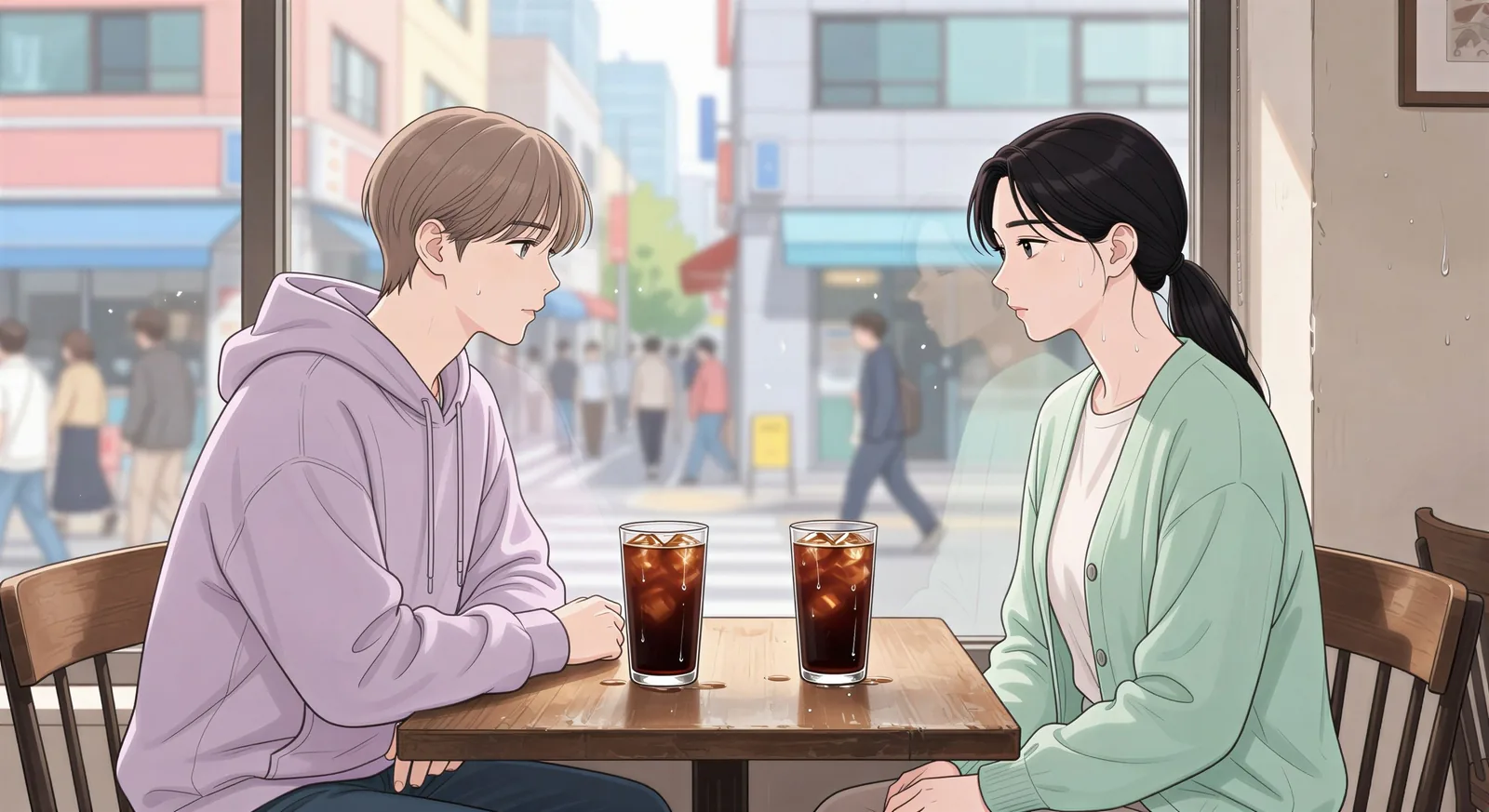
Describe the Manhwa you want, in plain words.
Morphic generates a clean, ready-to-publish image on your canvas in seconds.
Tweak the prompt, regenerate variations, then download or share the frame.

Pick any anime illustration as your style guide. Apply its look to any image.

Turn any sketch or drawing into a finished render.

Take any character image and generate 6 distinct facial expressions on a single reference sheet.

All your characters on a single lineup image, side by side with height comparison.

Turn any photo or description into an animated chibi sprite. Dance, jump, wave, attack, and more.
Upload a character image and make it dance in any style.
Manga AI Images
Create Manga panels, character designs, and full pages with Morphic. Shounen, shoujo, seinen, and slice-of-life styles generated from a single prompt.
Comic book AI Images
Create comic book panels, character designs, and full pages with Morphic. Splash pages, action sequences, decompressed beats, and indie-comic styles from a single prompt.
Anime AI Videos
Create Anime videos with Morphic. Slice-of-life scenes, Mecha shots, magical-girl transformations, and full Anime episodes generated from a single prompt.
Anime AI Videos
Create Anime fight scenes, sword duels, magic battles, and Mecha clashes with Morphic. Generate, animate, narrate, and score scenes from a single prompt.
Get started for free today, with the option to upgrade or cancel anytime.
Basic
2400 monthly credits
1 user only
All models
Workflows
Standard
3625 monthly credits
1 user only
All models
Workflows
Pro
6350 shared monthly credits
1 user
All models
Workflows
Max
24650 shared monthly credits
1 user
All models
Workflows
Enterprise
For higher limits
Custom
pricing and billing terms

Free
For playing around
$0
forever free